
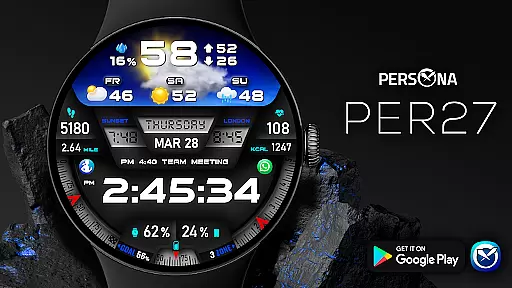
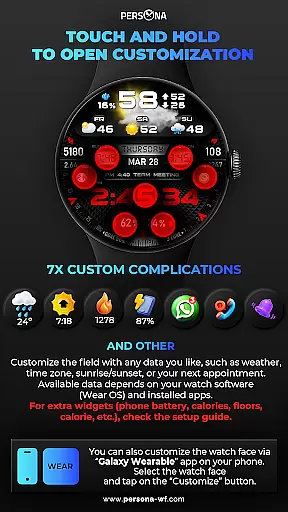
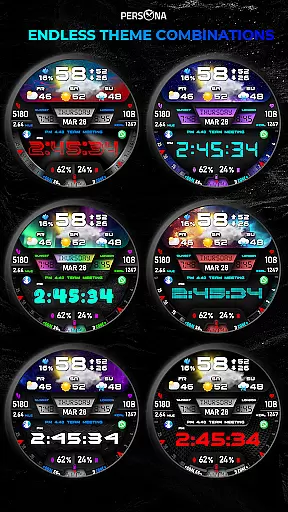
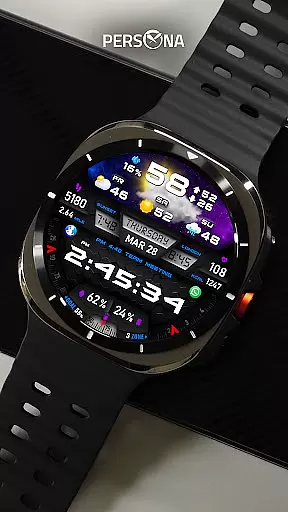
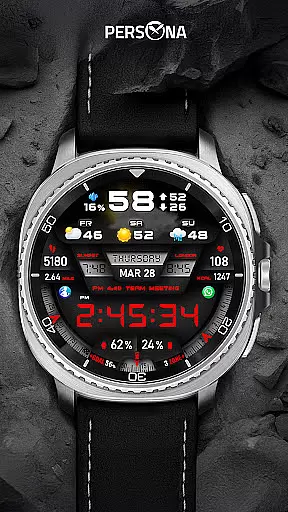
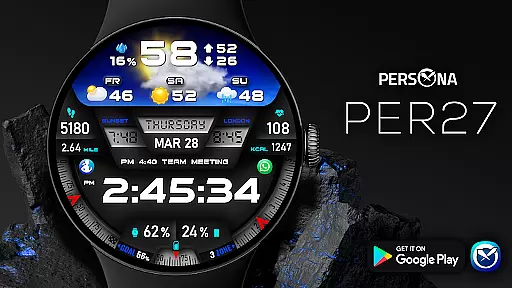
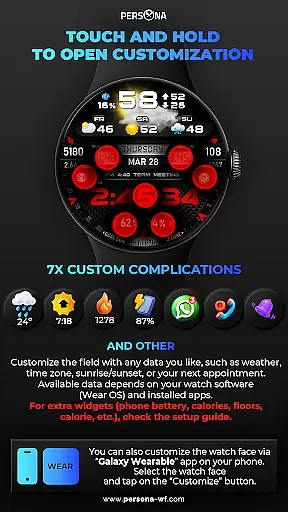
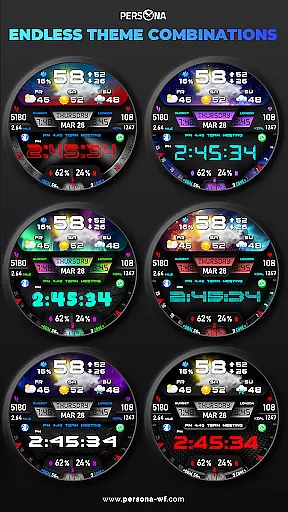
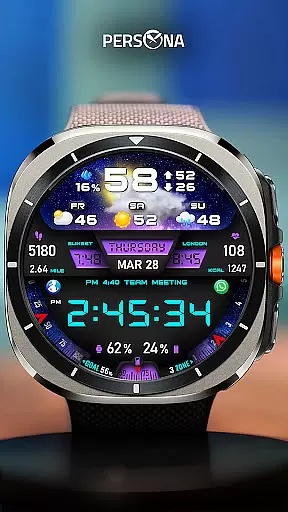
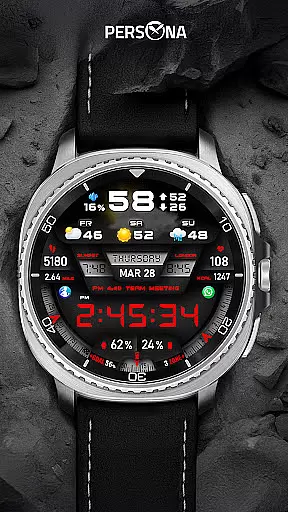
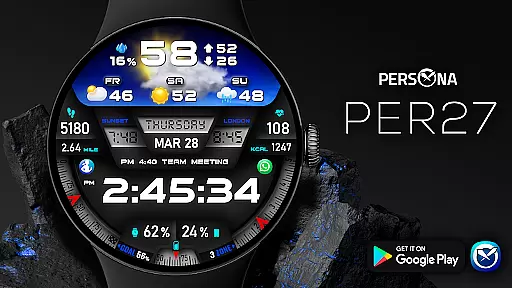
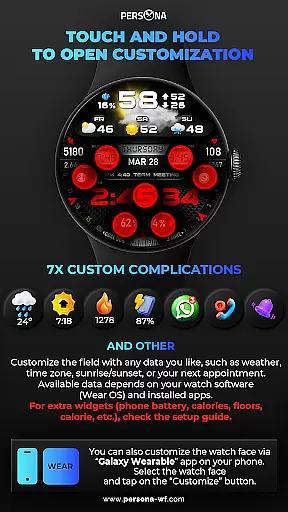
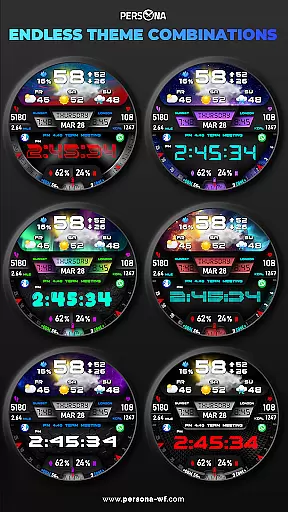
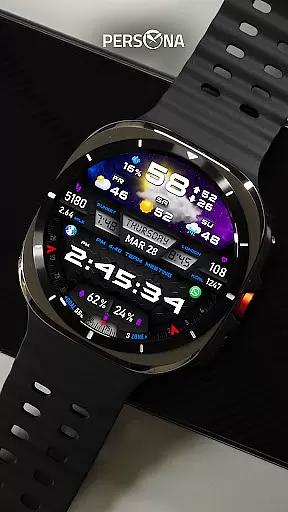
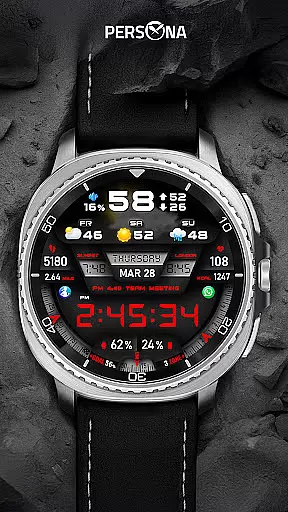
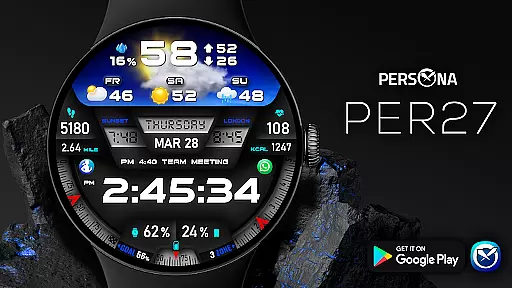
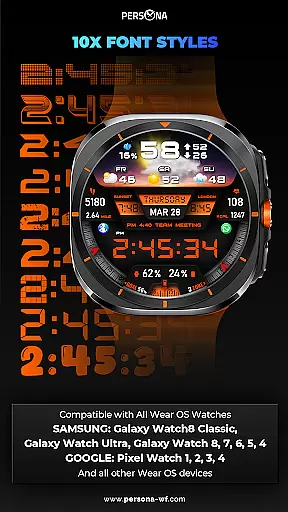
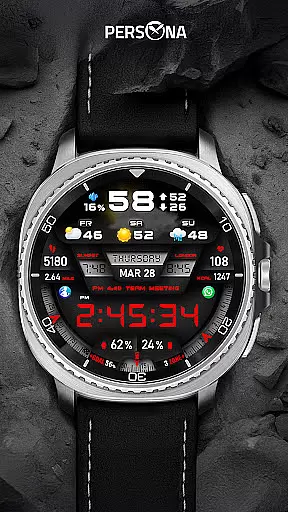
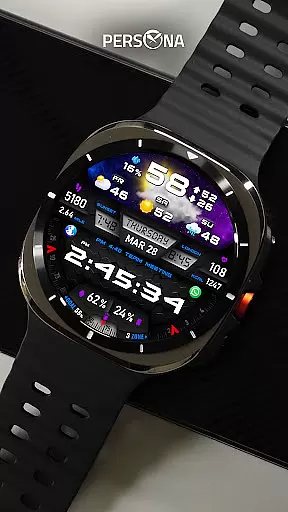
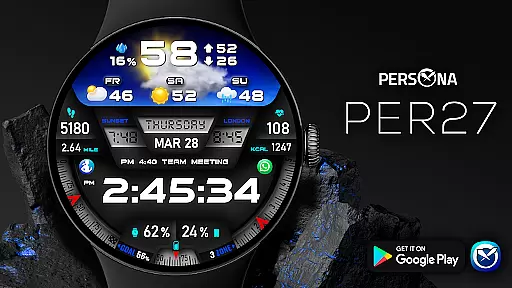
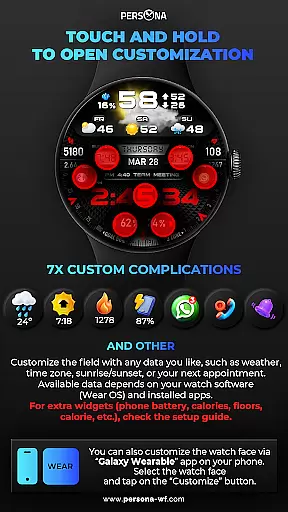
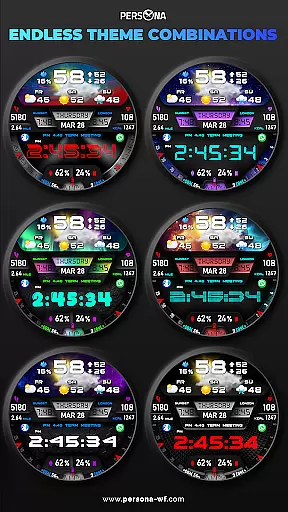
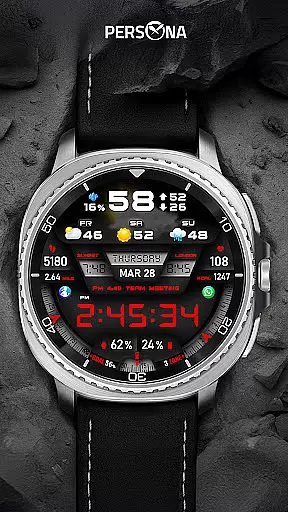
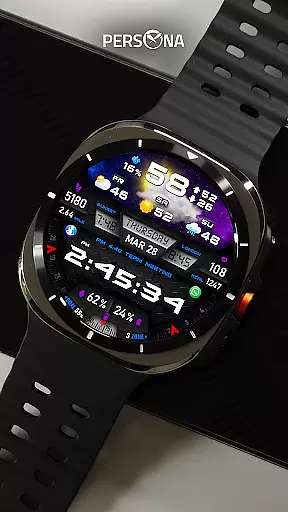
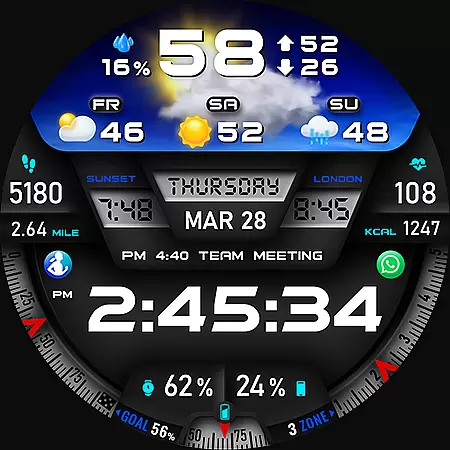
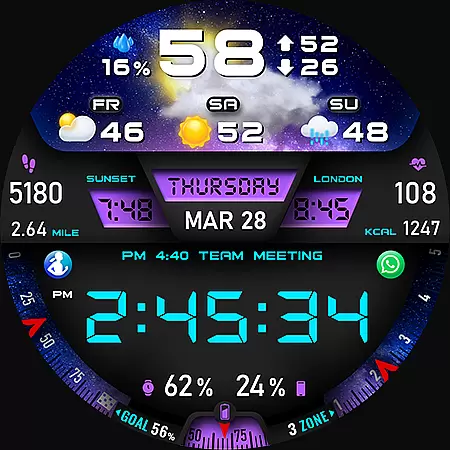
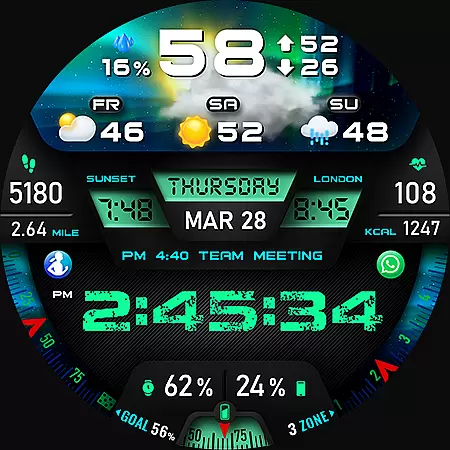
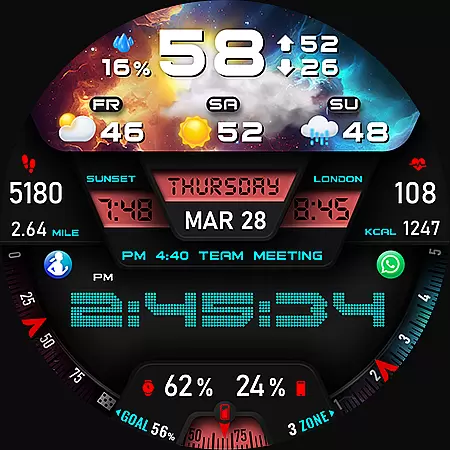
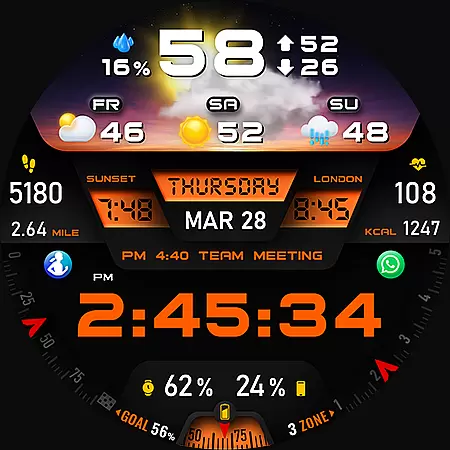
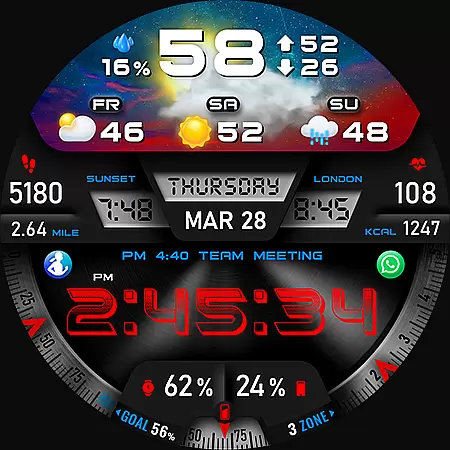
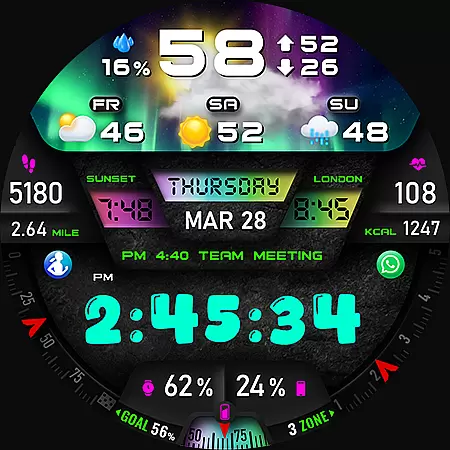
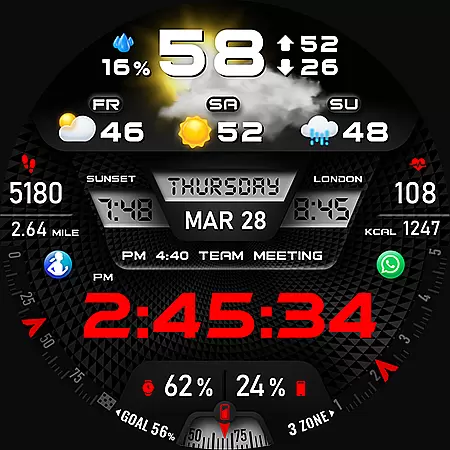
PER27 Galaxy Digital WatchFace is a sophisticated digital watch face designed specifically for Wear OS smartwatches. This application transforms your smartwatch into a highly functional and visually appealing accessory by offering a wide array of customization options.
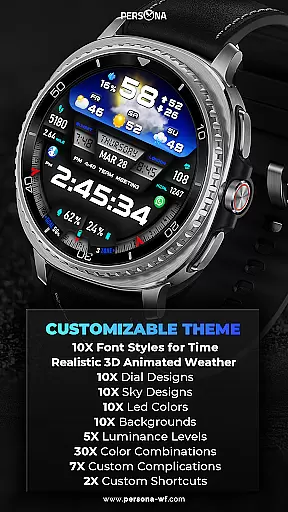
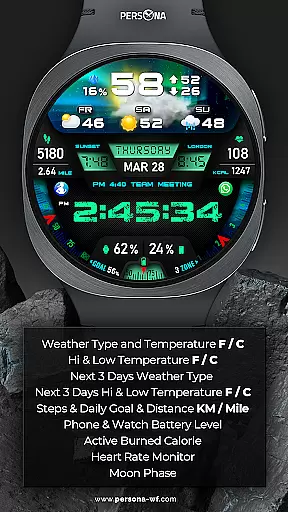
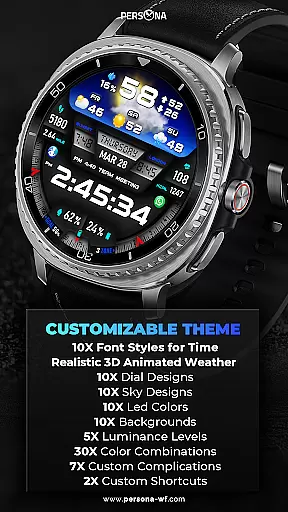
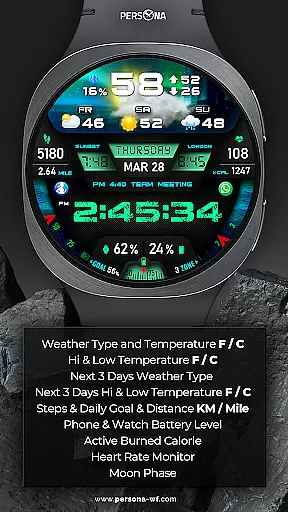
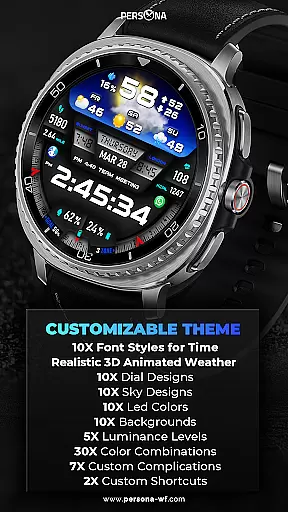
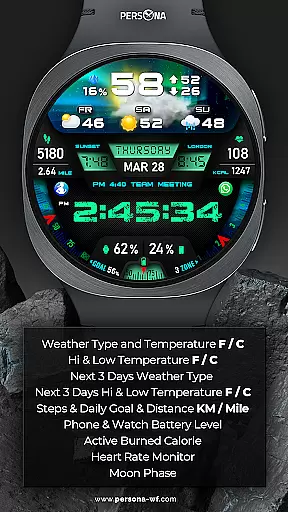
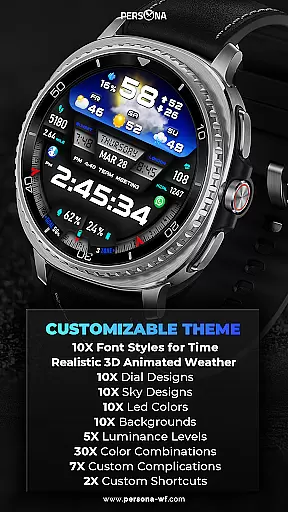
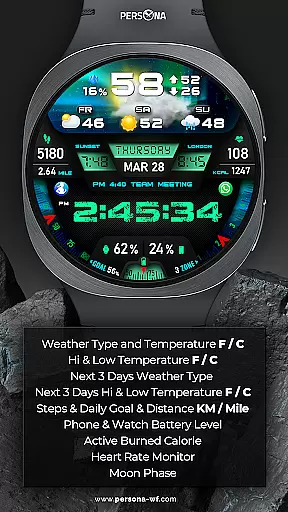
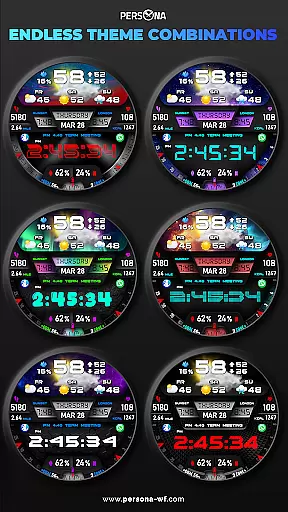
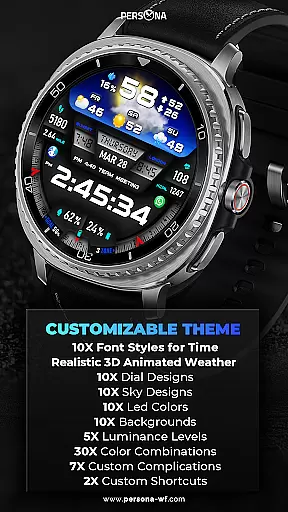
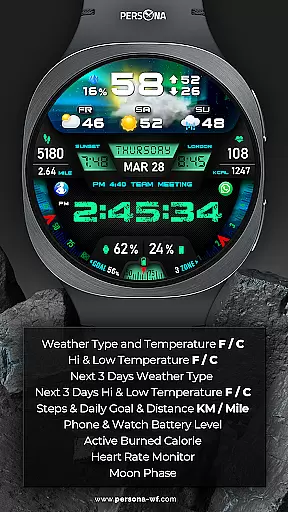
At its core, PER27 provides users with the ability to personalize nearly every aspect of their watch face. From choosing among 10 different font styles and backgrounds to selecting from various dial designs and LED colors, the level of customization is unparalleled. Additionally, the watch face displays critical information such as weather forecasts, fitness statistics, and health metrics, ensuring that users have access to important data at a glance.
PER27 Galaxy Digital WatchFace is particularly beneficial for individuals who value both form and function in their wearable technology. Whether you're monitoring your daily step count, checking the weather, or simply enjoying the stunning visual designs, this application enhances the overall smartwatch experience by combining practicality with personal expression.
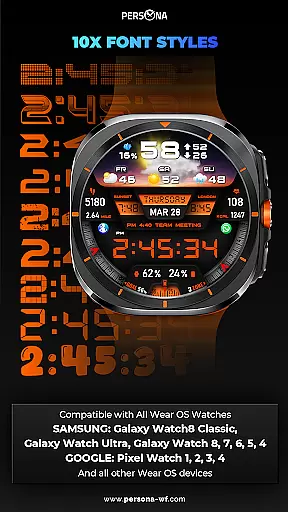
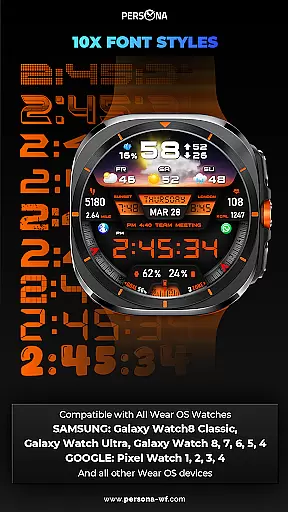
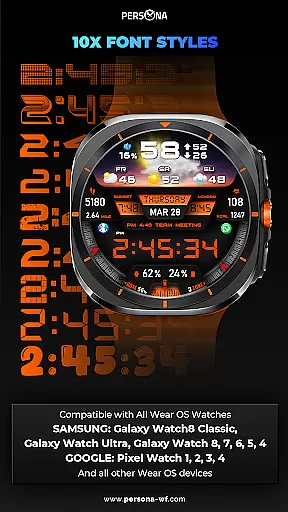
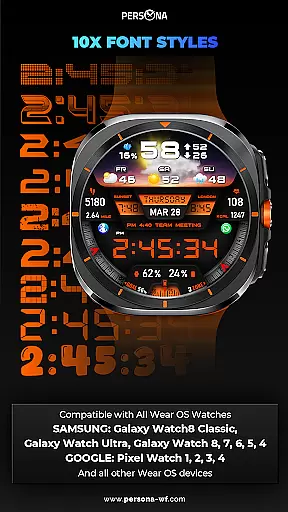
PER27 Galaxy Digital WatchFace stands out with its extensive customization options tailored for Wear OS users. The application provides over 10 font styles, 10 background choices, and 10 dial designs, allowing users to create a personalized look that suits their style.
This digital watch face integrates advanced features such as 3D animated weather displays, fitness tracking metrics, and health monitoring tools. Users can view real-time weather conditions, track steps and heart rate, and receive notifications for appointments and phone battery levels. These capabilities ensure that users stay informed and connected at all times.
One notable feature is the Always-On Display (AOD) mode, which shows essential information even when the watch is idle. With adjustable brightness and color settings, the AOD maintains visibility while conserving battery life. This combination of aesthetics and functionality makes PER27 Galaxy Digital WatchFace a top choice for tech-savvy individuals seeking both style and utility in their smartwatch experience.
Companion app integration is essential for a seamless smartwatch experience. The PER27 Galaxy Digital Watch Face offers robust companion app support, ensuring that users can easily synchronize and manage their watch face settings directly from their smartphone.
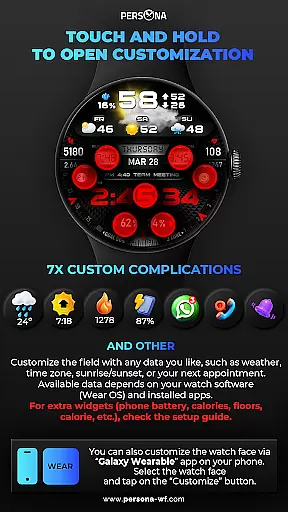
This application allows for effortless customization of various features such as weather updates, health metrics, and personal schedules. Users can access detailed options to tailor their watch face, including font styles, background images, and color schemes, all through an intuitive mobile interface.
The synchronization process is straightforward and reliable, providing real-time updates and notifications. Whether it's adjusting the always-on display settings or receiving alerts for the next appointment, the companion app ensures that all information is accurately reflected on the wearable device.
By leveraging this integration, users benefit from enhanced convenience and control over their smartwatch experience. This interconnected ecosystem not only simplifies daily tasks but also enriches the overall utility of the PER27 Galaxy Digital Watch Face, making it a valuable tool for those seeking both functionality and personalization in their Wear OS devices.
Ensuring broad compatibility with various Wear OS devices is crucial for maximizing user accessibility. The PER27 Galaxy Digital Watch Face is meticulously designed to support a wide array of smartwatches, including models from Samsung, Google, Fossil, and Mobvoi.
This compatibility extends to the latest devices such as the Samsung Galaxy Watch8 series, Google Pixel Watch range, Fossil Gen 7, and Mobvoi TicWatch Pro models. By supporting API Level 34 and above, the watch face guarantees optimal performance across different hardware specifications and software versions.
Users can enjoy consistent functionality regardless of their specific device model. Features like animated weather displays, health tracking metrics, and customizable complications work seamlessly on all compatible devices, delivering a uniform experience.
This extensive device support underscores the versatility and adaptability of the PER27 Galaxy Digital Watch Face. It empowers users to personalize their smartwatch experience without worrying about technical limitations, thus enhancing satisfaction and usability across the Wear OS ecosystem.
Highly customizable
Real-time weather
Fitness tracking
Always-On display
Stylish designs
Limited to Wear OS
Complex setup
Weather sync issues
Battery usage
Premium cost

Gym Log & Workout Tracker | Fitness Journal, Training & Weight Lifting Planner
 4.90
4.90
Wear Os Watch Face - Animated Snow - Sesonal for Christmas & Winter
4.4
MyNISSAN® lets you remotely control your car from your phone.*
4.50
A watch face that fuses motorsport precision with contemporary smartwatch design
4.4
Easy Voice Recorder is your everyday companion to record important moments.
4.70
Stylish digital watch face for Wear OS devices with customizable features
4.4
Stay in touch with your friends and family using LINE!
3.40
Funny animated watch face for Thanksgiving
4.4
From periods to pregnancy & perimenopause, Flo helps you track it all. Try now.
4.70
Period, ovulation & pregnancy tracker. Fertility insights & menstrual calendar.
4.90
Be an elegant and classy secret agent, with this carefully detailed watch face
4.70
Highly customizable hybrid watch face for Wear OS, perfect for everyday use.
4.60
Kia Access makes getting your vehicle information easier than ever
4.60
Real-time results, stats, schedules and player profiles for all leagues
4.60
Your music, your playlists, and more—offline and unlimited.
4.20
sleep, alarm, snoring, stress, healing, focus, sound therapy, circadian rhythm
4.10
Get helpful reminders, take progress photos and find answers to your questions.
3.90
Watch face designed for Thanksgiving Day. 7 Background Styles included.
3.20
Christmas and New Year - Themed Watchface
4.1


User Reviews