
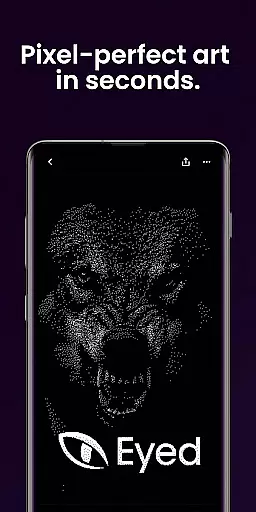
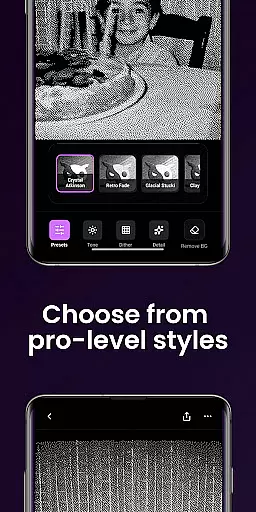
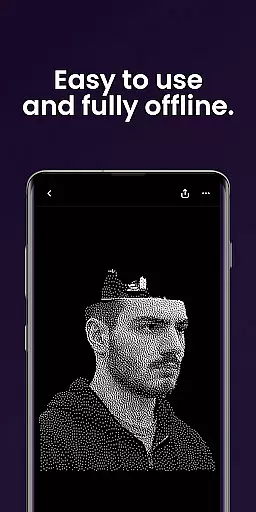
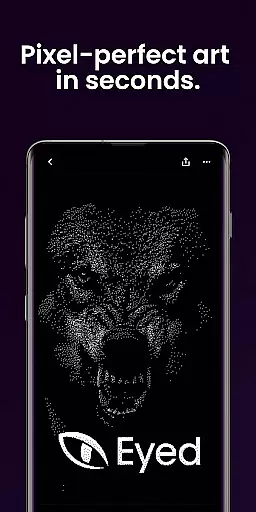
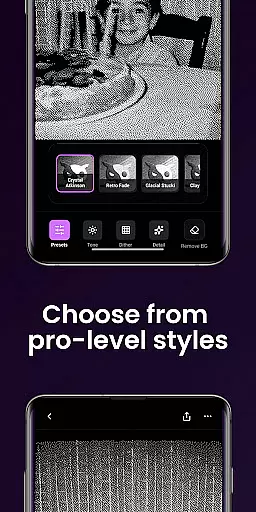
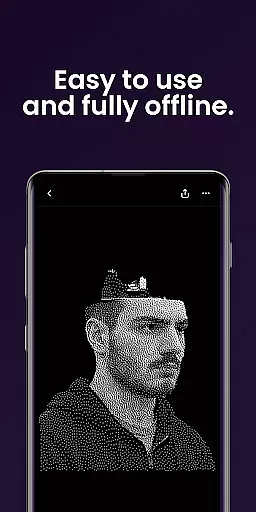
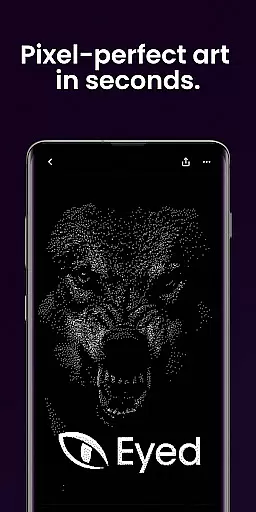
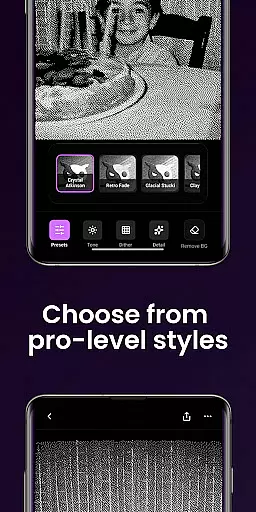
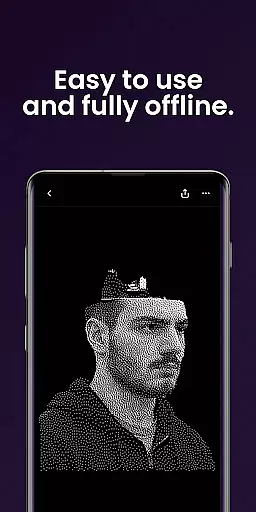
Dither By Eyed is a photo editor designed to transform your images into print-inspired artwork with expressive results in seconds. It offers iconic processing methods like Floyd-Steinberg, Atkinson, and Stucki, alongside curated styles such as Retro Fade and Warm Grain for instant character.
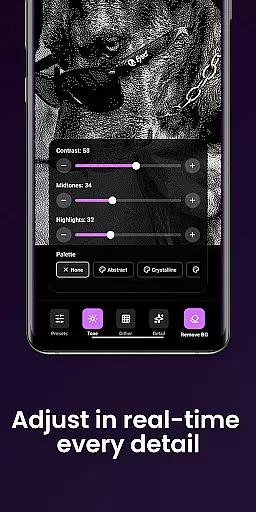
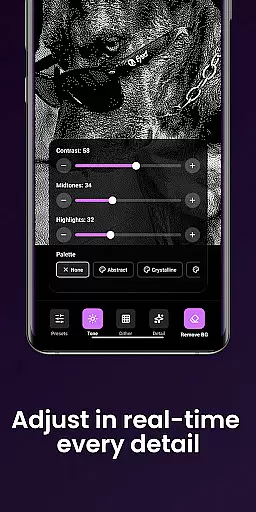
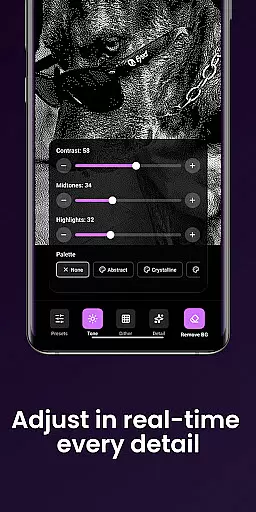
Users can fine-tune contrast, midtones, highlights, blur, scale, and threshold with real-time previews. The app also allows isolating subjects cleanly and exporting high-quality results ready for print, web, or social media. Optimized for both phones and tablets, it requires no account and supports common image formats.
Dither By Eyed provides a rich set of features tailored for creators who appreciate both classic and contemporary art styles. Users can explore various dithering methods including blue-noise patterns, delivering authentic texture and structure to their photos.
The app includes responsive, real-time previews for adjustments such as contrast, midtones, highlights, blur, scale, and threshold. With the ability to remove backgrounds, users can create crisp compositions or poster-style silhouettes effortlessly. Thoughtful design elements include pinch-to-zoom functionality and an optimized interface for precise adjustments on both phones and tablets.
In the realm of digital artistry, having a comprehensive suite of creative tools is essential for realizing your vision. Dither By Eyedu2122 offers an impressive array of features that cater to both novice and experienced artists alike.
With iconic processing methods such as Floyd-Steinberg, Atkinson, Stucki, and Bayer, users can explore a variety of textures and structures, transforming their photos into expressive artworks with authentic retro aesthetics.
Beyond just applying classic dithering techniques, this app provides curated looks with one tap, including Crystal Atkinson, Retro Fade, Warm Grain, Glacial Stucki, and Frozen Bayer. These presets imbue images with instant character and style.
Fine-tuning options are abundant, allowing adjustments to contrast, midtones, highlights, blur, scale, and threshold in real-time. This responsiveness ensures that creators can achieve their desired aesthetic without guesswork or delay.
Flexibility in canvas and format options is crucial for artists who wish to express themselves without technical limitations. Dither By Eyedu2122 excels in providing versatile solutions tailored to diverse creative needs.
The app supports importing from your photo library or capturing images directly with the camera, ensuring that inspiration is never lost due to format restrictions.
Users can pinch to zoom and pan while working, enabling precise adjustments on-the-fly. This tactile control over image manipulation enhances the creative process significantly.
Exporting artwork is seamless, with support for common image formats that make sharing creations across various platforms effortless. Whether preparing pieces for print, web, or social media, Dither By Eyedu2122 delivers high-quality results ready for any medium.
User-friendly interface
Real-time previews
Wide range of styles
No account required
High-quality exports
Limited advanced tools
Few customization options
Occasional performance lags
Not suitable for professionals
Inadequate support resources

Draw anime & manga drawing, art with templates to create stunning picture!
 4.50
4.50
Digital Drawing: Draw & Paint
4.10
See Color, Paint Color
4.90
Castle is social media for creating and playing games!
4.60
Novices can also easily complete diamond painting masters
4.70
Turn your drawings into flipbook-style animations with simple creative tools
4.60
Image resizer to resize, crop, rotate, flip, change dpi photo or picture in bulk
4.60
Art of Combination Wear OS Watch faces (for Wear OS 5+ devices)
3.90
All-in-One art, logo & collage maker. Design photos and edit video backgrounds
4.80
Make your phone cooler and have a fantastic experience
4.80
Passport size photo maker, create ID photo and visa photo in seconds
4.80
Create neon drawing with magic doodle and fun doodle art effects!
4.50
AI generated images & photos, turn your words into drawing, painting & pictures.
4.30
Trace, draw, and create art with AR - from memes to masterpieces!
4.30
Nano Banana AI Image Generator, Anime Filter, AI Portrait, AI Photo Generator
4.30
Custom Character Creator & PFP Maker!
4.20
Resize photos and print photos in exact size with our powerful photo printer!
3.80
Art of Combination Wear OS Watch faces
4.3
A luxurious gold watch face for an elegant and refined look.
4.3


User Reviews