
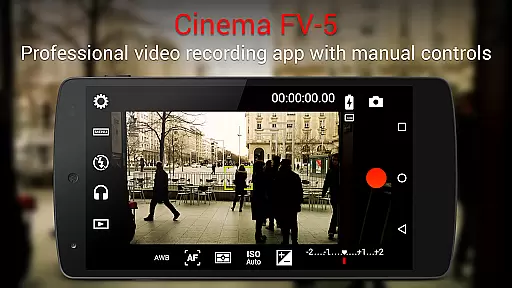
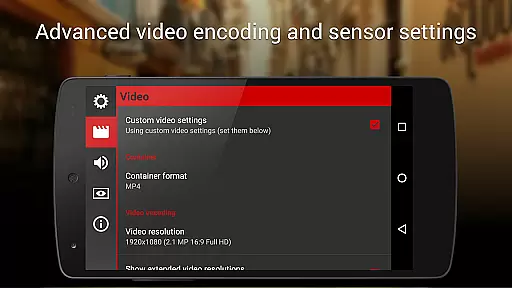
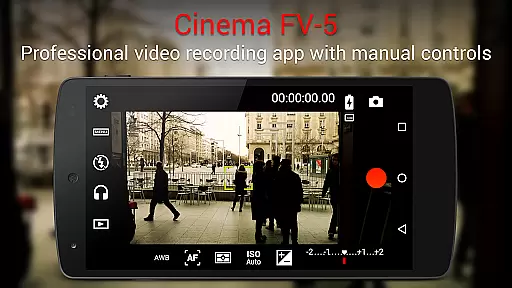
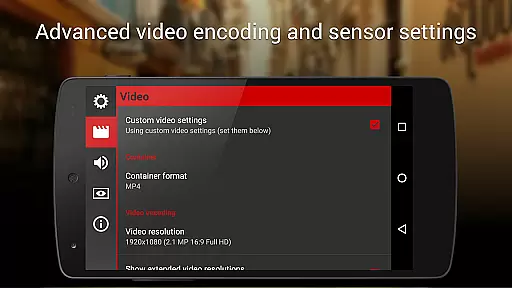
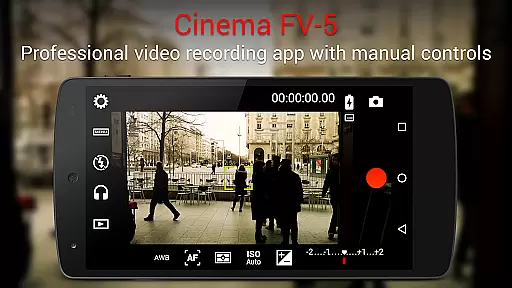
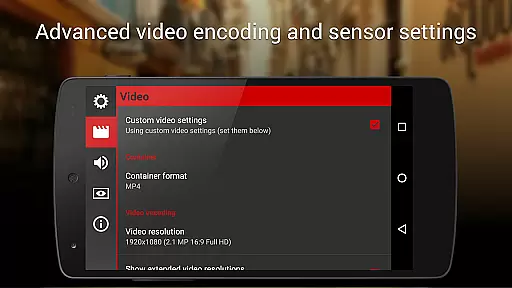
Cinema FV-5 is a professional-grade video camera application designed for mobile devices, offering advanced manual controls that empower videographers to capture high-quality footage. Tailored for both enthusiasts and professionals, this app provides an extensive range of adjustable parameters such as ISO, exposure compensation, focus modes, and white balance, allowing users to optimize their recordings for post-production. With support for 4K UHD video recording on compatible devices, Cinema FV-5 ensures superior image quality.
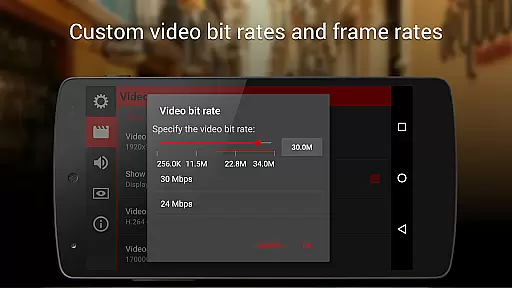
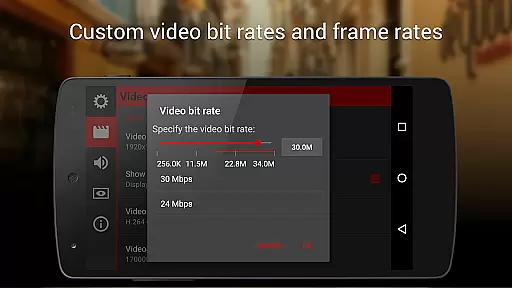
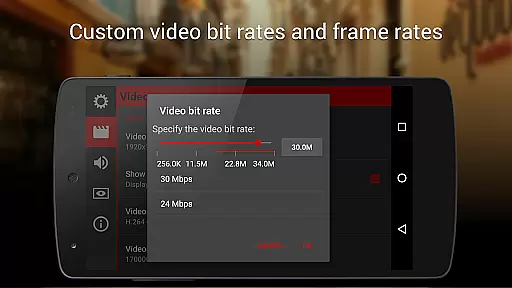
One standout feature is its professional viewfinder, which includes live RGB histograms, compositing grids, and safe area displays. The app also offers sophisticated audio metering options, multiple codec selections, and precise control over bitrates and sampling rates. These capabilities make it an ideal tool for short- to medium-sized video productions, enabling creators to produce content that meets industry standards. Whether you're shooting with a smartphone or an Android-based compact camera, Cinema FV-5 delivers the tools needed to create professional-grade videos.
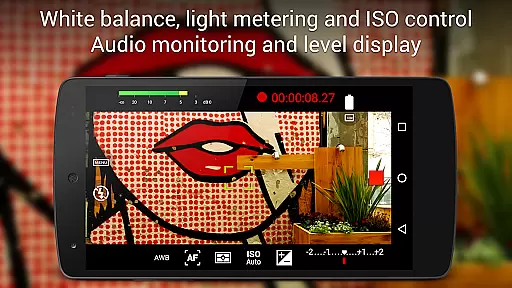
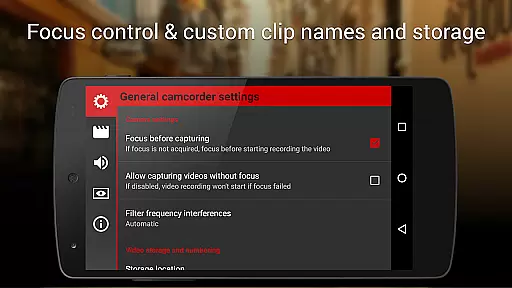
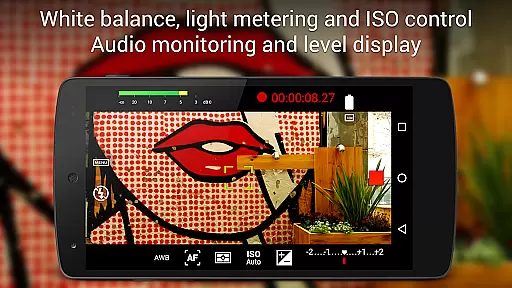
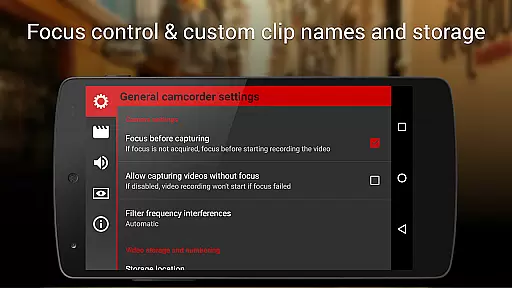
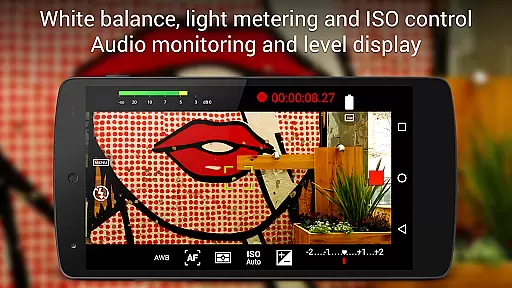
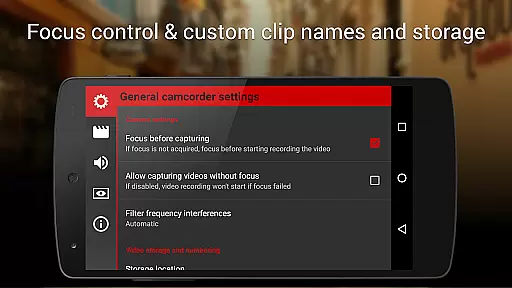
Cinema FV-5 stands out with its comprehensive set of features tailored for professional videography. The app allows real-time adjustments of critical sensor parameters like ISO, exposure, and white balance during recording, ensuring optimal footage quality in varying lighting conditions. Its advanced focus management system lets users lock focus before recording and adjust focus planes while filming, providing greater creative control over depth of field effects.
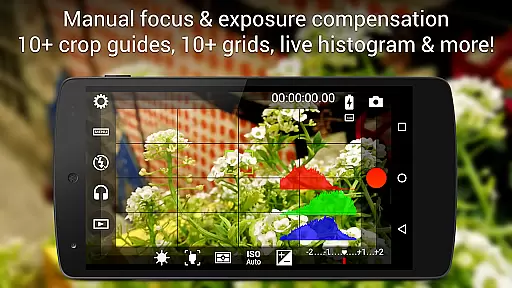
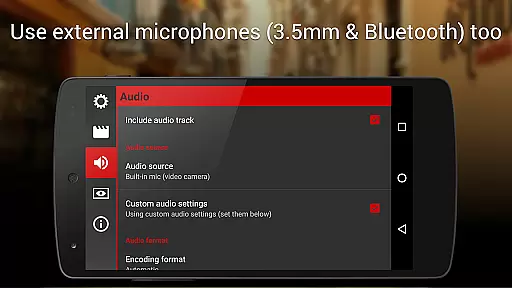
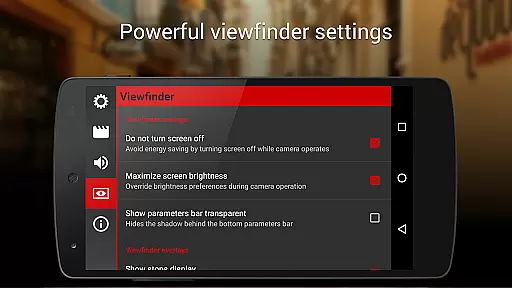
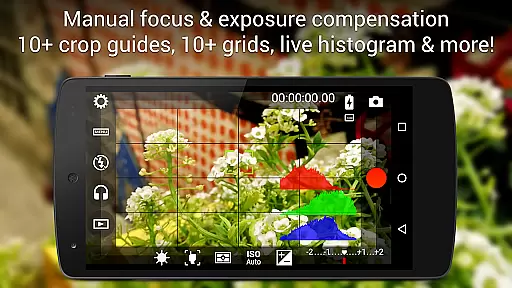
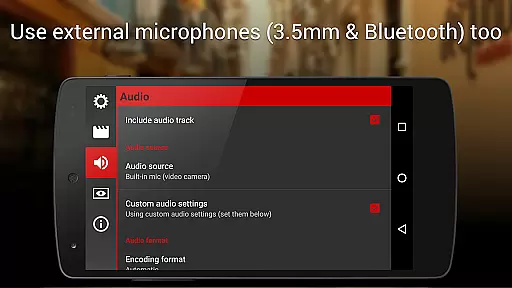
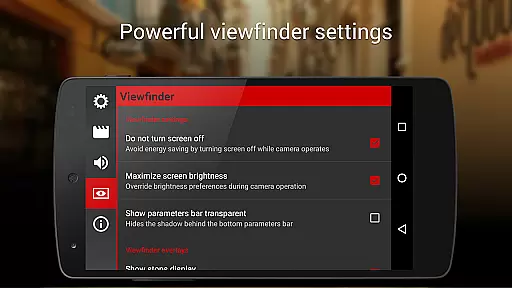
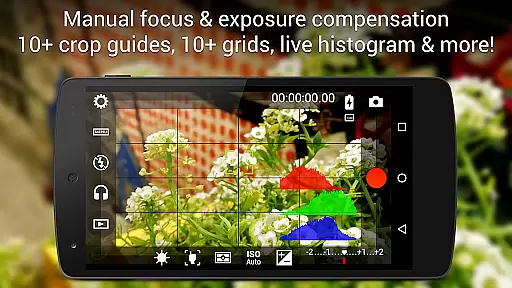
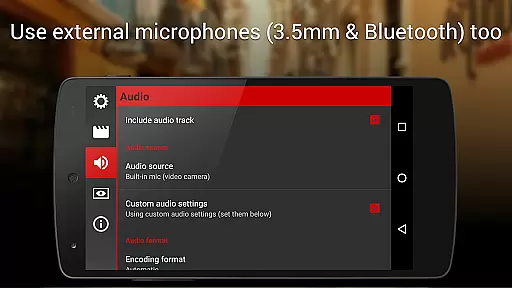
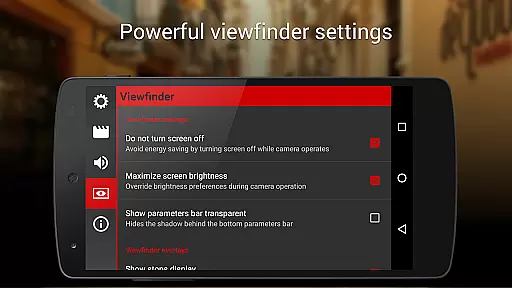
The electronic viewfinder is another highlight, featuring live RGB and luminance histograms alongside 10+ customizable grids and crop guides. Audio performance is equally robust, with professional sound metering that warns against clipping and supports various input sources including built-in microphones, external wired mics, and Bluetooth headsets. Additionally, assignable volume keys enable quick access to essential functions like zoom, exposure, and color temperature adjustments. These features collectively ensure that Cinema FV-5 can handle complex production requirements with ease.
Cinema FV-5 excels in providing real-time capture and preview capabilities, ensuring videographers can monitor their footage as it's being recorded. This feature is crucial for professionals who need to make precise adjustments on the fly.
The application offers a professional viewfinder with over 10 compositing grids and crop guides, along with safe area displays. These tools allow users to frame their shots accurately and ensure that all important visual elements are captured correctly.
Additionally, the most advanced electronic viewfinder displays live RGB and luminance histograms during recording. This allows users to monitor exposure levels and make necessary adjustments to achieve optimal image quality.
With real-time audio metering options, including audio peak displays and sound clipping warnings, videographers can ensure high-quality sound recording alongside their visuals. This comprehensive monitoring capability enhances the overall production value of the captured footage.
While Cinema FV-5 does not focus on AI beauty enhancements typical in photography apps, it emphasizes natural and professional video capture. The app provides manual controls for ISO, exposure compensation, and white balance, allowing videographers to enhance footage naturally without relying on AI post-processing.
Users can adjust sensor parameters during recording, such as changing focus planes or tweaking white balance settings. These manual controls offer a more authentic and unaltered video capture process, preserving the original scene's integrity.
For filmmakers seeking creative freedom, the ability to use external microphones and adjust audio sampling rates ensures that sound enhancement is achieved through professional equipment rather than AI-driven filters.
This approach caters to professionals who prioritize genuine and unprocessed content, making Cinema FV-5 an ideal choice for those who value natural enhancement over automated beautification features.
Professional manual controls
Real-time parameter adjustments
Advanced focus management
Comprehensive audio options
Supports 4K UHD recording
Complex for beginners
Requires high-end device
No free version available
Interface may feel cluttered
Consumes significant storage

A collection of tools and reference tables for DPs, ACs, DITs and Operators.
 4.70
4.70
Easily stitch panoramas from multiple photos or video.
4.40
Create funny photos and videos with the popular Time Warp Scan filter.
4.90
Viewfinder, Light meter, Reciprocity failure time, DOF & Bellows Extension
4.60
What celebrity do you look like? Celebs will find your celebrity match!
4.10
Light-weight Media Gallery app for Android made with Jetpack Compose
4.60
USB Storage Access for Photos, Videos, Music and Documents
3.80
GCamera allows all GCam features on all phone models! Better photos with GCamera
3.30
Try an anime version, cartoon yourself, and generate AI hug or aging videos!
3.70
Pro version: AR sun/moon tracker for any date. Tool for photographers & planners
4.90
AI photo editor with hair editor, retouch tools, hair color changer & filters!
4.50
Movie camera, supports pro recording settings for filming. Try it and be amazed!
4.50
Future baby face generator: AI kids generator, kid face! What my baby look like?
4.40
Virtual makeup, hair filters & body tuner—edit from face to full body!
4.20
Professional photography on your mobile phone
4.20
All-in-One Editor & AI Photo Enhancer, Collage, Cartoonify, Funny Stickers & BGS
4.10
Photobooth mini FULL app will allow you to add more fun to your parties
4.00
Professional quality photo edits with the new Snapseed.
4.00
Application for remote controlling DSLR
3.00


User Reviews