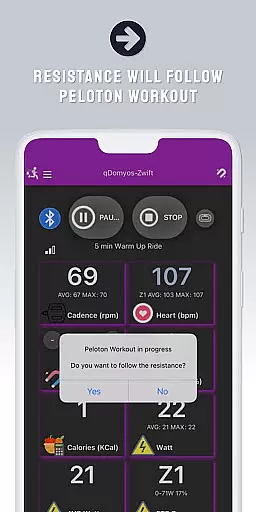
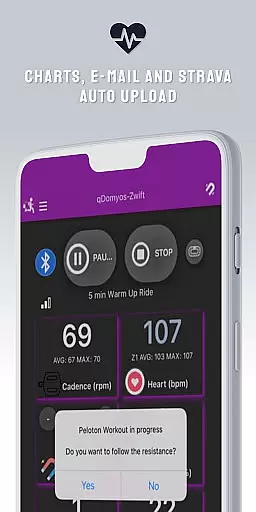
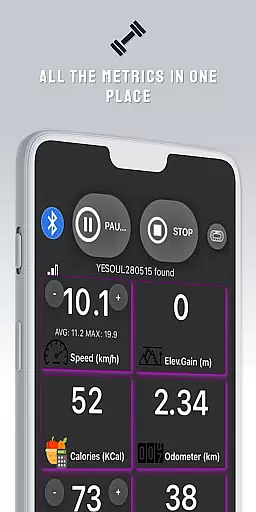
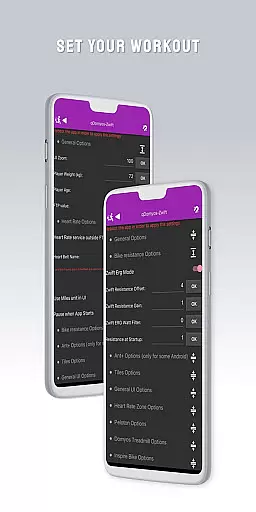
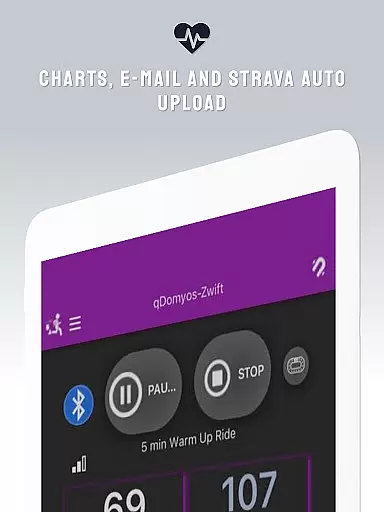
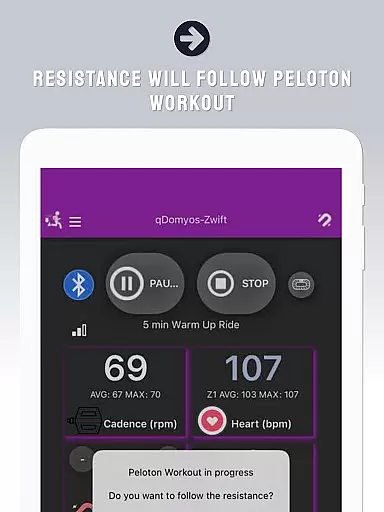
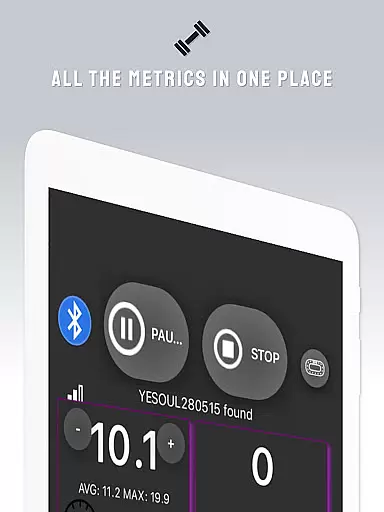
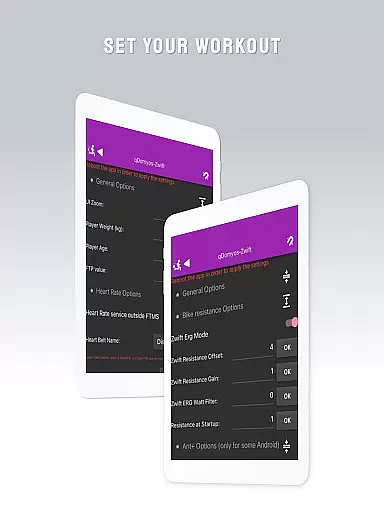
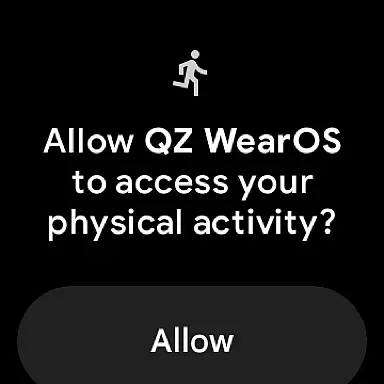
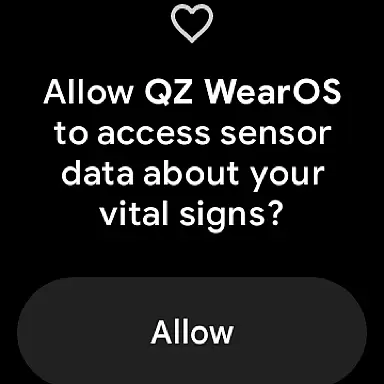
QZ is a versatile application designed to bridge the gap between various exercise equipment and popular fitness platforms like Zwift. This app allows users to connect their Domyos, Echelon, Proform, Flywheel, Yesoul, or Toorx treadmills and bikes to Zwift, giving a new life to their machines. With support for Peloton's auto-following workouts and Strava Autopload features, QZ ensures an integrated and seamless fitness experience.
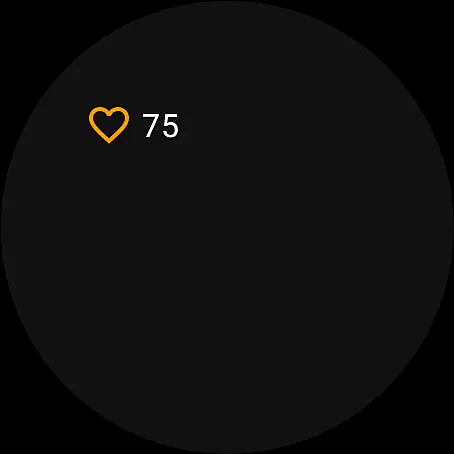
In addition to its core functionality, QZ also supports Wear OS, enabling users to download the app on their smartwatches. The app reads heart rate data from the watch and transmits it to the main QZ app, providing comprehensive health tracking during workouts. Its compatibility spans across multiple brands and models, making it a valuable tool for fitness enthusiasts looking to enhance their training sessions with technology.
One of the standout features of QZ is its extensive compatibility list. It supports all Echelon and Domyos bikes, treadmills, and elliptical machines, along with Keiser M3i bikes without needing a converter. Users with Yesoul S1, S3, Sportstech, Inspire, Schwinn IC4, Bowflex C6, Toorx, Fassi, Proform, Flywheel, and JK Fitness equipment can also benefit from this app. The app facilitates automatic resistance adjustments for Peloton users, enhancing workout precision.
QZ also offers a unique feature set for Wear OS devices. By downloading the app on a compatible smartwatch, users can track their heart rate directly from their wrist. This data is then sent to the main QZ app, allowing for real-time monitoring and analysis. With these capabilities, QZ provides a comprehensive solution for integrating diverse exercise equipment with advanced fitness tracking systems.
Companion app integration is essential for users who want a seamless experience between their wearable devices and main applications. QZ (qdomyos-zwift) excels in this area by offering robust connectivity options.
The app allows users to connect their smartphones to treadmills or bikes, enabling Zwift to recognize these devices effortlessly. This ensures that your workout data is accurately reflected in real-time, providing an uninterrupted fitness experience.
Additionally, QZ supports Wear OS, allowing users to download the companion app on their smartwatches. This feature reads heart rate data from the watch and sends it to the main QZ app, ensuring all vital stats are centralized and easily accessible.
By integrating with Strava's Autopload feature, QZ further enhances its compatibility, making it easier for athletes to track their performance across different platforms. This comprehensive integration empowers users to maximize their workouts efficiently.
Wear OS and device compatibility is crucial for users looking to leverage their smartwatches during workouts. QZ (qdomyos-zwift) stands out by offering extensive support for various devices, ensuring a versatile user experience.
The app is compatible with a wide range of exercise equipment, including Echelon, Domyos, Proform, Flywheel, Yesoul, and Toorx treadmills and bikes. This broad compatibility means users can breathe new life into their existing machines by connecting them to Zwift via QZ.
Moreover, QZ supports Wear OS, allowing users to utilize their smartwatches to read heart rate data and send it to the main app. This functionality not only enhances convenience but also provides more accurate health metrics during workouts.
With additional features like the Strava Autopload, QZ ensures that users can maintain a cohesive ecosystem of fitness tracking tools. This level of compatibility makes QZ a reliable choice for tech-savvy fitness enthusiasts.
User-friendly interface
Wide compatibility range
Auto resistance adjustment
Wear OS integration
Heart rate monitoring
Limited Proform treadmill support
No direct brand endorsement
Dependent on third-party platforms
Requires smartphone connection
Additional sensor may be needed

Watch face for Wear OS.
 4.20
4.20
Digital watch face with big numbers and many customization for Wear OS devices
4.40
Structured watch face with seven complications and modular UI elements
3.90
Nutrition, Macro tracker: Food, fitness & healthy diet tracking for weight loss
4.60
Minimalistic design modern digital watch face.
4.3
Retro digital watch face with customizable colors and a unique lighting effect
4.60
Daily Weather forecast with 15 weather images for Day & Night plus Big Bold time
4.10
A white realistic classic analog watch face with many customization options.
4.40
Fitbit is dedicated to helping people lead healthier, more active lives.
4.10
Hybrid watch face for Wear OS with customizable complications by Matteo Dini MD
4.70
Monitor health with the stress test and pulse checker in the heart rate app.
4.60
Christmas watch face. For Wear OS devices.
4.30
Animated video-game inspired “secret agent” simulation, right on your wrist!
4.20
Connect, create, and collaborate with Gmail, part of Google Workspace.
4.10
Hyper-Realistic Airplane Dashboard Watch Face With 10 Skins and Custom AOD
4.00
Get helpful reminders, take progress photos and find answers to your questions.
3.90
Watch the sharpness of the sky on your wrist..
3.70
Christmas is near, let's count together the days left until Santa comes
4.4
Contemporary digital watch face with five complications
4.0


User Reviews