
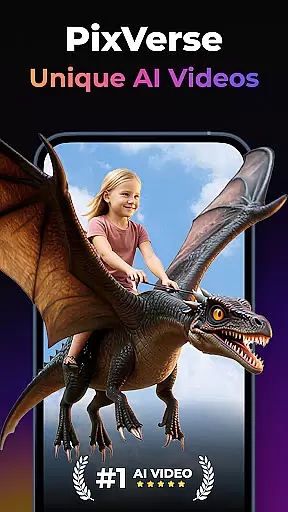
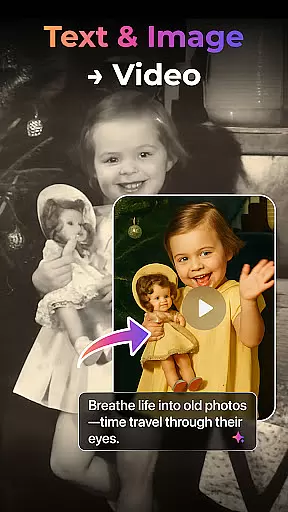

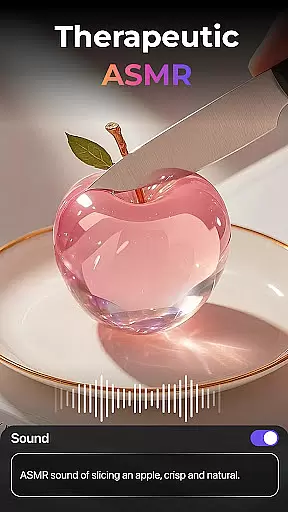
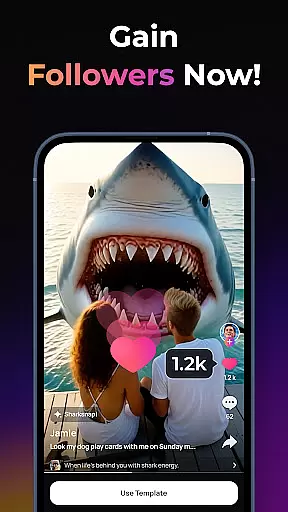
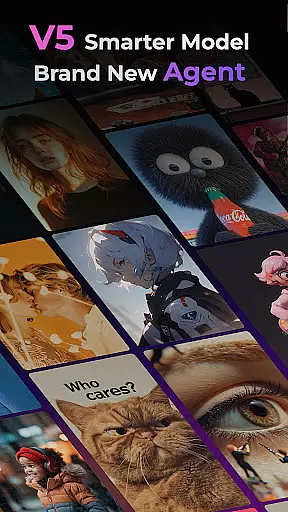
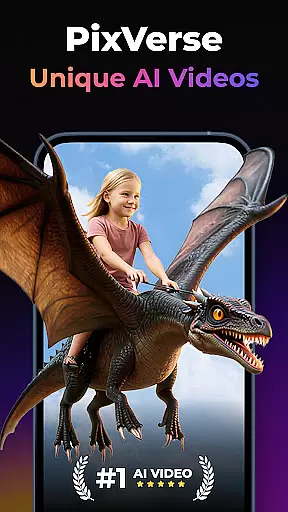
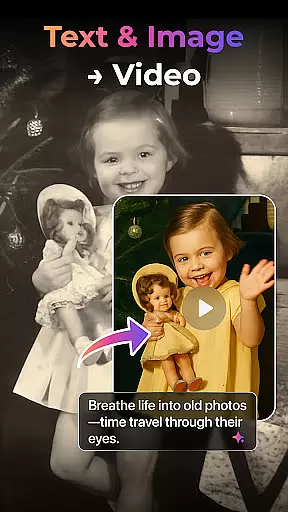

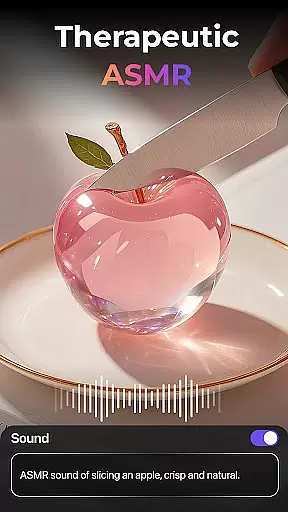
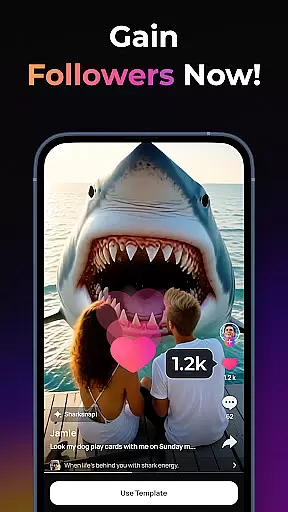
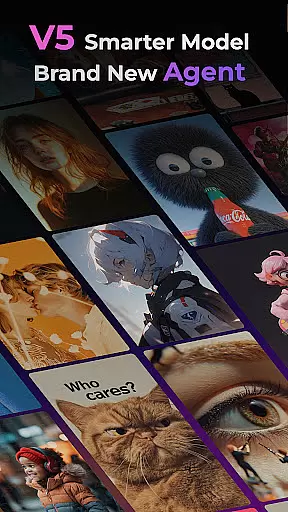
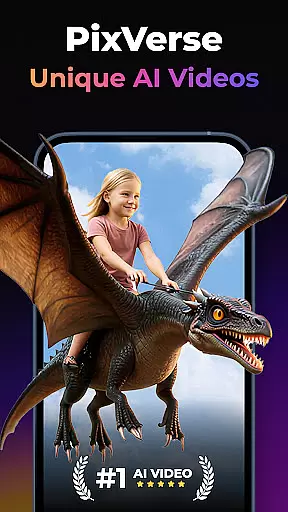
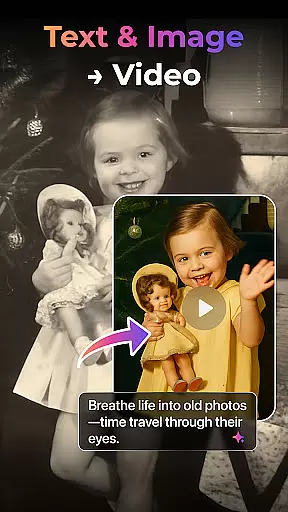

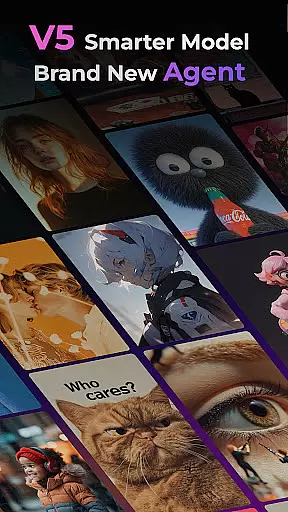
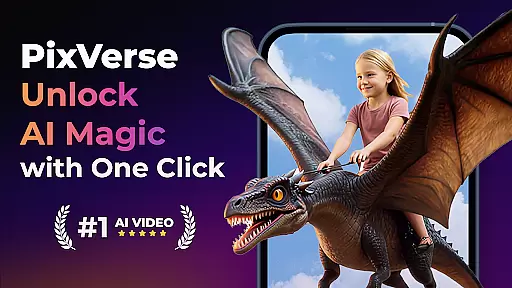
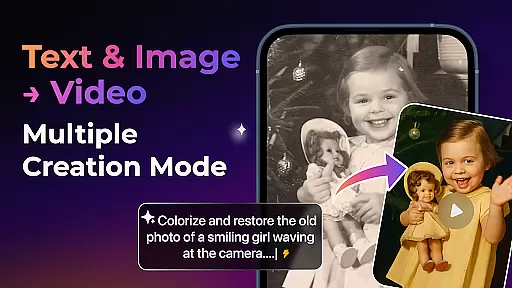
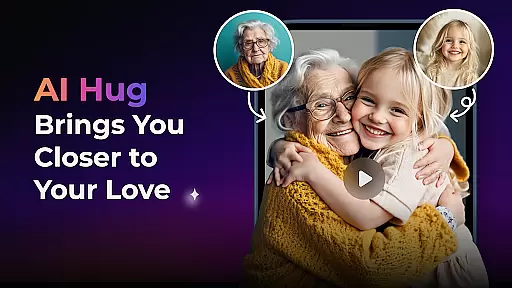
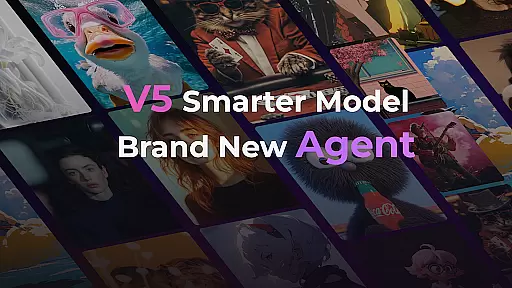
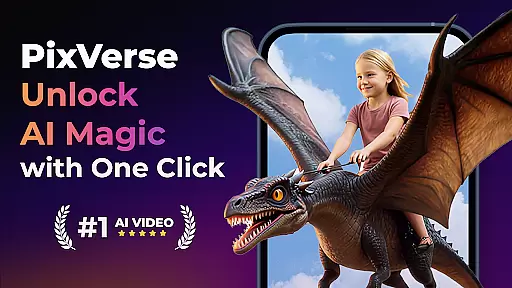
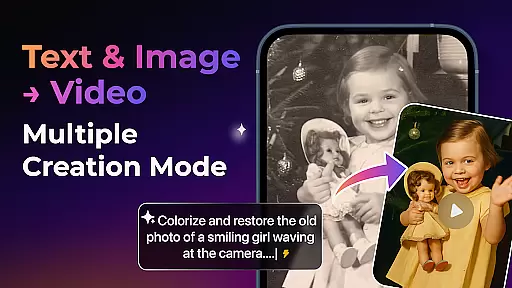
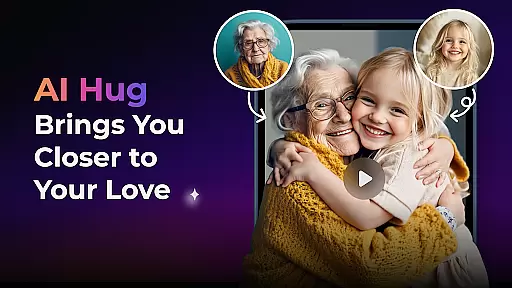
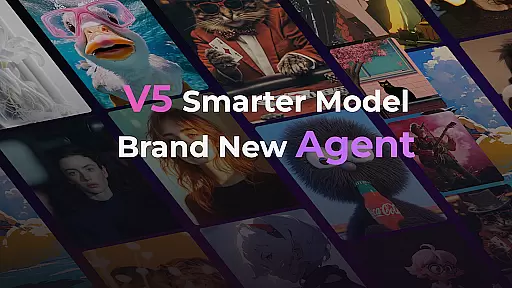
PixVerse is an innovative AI-powered video creation suite that empowers users to transform photos, text, and videos into captivating content within seconds. The app's advanced V5 model ensures perfect prompt alignment, lifelike details, and natural motion, while the new Agent feature acts as a creative co-pilot to streamline the content creation process.
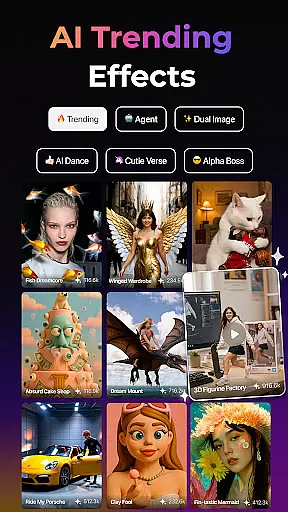
With multiple creation modes including Image to Video, Text to Video, and Video Extension, PixVerse offers versatile tools for creators. Its cutting-edge AI effects like Old Photo Revival and AI Dance Revolution enable users to produce unique, high-quality videos. The platform also supports key frame control and Fusion features, allowing seamless integration of custom elements.
PixVerse stands out with its powerful AI-driven features designed to enhance creativity. The Smarter V5 Model delivers unparalleled realism in video generation, ensuring smooth animations and precise detail rendering. The Brand New Agent simplifies complex tasks, making professional-grade video production accessible to everyone.
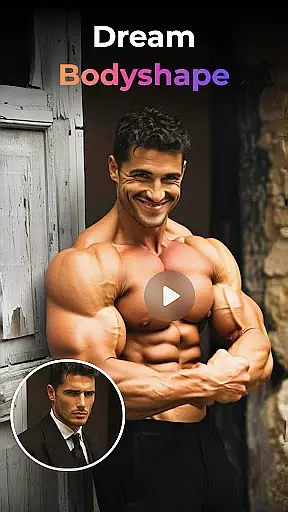
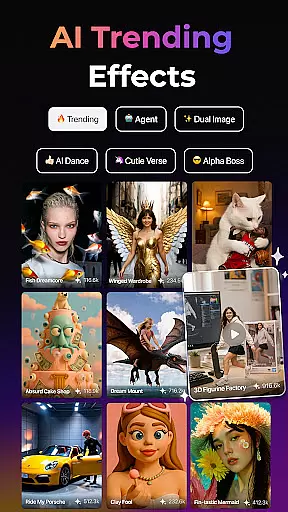
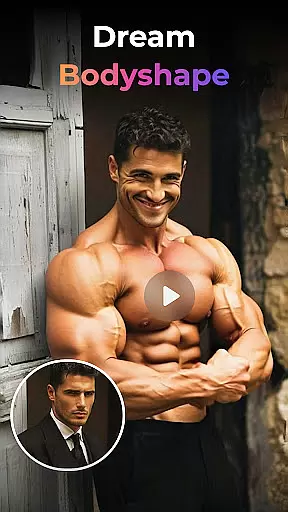
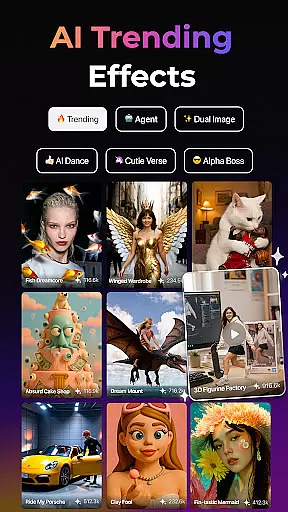
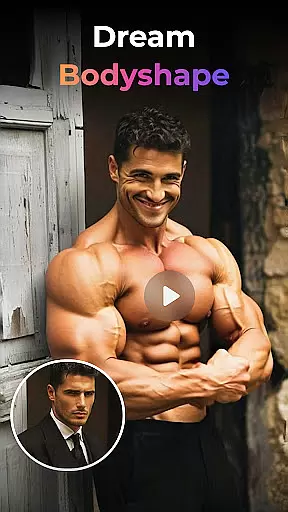
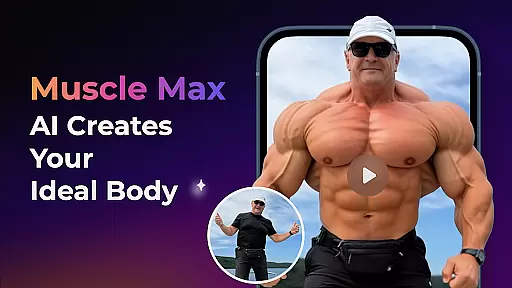
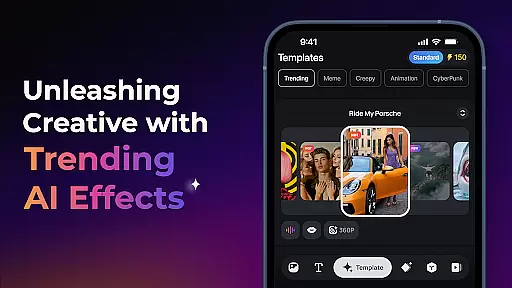
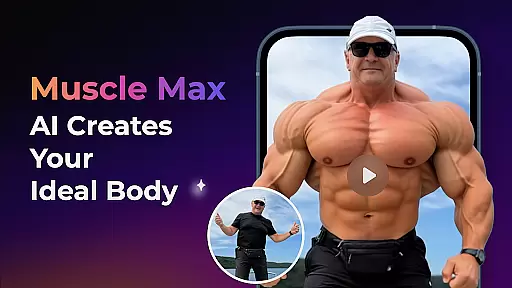
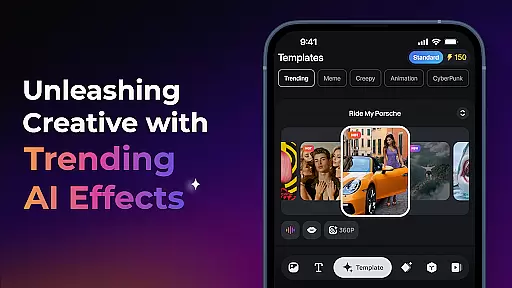
The app includes Multi-Creation Modes such as Image to Video, Text to Video, and Video Extension, enabling diverse content creation possibilities. Trending AI Effects like Earth Zoom Challenge and Muscle Max provide fun, engaging ways to modify videos. Additionally, Key Frame Control and Fusion capabilities allow users to maintain creative control while benefiting from AI assistance.
Real-time capture and preview functionality is essential for any photography app, allowing users to see exactly what their final output will look like before they commit to the shot. PixVerse takes this a step further by integrating AI-powered animations and cinematic effects directly into the preview window.
The app's advanced physics simulations and next-level AI models ensure that every movement, transition, or effect applied is reflected accurately in real time. This empowers creators to fine-tune their work with precision, ensuring that the end result matches their creative vision without any guesswork.
For users, this means no more surprises after rendering. Whether you're animating an old photo, experimenting with trending AI effects, or crafting a video from scratch, the real-time preview feature provides complete control over the creative process while saving valuable time.
PixVerse leverages cutting-edge AI technology to enhance beauty and visual appeal while maintaining a natural look. Unlike traditional filters that can appear artificial, PixVerseu2019s AI-driven enhancements adapt dynamically to each image or video, preserving lifelike details and smooth transitions.
From reviving old photos with authentic textures to sculpting physiques with Muscle Max or creating heartwarming family moments with Embrace Warmth, the app ensures every enhancement feels organic rather than forced. These tools are designed not just to beautify but to elevate storytelling through visuals.
Creators benefit from PixVerse's hyper-realistic approach, which allows them to produce professional-grade content effortlessly. The balance between enhancement and authenticity sets PixVerse apart, making it an ideal choice for photographers and videographers seeking polished yet genuine results.
Advanced AI technology
User-friendly interface
Multiple creation modes
High-quality output
Constant feature updates
Subscription fees apply
Internet connection required
Limited free features
Steep learning curve
Resource-intensive

AI portrait generator and polaroid AI selfie, fun AI generated AI photo creator!
 4.30
4.30
Safe & smart flight with Go Fly drone controller for 40+ drone camera, zone map
4.50
Create AI Photos, Improve and restore quality of blurry, old or damaged pics.
4.20
Raw Image Viewer. Gallery with support of raw images (.cr3, .cr2, .nef, .raf).
2.00
Add a dreamy vibe to your selfies and videos with soft style filters
4.2
Future baby face generator: AI kids generator, kid face! What my baby look like?
4.40
Easily create custom gifts, cards, photo books & more on the Shutterfly app!
4.60
Hair color changer, AI haircut app, fun hair editor and buzz cut filter for all!
3.80
PhotoSync Bundle Add-On License. Enables all features and services in PhotoSync.
4.60
Enhance, upscale, and transform your images — on your device, without limits
4.70
Android Native system HD camera app. Never been so simple and faster.
4.70
1M influencer's special filter
4.60
AI photo enhancer with Sora 2! Enhance, descratch, and colorize your old photos.
4.50
Effortlessly organize, view and share your photos & videos with Gallery app!
4.40
Search, tag and rate your way to an organized image gallery
4.40
All-in-One Editor & AI Photo Enhancer, Beautify & Retouch, Collage, Cartoonify
4.20
live datamoshing
4.00
USB Storage Access for Photos, Videos, Music and Documents
3.80
Remote control the phone camera shutter from your smartwatch and take a picture
1.60


User Reviews