
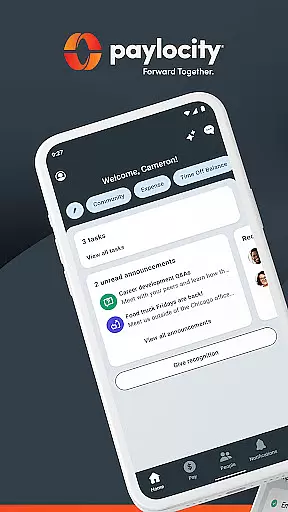
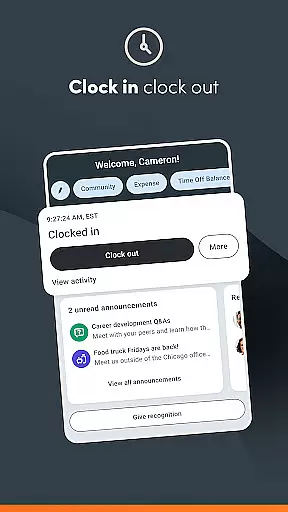
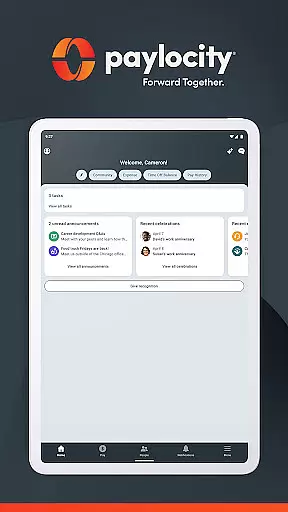
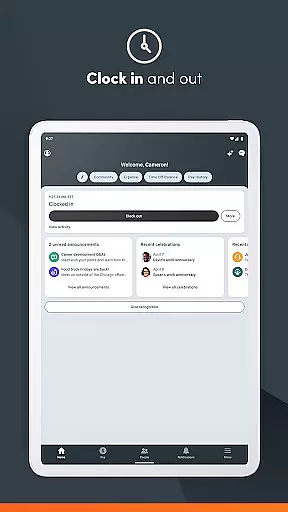
Paylocity is a comprehensive business application designed to streamline HR and payroll processes. The app provides users with secure access to essential employee information, paychecks, schedules, and time-off requests through an intuitive interface. Its personalized home screen allows employees to easily manage tasks such as clocking in/out, updating personal details, and accessing company messages. Supervisors benefit from unified platform features like real-time notifications for approvals, managing Journal entries, and creating work schedules. With advanced security measures including biometric login and encrypted activities, Paylocity ensures that all data remains protected while offering a seamless user experience.
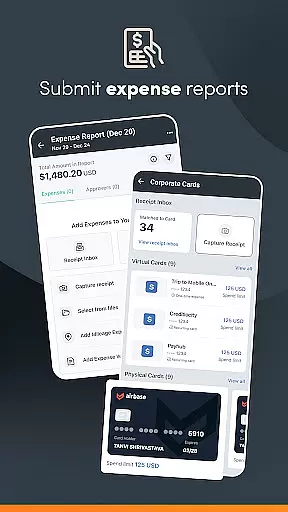
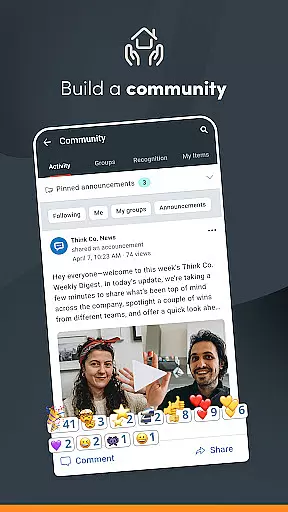
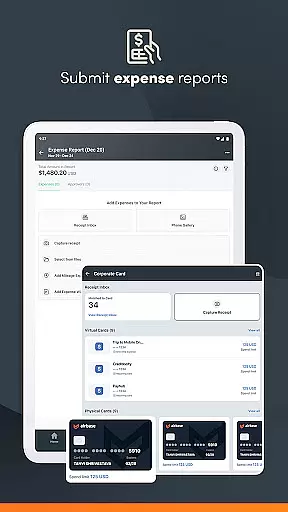
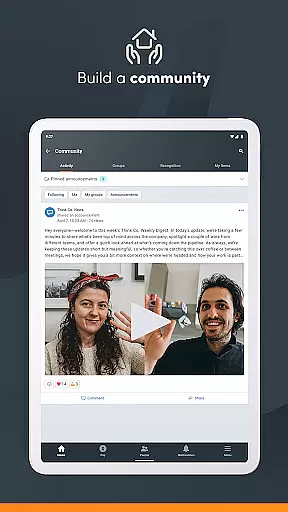
The app's standout feature is its ability to integrate multiple functions into one platform, making it easier for both employees and supervisors to handle their responsibilities efficiently. Whether it's submitting receipts, reconciling expenses, or using company cards with built-in controls, Paylocity supports various operational needs. Additionally, the app fosters communication through Community, a social collaboration hub where important updates can be shared. This makes Paylocity not just a tool for administrative tasks but also a means to enhance workplace connectivity and productivity.
One of the key strengths of Paylocity is its robust set of features tailored for both employees and supervisors. For employees, the app offers functionalities such as viewing current and historical pay information, editing personal info, and receiving push notifications for critical activities like time-off request approvals. The inclusion of Community enhances internal communication by allowing users to connect with peers and receive updates from leaders. Moreover, employees can request access to earned wages before payday and track expenses and card usage seamlessly.
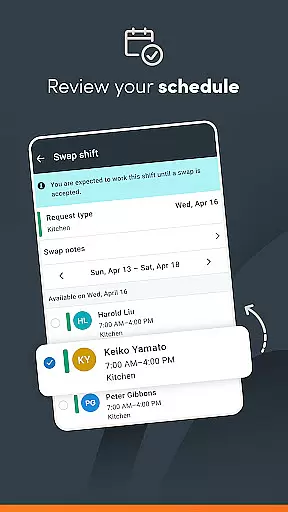
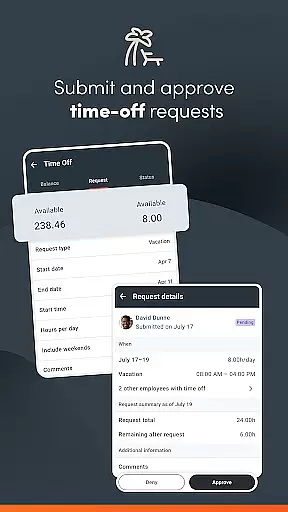
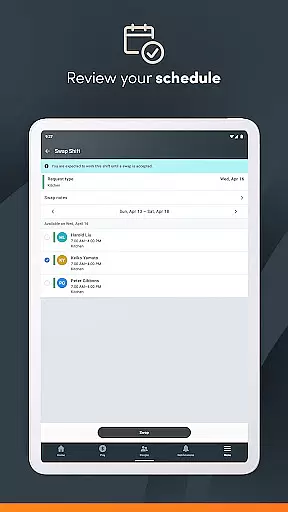
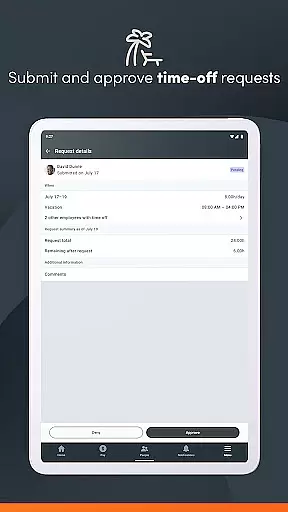
For supervisors, Paylocity provides tools to manage direct reports effectively. They can submit, view, and approve time-off requests and expense reports with real-time notifications. Creating and editing schedules and shifts becomes hassle-free, ensuring optimal workforce management. Security is another highlight, with biometric functions enabling quick yet secure logins. All activities are encrypted and routed safely to Paylocity servers, while additional measures like session timeouts and account lockouts after failed login attempts further safeguard sensitive data. These features collectively make Paylocity a reliable solution for modern businesses looking to optimize their HR and payroll operations.
Collaborative work features are essential for modern businesses, enabling teams to work together efficiently regardless of location. The Paylocity Mobile App excels in this area by providing a unified platform where employees and supervisors can interact seamlessly. With functionalities such as real-time push notifications for time-off request approvals, the app ensures that all team members are promptly informed about important updates.
The app offers an interactive organizational chart, allowing users to understand the company structure and reach out to colleagues effortlessly. Supervisors benefit from tools that let them manage Journal entries for direct reports, create schedules, and view or edit shifts. These capabilities ensure that communication within teams remains smooth and productive, fostering a collaborative work environment.
Additionally, the Paylocity Mobile App includes Community, a social collaboration hub. This feature enables employees to receive crucial updates from leaders and connect with peers, enhancing internal communication. By integrating these comprehensive collaborative tools, the app not only streamlines workflows but also strengthens team cohesion, making it an invaluable asset for any business looking to improve its operational efficiency.
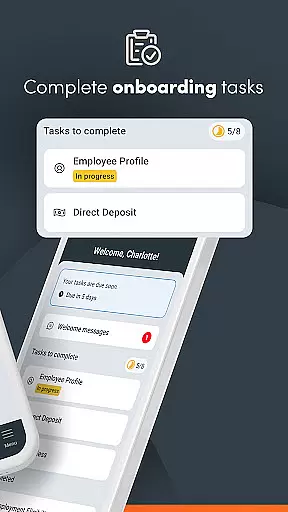
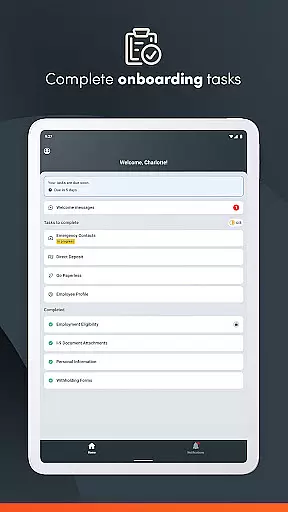
Effective task management is vital for maintaining productivity and ensuring that all team members are aligned with the company's goals. The Paylocity Mobile App provides robust task management features that cater to both employees and supervisors. Users can easily access messages, complete assigned tasks, and update personal information from a personalized home screen, ensuring that everyone stays on top of their responsibilities.
For supervisors, the app offers advanced tools to manage and oversee tasks efficiently. They can review and approve expense reports and timecards, submit, view, and approve time-off requests with real-time notifications. These features help maintain transparency and accountability within teams, ensuring that all tasks are completed on time and according to company standards.
Moreover, the app supports secure and quick logins through biometric functions, ensuring that users can access their tasks without compromising security. With sessions timing out after periods of inactivity and excessive failed login attempts leading to account lockouts, the app maintains high-security standards while facilitating efficient task management. Overall, the Paylocity Mobile App empowers businesses to handle all aspects of task management seamlessly, promoting a more organized and productive work environment.
User-friendly interface
Comprehensive HR tools
Secure data encryption
Real-time notifications
Integrated platform
Limited customization options
Occasional syncing issues
Dependent on employer subscription
Steep learning curve
Variable functionality

viewing and sharing of PDFs
 3.60
3.60
FX Plus adds media, networking, and cloud capabilities to FX File Explorer.
4.10
Measure distances, surfaces and draw plans in seconds with CamToPlan!
4.40
Scan Business Cards & Conference Badges - Capture Leads at Events & Tradeshows
4.20
Find work, shifts and gigs near you. Jobs lasting a few hours to a few months.
4.30
Paychex Flex - Save Time and Stay Connected
4.60
Start earning fast. Apply Today.
4.80
Find part-time earning opportunities near you that pay within days.
3.20
Work happy with AI Companion
4.10
Create curriculum vitae, a professional cover letter creator and resume designer
4.80
Permission Guard is a security app that helps you manage app permissions.
4.80
Get instant construction estimates: accurate home repair & material calculator.
4.70
A secure, all-in-one team collaboration app
4.30
All-in-one Mobile solutions for employees & managers to succeed at work
4.30
Get your benefits on-the-go.
3.80
Windows App allows you to connect to remote PCs and virtual apps.
3.70
Access All PDF Files
3.40
We are a dynamic team of creatives people of design, marketing, web & apps
3.00
Convert Your Lovable.dev Website into a Mobile App Instantly!
4.2


User Reviews