

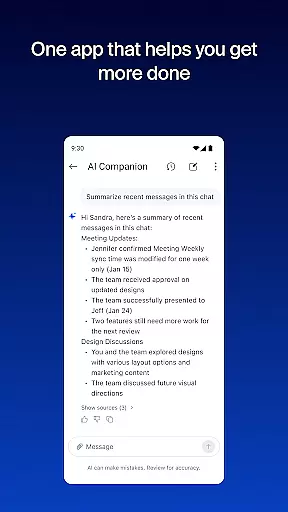
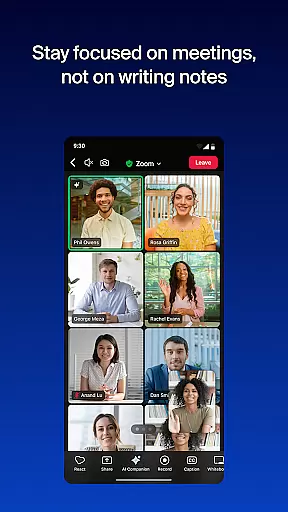

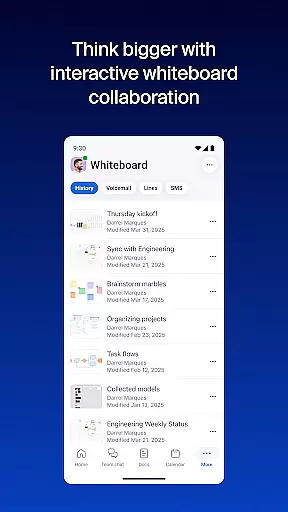

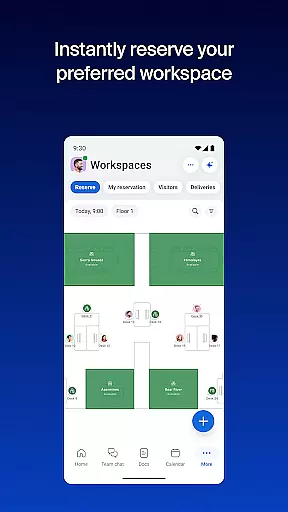

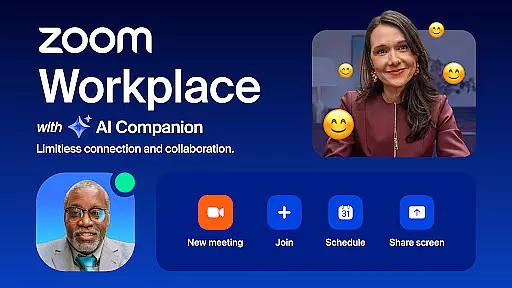
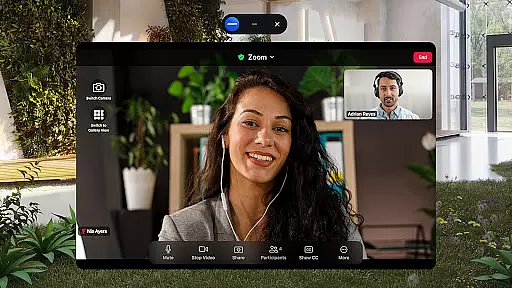
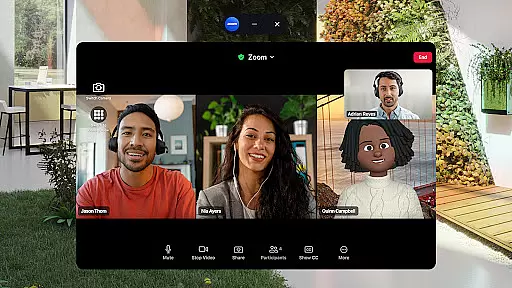
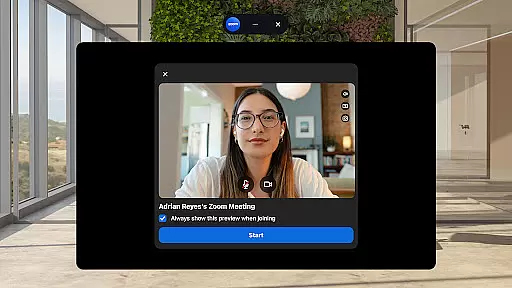
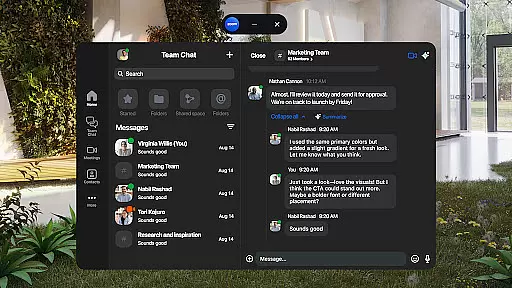
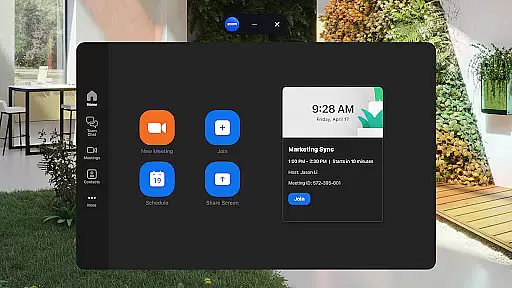
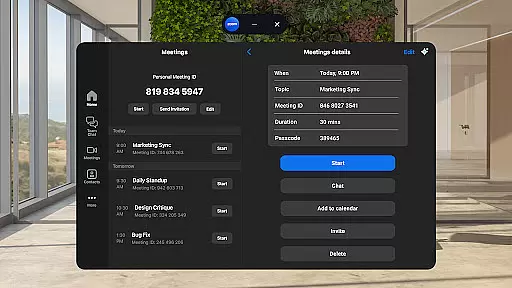
Zoom Workplace is an AI-first collaboration platform that combines essential business tools such as team chat, video meetings, phone calls, whiteboard, calendar, mail, and docs. Designed for both free and paid Zoom users, it offers a unified solution for modern workplace communication and productivity. With a Pro or Business license, users gain access to AI Companion, which enhances efficiency by summarizing unread messages, drafting content, and keeping conversations focused.
This mobile app allows professionals to stay productive on the go with features like meeting preparation, content drafting, and message summaries powered by AI. It also streamlines workflows by integrating scheduling, calling, SMS messaging, and virtual brainstorming into one platform. Whether you're managing tasks across devices or ensuring enterprise-grade security, Zoom Workplace provides a seamless experience tailored for businesses of all sizes.
Zoom Workplace stands out with its comprehensive suite of integrated tools designed to streamline teamwork and communication. The app consolidates team chat, video conferencing, phone capabilities, document collaboration, and more into a single interface. This eliminates the need for multiple apps, making it easier to manage projects and communications efficiently.
A key highlight is the AI Companion feature, available with Pro or Business licenses. This tool helps users catch up on unread messages, draft new content, and maintain impactful conversations. Additionally, advanced functionalities like automated meeting summaries, virtual whiteboards, and cross-device meeting transfers enhance productivity. Security is prioritized through enterprise-grade encryption and SSO support, ensuring data protection while working remotely.
Zoom Workplace revolutionizes collaborative work by integrating essential communication tools into a single platform. The application combines team chat, video meetings, phone capabilities, and collaborative whiteboards, all accessible from your mobile device.
With an AI-first approach, the app provides users with AI Companion, which enhances productivity by summarizing unread messages, drafting new content, and maintaining focused conversations. This personal assistant is available across Zoom Workplace, ensuring that teams can stay aligned and efficient wherever they are.
The platform supports seamless transitions between devices, allowing live meetings or calls to move effortlessly from one device to another with just a tap. This flexibility ensures that users can maintain productivity regardless of their location or device.
Task management within Zoom Workplace is designed to streamline communications and improve overall productivity. Users can schedule or join video meetings with a single tap, send messages to colleagues and external contacts, and manage phone calls or SMS text messages directly from the app.
Zoom Docs allows for organizing and sharing information at scale, while AI Companion generates automated meeting summaries, ensuring that no critical details are missed. Virtual whiteboards provide a space for brainstorming sessions, making it easier to visualize ideas and collaborate in real-time.
For those needing to multitask, Picture in Picture or Split Screen functionality enables users to manage multiple tasks simultaneously on Android devices. This feature, combined with enterprise-grade security and SSO, ensures that users can work safely and efficiently on the go.
Comprehensive tool integration
AI-powered productivity features
Enterprise-grade security
Cross-device compatibility
Streamlined communication
Paid features require subscription
AI Companion has regional limits
Free version lacks advanced tools
Occasional connectivity issues
Steep learning curve for beginners

viewing and sharing of PDFs
 3.60
3.60
AI-powered document scanner with auto enhance for perfect PDFs.
4.60
Scan Business Cards & Conference Badges - Capture Leads at Events & Tradeshows
4.20
The All-in-One File Manager for Phone, TV, Watch, Cars, XR / VR, Chromebook
4.10
Earn free swag, G-Cards & food • Enter sweepstakes • Find stores • So much more.
4.70
All document reader, pdf viewer app, read docs & excel files
3.80
view, manage, and share every PDF file you have
3.60
Make invoices, bills, receipts & estimates on the go with Invoice Generator.
4.70
Ship, Track, Find a Location or Get a Quote with UPS. Anytime. Anywhere.
4.60
BuildCalc - the easiest AND the most advanced construction calculator app.
4.80
Recover what matters — quickly and easily.
4.70
Mobile POS for any business: sales, invoices, retail, restaurants & appointments
4.60
ANDROID'S TOP MOBILE OFFICE - Word, Excel, PowerPoint and PDF at your fingertips
4.50
Amazon A to Z is the place to manage your work-life at Amazon.
4.50
ADP Mobile Solutions is an employee self service app
4.50
Find work, shifts and gigs near you. Jobs lasting a few hours to a few months.
4.30
All-in-one Mobile solutions for employees & managers to succeed at work
4.30
Make money as a delivery driver with DoorDash and work when you want as a Dasher
4.30
Quickly open and manage PDF files on your device.
3.80


User Reviews