
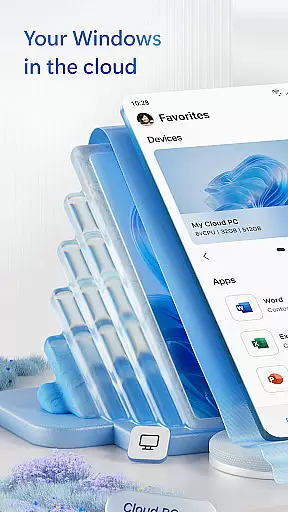
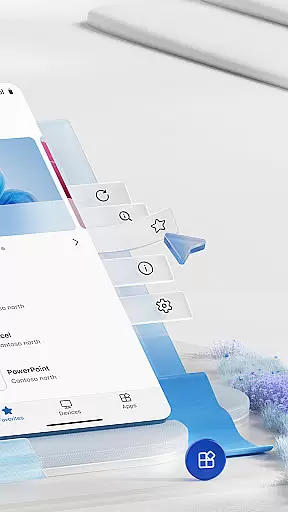
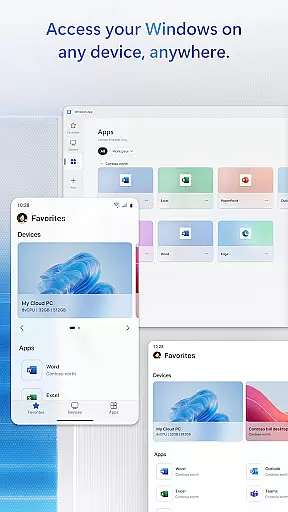
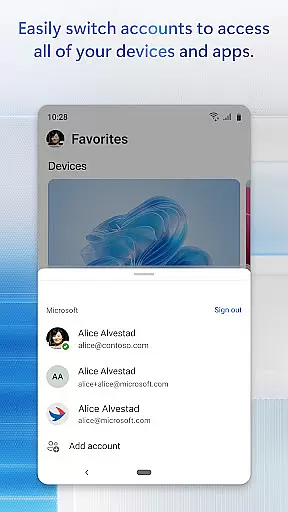
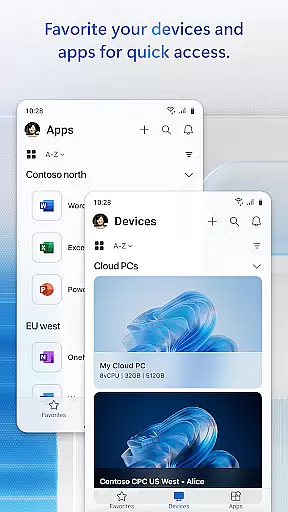
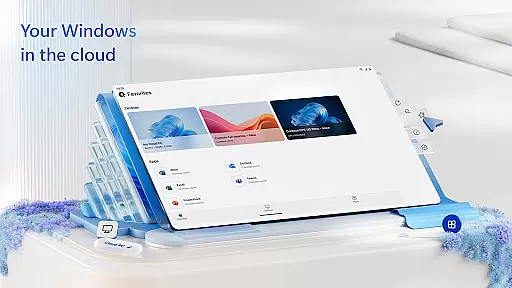
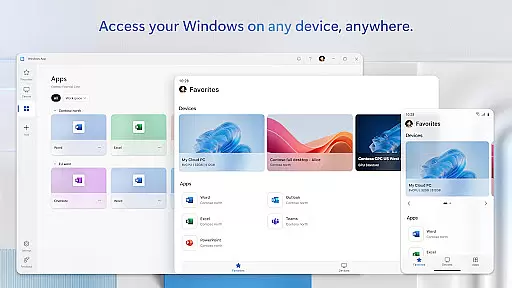
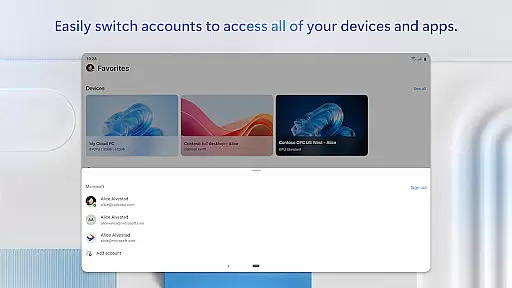
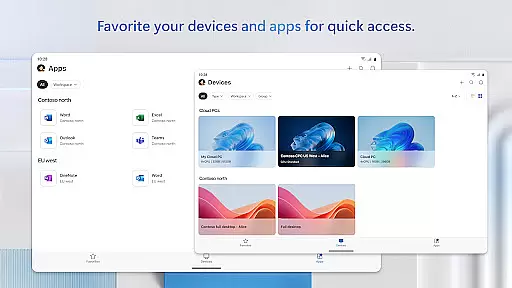
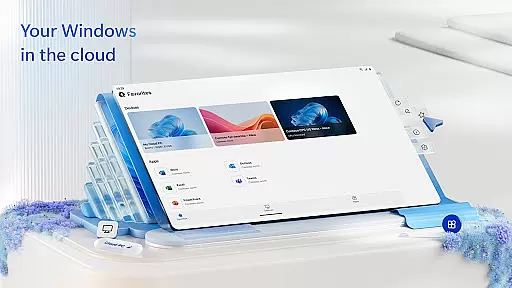
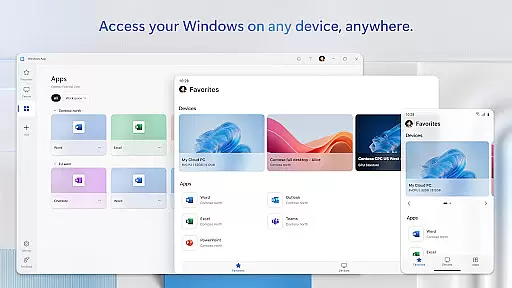
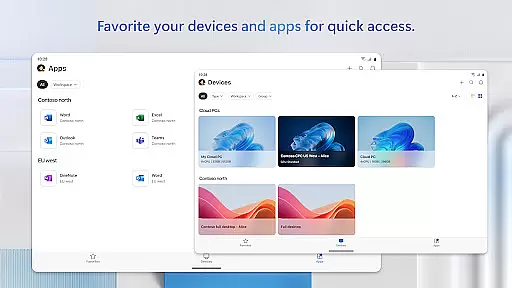
Windows App is a powerful business tool that enables secure remote access to various Windows environments. It connects users to Azure Virtual Desktop, Windows 365, Microsoft Dev Box, Remote Desktop Services, and remote PCs, ensuring seamless productivity on the go.
This application is optimized for Android devices running version 11 or higher, including tablets, smartphones, VR headsets, and Chromebooks with Play Store support. With its robust connectivity features, Windows App delivers a consistent and reliable remote desktop experience across different platforms.
By providing access to critical work resources from anywhere, Windows App enhances business efficiency and flexibility. Its cross-platform compatibility makes it an essential solution for modern mobile workforces.
Windows App offers a comprehensive set of features designed for optimal remote desktop performance. The application supports multiple connection types, including Azure Virtual Desktop and Windows 365, allowing users to access their virtual environments with ease.
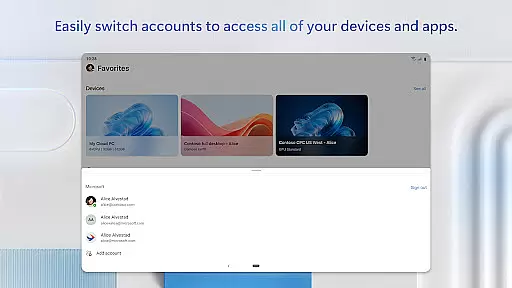
The app implements advanced security protocols to protect sensitive business data during remote sessions. It includes network layer authentication, conditional access policies, and multi-factor authentication options to ensure enterprise-grade security.
For enhanced productivity, Windows App provides high-definition display support, multi-touch gestures, and peripheral redirection capabilities. These features enable users to maintain their workflow efficiently while working remotely on Android devices.
In today's interconnected world, the ability to collaborate effectively is paramount. Windows App excels in providing robust collaborative work features that securely connect users to remote Windows environments. This includes seamless access to Azure Virtual Desktop, Windows 365, and other remote services, enabling teams to work together from any location.
The application ensures that all supported Android devices, from smartphones to tablets and even VR headsets, can engage in this collaborative ecosystem. By supporting devices running Android 11 and above, it broadens the scope of accessibility, ensuring that more team members can participate without compatibility issues.
With Windows App, real-time sharing and communication are streamlined. Users can access their remote desktops and applications with ease, making collaborative efforts more efficient. The app's integration with Microsoft services guarantees that permissions and security are maintained, allowing for safe and reliable collaboration across the enterprise.
Effective task management is crucial for productivity, and Windows App offers a comprehensive solution for managing tasks across remote Windows platforms. Whether accessing Azure Virtual Desktop or handling tasks on a remote PC, the app provides the tools necessary for efficient task execution.
Users can easily track their tasks, schedule sessions, and manage progress directly from their Android devices. The app supports a variety of form factors, ensuring that whether you're using a smartphone or a Chromebook, your task management experience remains consistent and reliable.
Furthermore, Windows App enhances task management by offering upcoming releases and feature updates accessible via aka.ms/WindowsApp. This commitment to continuous improvement means users always have access to the latest tools and functionalities, keeping them at the forefront of productivity and efficiency.
Secure remote connections
Multi-platform support
Enterprise-level security
High-definition display
Peripheral redirection
Limited to Android 11+
Requires stable internet
No iOS version
Complex setup
Premium pricing

Find flexible, hourly jobs hiring near you in restaurant, retail & hospitality!
 4.00
4.00
ANDROID'S TOP MOBILE OFFICE - Word, Excel, PowerPoint and PDF at your fingertips
4.50
Convert Your Lovable.dev Website into a Mobile App Instantly!
4.3
The MyWalmart App is available for all associates in stores.
4.70
Finance, Investing, Stocks, Trading and Stock news
4.60
All document reader, pdf viewer app, read docs & excel files
3.80
Find jobs near you and temp work in minutes, from your phone.
4.50
Job search app that finds jobs for you! Takes the work out of looking for a job!
4.90
Ship, Track, Find a Location or Get a Quote with UPS. Anytime. Anywhere.
4.60
BuildCalc - the easiest AND the most advanced construction calculator app.
4.80
Permission Guard is a security app that helps you manage app permissions.
4.80
We help people get jobs
4.70
Mobile POS for any business: sales, invoices, retail, restaurants & appointments
4.60
Measure distances, surfaces and draw plans in seconds with CamToPlan!
4.40
Make money as a delivery driver with DoorDash and work when you want as a Dasher
4.30
FX Plus adds media, networking, and cloud capabilities to FX File Explorer.
4.10
Shop, deliver, and earn with the Spark Driver™ App
4.10
Work happy with AI Companion
4.10
enjoy effortless PDF reading anytime, anywhere
3.90


User Reviews