


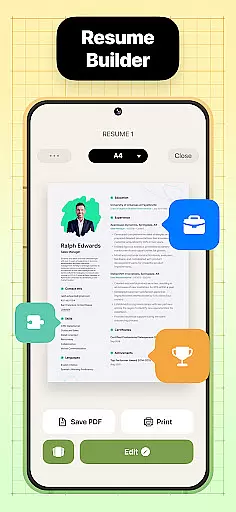
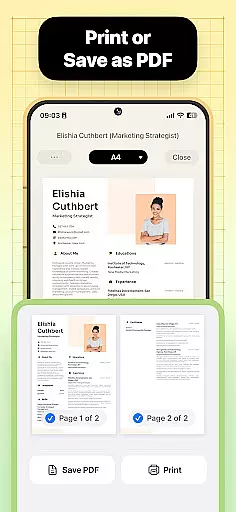
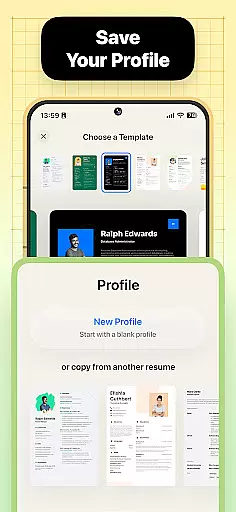
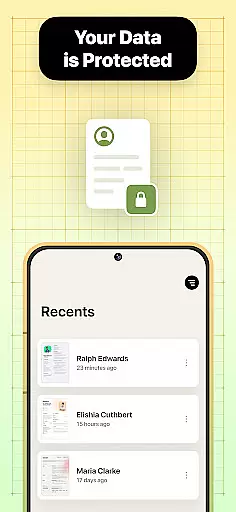

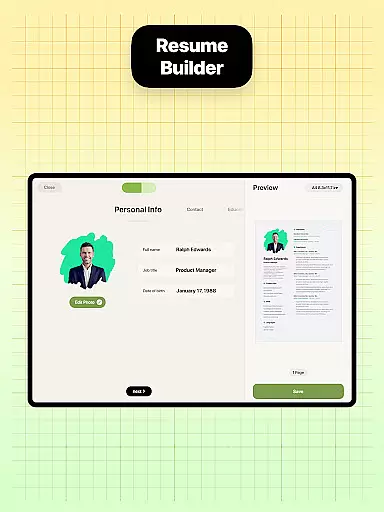
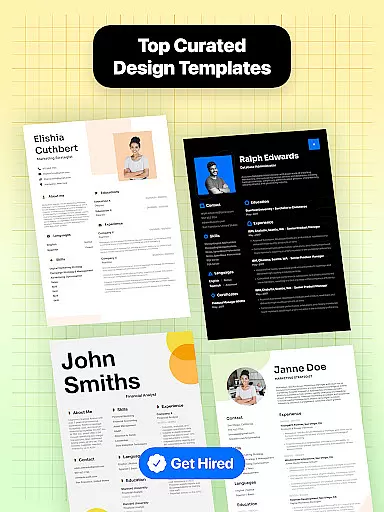
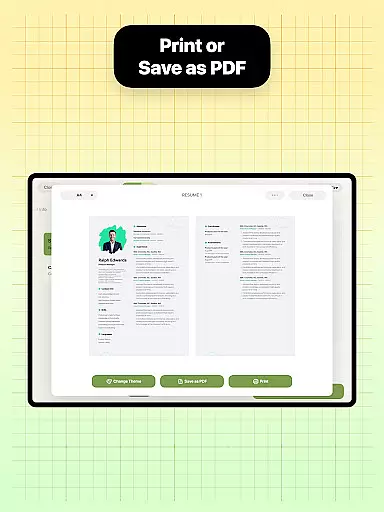
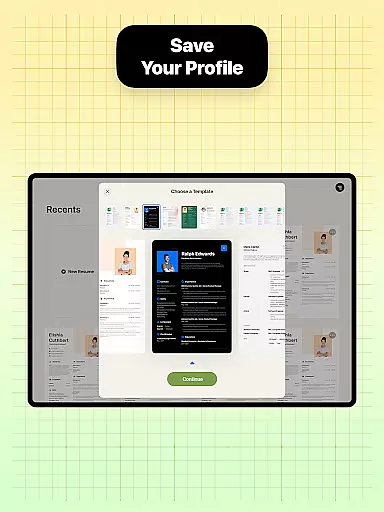
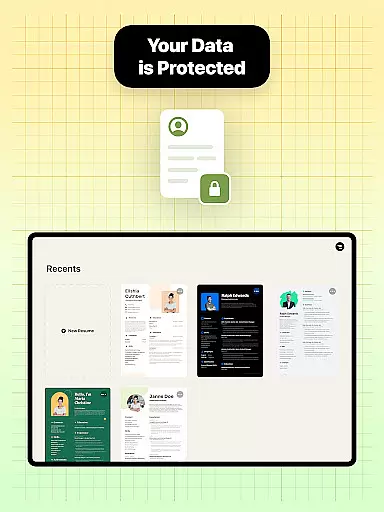

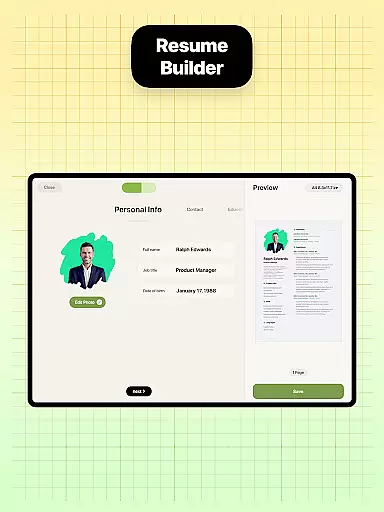
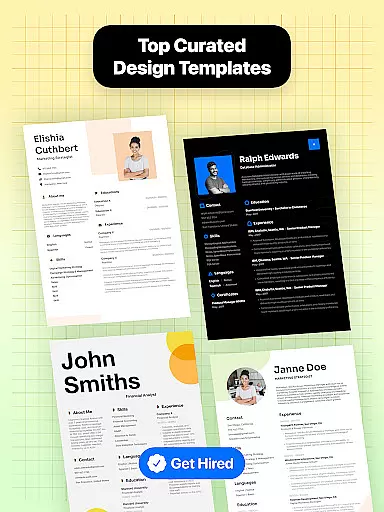
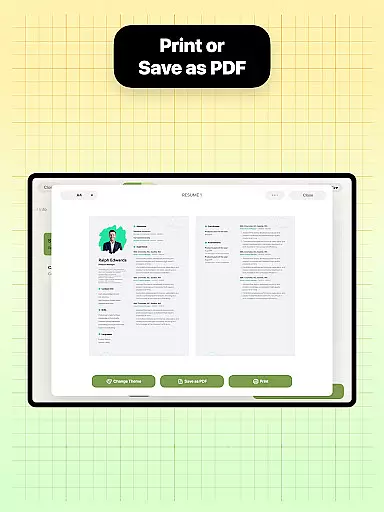
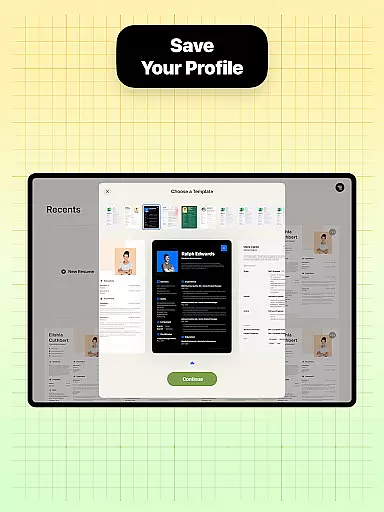
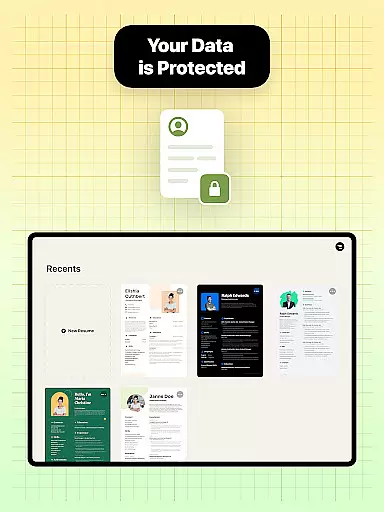
Resume Builder is a powerful mobile application designed to help users create professional and visually appealing resumes in PDF format. The app caters to both recent graduates and seasoned professionals, offering an intuitive interface that simplifies the resume creation process. With Resume Builder, users can choose from a wide range of customizable templates, ensuring their resume stands out in today's competitive job market.
The app provides step-by-step guidance through each stage of resume creation, from selecting the right template to customizing content sections. Its user-friendly navigation system allows for easy editing and real-time updates, while built-in sharing functionality enables direct submission to employers or recruiters. Whether you're looking to showcase your professional experience or highlight your creative skills, Resume Builder offers the necessary tools to craft the perfect resume for any career stage.
Resume Builder stands out with its comprehensive set of features designed to streamline the resume creation process. The app offers a diverse collection of professionally-designed templates that cater to various industries and career levels. Each template is fully customizable, allowing users to adjust sections, fonts, colors, and layouts to match their personal style and professional needs.
A key feature is the app's intelligent guidance system, which walks users through each step of resume creation. This includes detailed instructions for filling out work experience, education, and skills sections. The app also supports real-time preview functionality, enabling users to see changes instantly as they edit. Additional notable features include automatic formatting optimization, cloud-based saving options, and seamless integration with popular job search platforms, making it an essential tool for modern job seekers.
Collaborative work features are essential for modern business applications, enabling teams to work together efficiently regardless of location. Resume Builder incorporates these features by allowing users to share their resumes easily with peers or mentors for feedback and approval.
The app's built-in sharing functionality supports collaborative efforts by enabling users to send their resumes directly to employers, recruiters, or networking contacts. This ensures that the resume can be reviewed and critiqued by multiple stakeholders, streamlining the feedback process and enhancing the final document.
Users benefit from real-time updates and seamless communication, ensuring that everyone involved in the resume-building process is on the same page. This collaborative environment helps produce a more polished and professional resume, increasing the chances of securing interviews and job offers.
Task management is crucial for organizing and tracking the progress of various activities within an application. Resume Builder excels in this area by providing a structured and intuitive process for creating resumes, guiding users through each step with clear instructions and templates.
The app breaks down the resume creation process into manageable tasks, such as selecting a template, entering personal information, and customizing sections. This task-oriented approach ensures that users can focus on one aspect at a time, reducing overwhelm and improving productivity.
By offering real-time progress tracking and easy navigation, Resume Builder allows users to see their advancements as they add professional experiences and qualifications. This feature not only enhances user engagement but also ensures that the resume is completed efficiently and effectively, meeting the highest standards of professionalism.
User-friendly interface
Wide range of templates
Real-time editing
Customizable options
PDF export functionality
Limited free templates
Premium subscription required
Occasional bugs
Ads in free version
Basic formatting options

All your team communication in one place
 4.70
4.70
Build a store in minutes with our full suite of AI tools. Start for free!
4.20
Master crypto trading with real-time simulations and exciting challenges!
4.50
Find jobs near you and temp work in minutes, from your phone.
4.50
USPS Mobile®Access USPS.com’s most popular tools on-the-go.
4.70
Access to Paylocity, empowering employees with information they need 24/7.
4.70
Job search app that finds jobs for you! Takes the work out of looking for a job!
4.90
Make invoices, bills, receipts & estimates on the go with Invoice Generator.
4.70
We help people get jobs
4.70
Start earning fast. Apply Today.
4.80
Manage work life on the go
4.50
Amazon A to Z is the place to manage your work-life at Amazon.
4.50
Collaborate seamlessly with Google Chat, part of Google Workspace
4.50
One marketplace. Hundreds of services. Unlimited possibilities. All on Fiverr.
4.40
Scan Business Cards & Conference Badges - Capture Leads at Events & Tradeshows
4.20
enjoy effortless PDF reading anytime, anywhere
3.90
view, manage, and share every PDF file you have
3.60
Access All PDF Files
3.40
Delivery Track App - Tracking with Fedex, USPS, UPS, DHL. Monitor your Orders.
3.20


User Reviews