
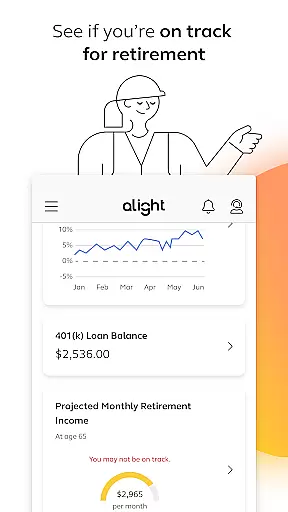
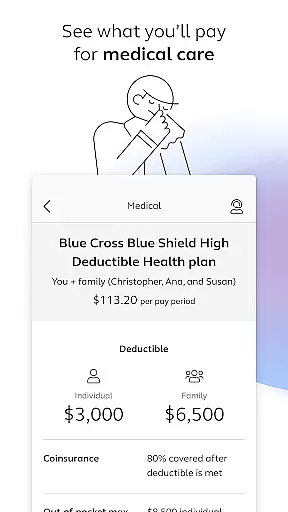
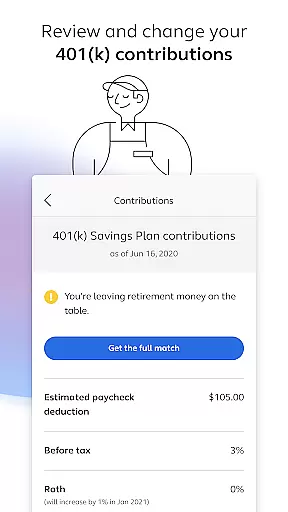

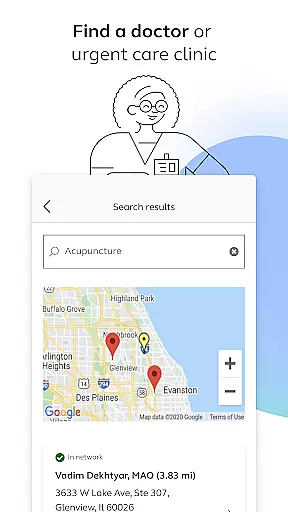
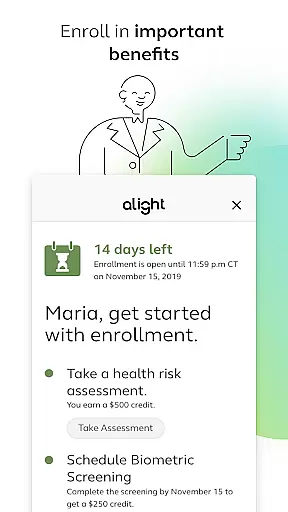
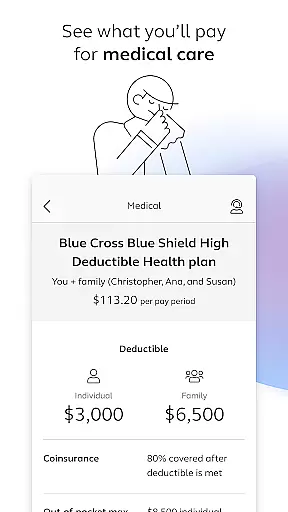
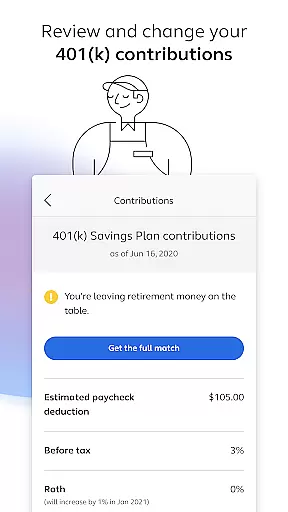
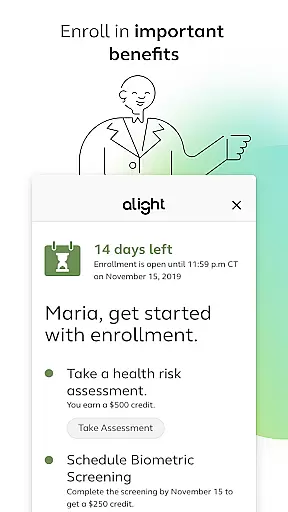
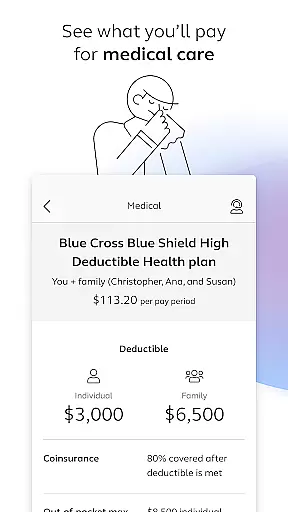
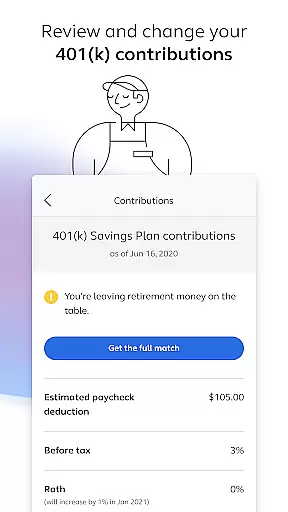
Alight Mobile is a comprehensive business application designed to provide employees with seamless access to their employer-sponsored benefits. The app serves as a one-stop solution for managing health, retirement, and payroll information anytime and anywhere. With its user-friendly interface, Alight Mobile allows users to enroll in essential benefits, review medical plans, track 401(k) contributions, and even access digital copies of insurance cards. This functionality ensures that employees can conveniently manage their benefits on the go while staying informed about their financial and healthcare decisions.
A key feature of Alight Mobile is its ability to consolidate various resources into a single platform. Users can locate healthcare providers, assess retirement readiness, and explore additional benefit programs tailored to their needs. The app also offers personalized support through features like Health Pro assistance, empowering users to make well-informed choices regarding their benefits. By integrating these tools, Alight Mobile not only simplifies administrative tasks but also enhances employee engagement by fostering a deeper understanding of available resources.
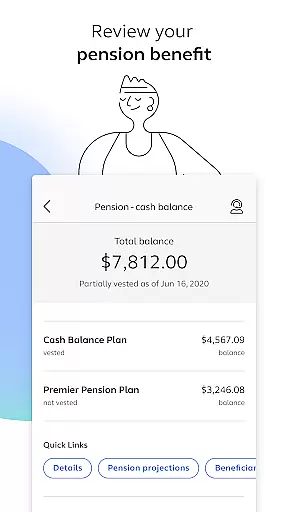
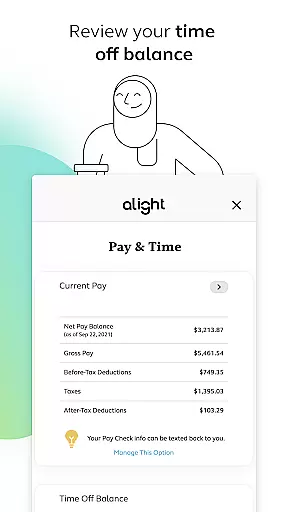
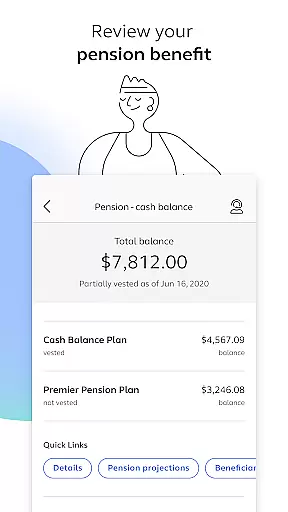
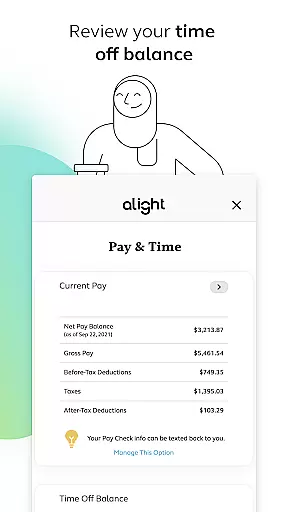
This app is particularly valuable for organizations partnering with Alight Solutions to administer HR and benefit programs. It enables employers to deliver a modern, efficient benefits experience that aligns with the evolving expectations of today's workforce. Whether checking time-off balances or reviewing pension details, Alight Mobile equips users with the tools they need to take control of their work-life balance effectively.
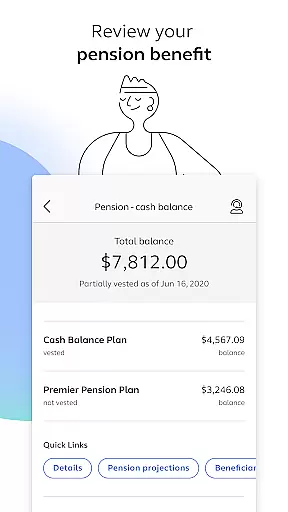
Alight Mobile stands out with its robust set of features designed to streamline benefits management for employees. One of its core strengths lies in providing detailed insights into health and retirement plans. For instance, users can review their medical plan spending, adjust 401(k) contribution elections, and evaluate pension benefits—all within a unified interface. These capabilities ensure transparency and empower individuals to make proactive decisions about their financial future.
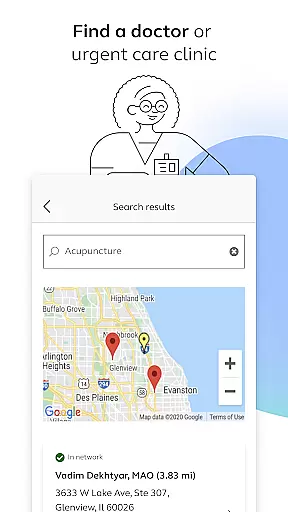
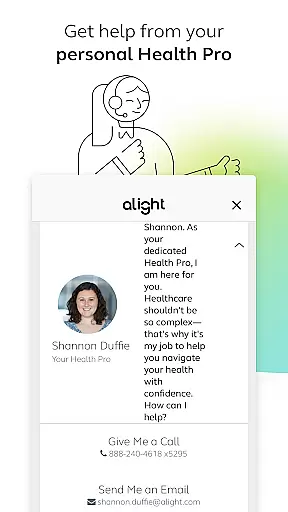
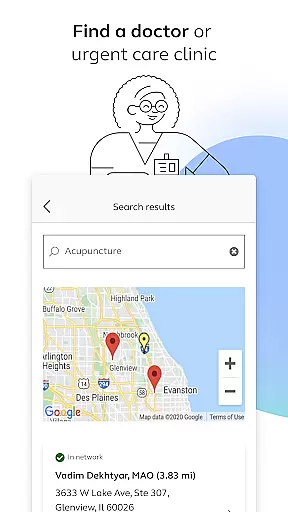
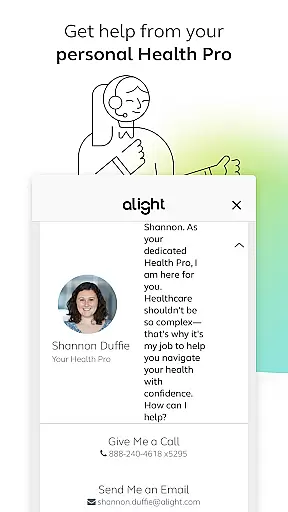
In addition to financial tools, the app excels in offering practical healthcare solutions. Employees can search for doctors or urgent care clinics, save digital copies of insurance cards, and connect with dedicated Health Pros for guidance. Furthermore, Alight Mobile aggregates various benefit resources, such as wellness programs and time-off trackers, creating a centralized hub for all employee needs. Such integration reduces complexity and saves time, allowing users to focus on what truly matters.
Another notable aspect is the app's adaptability based on employer-specific benefit plans. While the range of features may vary depending on the organization, Alight Mobile consistently delivers a reliable and secure experience. Its commitment to accessibility and innovation makes it an invaluable tool for both employers seeking to enhance their HR services and employees looking to optimize their benefits engagement.
In today's interconnected workplace, collaborative work features are essential for seamless teamwork. Alight Mobile recognizes this need and offers functionalities that enable employees to engage with their benefits and HR data collectively. Through the app, users can access shared resources and tools that facilitate group decision-making regarding health plans, retirement contributions, and other crucial benefits.
The app provides a centralized platform where employees can review and discuss their 401(k) contribution elections, ensuring that everyone is aligned with the company's financial planning strategies. This collaborative approach not only streamlines administrative processes but also fosters a culture of transparency and mutual support among team members.
Moreover, Alight Mobile enhances collaboration by offering personalized support from Health Pros who can guide teams through the intricacies of their benefit options. By leveraging these collaborative features, organizations can ensure that all members are well-informed and actively participating in their benefit programs, leading to improved satisfaction and retention rates.
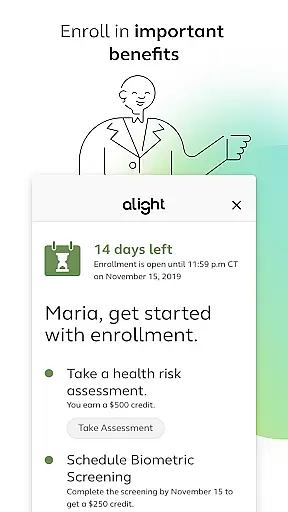
Effective task management is pivotal for maintaining productivity and achieving professional goals. Alight Mobile excels in this area by providing users with robust tools to manage their personal benefits-related tasks efficiently. The app allows employees to enroll in important benefits, review medical plans, and adjust retirement contributions, all within a structured and intuitive interface.
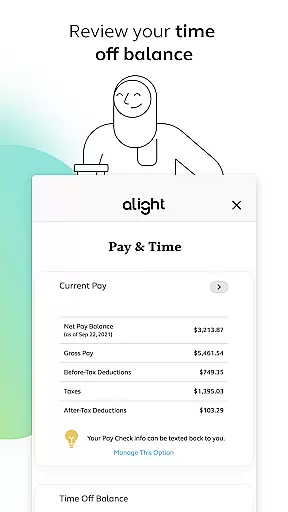
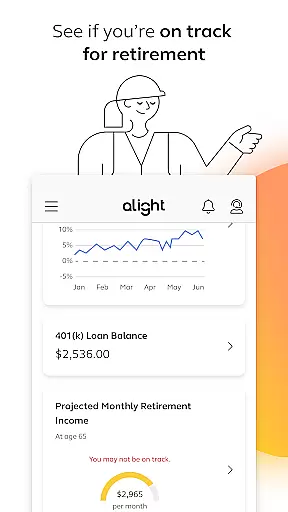
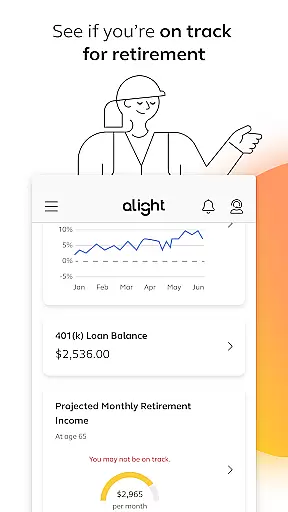
With Alight Mobile, users can easily track their progress towards retirement readiness, ensuring that they remain on course with their long-term financial objectives. The ability to monitor time off balances and access insurance cards further simplifies task management, enabling users to handle their responsibilities without unnecessary complications.
Additionally, the app's design emphasizes clarity and ease of use, empowering employees to take control of their benefits management. By integrating task management features with personal support from Health Pros, Alight Mobile ensures that users can navigate their benefits landscape confidently and efficiently, ultimately contributing to a more organized and stress-free work life.
User-friendly interface
Comprehensive benefits management
Personalized support options
Secure data access
Mobile accessibility
Limited customization
Employer-dependent features
Occasional connectivity issues
No offline mode
Premium feature costs

viewing and sharing of PDFs
 3.60
3.60
Measure distances, surfaces and draw plans in seconds with CamToPlan!
4.40
BuildCalc - the easiest AND the most advanced construction calculator app.
4.80
Manage Your Shop
4.70
enjoy effortless PDF reading anytime, anywhere
3.90
Mobile POS for any business: sales, invoices, retail, restaurants & appointments
4.60
USPS Mobile®Access USPS.com’s most popular tools on-the-go.
4.70
Find part-time earning opportunities near you that pay within days.
3.20
Chat, meet, and collaborate to achieve more together, all in one place on Teams
4.60
Create curriculum vitae, a professional cover letter creator and resume designer
4.80
Get instant construction estimates: accurate home repair & material calculator.
4.70
Access to Paylocity, empowering employees with information they need 24/7.
4.70
We help people get jobs
4.70
ANDROID'S TOP MOBILE OFFICE - Word, Excel, PowerPoint and PDF at your fingertips
4.50
Drive and earn extra money
4.50
The app that lets you deliver with Amazon.
4.50
All-in-one Mobile solutions for employees & managers to succeed at work
4.30
Make money as a delivery driver with DoorDash and work when you want as a Dasher
4.30
Take the stress out of storage with the all-in-one app to manage your space.
3.70


User Reviews