
PDF Reader is a versatile business application designed to streamline document management for professionals on the go. This app allows users to view, manage, and share PDF files with ease, making it an essential tool for anyone dealing with digital documents in a professional setting.
The app features a sleek and intuitive interface that simplifies navigation and enhances productivity. With capabilities such as one-click PDF reading, quick page navigation, and integrated support for various document types like Doc, PDF, PPT, and Excel, PDF Reader ensures seamless access to all necessary files. Whether you're preparing for a meeting or managing contracts, this app provides reliable access to your documents anytime, anywhere.
One of the standout features is its ability to handle Android 11's storage permissions effectively. By requesting MANAGE_EXTERNAL_STORAGE permission, the app can perform operations across folders without user interaction, ensuring uninterrupted access to files stored in various locations. This functionality makes PDF Reader particularly valuable for users who need consistent access to their documents, even when offline.
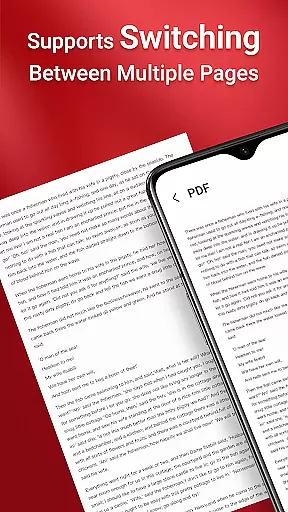
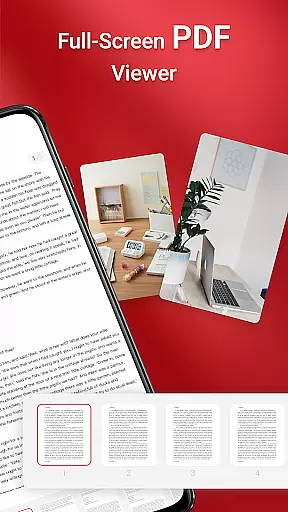
PDF Reader stands out with its comprehensive feature set tailored for business professionals. The app offers one-click PDF reading, allowing users to open and view documents instantly without any complicated setup. Its quick page navigation feature ensures smooth reading experiences, enabling users to jump between pages effortlessly.
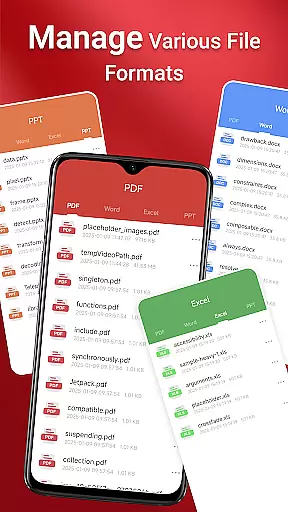
Another key aspect is its multi-format support. In addition to handling PDFs, the app integrates seamlessly with other document types such as Doc, PPT, and Excel files. This versatility eliminates the need for multiple apps, streamlining workflow and boosting efficiency. Users can also take advantage of the app's robust file management system, which includes options for organizing, merging, and sharing documents directly from the app.
For users operating on Android 11 and later, PDF Reader addresses common limitations by utilizing the MANAGE_EXTERNAL_STORAGE permission. This allows the app to perform background operations, access files in non-standard locations, and maintain persistent access to stored documents. Such capabilities ensure that critical business tasks can be completed without interruptions, providing a reliable solution for document management needs.
In today's interconnected work environment, the ability to collaborate efficiently is crucial. PDF Reader offers a robust platform for team collaboration by allowing users to seamlessly share and manage PDF documents across devices. This ensures that all team members have access to the most up-to-date information, regardless of their location.
The app supports integrated document handling for various formats including Doc, PDF, PPT, and Excel, making it versatile for different types of projects. With quick page navigation, teams can easily review and discuss specific sections of a document, streamlining communication and decision-making processes.
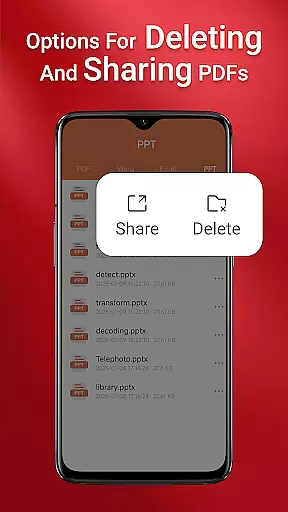
Moreover, the sharing functionality within PDF Reader enhances collaborative efforts by enabling users to distribute documents with a single click. Whether working on a group presentation or compiling a report, this feature ensures that everyone is on the same page, promoting productivity and coherence in teamwork.
Effective task management is essential for maintaining productivity and meeting deadlines. PDF Reader excels in this area by providing tools that help users organize and prioritize their document-related tasks efficiently. The application allows you to access all PDF files on your device, ensuring that important documents are always within reach.
With its sleek and intuitive interface, locating and managing your PDFs becomes a hassle-free experience. The one-click PDF reading feature enables users to quickly open and review documents, saving valuable time when managing multiple tasks. Additionally, the appu2019s quick page navigation aids in swiftly moving through lengthy documents, allowing for efficient information retrieval.
Furthermore, the necessity of the MANAGE_EXTERNAL_STORAGE permission on Android 11 and later underlines the app's commitment to reliable document management. This permission facilitates uninterrupted access to files stored in various locations, empowering users to manage their documents effectively without limitations imposed by the operating system.
User-friendly interface
Multi-format support
Quick page navigation
Seamless file sharing
Reliable offline access
Requires storage permission
Limited free features
Occasional slow loading
No cloud integration
Ads in free version

Find jobs and make money fast with JobStack.
 4.60
4.60
Formerly Facebook Ads Manager. Manage and create ads on the go.
4.20
FX Plus adds media, networking, and cloud capabilities to FX File Explorer.
4.10
The Penny Puss app with DG penny finder
4.10
Employee Management Made Easy
4.80
Paychex Flex - Save Time and Stay Connected
4.60
USPS Mobile®Access USPS.com’s most popular tools on-the-go.
4.70
Job search app that finds jobs for you! Takes the work out of looking for a job!
4.90
Make invoices, bills, receipts & estimates on the go with Invoice Generator.
4.70
We help people get jobs
4.70
Mobile POS for any business: sales, invoices, retail, restaurants & appointments
4.60
The revolutionary flexible staffing platform
4.40
One marketplace. Hundreds of services. Unlimited possibilities. All on Fiverr.
4.40
Scan Business Cards & Conference Badges - Capture Leads at Events & Tradeshows
4.20
Build a store in minutes with our full suite of AI tools. Start for free!
4.20
enjoy effortless PDF reading anytime, anywhere
3.90
Quickly open and manage PDF files on your device.
3.80
Get your benefits on-the-go.
3.80
Find part-time earning opportunities near you that pay within days.
3.20


User Reviews