
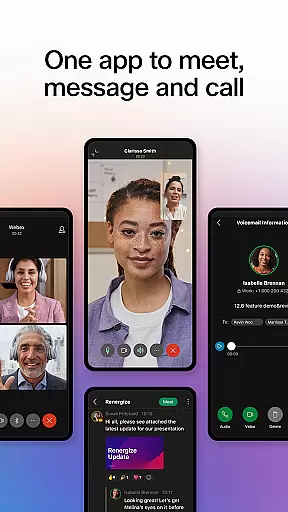
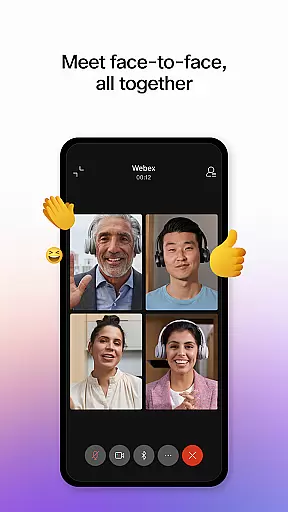

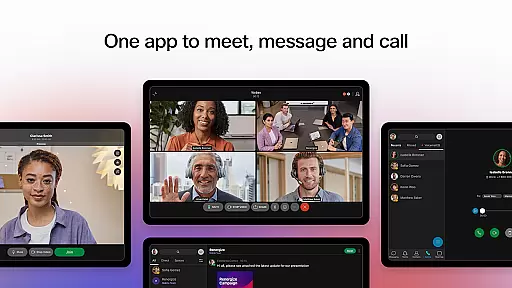

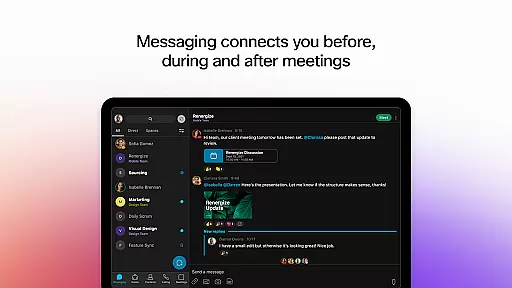

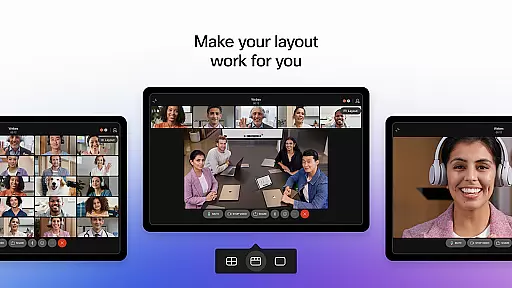
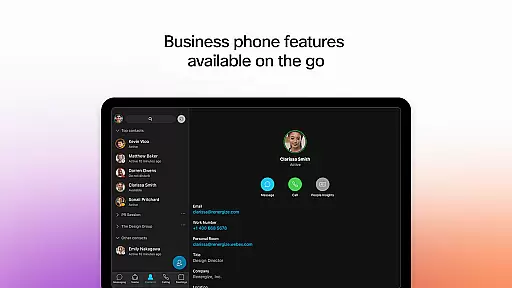
Webex is a comprehensive business communication app that unifies meetings, messaging, and calling into one secure platform. Designed for modern work environments, it enables seamless collaboration regardless of location. The app's intelligent features ensure inclusive and engaging experiences, making teamwork more effective.
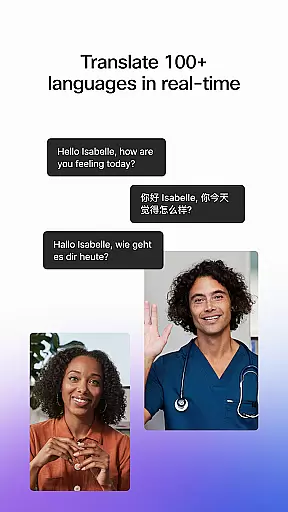
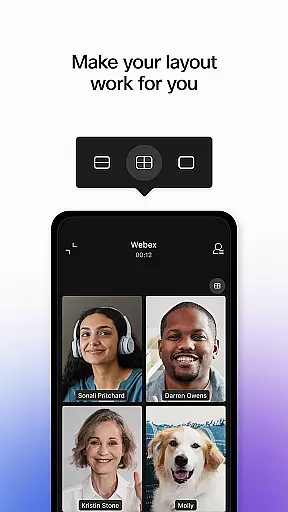
Key functionalities include real-time translation in over 100 languages during meetings, background noise removal, and personalized meeting layouts. Its robust security measures make it suitable for enterprise use, while the intuitive interface ensures ease of adoption for all users. Whether working remotely or in-office, Webex provides the tools necessary for productive collaboration.
Webex offers an impressive array of features designed to enhance business communication. The meeting functionality includes advanced capabilities such as real-time language translation, customizable meeting layouts, and AI-powered noise cancellation. These features ensure every participant can contribute effectively regardless of their location or environment.
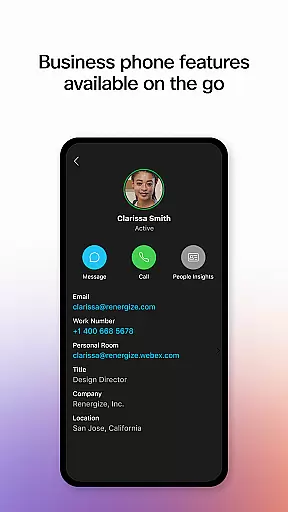
The messaging component facilitates continuous collaboration through persistent chat threads, file sharing with external partners using just email addresses, and integrated team spaces. The calling feature incorporates essential business phone capabilities directly into the app, enabling features like visual voicemail and instant call initiation. Together, these features create a unified communication experience that adapts to various work styles.
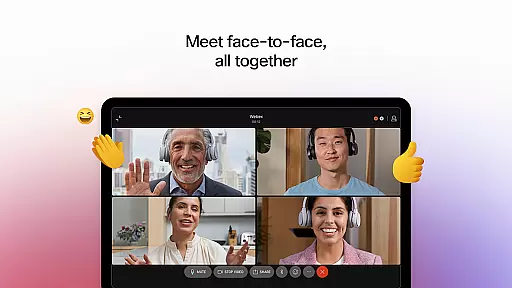
Webex offers a comprehensive suite of collaborative work features that bring teams together seamlessly. The platform enables real-time meetings with over 100 languages translated on the fly, ensuring inclusivity across global teams. Personalized meeting layouts and background noise removal further enhance communication clarity.
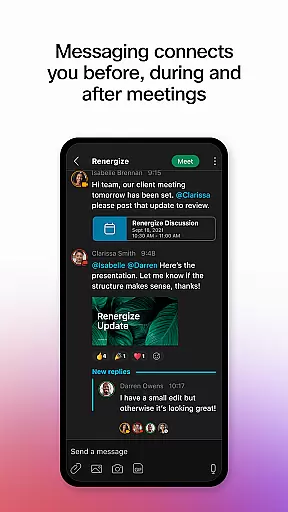
Beyond just video conferencing, Webex facilitates continuous engagement through its integrated messaging system. Users can connect via 1:1 or group chats, maintaining conversation flow before, during, and after meetings. This ensures that collaboration doesn't stop when the meeting ends, fostering ongoing dialogue and teamwork.
The app also supports secure file sharing with both internal and external collaborators using only an email address. This functionality breaks down barriers between organizations, allowing for productive partnerships without compromising on security protocols. Such features collectively create an environment where exceptional work can happen effortlessly.
Task management within Webex is designed to streamline workflows and boost productivity. While the app focuses primarily on meetings, messaging, and calls, these core functionalities naturally integrate task-oriented activities. Instantaneous communication channels allow users to quickly assign tasks during discussions and follow up efficiently.
Visual voicemail capabilities provide another layer of task management efficiency. Users can prioritize their responses based on audio messages received, making it easier to manage time-sensitive requests. Additionally, the ability to start impromptu conversations means team members can address urgent matters without delay.
Although Webex may not offer traditional project management tools like Gantt charts or Kanban boards, its strength lies in facilitating immediate action items directly from any interaction point - be it a scheduled meeting or an unexpected call. This approach keeps projects moving forward dynamically while maintaining clear lines of responsibility among team members.
User-friendly interface
Advanced security protocols
Comprehensive feature set
Excellent multi-language support
Seamless integration capabilities
Occasional connectivity issues
Steep learning curve for new users
Higher pricing than competitors
Limited offline functionality
Resource-intensive operation

 4.70
4.70
Find flexible, hourly jobs hiring near you in restaurant, retail & hospitality!
4.00
Measure distances, surfaces and draw plans in seconds with CamToPlan!
4.40
Scan Business Cards & Conference Badges - Capture Leads at Events & Tradeshows
4.20
FaxCover - Create fax cover pages. Works with any app or fax machine.
4.90
Manage Your Shop
4.70
Use Generative Summary to understand your rental or insurance docs in seconds.
4.70
Collaborate seamlessly with Google Chat, part of Google Workspace
4.50
Work happy with AI Companion
4.10
TurboScan turns your phone into a full-featured PDF document scanner.
4.80
All your team communication in one place
4.70
Mobile POS for any business: sales, invoices, retail, restaurants & appointments
4.60
Chat, meet, and collaborate to achieve more together, all in one place on Teams
4.60
Master crypto trading with real-time simulations and exciting challenges!
4.50
All Your Gig Work. One App.
4.30
All-in-one Mobile solutions for employees & managers to succeed at work
4.30
On the go? Take FedEx with you.
4.00
Roadie connects people with stuff to send with drivers already going that way.
3.50
We are a dynamic team of creatives people of design, marketing, web & apps
3.00


User Reviews