
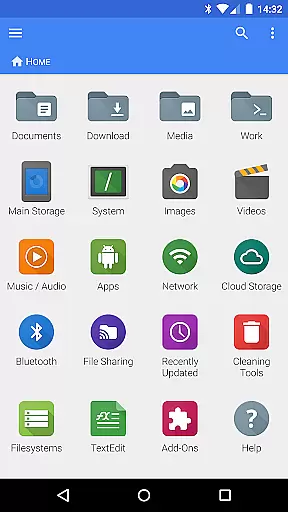
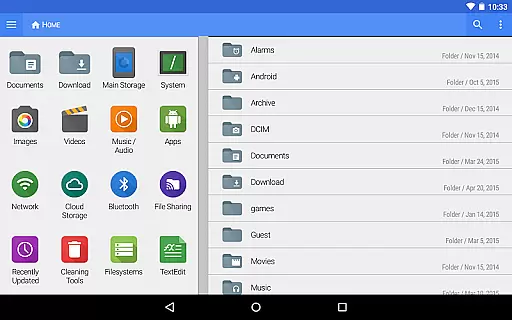
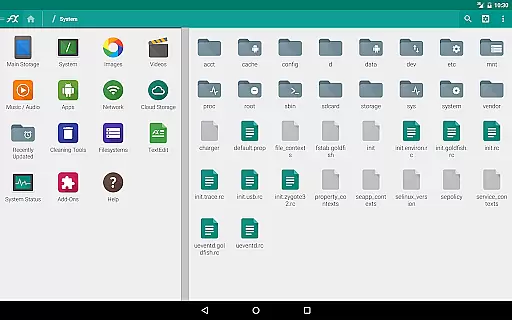
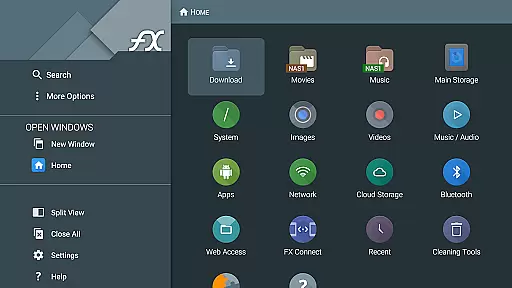
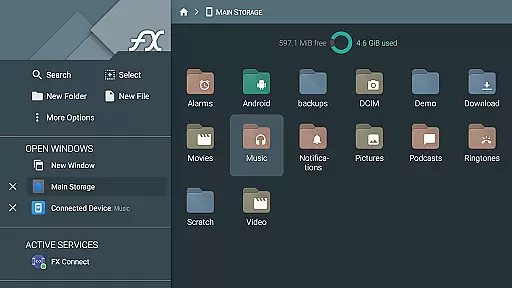
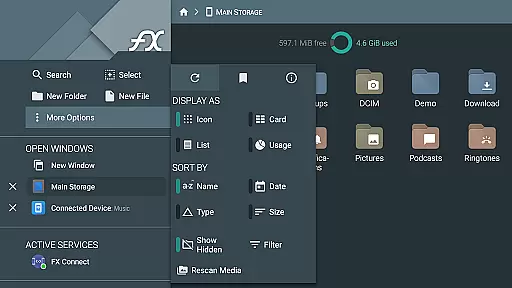
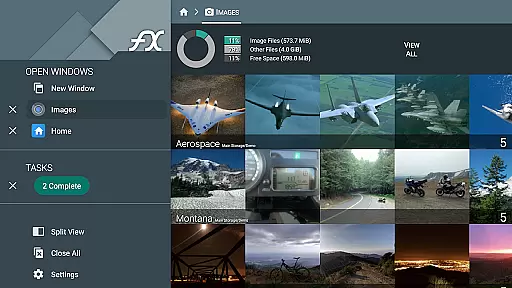
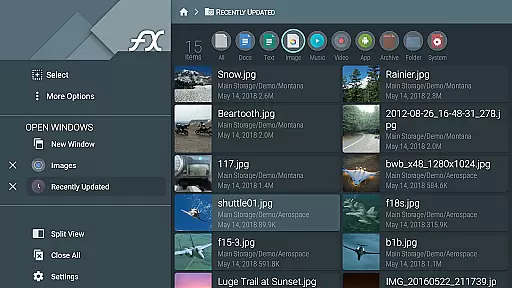
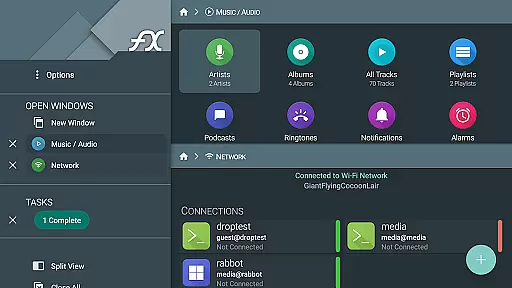


FX File Explorer is a comprehensive file management application designed for business users who require advanced capabilities in media, networking, and cloud storage. The app serves as an add-on to the core FX File Explorer, enhancing its functionality with AES-encrypted zip file handling, network file transfers, and cloud service integrations.
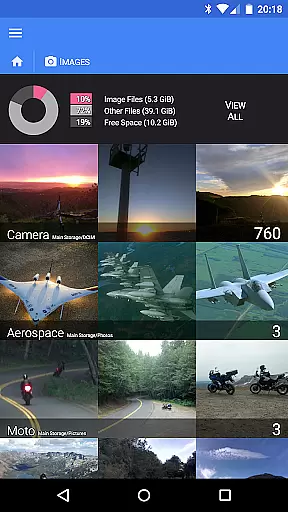
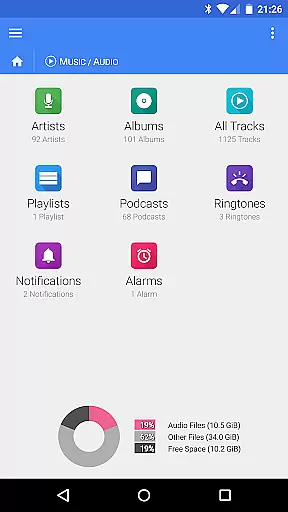
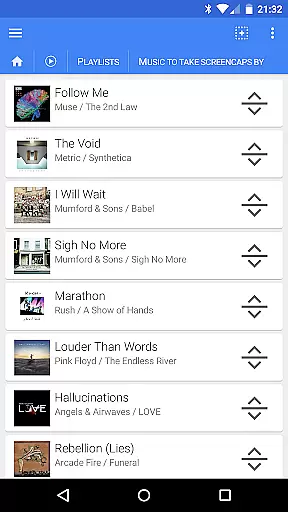
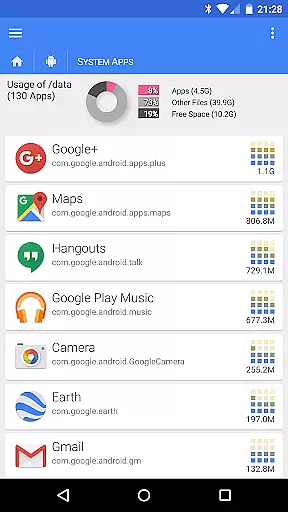
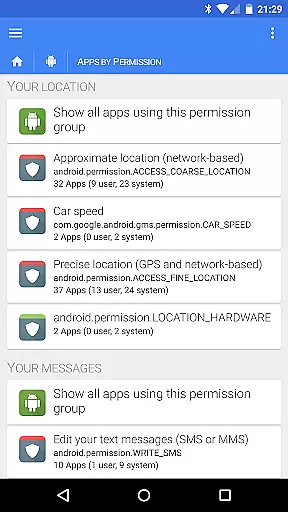
This business tool enables secure file operations such as creating and extracting encrypted zip files without decrypting the contents first. It also supports browsing and managing installed applications, organizing multimedia collections, and rearranging playlists through drag-and-drop. For network capabilities, it offers features like FX Connect for direct phone-to-phone transfers, FX Web Access for remote management, and support for various protocols including SMB, FTP, SSH, and WebDAV.
The app's integration with cloud services like Google Drive, Dropbox, and others allows users to stream media files directly to their devices. With its encrypted keyring feature, FX File Explorer ensures that sensitive passwords remain protected even if the device is stolen. This makes it an ideal solution for businesses that prioritize data security and efficient file management across multiple platforms.
FX File Explorer stands out with its extensive range of features tailored for business environments. One notable aspect is its ability to handle AES-128 and AES-256 encrypted zip files, allowing users to browse contents and view images or media without needing to decrypt them first. This feature is particularly useful for organizations that deal with confidential information regularly.
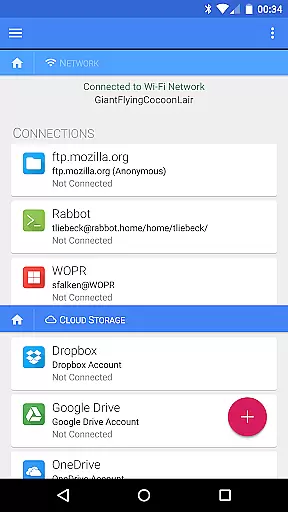
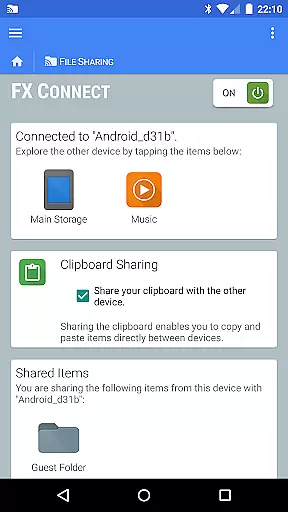
In addition to robust file management, the app provides powerful networking tools. Users can transfer files between devices using FX Connect, which supports NFC and Wi-Fi connections. The FX Web Access feature lets users manage their files remotely via a computer's web browser. Furthermore, the app supports various network protocols such as Windows networking (SMB), FTP, SSH FTP, and WebDAV, making it versatile for different business needs.
Cloud capabilities are another strong suit of FX File Explorer. It integrates seamlessly with popular cloud storage services like Google Drive, Dropbox, SugarSync, Box, and SkyDrive. Users can stream video and audio media files from these services directly to their media player applications. The app also includes an encrypted keyring to protect sensitive passwords, ensuring that business data remains secure at all times.
FX File Explorer offers robust collaborative work features that are essential for modern business environments. The application supports network and cloud capabilities, enabling seamless file sharing and collaboration across different platforms. With integrated support for services like Google Drive, Dropbox, and SMB, teams can easily access and work on shared documents in real-time.
The app's FX Connect feature allows direct file transfers between devices, making it simple to share resources without relying on third-party services. This is particularly useful in collaborative settings where speed and security are paramount. Additionally, FX Web Access enables users to manage files from their computer's web browser, providing another layer of convenience for distributed teams.
Furthermore, the encrypted keyring ensures that sensitive information remains protected, even when shared over networks. This feature is crucial for maintaining data integrity and confidentiality during collaborative projects. Overall, FX File Explorer provides a comprehensive suite of tools that enhance team productivity and streamline workflows.
Effective task management is a cornerstone of successful business operations, and FX File Explorer excels in this area by offering a variety of features designed to keep tasks organized and efficient. One standout capability is its advanced file management system, which includes AES-128 and AES-256 encrypted zip file creation and extraction. This allows users to manage large volumes of data securely, ensuring that important files are always protected.
In addition to encryption, FX File Explorer provides powerful media and application management tools. Users can browse and rearrange playlists with drag-and-drop functionality, as well as manage installed applications and media collections effortlessly. These features help maintain an organized digital workspace, reducing clutter and enhancing productivity.
Moreover, the app supports various network protocols such as FTP, SSH FTP, and WebDAV, facilitating smooth task execution across different systems and devices. By integrating these capabilities, FX File Explorer ensures that users can handle complex tasks efficiently, whether they involve local or remote resources. This makes it an invaluable tool for businesses looking to optimize their task management processes.
Advanced encryption
Wide protocol support
Seamless cloud integration
Efficient file management
Remote access options
Separate license required
No standalone functionality
Limited free version
Complex setup process
High learning curve

Quickly open and manage PDF files on your device.
 3.80
3.80
Measure distances, surfaces and draw plans in seconds with CamToPlan!
4.40
Create curriculum vitae, a professional cover letter creator and resume designer
4.80
Get instant construction estimates: accurate home repair & material calculator.
4.70
Finance, Investing, Stocks, Trading and Stock news
4.60
Find work, shifts and gigs near you. Jobs lasting a few hours to a few months.
4.30
Paychex Flex - Save Time and Stay Connected
4.60
Deliver and earn money
4.30
Collaborate seamlessly with Google Chat, part of Google Workspace
4.50 4.70
4.70
Recover what matters — quickly and easily.
4.70
USPS Mobile®Access USPS.com’s most popular tools on-the-go.
4.70
Ship, Track, Find a Location or Get a Quote with UPS. Anytime. Anywhere.
4.60
ADP Mobile Solutions is an employee self service app
4.50
The revolutionary flexible staffing platform
4.40
Smarter career moves start here. AI job alerts, insights & the right tools.
4.20
Windows App allows you to connect to remote PCs and virtual apps.
3.70
Completed Course Lectures on how to use IBM Maximo in Maintenance issues
4.4
Convert Your Lovable.dev Website into a Mobile App Instantly!
4.2


User Reviews