
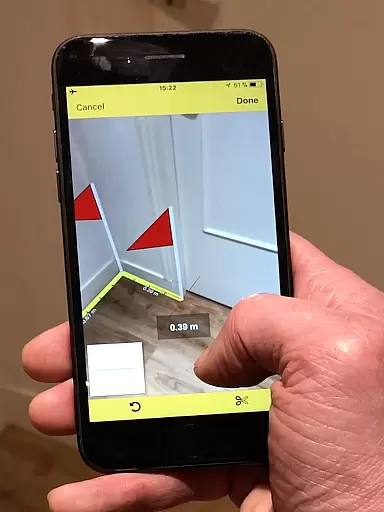
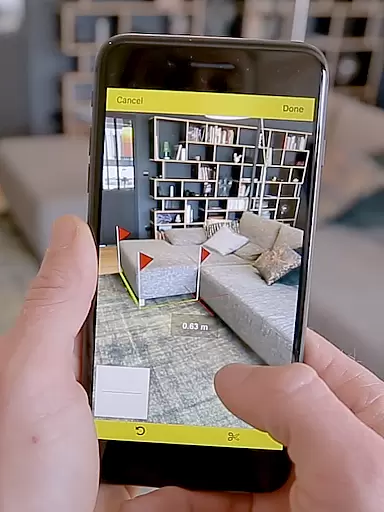
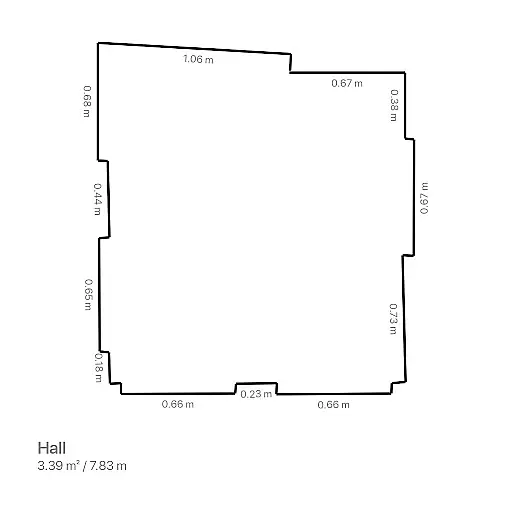
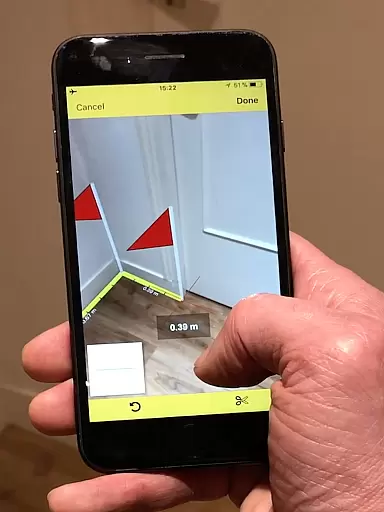
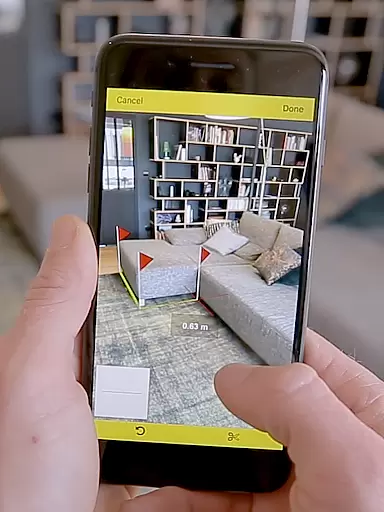
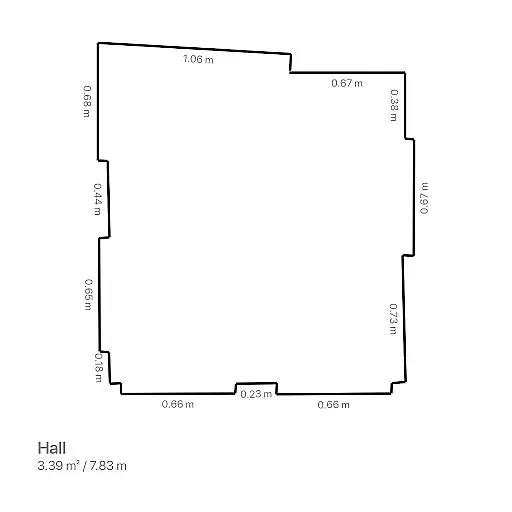
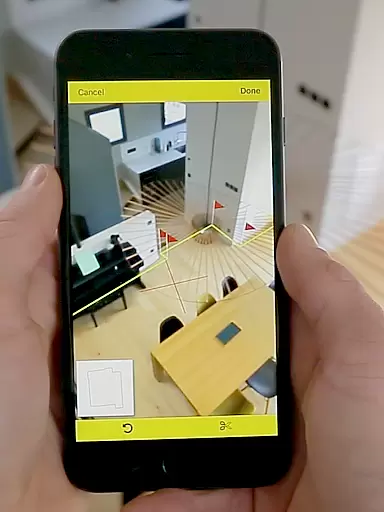
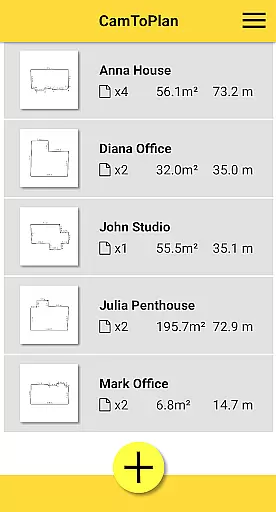
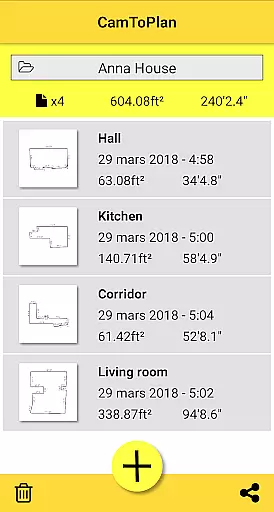
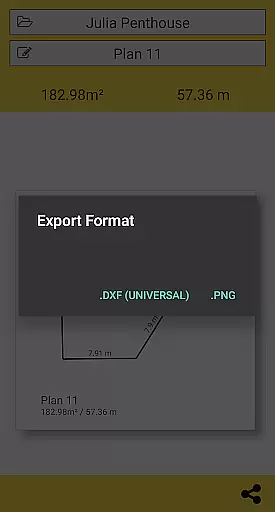
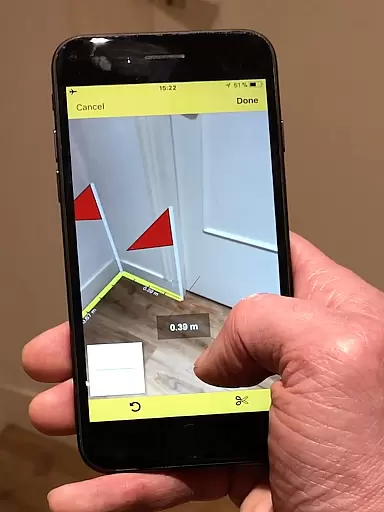
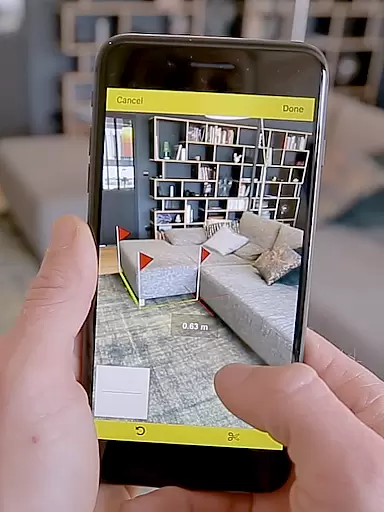
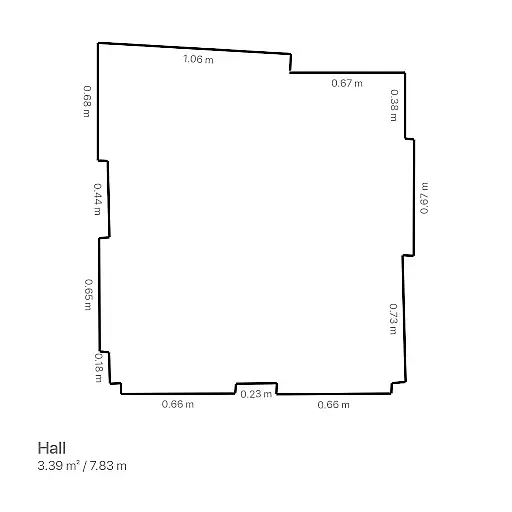
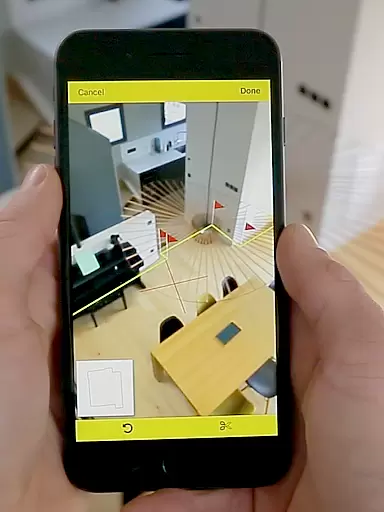
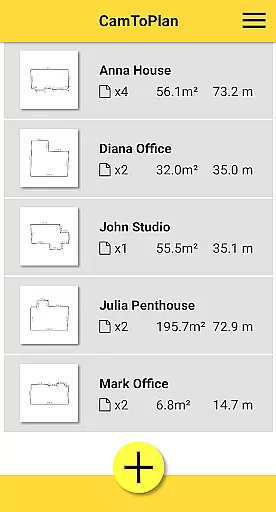
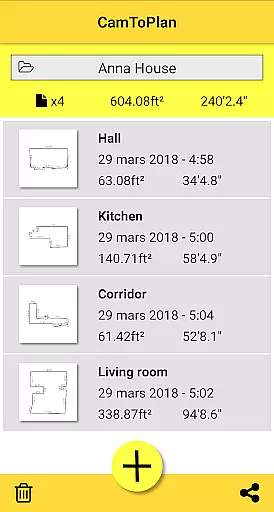
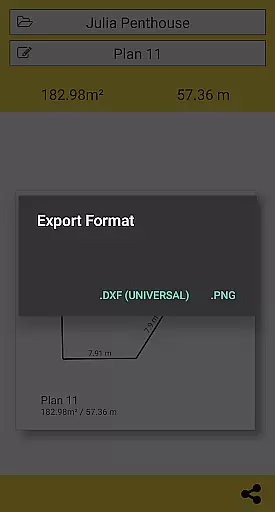
CamToPlan is a revolutionary business application that utilizes augmented reality to measure distances and surfaces, as well as draw plans effortlessly. With its 3D tape measure feature displayed on your screen, users can easily measure baseboards, walls, furniture dimensions, and more without the need to kneel or manually use traditional measuring tools. The app instantly calculates areas in square meters or feet and generates room plans with all measured dimensions, which can be exported in PNG or DXF formats.
This innovative tool is essential for professionals such as architects and decorators, as well as for DIY enthusiasts. CamToPlan works both horizontally and vertically, automatically determining intersection points even behind furniture. It supports Metric or Imperial units and allows safe movement during measurements for maximum precision. While accuracy depends on conditions like lighting and floor texture, this app provides an unparalleled user experience in measurement technology.
CamToPlan offers a rich set of features designed to enhance productivity and accuracy in measuring tasks. One standout feature is its ability to calculate areas and draw room plans instantly, providing all measured dimensions and allowing one-click sharing via email, message, or social media. The app's support for both Metric and Imperial units ensures global usability, while its functionality in measuring both horizontally and vertically adds versatility.
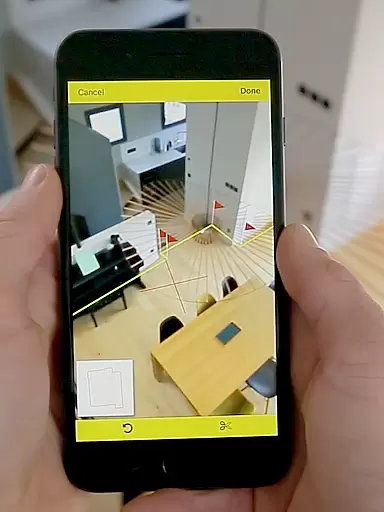
The augmented reality interface holds a virtual tape measure on the screen, making it appear as if it's real and in 3D. This intuitive design simplifies complex measurements, eliminating the need to clear rooms of furniture since the app identifies intersection points automatically. Users can safely move around during measurements to achieve optimal precision, even when target points are hidden. These advanced capabilities make CamToPlan an indispensable tool for professionals seeking efficiency and accuracy.
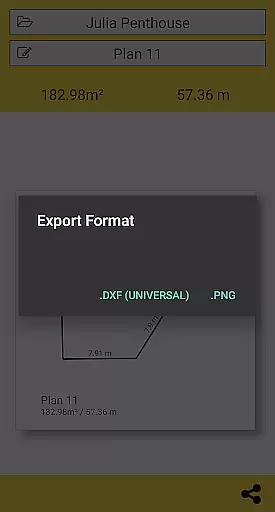
CamToPlan revolutionizes collaborative work in the field of architecture and interior design by enabling effortless sharing of measurements and plans. The app allows users to export data in PNG or DXF formats, which are widely used in professional settings.
With just one click, users can share their detailed plans via email, messages, or social media platforms. This seamless sharing capability ensures that all team members have access to the most up-to-date information, regardless of their location.
The ability to measure distances both horizontally and vertically adds another layer of detail to collaborative projects. Team members can rely on CamToPlan's augmented reality features to visualize spaces accurately without needing to be physically present.
This functionality is particularly valuable for architects, decorators, and other professionals who need to coordinate on projects remotely. By streamlining communication and providing precise measurement data, CamToPlan enhances overall team productivity and project accuracy.
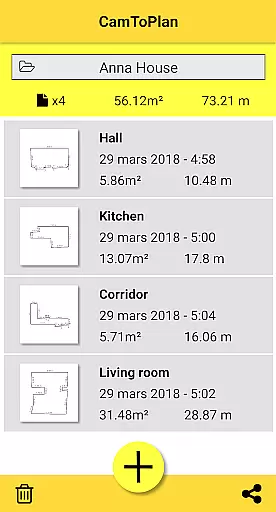
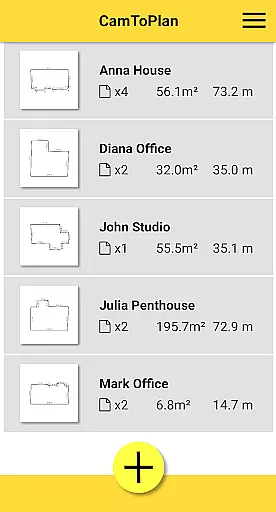
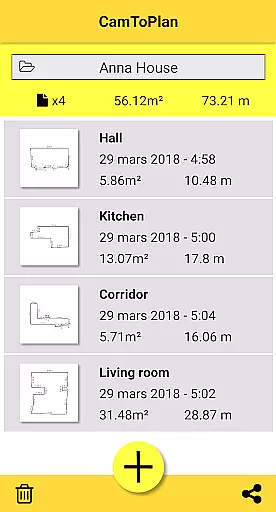
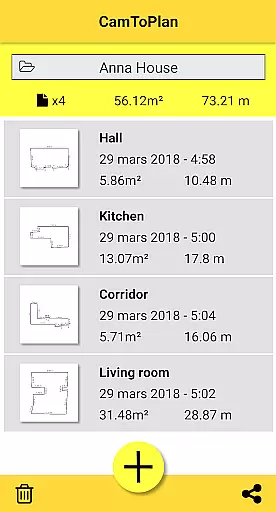
CamToPlan offers robust task management features specifically designed for professionals in architecture and interior design. The app enables users to efficiently organize their measurement tasks by allowing them to create folders and manage multiple projects simultaneously.
Users can select between Metric and Imperial units, catering to different regional standards and project requirements. This flexibility in unit selection helps maintain consistency across various tasks and projects.
The application automatically determines intersection points between floors and target points, even when furniture is present. This feature saves time during the measurement process and helps users focus on more critical aspects of their projects.
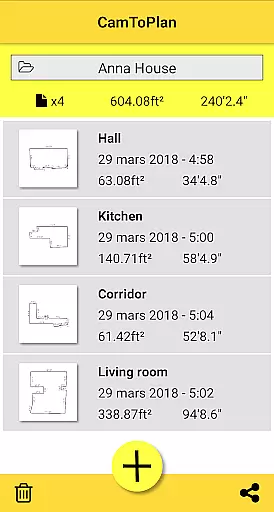
Additionally, CamToPlan's ability to calculate areas instantly and draw room plans with all measured dimensions significantly enhances task efficiency. These capabilities allow professionals to complete their projects faster while maintaining high levels of accuracy and precision.
User-friendly interface
Augmented reality features
Instant area calculations
Export options in PNG and DXF
Versatile unit support
Accuracy relies on conditions
Limited to visual details
Potential issues with floor tiles
No physical measurement backup
Requires good lighting

 4.70
4.70
Take the stress out of storage with the all-in-one app to manage your space.
3.70
Employee Management Made Easy
4.80
One marketplace. Hundreds of services. Unlimited possibilities. All on Fiverr.
4.40
Deliver and earn money
4.30
Find jobs near you and temp work in minutes, from your phone.
4.50
Find part-time earning opportunities near you that pay within days.
3.20
Access All PDF Files
3.40
Say hello to the mobile work experience built to help you thrive at work.
4.30
FaxCover - Create fax cover pages. Works with any app or fax machine.
4.90
Ask Accio anything about business. Alibaba-backed, built by experts, not just AI
4.60
Collaborate seamlessly with Google Chat, part of Google Workspace
4.50
The app that lets you deliver with Amazon.
4.50
A secure, all-in-one team collaboration app
4.30
Build a store in minutes with our full suite of AI tools. Start for free!
4.20
FX Plus adds media, networking, and cloud capabilities to FX File Explorer.
4.10
The Penny Puss app with DG penny finder
4.10
view, manage, and share every PDF file you have
3.60
Completed Course Lectures on how to use IBM Maximo in Maintenance issues
4.1


User Reviews