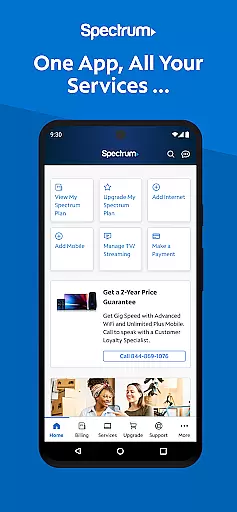

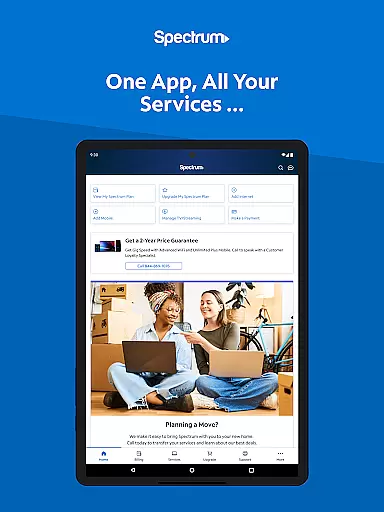
My Spectrum is a comprehensive service management app designed for residential customers of Spectrum. This all-in-one tool allows users to effortlessly manage their Spectrum accounts, including services like Mobile, Internet, TV, and Home Phone. With its intuitive interface, the app provides seamless access to billing, data usage monitoring, and customer support.
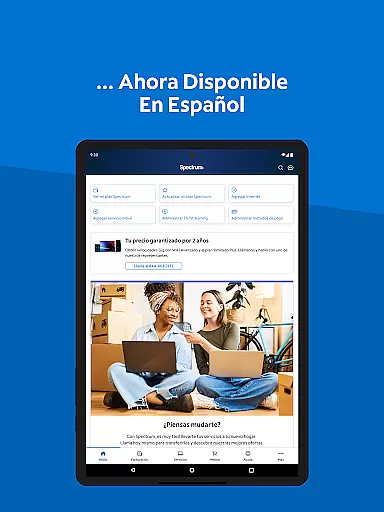
The app stands out with its robust features that cater to diverse user needs. Customers can pay bills, enroll in Auto Pay, schedule one-time payments, and even switch language preferences between English and Spanish. Additionally, My Spectrum offers advanced functionalities such as managing mobile data usage, activating new lines, and troubleshooting WiFi connections. These capabilities ensure users stay informed and in control of their services at all times.
Whether you're at home or on the go, My Spectrum App keeps you connected. From viewing your TV channel lineup to tracking technician visits, the app provides a simplified support system that enhances user experience. Its ability to integrate various services into a single platform makes it an invaluable tool for Spectrum customers looking to streamline their digital lives.
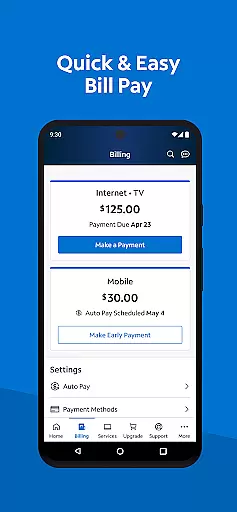
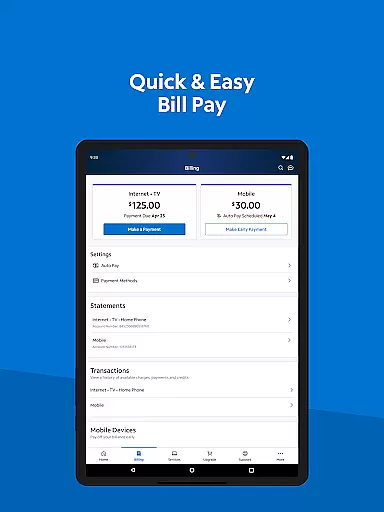
My Spectrum App boasts an array of features designed to simplify service management for Spectrum customers. One of its standout capabilities is the comprehensive billing management system. Users can pay their Spectrum bills for multiple services, enroll in Auto Pay to avoid missing due dates, and schedule one-time payments for maximum flexibility. The app also supports paperless billing and provides easy access to previous billing statements, ensuring complete transparency and control over financial transactions.
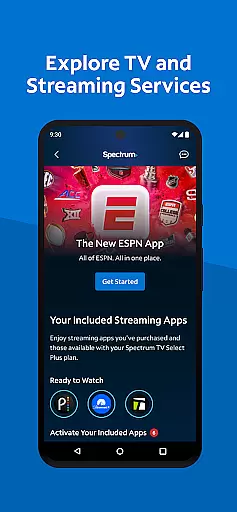
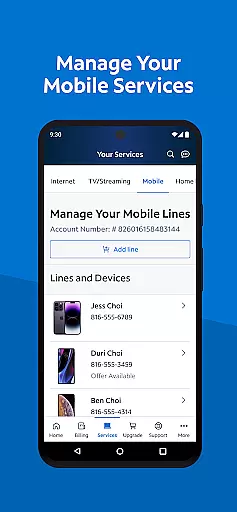
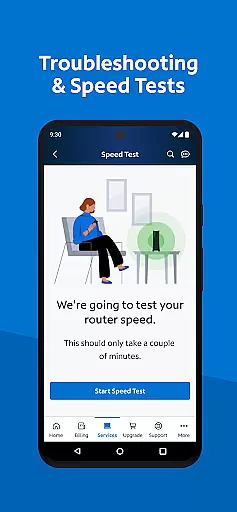
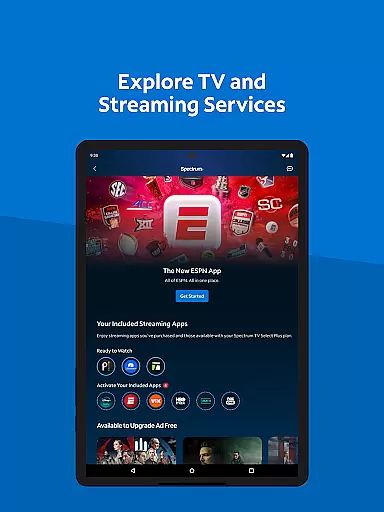
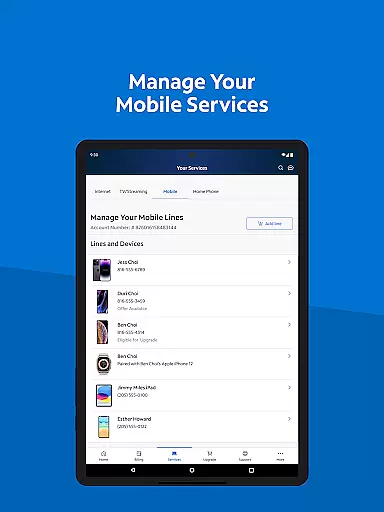
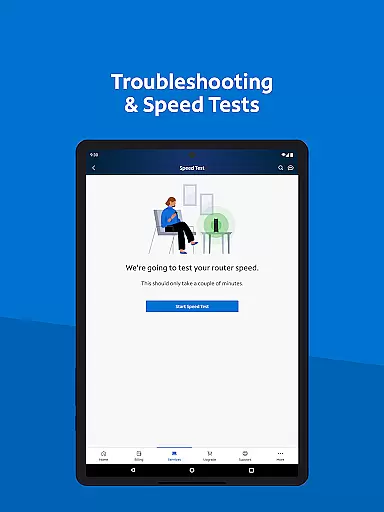
Beyond billing, the app excels in service customization and support. It allows users to check Spectrum Mobile data usage, add and activate new mobile lines, and receive important notifications directly on the home screen. The enhanced dual Speed Test feature helps troubleshoot WiFi and internet connections effectively. Moreover, users can explore TV and streaming services, manage subscriptions, and customize their channel lineups with premium add-ons, creating a personalized entertainment experience.
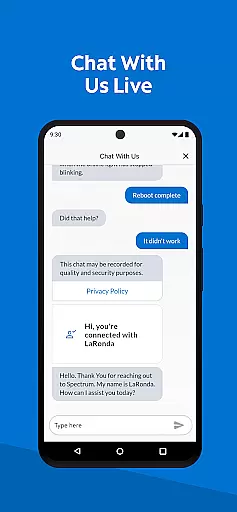
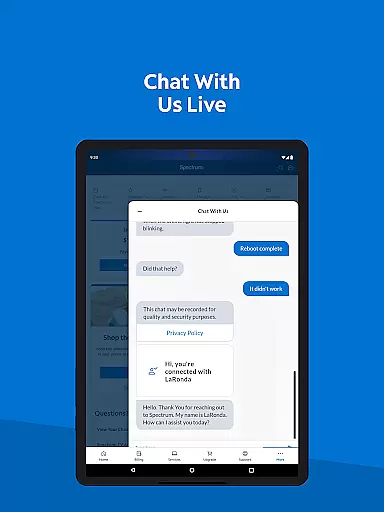
Customer support is another area where My Spectrum shines. The app offers self-installation options for modems and routers, in-app chat support with live customer service representatives, and a newly designed support section for quick answers to common queries. These features collectively ensure that users receive timely assistance and maintain uninterrupted service, making My Spectrum an essential tool for managing digital lifestyles efficiently.
When it comes to managing your Spectrum services, the My Spectrum app excels in providing accurate and effective core functionalities. The app consolidates all essential features for handling your Spectrum Mobile, Internet, TV, and Home Phone accounts into one convenient location.
With real-time bill management, users can pay their bills, enroll in Auto Pay to avoid missing due dates, schedule one-time payments, opt for paperless billing, and access past statements effortlessly. This comprehensive financial oversight ensures that users maintain control over their expenses without any hassle.
For those who require mobile service management, the app offers precise data usage tracking and plan adjustments. Adding new mobile lines is a breeze, ensuring that your account evolves with your needs. Additionally, staying informed with billing notifications, equipment updates, and outage alerts on the home screen keeps you ahead of any potential issues.
The My Spectrum app stands out by offering an interface that prioritizes simplicity and intuitiveness, making it accessible even for users who may not be tech-savvy. Its design focuses on ease of navigation, ensuring that all critical functions are just a few taps away.
Switching language preferences from English to Spanish is straightforward, catering to bilingual users and enhancing accessibility. Managing streaming subscriptions and customizing channel lineups is equally intuitive, allowing users to tailor their entertainment experience without confusion.
Support features are streamlined as well; whether it's self-installing devices, chatting with customer service, or tracking technicians, these processes are designed to be user-friendly. The newly designed support section enables quick searches for answers, further simplifying problem resolution.
User-friendly interface
Comprehensive billing tools
Multi-language support
Advanced WiFi troubleshooting
In-app customer service
Limited to Spectrum customers
Occasional connectivity issues
Some features require subscription
Notifications can be intrusive
Spanish support not universal

A convenient photo, video, and file recovery tool.
 4.00
4.00
Canon PRINT is a companion app for your Canon printer.
4.60
card-reader app
2.20
ADB support Android 4.X-Android 13(Support wireless pair mode).No root required!
4.70
A non-root local ADB shell client. READ BELOW!
3.40
Signal Strength, Mobile, Wifi, Speed Test, Bad Signals, Cellular, 5G, LTE, 4G
4.20
Undelete and recover your lost or deleted files with DiskDigger!
3.40
WiFi Signal Strength Meter help you detect WiFi Signal Strength in real time.
4.80
Play your X-Box games remotely in 1080p with any controller and zero latency
4.60
Monitor car performance in real time and troubleshoot malfunctions.
4.80
Extremely fast, secure, and protects your privacy
4.80
NFC Tools can read and write NFC tags.
4.70
Keep track of your Palia friendships, tasks, and inventory with Palia Notebook
4.60 4.50
4.50
Head tracking for PC sim games such as MSFS 2024 or Elite:Dangerous. No headset!
4.50 4.10
4.10
Unleash gamepad precision for ultimate mobile gaming dominance.
3.90
Create your own custom widget with endless possibilities
3.90
Fun lie-detection pranks for friends and parties.
3.80


User Reviews