

Palia Notebook is a comprehensive companion app designed specifically for players of the video game Palia. This ad-free tool helps users efficiently manage their daily interactions with in-game villagers, including tracking chats, gifts, schedules, and locations. The app also enables players to monitor their inventory, create tasks, track processing activities like preserves and seeds, and manage achievements offline.
One of the standout features is its ability to display real-time villager information such as their current location and preferences. Additionally, it provides valuable insights into item properties, helping players maximize profits by optimizing item processing and sales. With dedicated screens for villager management, task creation, and item tracking, this app serves as an all-in-one solution for enhancing gameplay efficiency.
This application proves particularly useful for players who want to streamline their gaming experience without constantly navigating through multiple in-game menus. By offering detailed tracking capabilities and customizable task management, Palia Notebook significantly improves organization and planning within the game environment.
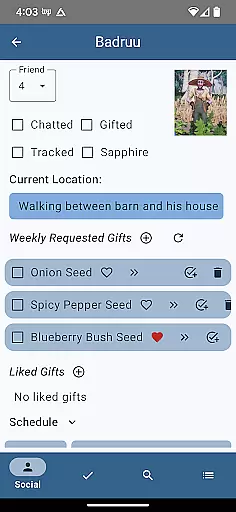
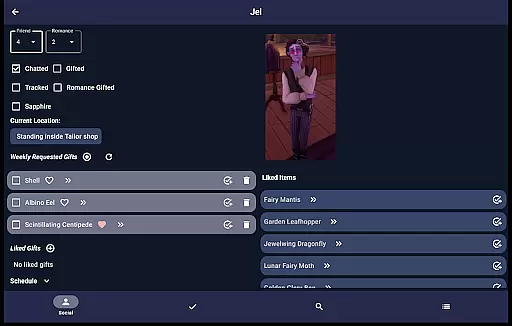
Palia Notebook offers an impressive array of features tailored to enhance the Palia gaming experience. The Villager screen allows users to track daily interactions, view schedules, discover locations, and understand villager preferences. These statuses automatically update according to game time, ensuring accurate information at all times.
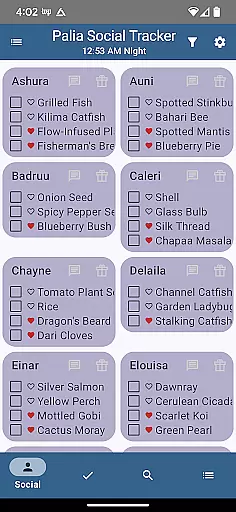
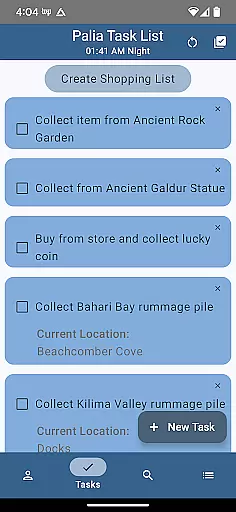
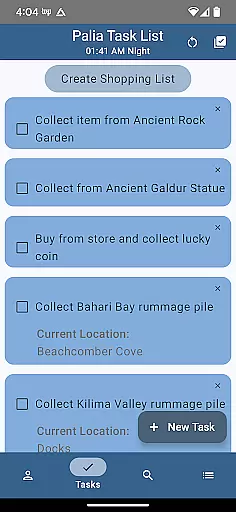
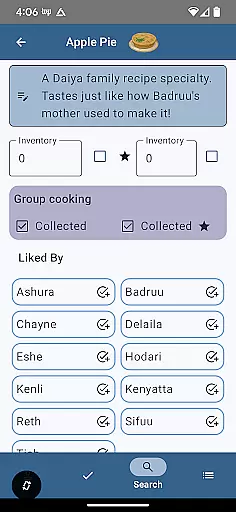
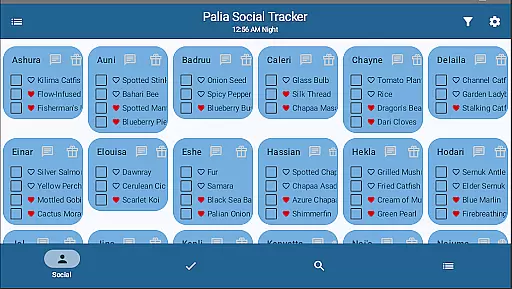
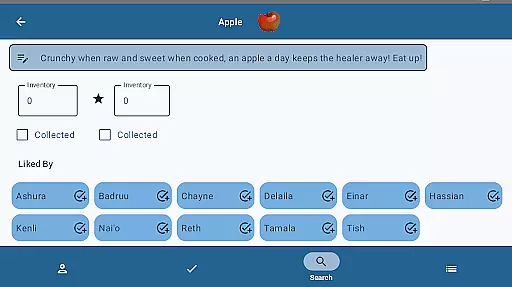
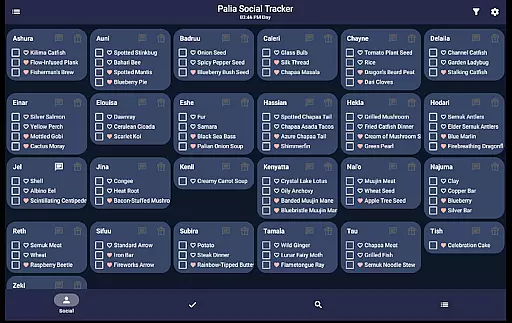
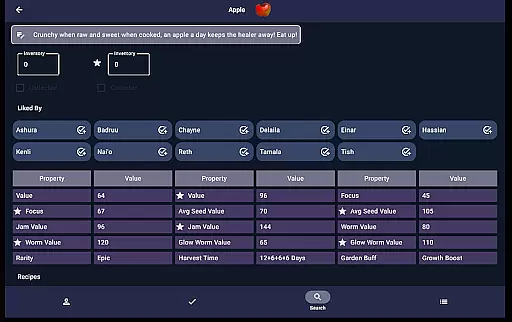
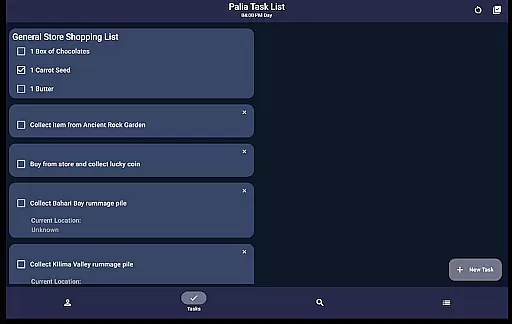
The app includes specialized screens for different functions. The Social Tracker provides a comprehensive overview of all villagers, enabling filtering and searching capabilities. The Task Edit screen facilitates sophisticated task management, allowing users to link requirements and assign gifts. Meanwhile, the Items screen displays detailed item properties, processing values, and villager preferences.
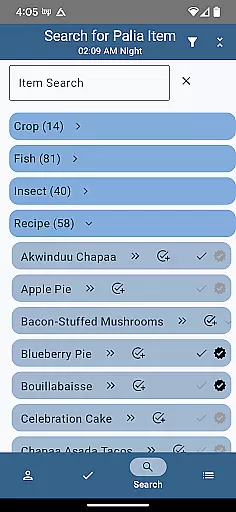
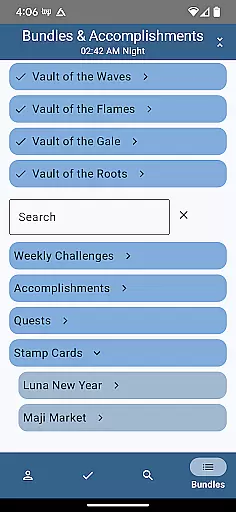
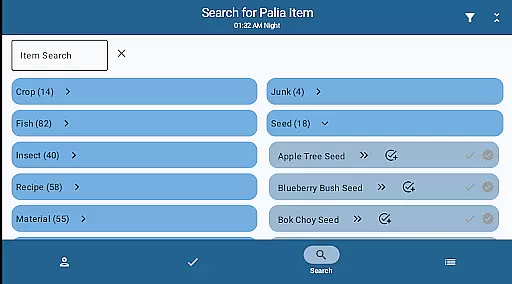
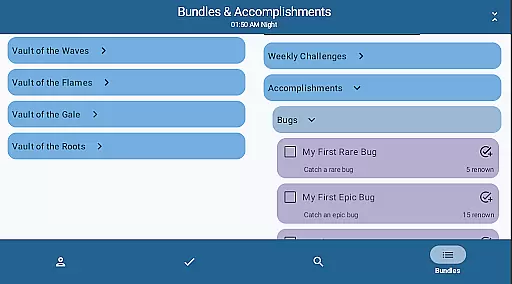
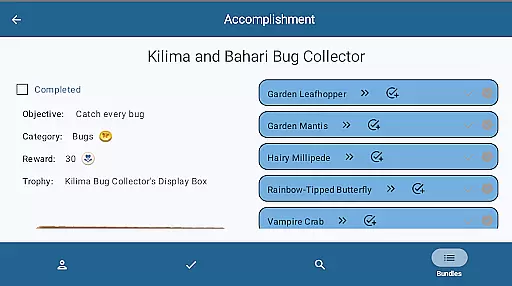
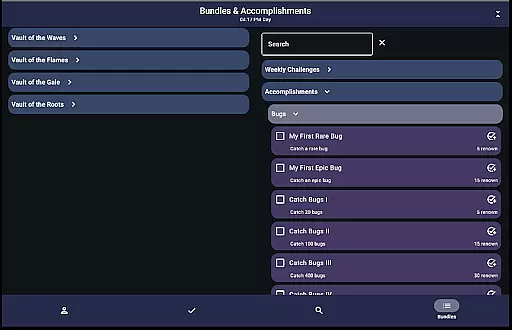
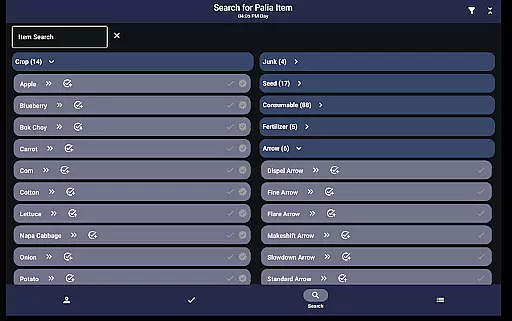
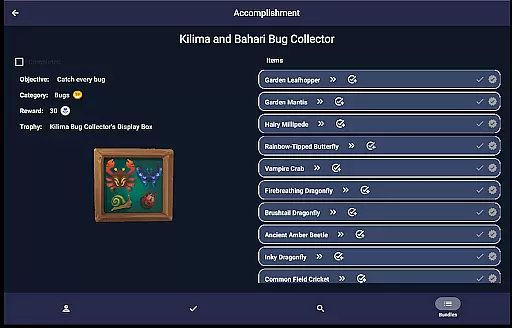
Additional features include advanced search functionality across various item categories, bundle and accomplishment tracking, and furniture filtering options. These capabilities help players optimize their resource management and collection strategies. The app's offline functionality ensures users can access crucial information without needing an active internet connection.
Palia Notebook is designed to enhance your gaming experience by providing accurate tracking of villager interactions, inventory management, and task organization. The app meticulously records daily chats, gift-giving, villager schedules, and locations, ensuring that no important interaction is missed. This precision in tracking allows players to maintain a seamless connection with the game world without the need to memorize every detail.
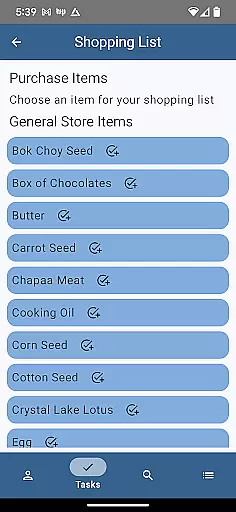
The application's effectiveness extends to its ability to manage items and tasks efficiently. By enabling players to create tasks, track item collections, and monitor processing activities like preserves, seeds, and worms, it ensures that users can optimize their gameplay strategy. The automatic updates of villager chat and gift statuses according to game time demonstrate the app's commitment to delivering timely and relevant information.
Players benefit from the app's comprehensive search functionality, which allows filtering by location, biome, and time. This feature helps users discover available resources at any given moment, making it easier to plan in-game activities. Whether you're looking for specific fish, bugs, or furniture sets, Palia Notebook provides the necessary tools to locate these items efficiently.
The user interface of Palia Notebook is crafted to offer a straightforward and intuitive experience. Upon opening the app, players are greeted with clearly organized sections such as Villager, Social Tracker, Task Edit, Items, and Search screens. Each section is designed to be easily navigable, allowing users to find the information they need without unnecessary complexity.
In the Villager screen, players can effortlessly track their interactions with villagers, view schedules, and discover likes and dislikes. The Social Tracker screen simplifies managing relationships by displaying all villagers at once, highlighting who has been interacted with, and offering filters to focus on remaining tasks. This logical arrangement reduces cognitive load and enhances usability.
Task creation and management are equally intuitive, thanks to the Task Edit screen where dependencies and requirements can be set. The Items screen presents item properties and processing values in an easy-to-understand format, aiding decision-making. Overall, Palia Notebook's design philosophy centers around minimizing learning curves while maximizing operational efficiency, ensuring that players can concentrate on enjoying the game rather than struggling with its mechanics.
User-friendly interface
Comprehensive villager tracking
Offline functionality
Advanced task management
Detailed item analysis
Limited to Palia game
No iOS version
Requires manual updates
Third-party developed
Basic UI design

 4.50
4.50
A powerful, easy-to-use flight computer on your phone or tablet!
3.80
Best leveling tool for your Android device. Hang paintings like a pro.
4.90
View detailed information about your Nissan Leaf the dealer never shows you.
4.10
Mirror your screen to Chromecast and Android TV - Super fast and simple
4.60
Button mapper, mouse toggle, sleep timer and a lot of another features
4.50
Fun lie-detection pranks for friends and parties.
3.80
Protect your device with antivirus, storage cleanup, and system monitoring
4.70
Fast VPN USA for any country. Super secure VPN for calls, streaming, games, TV.
4.40
Navigate with Ease and Style
4.90
Remote Play with FSR upscaling, low latency & full controller support
4.80
Creation, Learning, Entertainment & More — The All-in-One AI Search Engine
4.70
Connect instantly to a fast, encrypted VPN with one tap
4.60 4.50
4.50
Quickly switch to an encrypted DNS server on Android TV
4.50
With videos, electrical calculators, and built-in ebook, Ugly’s has your answer.
4.50
Clean up large files and similar photos, fast and easy to use
4.40
Complete kernel toolbox with features to manage and tweak your rooted device
4.30
pdf merge, word to pdf, jpg to pdf, edit pdf, convert to pdf and much more!
4.20


User Reviews