
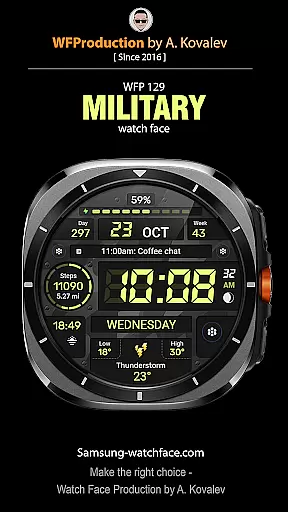
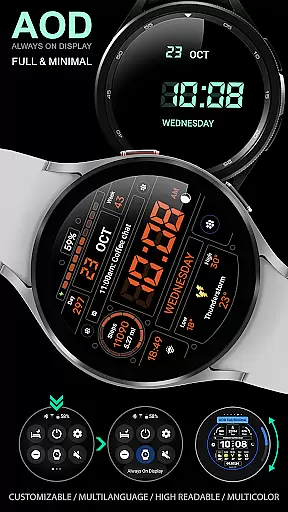
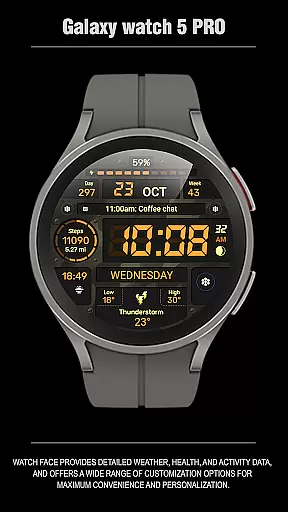
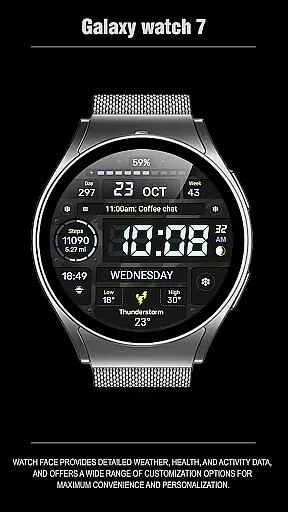
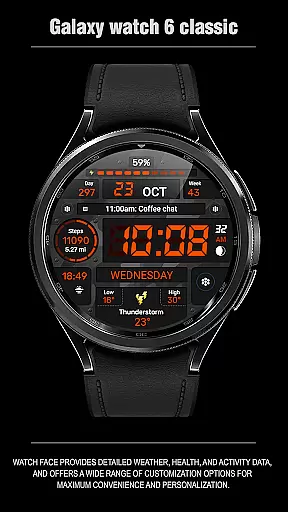
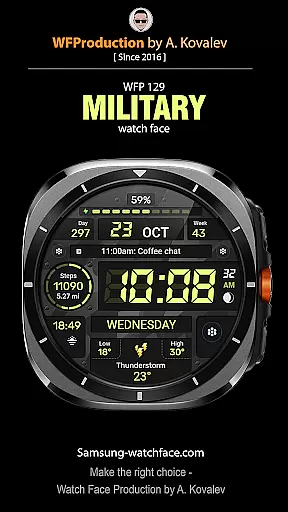
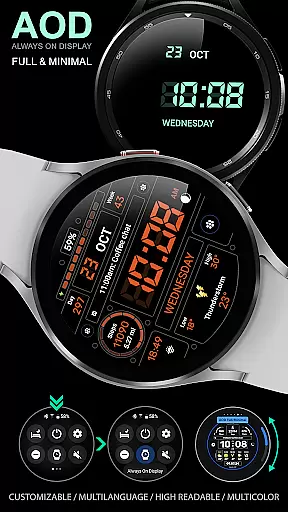
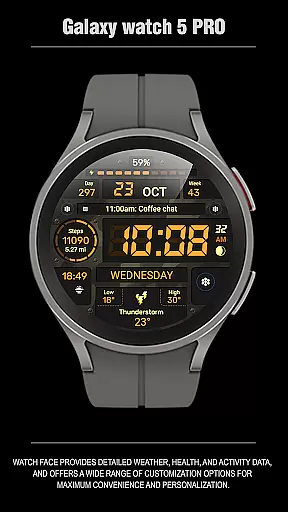
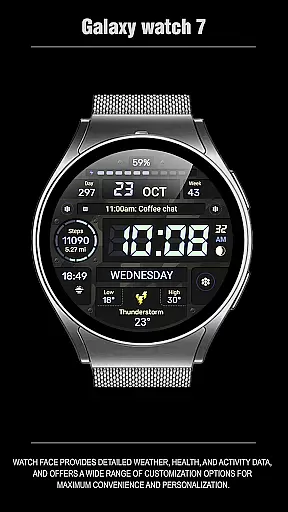
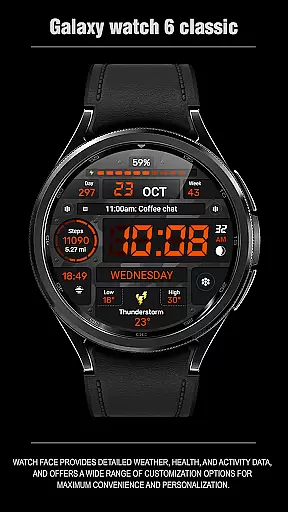
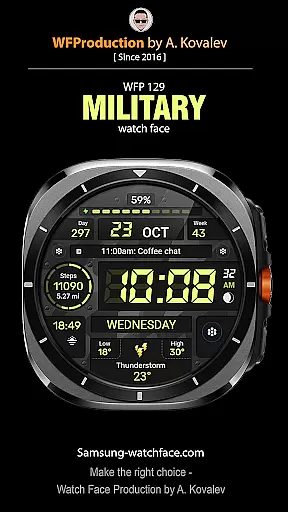
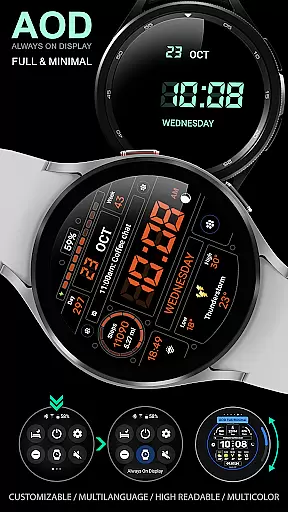
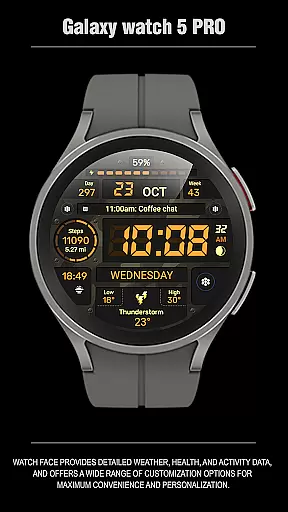
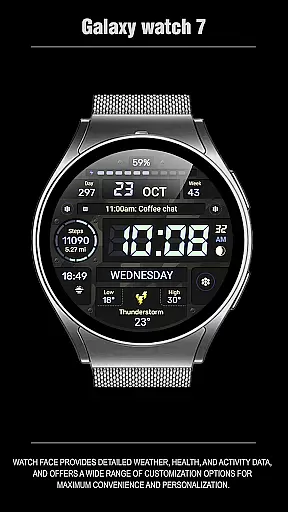
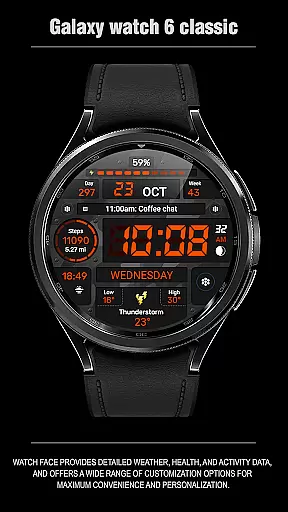
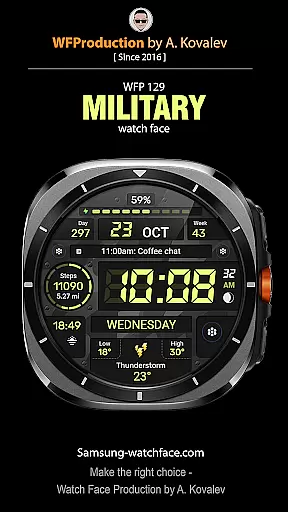
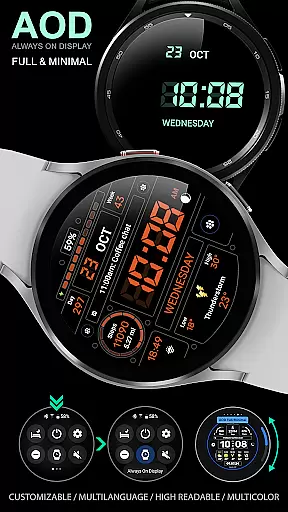
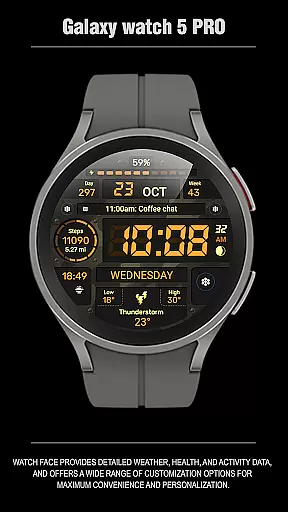
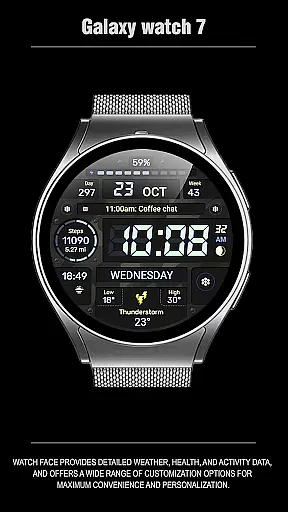
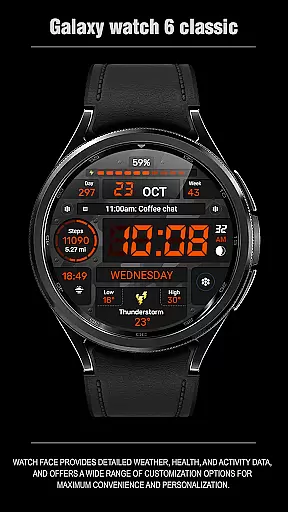
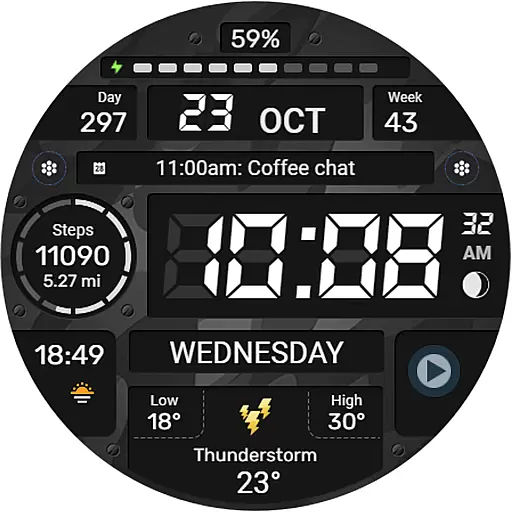
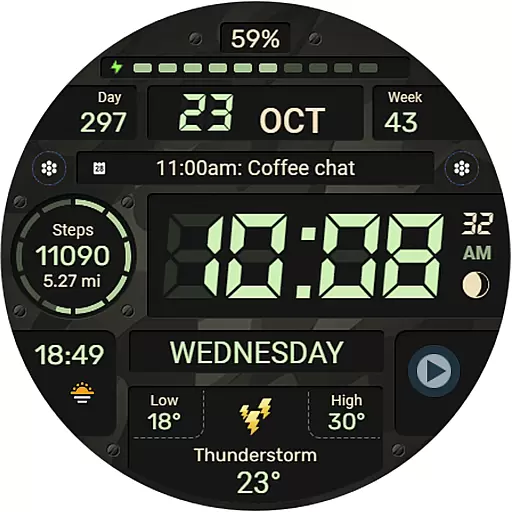
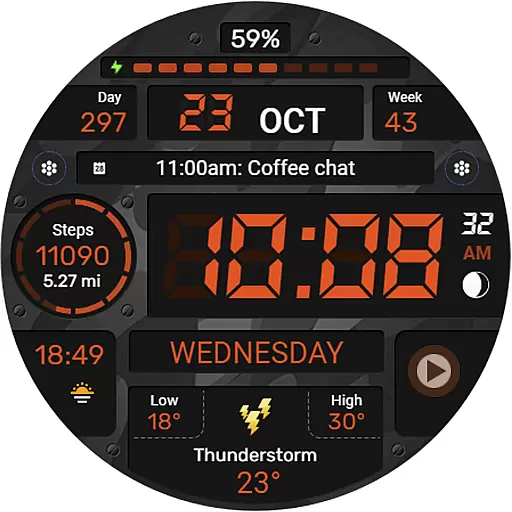
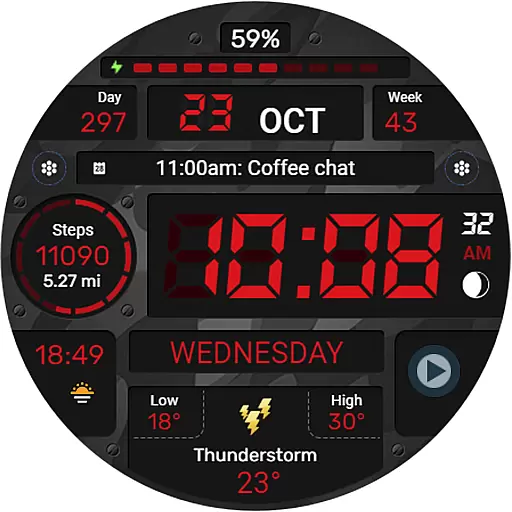
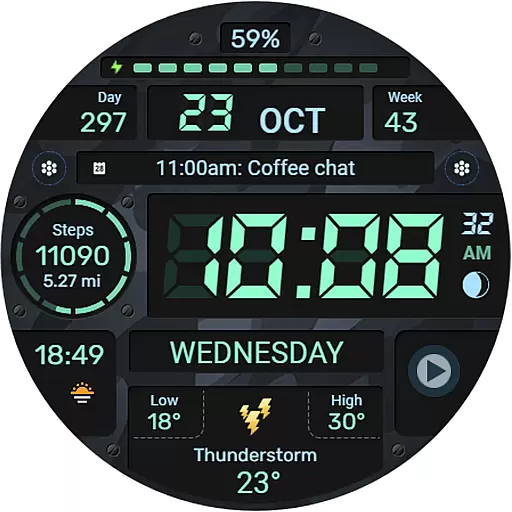
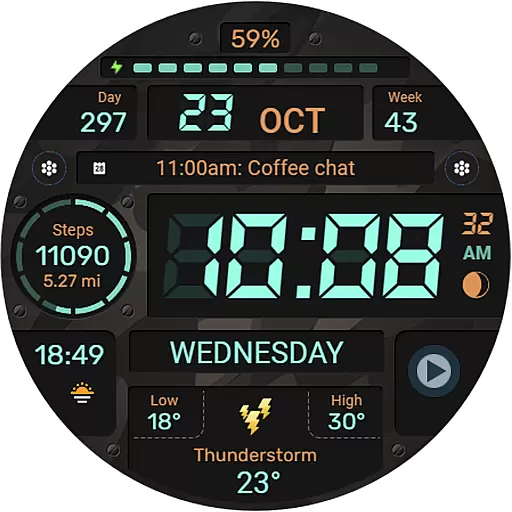
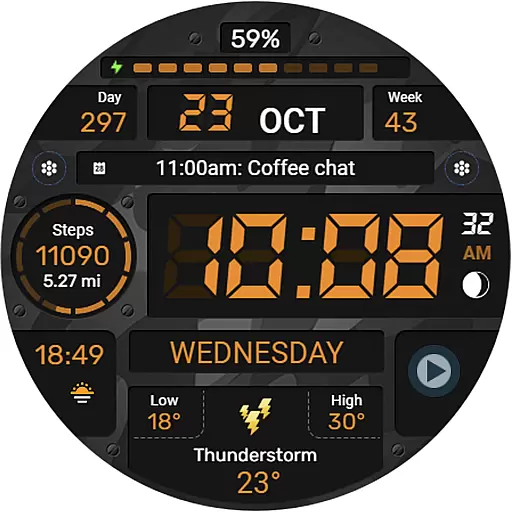
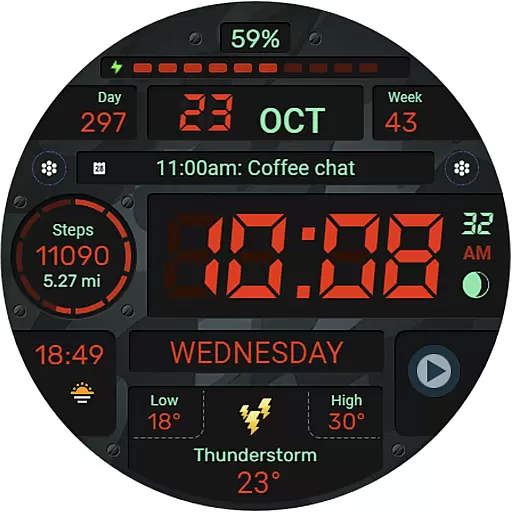
WFP 129 Military watch face is a versatile and customizable digital watch face designed for WearOS devices. It supports advanced features like API Level 30+ compatibility, ensuring optimal performance on the latest smartwatches.
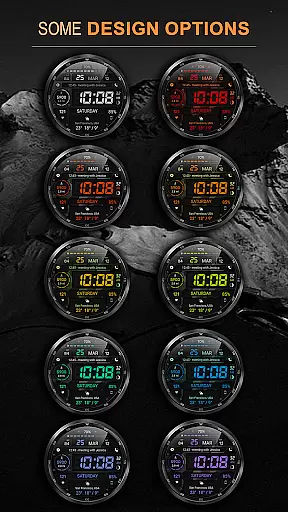
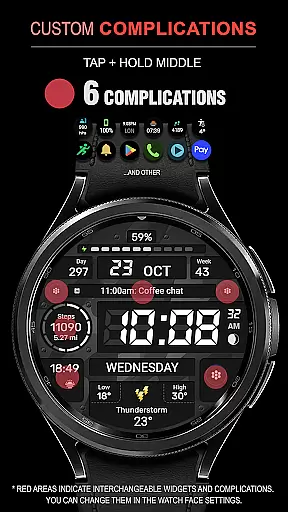
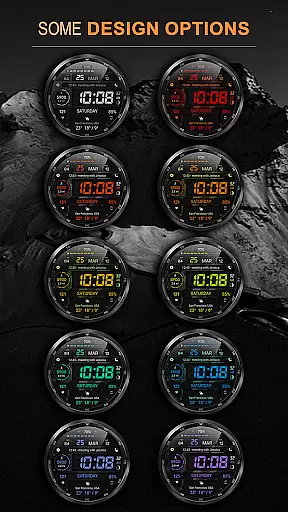
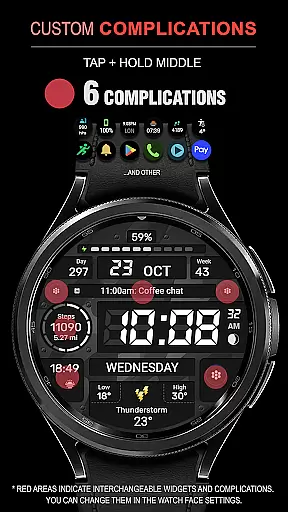
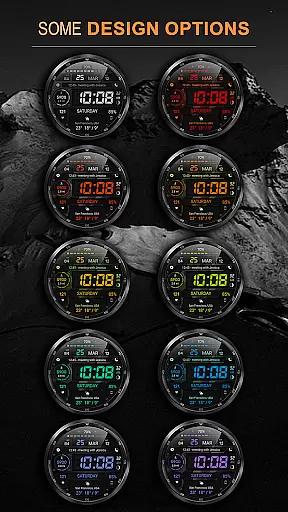
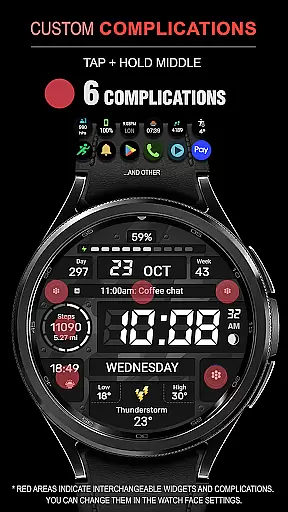
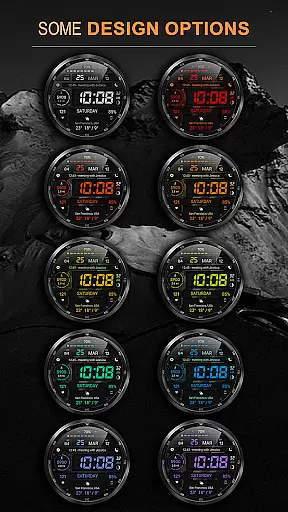
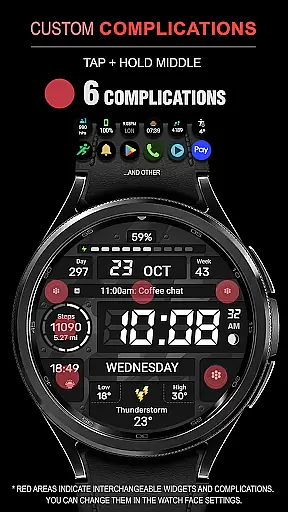
This watch face offers an array of customization options including 6 complications and widgets, 30 background color combinations, and support for both Km/Miles distance measurements. With high resolution graphics, multilingual support, and optimized battery consumption, it provides users with both functionality and style.
Perfect for fitness enthusiasts and tech-savvy users alike, this watch face allows you to track essential metrics such as calories, floors climbed, and weather updates in Fahrenheit or Celsius. Its AOD (Always-On Display) mode can be fully customized, making it suitable for various usage scenarios while maintaining low power usage.
The WFP 129 Military watch face stands out with its extensive feature set tailored for WearOS 4 devices. One of its key highlights is the inclusion of 6 complications and widgets that allow users to display important information at a glance, such as heart rate, steps, and notifications.
With 30 unique background color combinations, users can personalize their watch face to match their style. The high-resolution display ensures crisp visuals, while the optimization techniques employed result in minimal battery drain. Additionally, the watch face supports both 12/24 hour time formats and offers the option to disable leading zeros for a cleaner look.
Advanced functionalities include weather updates in either Fahrenheit or Celsius, phone charge widgets, and a highly customizable AOD mode with full and minimal settings. These features collectively enhance user experience by providing both aesthetic appeal and practical utility, setting it apart from other watch faces in its category.
For smartwatch applications like WFP 129 Military watch face, seamless companion app integration is crucial for an enhanced user experience. This functionality allows users to easily synchronize settings and preferences between their wearable and mobile devices.
The watch face supports a comprehensive range of features that can be managed through its companion apps. Users can customize complications, adjust background color combinations, and toggle between different units of measurement via their smartphones. The synchronization ensures that personalization on one device is reflected accurately on the other.
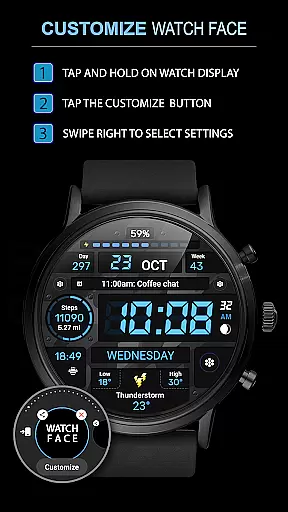
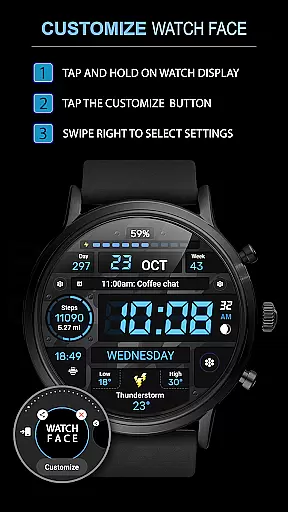
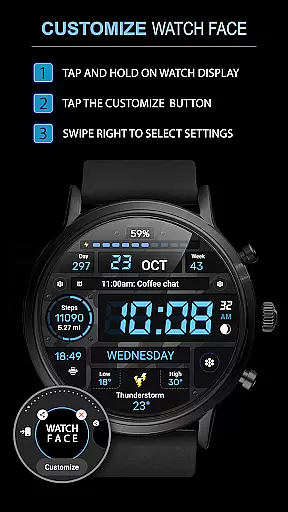
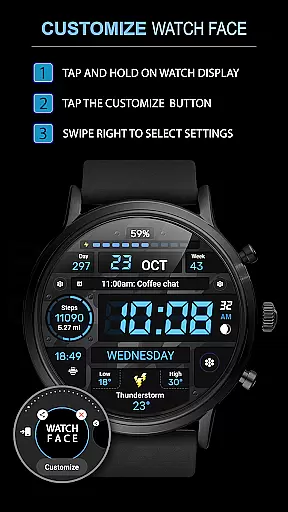
By following provided instructions, users can effortlessly install and configure the watch face. This streamlined process facilitates the use of phone charge widgets and health statistics such as calories and floors climbed, enhancing overall utility.
This level of integration not only simplifies management but also enriches the user's interaction with their wearable technology by providing a unified ecosystem across devices.
Ensuring broad compatibility with Wear OS and various devices is essential for any smartwatch application. The WFP 129 Military watch face is designed to support devices running Wear OS 4, API Level 30+, guaranteeing optimal performance on compatible hardware.
This compatibility extends to a multitude of functionalities including high-resolution display, multilingual support, and multiple time formats. Such versatility ensures that users worldwide can enjoy a personalized experience tailored to their preferences without worrying about technical limitations.
Furthermore, the application boasts high optimization and low battery consumption, making it suitable for everyday use without compromising device performance or user convenience.
With clear installation instructions and promotional offerings available online, users are well-supported in setting up this versatile watch face across their digital ecosystem, ensuring they maximize the potential of their wearable technology investments.
Highly customizable
Optimized battery use
Multiple color options
Supports latest WearOS
Multilingual interface
Requires API Level 30+
Widgets need setup
Premium feel costs
Limited free features
Complex for beginners

Highly customizable hybrid watch face for Wear OS, perfect for everyday use.
 4.60
4.60
Snowflake Rose Gold Watch Face - Digital, modern, & sleek with GYRO effect.
4.10
Embrace the festive spirit with our Christmas Countdown watchface for Wear OS
4.10
Deck out your Wear OS Watch face with a beautifully decorated pine wreath!
4.50
Elegant animated Christmas tree with multiple customization options
4.20
Period, ovulation & pregnancy tracker. Fertility insights & menstrual calendar.
4.90
Minimalistic design modern digital watch face.
4.3
Daily Weather forecast with 15 weather images for Day & Night plus Big Bold time
4.10
Download full tracks, listen to music offline, make unlimited playlists.
4.80
Christmas Theme Watch Face for Wear Os
5.00
Christmas - Festive - Christmas Village - Winter - Christmas lights
5.00
Gym & home workout plans with strength training, exercise tracking, HIIT & more.
4.60
Current temperature, weather hourly, weather radar by the weather forecast app
4.40
Animated video-game inspired “secret agent” simulation, right on your wrist!
4.20
sleep, alarm, snoring, stress, healing, focus, sound therapy, circadian rhythm
4.10
The #1 source of faces for your smartwatch!
4.00
A digital watch face that celebrates Christmas.
4.00
Authentic military-tactical design with ZULU time! Realistic and functional!
3.80
A Wintery Snow Globe on Your Wrist; now celebrating Christmas!
4.0


User Reviews