
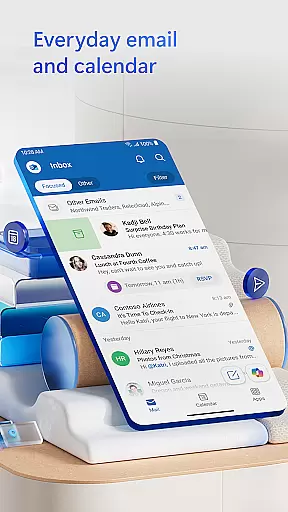
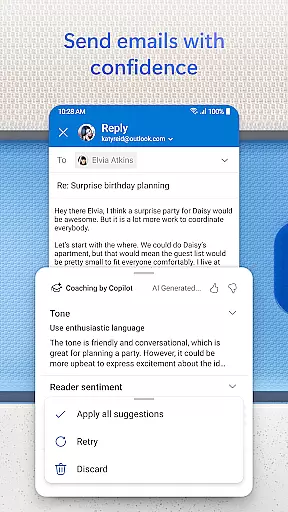
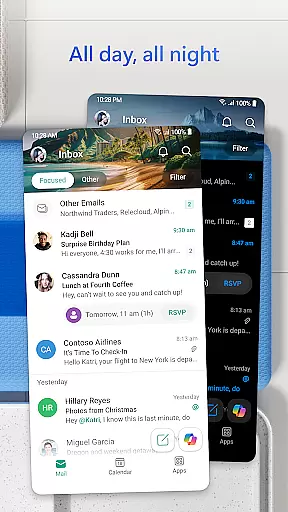

Microsoft Outlook is a comprehensive email and calendar app designed to streamline your busy life. It consolidates your emails, files, and calendar into one secure platform, ensuring you stay productive. Whether managing work, school, or personal accounts, Outlook helps organize your inbox with intelligent filtering into Focused and Other categories, highlighting your most critical messages.
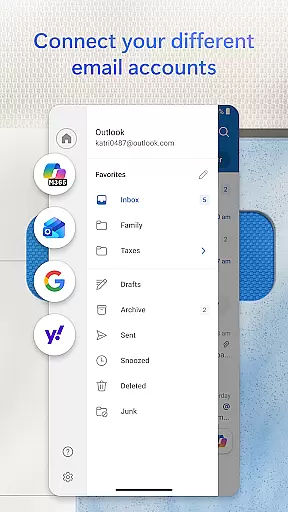
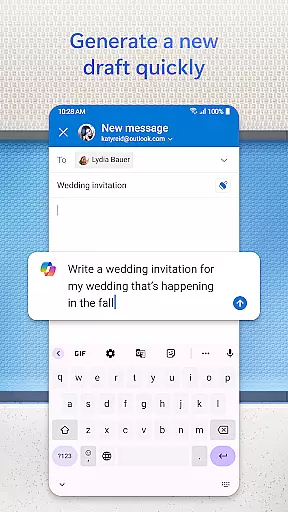
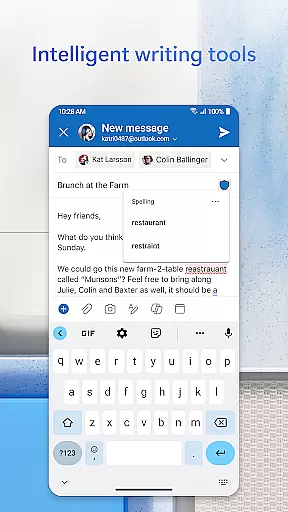
This app supports multiple account integrations including Microsoft Exchange, Gmail, Yahoo Mail, and iCloud, offering flexibility for users on the go. With built-in editing tools, you can craft professional emails effortlessly, while accessing and sharing documents from cloud storage like OneDrive. The app also enhances productivity with features such as swipe gestures for quick actions, flagging important emails, and voice-activated search functionalities.
Outlook ensures enterprise-grade security, protecting against phishing and spam. It facilitates seamless connectivity with video calling services like Teams and Zoom, making it indispensable for managing both your communications and schedule efficiently.
Microsoft Outlook stands out with its robust feature set tailored for efficiency and organization. The app provides an all-in-one solution by integrating email, contacts, and files, allowing users to manage various email providers like Gmail and Yahoo Mail directly within Outlook. This consolidation simplifies access to recent attachments and cloud storage services such as OneDrive, enhancing workflow continuity.
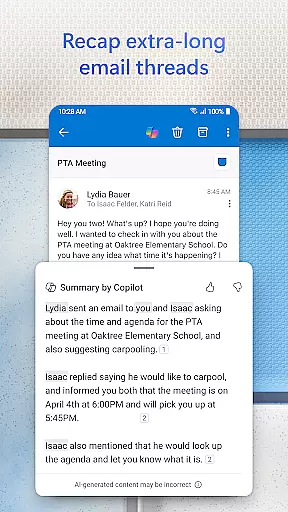
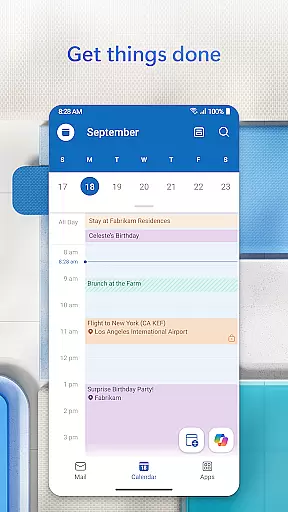
Calendar management is another highlight, enabling users to view multiple calendars simultaneously for better scheduling. Integration with video conferencing tools like Teams and Zoom allows effortless creation and joining of online meetings. Additionally, Outlook's intelligent email organization groups similar subjects and conversations, aiding in tracking and response management.
Productivity is further boosted through advanced search capabilities using voice commands and suggested replies for swift communication. Features like Play My Emails offer hands-free catch-up options, while automatic calendar updates with travel information keep users informed. Security remains paramount, with enterprise-grade protection against viruses, phishing, and spam, alongside encryption options for sensitive data transmission.
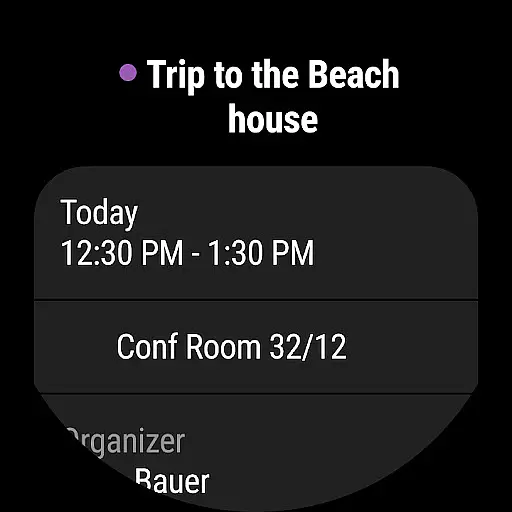
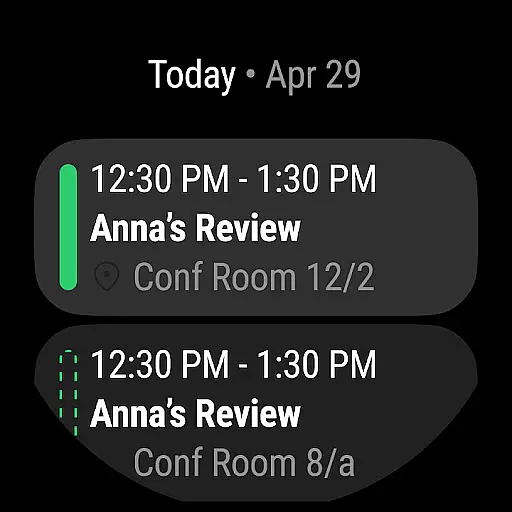
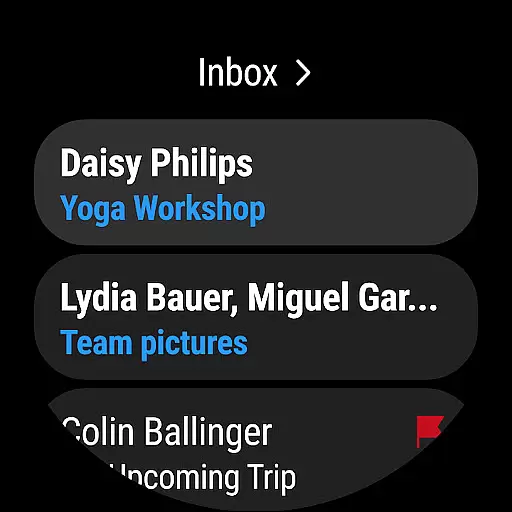
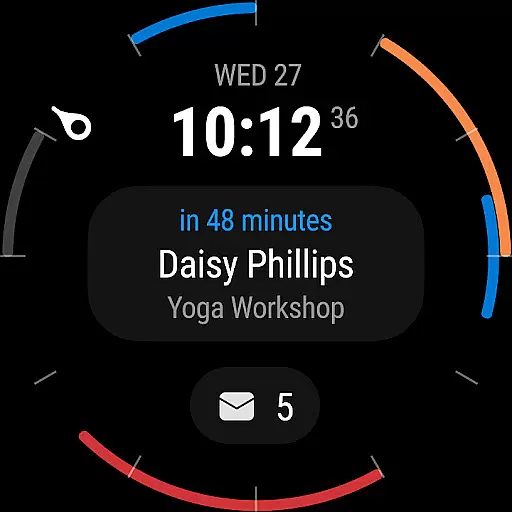
Companion app integration is a crucial feature for wearable devices, ensuring seamless synchronization between the main application and its wearable counterpart. Microsoft Outlook excels in this area by providing users with an efficient way to stay updated on their emails and calendar events directly from their Wear OS devices.
The Outlook companion app offers a dedicated interface optimized for smaller screens, allowing users to view essential information at a glance. With features like notification syncing and quick actions, users can manage their inbox without needing to take out their phone. This level of integration ensures that busy professionals can stay informed and responsive even when they are on the move.
What sets Outlook apart is the attention to detail in maintaining consistency across devices. Any action taken on the wearable app, such as flagging an email or accepting a meeting request, is instantly reflected on the main application. This real-time synchronization provides a unified experience that enhances productivity and convenience.
By offering complication and tile support for Wear OS, Outlook ensures that users can customize their smartwatch faces to display the most relevant information. Whether it's upcoming meetings or unread email counts, these widgets provide instant access to critical data, making the companion app an indispensable tool for managing professional communications.
Device compatibility is a fundamental aspect of any mobile application, especially for those extending their functionality to wearable platforms. Microsoft Outlook demonstrates exceptional compatibility with Wear OS devices, ensuring that users can access their essential email and calendar information regardless of their chosen hardware.
The application supports a wide range of Wear OS smartwatches, from various manufacturers and with different specifications. This broad compatibility means that users aren't limited in their device choices and can select a smartwatch that best suits their style and needs while still benefiting from Outlook's comprehensive features. The app automatically adjusts its interface to fit different screen sizes and resolutions, providing an optimal viewing experience.
Outlook's engineering team has worked diligently to ensure smooth performance across all supported devices. The application maintains consistent speed and responsiveness, regardless of whether it's running on a high-end or more budget-friendly smartwatch. This commitment to performance guarantees that users won't experience frustrating delays or crashes when accessing their information on the go.
Furthermore, regular updates and maintenance ensure that Outlook remains compatible with new Wear OS devices and software versions. This dedication to ongoing support means that users can upgrade their smartwatches or install system updates without worrying about losing access to their crucial email and calendar functionalities. Such reliability makes Outlook a trusted choice for professionals who depend on constant connectivity.
User-friendly interface
Multi-account support
Advanced security features
Integrated calendar and contacts
Efficient email management
Limited offline functionality
Occasional sync issues
Heavy on battery usage
Subscription needed for full features
Complex setup for beginners

Christmas watch face. For Wear OS devices.
 4.30
4.30
Christmas - Festive - Christmas Village - Winter - Christmas lights
5.00
A heartwarming Christmas scene featuring a cute image of Santa and Rudolf
4.0
Artistic Digital Watchface
4.3
Beautiful, colorful and practical watch face. For Wear OS devices.
5.00
The most customizable minimal watch face. For Wear OS 5.0, API 34+ and later
4.70
Real-time results, stats, schedules and player profiles for all leagues
4.60
Premium hybrid watch face with many customizations for Wear OS devices.
4.40
Start and succeed with PAP
4.10
Kia Access makes getting your vehicle information easier than ever
4.60
Gym & home workout plans with strength training, exercise tracking, HIIT & more.
4.60
Bold weather Digital watchface with forecast & optional animated background
4.40
Elegant animated Christmas tree with multiple customization options
4.20
Watch face for Wear OS.
4.20
Animated video-game inspired “secret agent” simulation, right on your wrist!
4.20
Snowflake Rose Gold Watch Face - Digital, modern, & sleek with GYRO effect.
4.10
sleep, alarm, snoring, stress, healing, focus, sound therapy, circadian rhythm
4.10
Daily Weather forecast with 15 weather images for Day & Night plus Big Bold time
4.10
The #1 source of faces for your smartwatch!
4.00


User Reviews