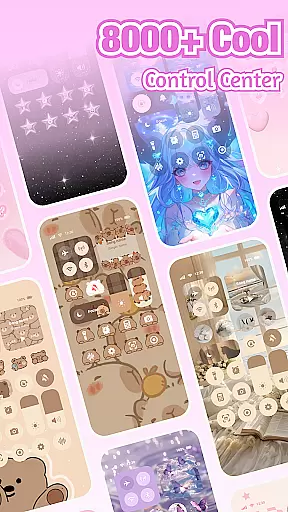
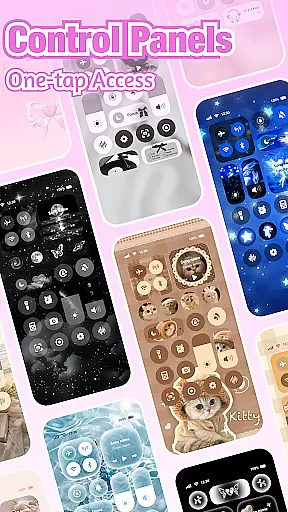
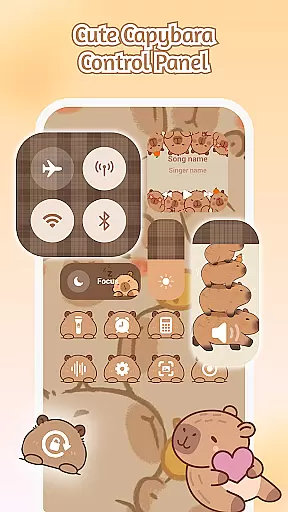
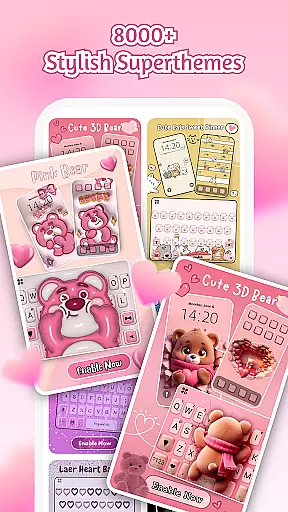
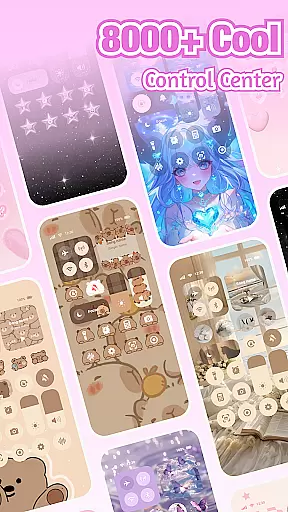
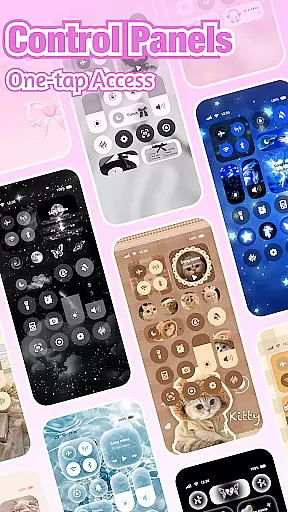
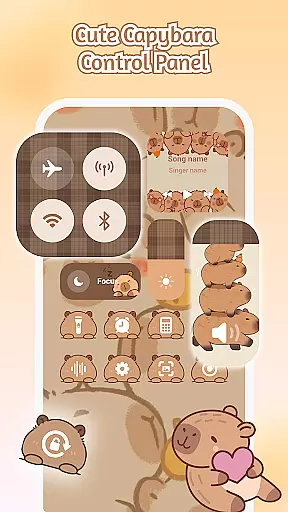
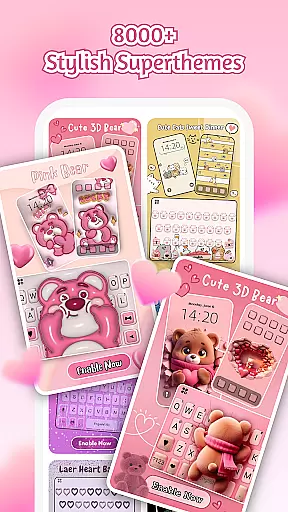
iControl is a professional theme app for Android that allows users to personalize their phones with aesthetic control packs and keyboard themes. The app offers a variety of stylish designs, including brightness and volume controls, dark mode switches, Wi-Fi and Bluetooth connectivity options, Do Not Disturb settings, screen rotation locks, airplane mode activation, and flashlight functionality.
In addition to its control center features, iControl provides custom keyboard options, enabling users to choose photos or pictures as keyboard backgrounds and customize colors, sounds, effects, fonts, and layouts. With support for over 150 languages and advanced typing features like clipboard management, swipe-to-type, contextual prediction, and cloud-based next-word prediction, the app caters to diverse user needs while ensuring privacy and security.
iControl stands out with its comprehensive suite of personalization tools. The Control Center offers smart tools in a stylish design, allowing users to adjust brightness and volume through sliders, toggle dark mode to reduce eye strain, manage Wi-Fi and Bluetooth connections, activate Do Not Disturb mode, lock screen rotation, enable airplane mode, and access the flashlight feature.
The app's Custom Keyboard & Photo Keyboard lets users create exclusive keyboards with personalized backgrounds, colors, sounds, effects, fonts, and layouts. It also supports fast and smart typing with features such as clipboard management for quick copy-paste actions, swipe-to-type for faster input, contextual prediction to correct errors automatically, and cloud prediction to enhance next-word suggestions.
With Multi-Language Typing support for over 150 languages and SuperTheme for unified aesthetics across devices, iControl ensures a seamless user experience. Its Zero-Skill DIY approach empowers everyone to become a designer by reshaping keys, tweaking transparency, adding touch effects/sounds, using AI-generated art, and activating creations instantly.
Customization is at the heart of iControl, offering users a wide array of options to personalize their Android devices.
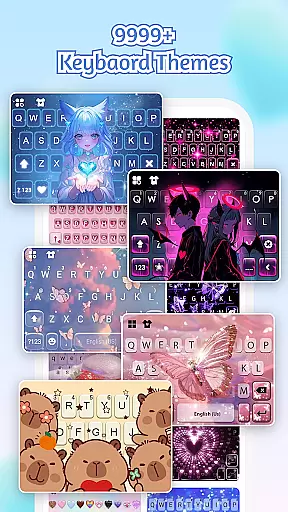
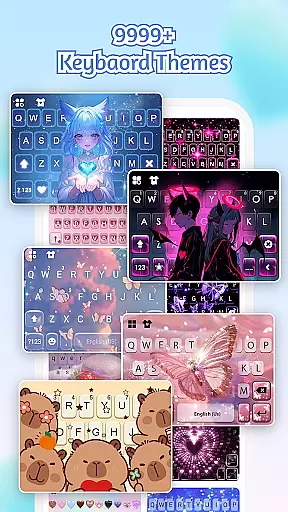
This app provides an extensive selection of aesthetic control packs and keyboard themes, allowing users to transform their home screens into a canvas for creativity. Whether you prefer simple, trendy, or unique styles, iControl caters to all tastes.
Beyond visual aesthetics, the app includes practical widgets such as brightness and volume controls, a dark mode switch, Wi-Fi and Bluetooth toggles, and more. These widgets are not only functional but also stylishly designed to match your chosen theme.
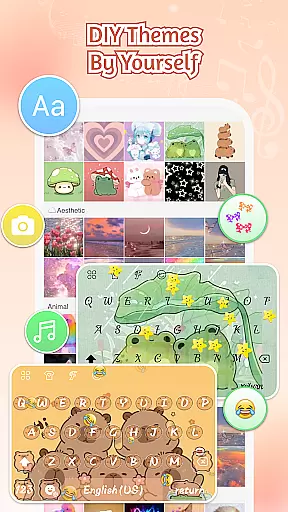
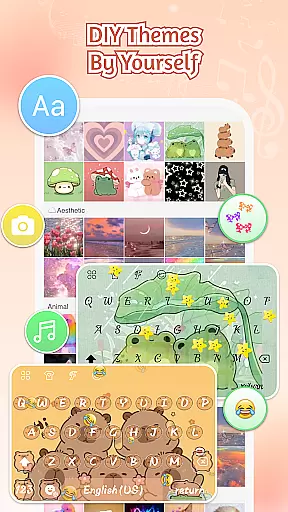
With features like Zero-Skill DIY, users can easily reshape keys, tweak transparency, and add touch effects or sounds without any design expertise. This ensures that everyone can become a designer and enjoy a personalized smartphone experience.
iControl excels in theme compatibility, ensuring that all elements of your device's interface work harmoniously together.
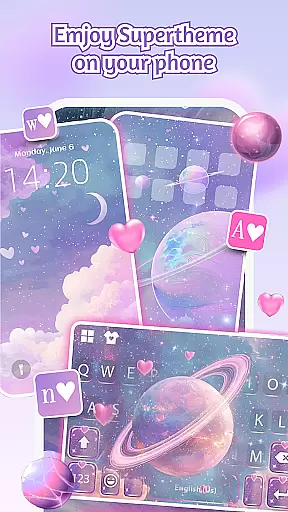
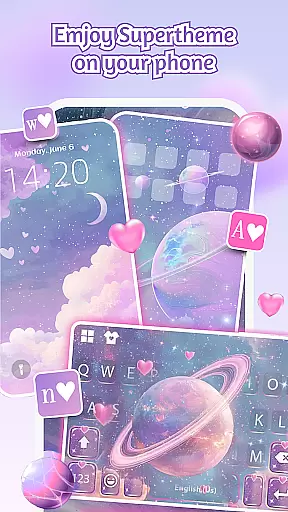
The SuperTheme feature offers unified aesthetics across your device, with over 500 designer templates updated daily. These templates include galaxy keyboards that mirror starry themes and sakura keys that blend seamlessly into forest-themed backgrounds.
For those seeking a truly unique experience, iControl allows you to import personal photos to craft exclusive keyboard themes. Customize colors, backgrounds, sounds, effects, fonts, and layout to your exact preferences.
By focusing on both visual consistency and user choice, iControl guarantees that every theme you apply will maintain its integrity and appeal, providing a cohesive look and feel throughout your device.
Highly customizable
Wide language support
Advanced typing features
Stylish control center
Privacy-focused design
Requires accessibility permissions
Some features may drain battery
Premium themes cost extra
Occasional bugs reported
Learning curve for new users

Beautiful realistic hybrid watch face with numerous customization options.
 4.50
4.50
A retro cartoon style watch face and a punch right in the face of the copyright
4.60
Customizable flower power digital watch face for Wear OS watches.
4.00
Gun Chase - Let the chase begin.
4.80
Customizable screen pets that play, climb, and keep you company.
4.50
Embrace the Night. Unleash the power of darkness with Raven Dark Icon Pack
4.60
400+ Beautifully crafted widgets inspired by NOTHING.
4.70
Customize phone with anime themes, 3D icons, aesthetic widgets & wallpapers
4.80
Transform your phone with stylish zipper lock themes and 4D live wallpaper
4.10
Enjoy a variety of amazing live wallpapers and colorful EDGE lighting borders!
4.80
Winter's Journey: digital watch face for Galaxy Watch & Wear OS
4.80
350+ widgets with a premium glass-style finish, perfect for home & lock screens.
4.70
Ultimate Gallery Lock App - Hide Pictures, Videos and Lock Apps Instantly!
4.60
AI-powered Copilot. Personalized keyboard with gifs, stickers & themes
4.40
Your home screen, just the way you like it.
4.30
Organize and manage your photos and videos effortlessly with Photo Gallery
4.20
Magic fluids wallpaper 4D: Relax with stunning fluid simulation wallpaper app
4.20
Ultimate widget creator. Design custom widgets for a truly unique home screen!
3.90
Adorable pets roam and play right on your phone screen!
3.30


User Reviews