
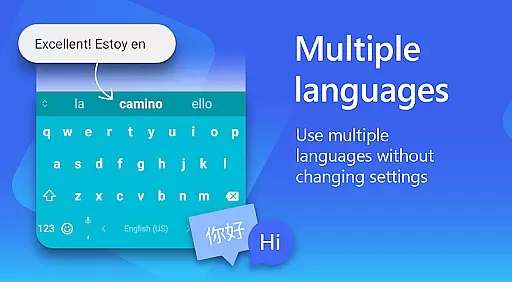
Microsoft SwiftKey AI Keyboard is an advanced personalization tool designed to enhance typing efficiency and style. This intelligent keyboard learns your unique writing patterns, offering personalized autocorrect and predictive text features. With support for over 700 languages and the ability to enable up to five languages simultaneously, it caters to a global user base.
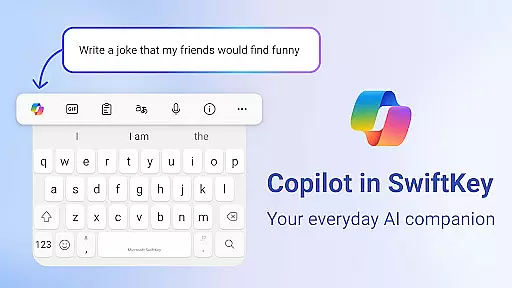
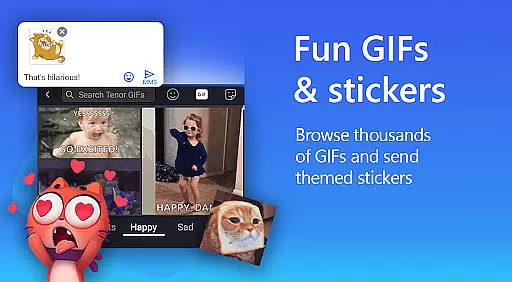
The app goes beyond basic typing by integrating Copilot, an everyday AI companion that allows you to ask questions within your favorite apps. It also provides rich content options like adaptive emojis, GIFs, and stickers, while enabling users to customize their typing experience with various themes and layouts. Whether you prefer swipe-to-type or tap-to-type, Microsoft SwiftKey ensures a tailored and efficient typing experience.
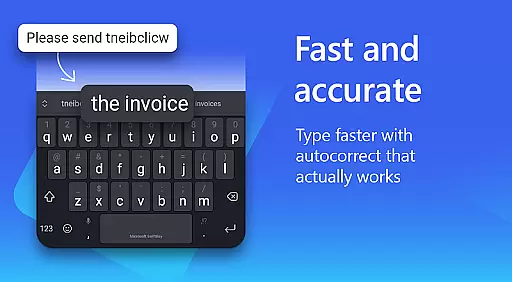
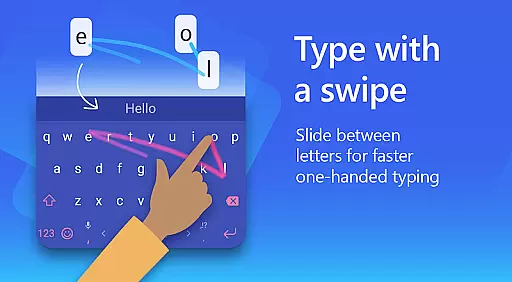
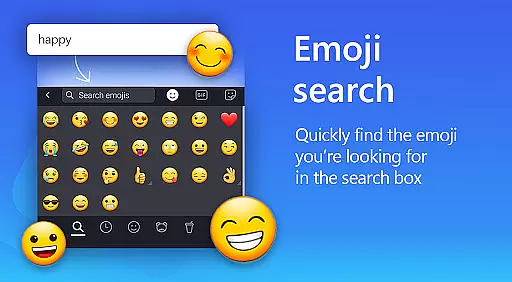
Microsoft SwiftKey AI Keyboard stands out with its powerful AI-driven features. The app's AI-powered predictions and autocorrect system significantly reduce typing errors, while the swipe-to-type functionality allows for faster input. Its adaptive emoji and GIF search feature predicts your preferences, helping you express yourself more effectively in conversations.
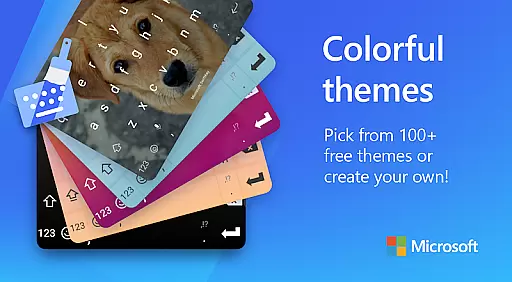
Customization is at the core of this app, offering over 100 colorful keyboard themes. Users can even create a custom theme using personal photos. Additionally, the multilingual support for more than 700 languages makes it versatile for international use. With optional permissions like voice-to-text and camera access, the app further extends its usability for diverse communication needs.
Microsoft SwiftKey AI Keyboard offers an extensive range of customization options that cater to individual preferences and styles. With over 100 colorful keyboard themes, users can select a design that best reflects their personality or mood.
Beyond the preset themes, the application allows for a personalized touch by enabling users to create their own custom keyboard theme. This feature lets users set personal photos as the keyboard's background, making every typing experience uniquely theirs.
In addition to aesthetic personalization, Microsoft SwiftKey provides functional customization. Users can adjust the keyboard size and layout to suit their typing style, whether they prefer swiping or tapping. This ensures a comfortable and efficient typing experience tailored to the user's preference.
The adaptability of Microsoft SwiftKey's customization features means that users are not just limited to static changes. The keyboard learns and evolves with the user's input style, including slang and frequently used emoji, ensuring that the more you use it, the more personalized it becomes.
Theme compatibility in Microsoft SwiftKey AI Keyboard ensures that regardless of the device or operating system version, users will enjoy a seamless visual experience. The app is designed to maintain its appearance and functionality across different Android devices, providing consistent quality and aesthetics.
With support for high-definition displays, SwiftKey's themes retain their clarity and vibrancy, delivering crisp visuals that enhance the overall user interface. This attention to detail guarantees that users won't experience any compromise in theme quality due to varying screen resolutions or sizes.
Moreover, Microsoft SwiftKey is regularly updated to ensure ongoing compatibility with new Android versions and device models. This commitment to compatibility means that when users upgrade their devices or OS, their chosen keyboard theme will continue to function correctly without losing any personalized settings or visual appeal.
By prioritizing theme compatibility, Microsoft SwiftKey assures users that their investment in personalizing their keyboard will not be disrupted by future technological advancements or device changes, offering both current satisfaction and long-term usability.
AI-powered predictions
Supports 700+ languages
Customizable themes
Adaptive emoji suggestions
Multilingual typing
Optional permissions needed
Limited without permissions
Heavy on storage
May require learning
Occasional lags

A Colorful and Minimal icon pack in an Outline Style - Over 13,600 icons!
 4.70
4.70
Vertically oriented rectangular icons
4.70
Winter's Journey: digital watch face for Galaxy Watch & Wear OS
4.80
Unique Android Launcher
4.60
Unique Fonts, typefaces and stylish text. Fonts for Instagram, Whatsapp & others
4.20
Romantic Kiss Stickers App. Start romantic messaging now!
4.30
Zip lock screen with magic wallpaper to decorate your phone with fun zipper lock
4.60
Organize and manage your photos and videos effortlessly with Photo Gallery
4.20
Your home screen, just the way you like it.
3.80
100+ Stylish Fonts, Emojis, Symbols keyboard for Instagram & TikTok!
4.80
Glass style colourful icons with a One UI look and feel
4.60
A retro cartoon style watch face and a punch right in the face of the copyright
4.60 4.50
4.50
Fingerprint Lock Screen & Live Animations with 4K Wallpapers as Live Wallpaper
4.40
Yandex Browser — stylish and secure, with voice search and data compression
4.40
Transform your device in a game console
4.40
Create unique, fun emojis with Funny Emoji Maker! Unlimited creativity!
4.00
HappyLighting is a Bluetooth lamp control software.
3.40
Prank your friends with realistic broken screen and cracked HD effects!
4.5


User Reviews