
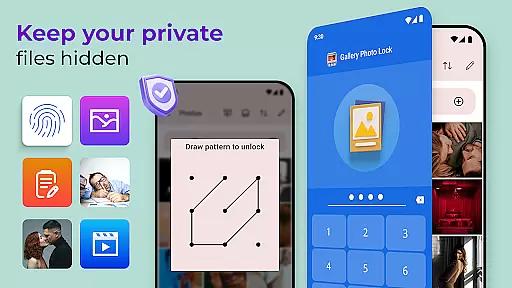
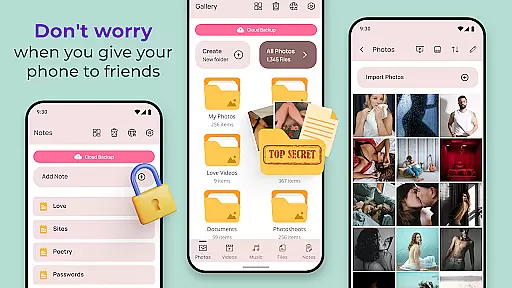
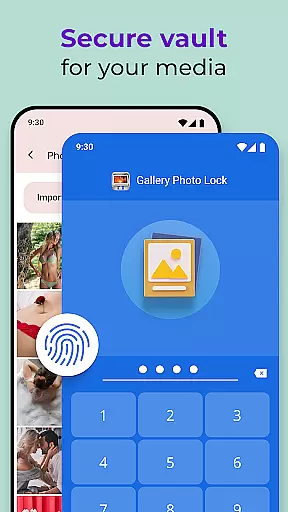
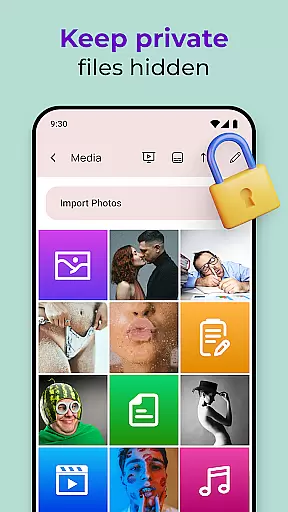
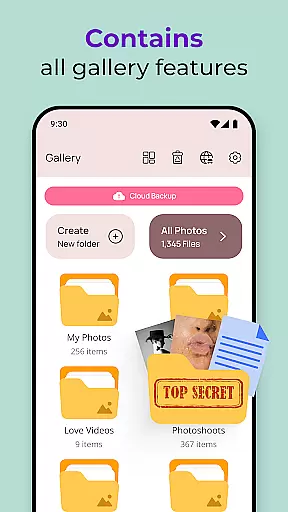
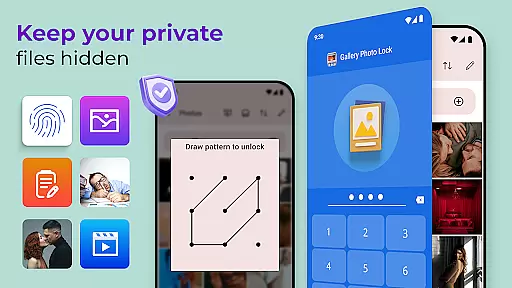
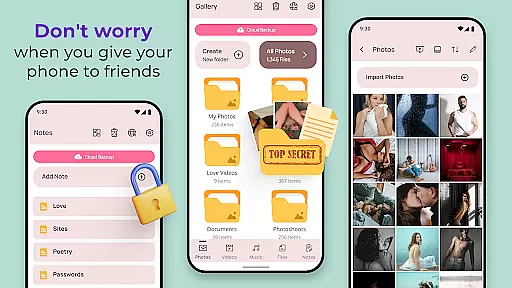
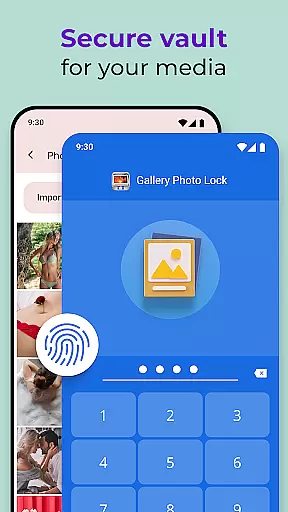
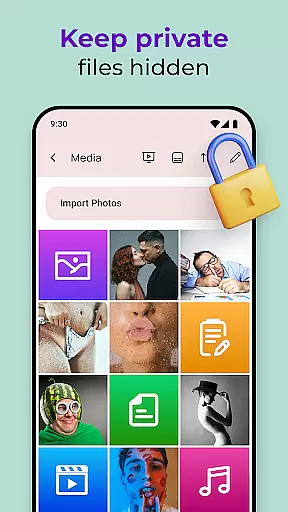
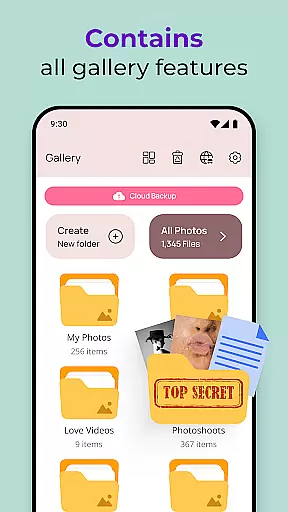
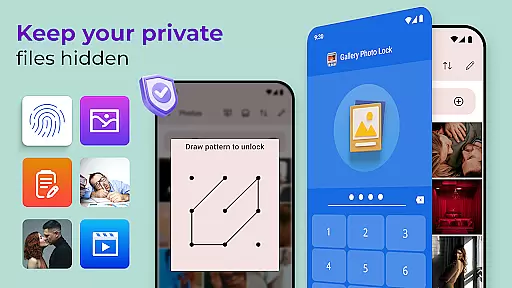
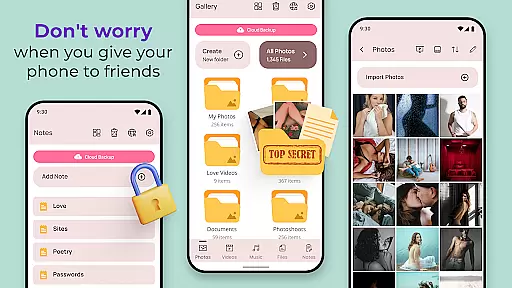
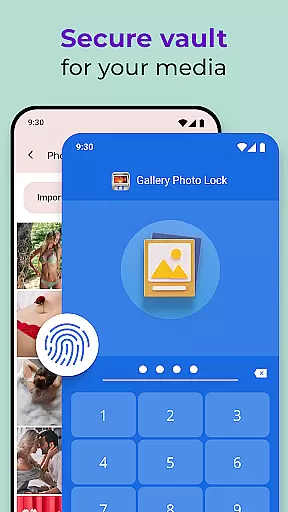
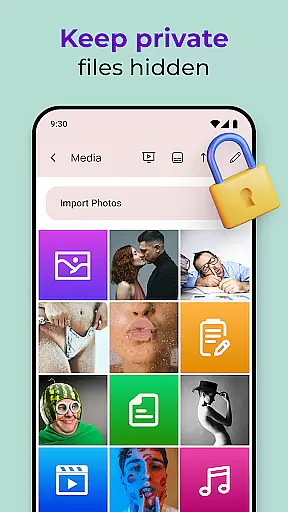
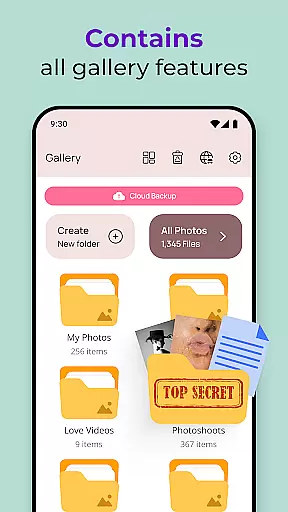
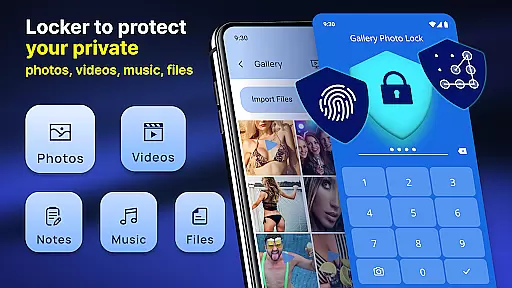
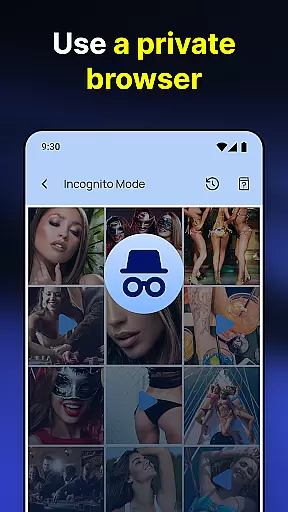
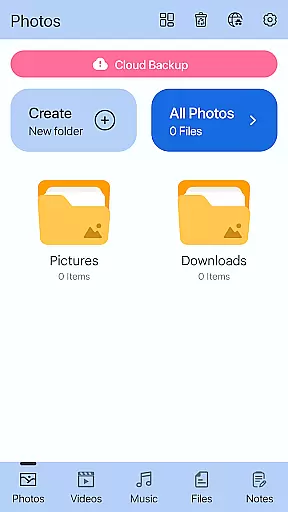
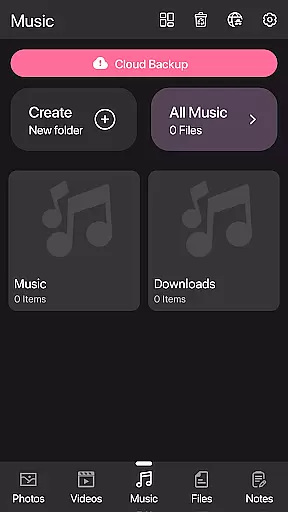
Photo Lock App - Hide Pictures is a comprehensive privacy solution designed to safeguard your personal media. This app allows you to effortlessly hide an unlimited number of images and videos, ensuring that your private content remains secure. With features like fingerprint authentication and cloud backup, users can enjoy peace of mind knowing their data is protected. The app also offers a unique calculator lock interface, disguising itself as a regular calculator while keeping your media hidden.
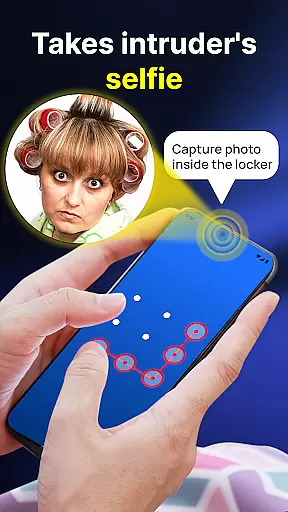
In addition to its core functionality, Photo Lock App provides advanced security measures such as intruder selfies and face-down locking. These features ensure that unauthorized access attempts are logged and the app closes automatically when the device is placed face down. Suitable for anyone looking to maintain their privacy, this app is perfect for those who frequently lend their devices to friends or family but still want to keep certain files confidential.
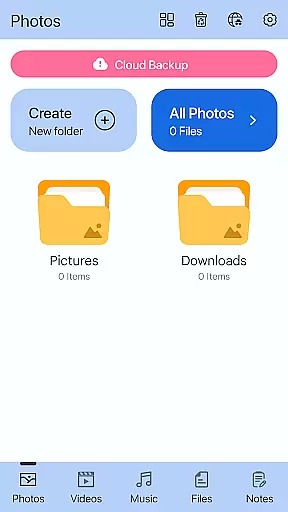
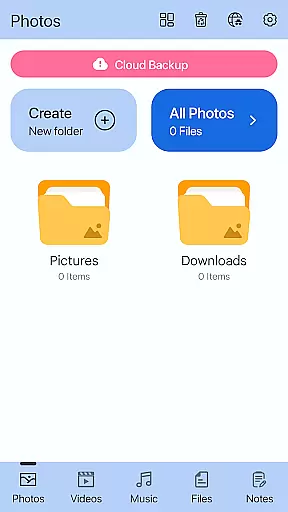
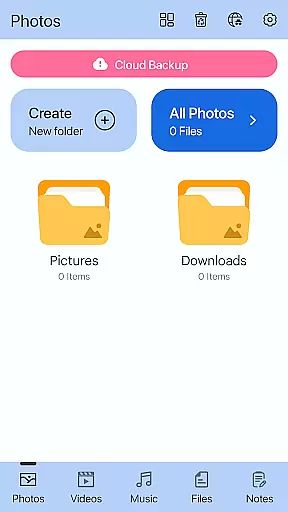
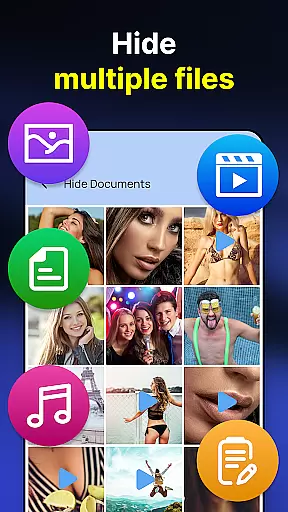
Photo Lock App - Hide Pictures stands out with its robust feature set tailored for privacy-conscious users. One of the key highlights is the ability to store private media securely within a hidden photo vault. Users can easily hide pictures and videos from their gallery or SD card by sharing them directly into the app's secure environment. Additionally, the inbuilt viewer and player allow seamless access to your hidden media without compromising security.
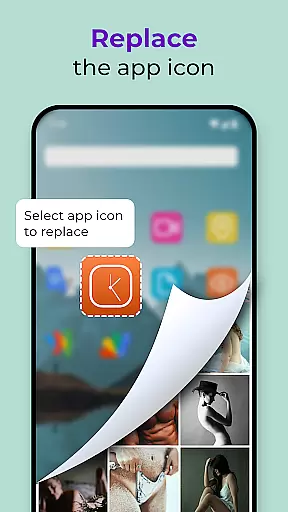
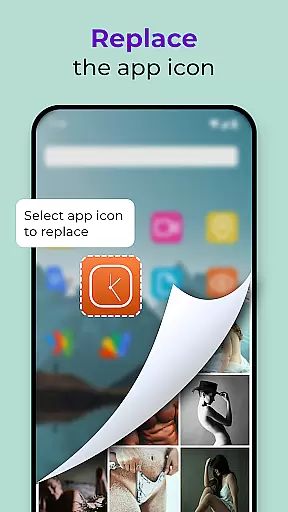
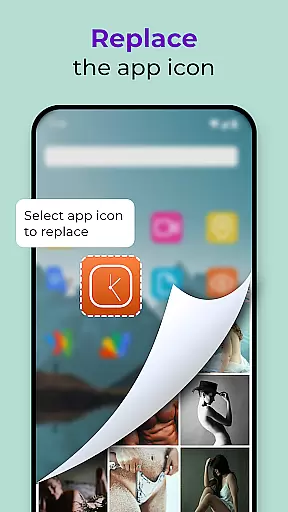
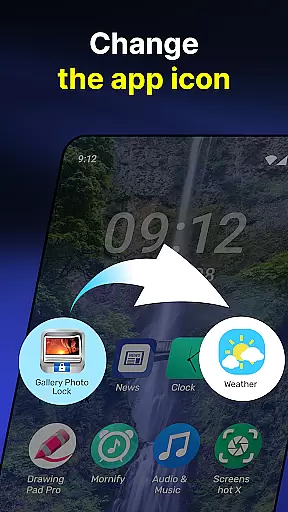
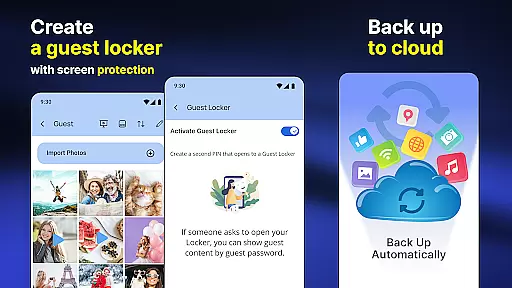
The app goes beyond basic image locking by offering functionalities like a safe browser and cloud backup options. You can download media directly into the secret vault and back up your hidden content to the cloud. Other notable features include customizable themes, a guest locker for dummy files, and the option to replace the app icon with something less conspicuous. These innovative tools collectively provide a user-friendly yet highly secure method to protect your personal life.
Customization is at the heart of personalizing your experience with the Photo Lock App - Hide Pictures. This app offers a plethora of customization options that allow users to tailor their privacy settings according to their preferences.
The standout feature includes the ability to replace the app icon with something more discreet, such as a news or weather app icon, ensuring that your privacy protector doesn't draw unwanted attention. Additionally, the Galerie Lock Themes let you customize the look and feel of your Private Photo Vault, making it truly yours.
Users can also create a decoy Guest Locker with a different password for added security. This allows them to store dummy images and videos, providing an extra layer of misdirection if someone tries to access their device.
With these customization features, users gain not only privacy but peace of mind knowing they have control over who sees what on their device.
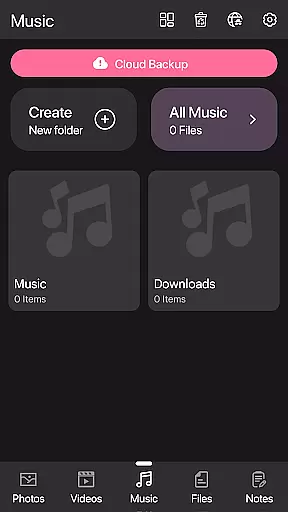
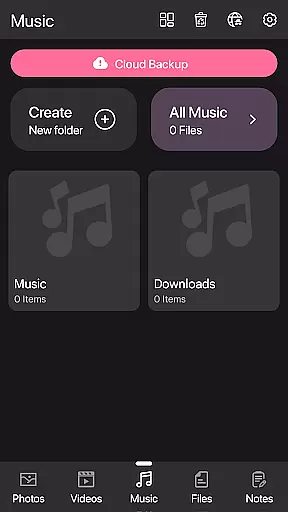
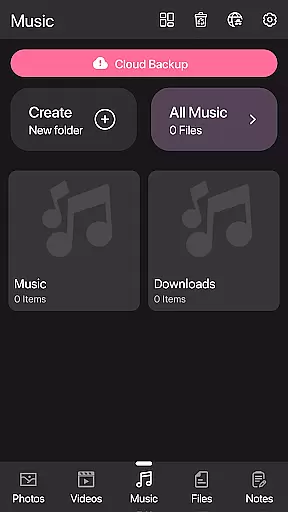
Theme compatibility in the Photo Lock App - Hide Pictures ensures that users can enjoy a seamless visual experience while securing their private media. The app's design supports various themes, allowing users to choose one that best suits their style or mood.
Beyond aesthetics, theme compatibility extends to functional aspects like the Calculator Lock App feature, which cleverly disguises the appu2019s purpose. Users can select from different themes that mimic common apps, thus maintaining a low profile while safeguarding sensitive content.
Moreover, the availability of multiple themes means that updates to the app will likely support new aesthetic trends, keeping the user interface fresh and engaging without compromising the app's primary function of protecting personal data.
This harmonious blend of form and function demonstrates how theme compatibility enhances both usability and the overall effectiveness of the appu2019s security features.
Effortless hiding
Cloud backup
Fingerprint unlock
Customizable themes
Guest locker
Complex UI
Occasional bugs
Ads present
Premium features
Storage limits

Ultra realistic gold analog watch face with lots of customization options.
 4.50
4.50
Themes - Widget & Wallpaper: Customize home screen, icon changer w unique themes
4.30
Personalize your phone with stunning HD and 4K wallpapers!
4.70
More than 3000+ themes and 9000+ wallpapers for everybody!
4.10
Want to make your phone more special than ever?
4.60 4.50
4.50
Adaptive Dot Style IconPack with Light & Dark Theme.
3.70
Vibrant Adaptive Icons with Material You and Enhanced Monet Colors.
4.50
Enjoy a variety of amazing live wallpapers and colorful EDGE lighting borders!
4.80
300+ Stunning and well-designed widgets inspired by NOTHING.
4.70
Classic analogue watch face. For wear os devices.
4.60
Glass style colourful icons with a One UI look and feel
4.60
Ninja Turtles Cowabunga SE watch face for Wear OS
4.50
200+ Material Inspired Widgets
4.50
Art & Emoji Keyboard with Cool Fonts, Cute Themes and Custom Designs.
4.40
Organize and manage your photos and videos effortlessly with Photo Gallery
4.20
Unleash Your Creativity and Connect with Loved Ones with Lockscreen Drawing!
4.20
HappyLighting is a Bluetooth lamp control software.
3.40
Modern Glass Icon Pack with glossy icons, clean minimal theme & aesthetic style
4.5


User Reviews