
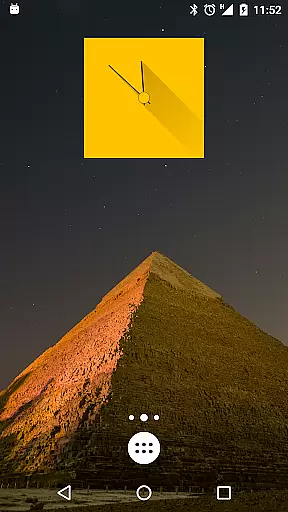
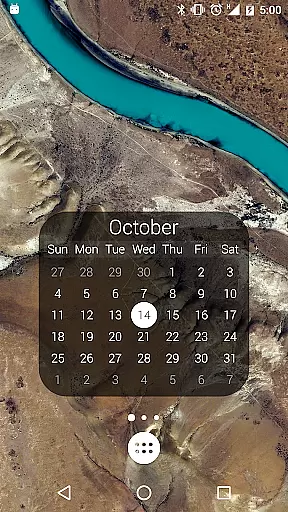
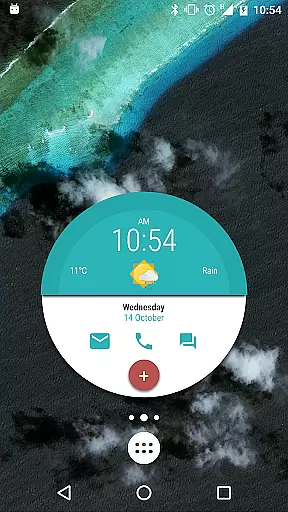
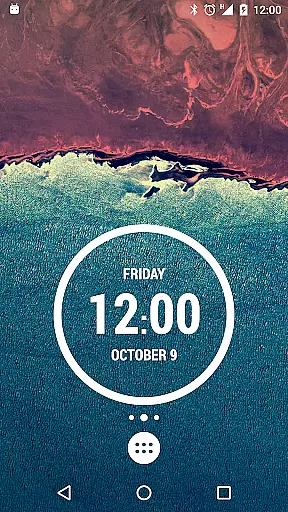
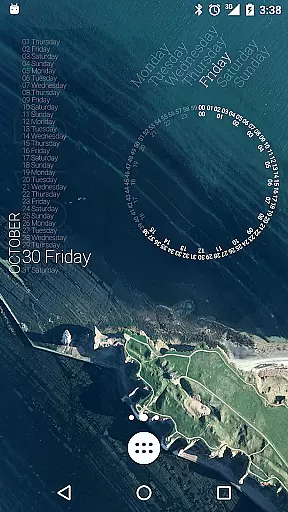
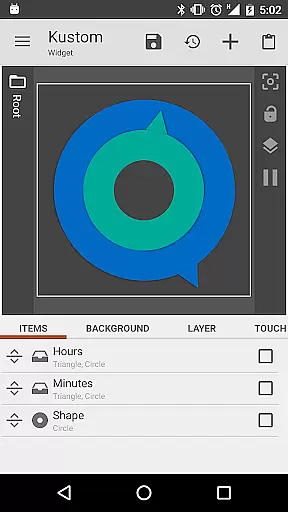
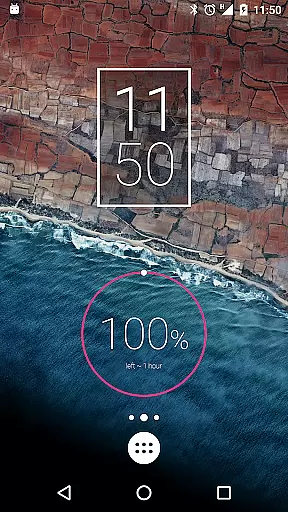
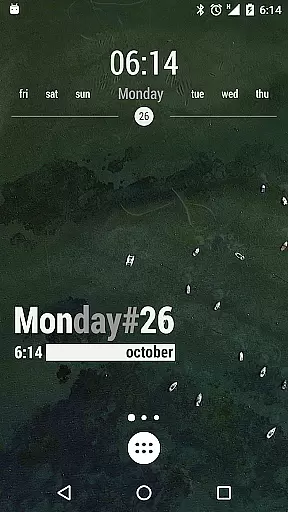
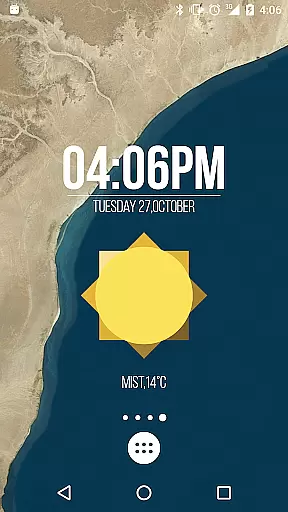
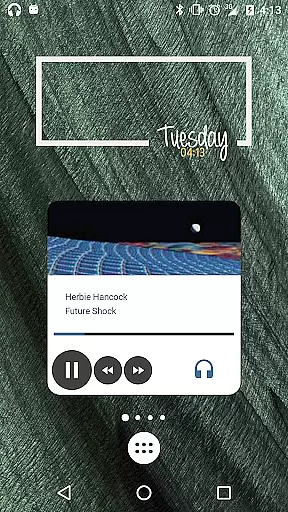
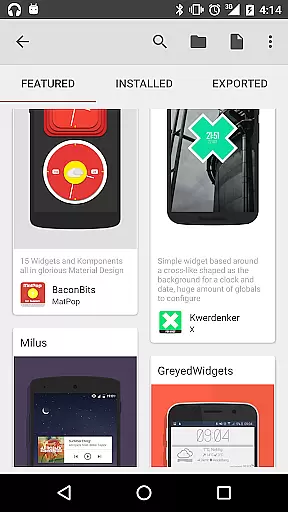
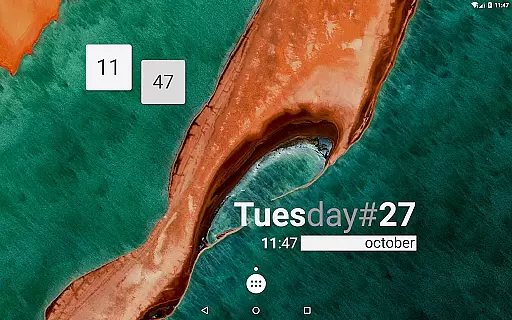
KWGT Kustom Widget Maker is the ultimate tool for Android users seeking to personalize their home screens. This powerful widget maker allows you to design custom widgets that display any data you need, exactly how you want it.
With its WYSIWYG editor, KWGT gives you total control over your widget's layout, including text, shapes, images, and interactive elements. Whether you're creating aesthetic photo widgets or sophisticated system monitors, KWGT provides all the tools necessary to unleash your creativity.
This app is perfect for power users who demand advanced functionality, such as complex logic, dynamic data display, and Tasker integration. KWGT supports a vast array of data types and offers an unmatched level of customization, making it ideal for those looking to build a truly unique phone experience.
KWGT stands out with its comprehensive feature set designed for maximum customization. The app includes a full suite of design tools, allowing you to control text properties, apply effects like 3D transformations and shadows, and use scalable vector graphics (SVG) for flexible designs.
Beyond basic aesthetics, KWGT enables the creation of interactive widgets with touch actions and hotspots. You can launch apps, toggle settings, or trigger actions directly from your custom widgets. Advanced users will appreciate the ability to use complex logic, global variables, and dynamic data sources via HTTP, RSS, and XML parsing.
The app also integrates seamlessly with Tasker, providing automation enthusiasts with even more possibilities. With support for displaying extensive system information and the option to upgrade to KWGT Pro for additional features like ad removal and SD card imports, KWGT caters to both casual users and power users alike.
Customization is at the heart of KWGT Kustom Widget Maker, offering users an extensive array of options to tailor their Android home screens. With its powerful WYSIWYG editor, users can manipulate every aspect of their widgets, from text and images to shapes and interactive elements.
The level of detail available in customization is impressive; users have total control over fonts, colors, sizes, and effects for text, alongside the ability to incorporate a wide range of shapes and personal images. The inclusion of Scalable Vector Graphics (SVG) adds another layer of sophistication, allowing for flexible and high-quality visual designs.
Interactive features further enhance the customization experience. Users can assign touch actions and hotspots to widget elements, enabling them to launch apps or toggle settings directly from their custom creations. This functionality not only personalizes aesthetics but also streamlines user interaction with their devices.
Ultimately, KWGT empowers users to break free from preset widget limitations, fostering a personalized and unique phone experience that caters to individual preferences and needs.
Theme compatibility in KWGT Kustom Widget Maker ensures that the widgets you create will seamlessly integrate with your device's existing aesthetics. Whether aiming for a minimalist look or a vibrant, data-rich interface, KWGT supports a cohesive home screen experience.
Users can design widgets that not only display necessary information but do so in a manner that complements their overall theme. With access to a vast suite of customization options, including custom fonts, color filters, and overlay effects, maintaining thematic consistency across your device's interface becomes effortless.
Moreover, KWGT's support for various data typesu2014from weather and system monitors to fitness trackersu2014means that regardless of what you wish to display, it can be themed to match your personal style. This harmonization of form and function enriches the user experience by providing both beauty and utility.
By ensuring that all elements, from simple clocks to complex system monitors, are theme-compatible, KWGT allows for an unparalleled level of personal expression without sacrificing usability or visual appeal.
User-friendly interface
Highly customizable options
Vast design possibilities
Active community support
Regular updates and improvements
Steeper learning curve
Some features require Pro version
Occasional performance issues
Limited default templates
Advanced features may overwhelm beginners

A Colorful and Minimal icon pack in an Outline Style - Over 13,600 icons!
 4.70
4.70
More than 3000+ themes and 9000+ wallpapers for everybody!
4.10
Vibrant Adaptive Icons with Material You and Enhanced Monet Colors.
4.50
Custom edge gestures for volume control, brightness, apps, and shortcuts.
4.3
Design your screen with unique, vibrant clocks
3.80
Icons made of colorful linear lines
4.60
Fast SMS & group chat - use GIFs and emojis from your home screen launcher.
4.50
Cool custom fonts & keyboard themes! Symbols & font changer for Instagram
4.50
Custom ringtones songs, music ringtones for Android phones
4.60
Dark icon pack based on One 8
4.80
Want to make your phone more special than ever?
4.60
Ultimate Gallery Lock App - Hide Pictures, Videos and Lock Apps Instantly!
4.60
Zip lock screen with magic wallpaper to decorate your phone with fun zipper lock
4.60
Customize your home screen with stunning themes, blur, widgets & icons.
4.60
Try creating your own keyboard with "Keyboard theme for android" app now!
4.50
Transform your device in a game console
4.40
Wear Os Watch Face - Seasonal - Animated Snow Effect - 9 Animals
4.20
Unleash Your Creativity and Connect with Loved Ones with Lockscreen Drawing!
4.20
Customize glowing edges, wallpapers, and caller screen with EdgeAura.
3.50


User Reviews