
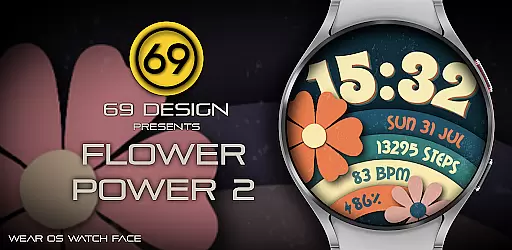
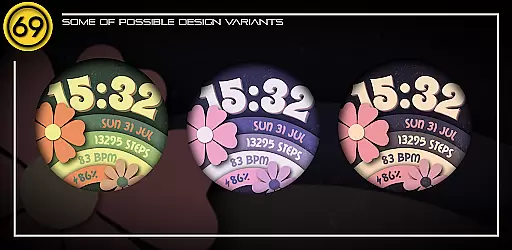
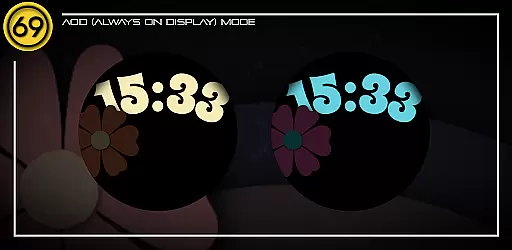
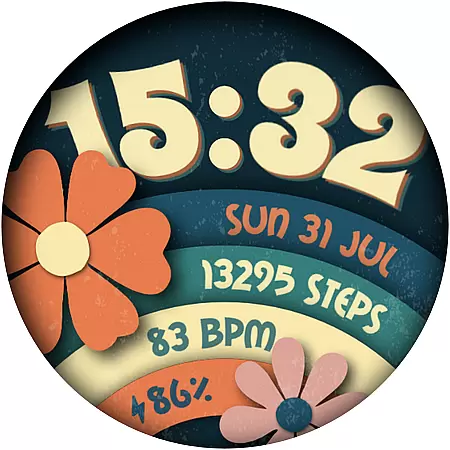
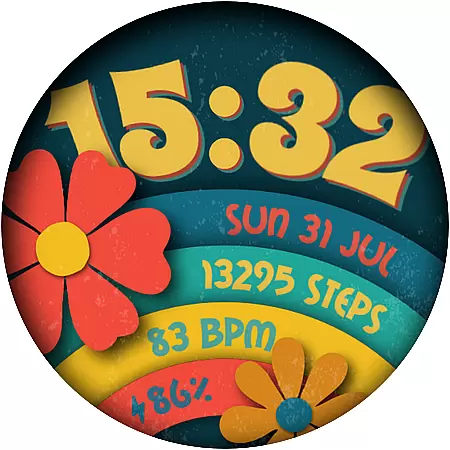
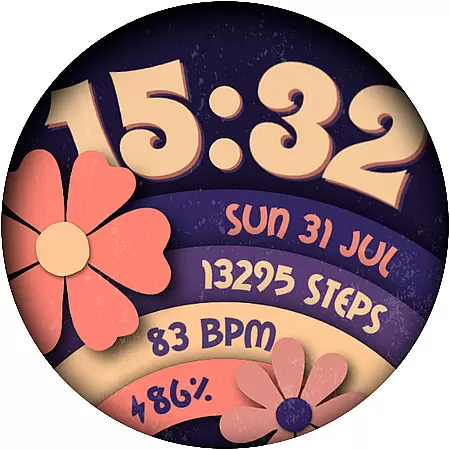
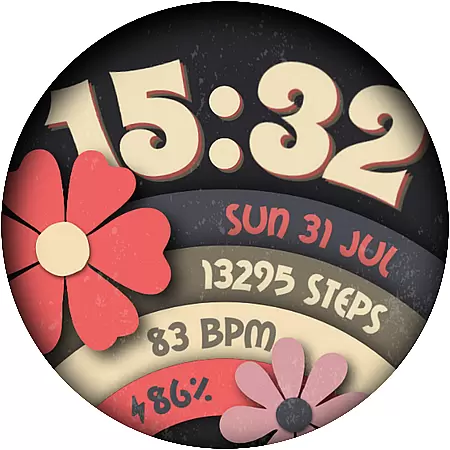
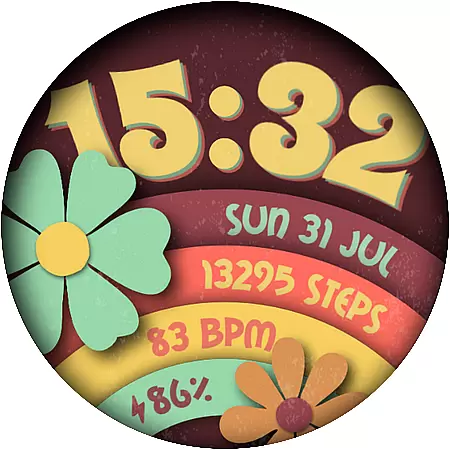
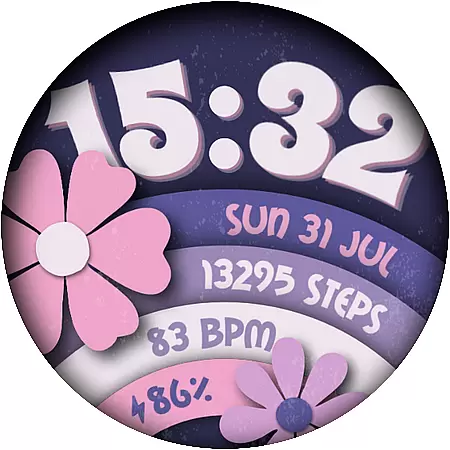
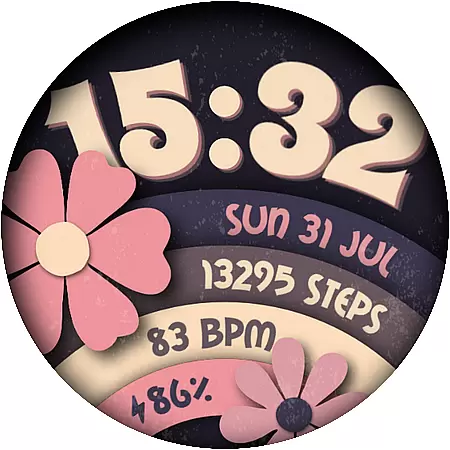
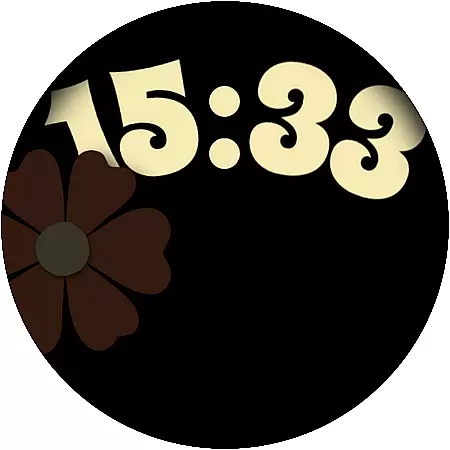
Flower Power 2 is a customizable digital watch face designed specifically for Wear OS devices. This application allows users to personalize their smartwatch display with various design elements and practical features.
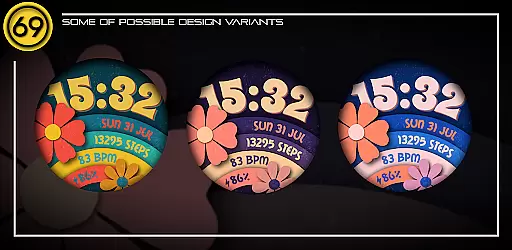
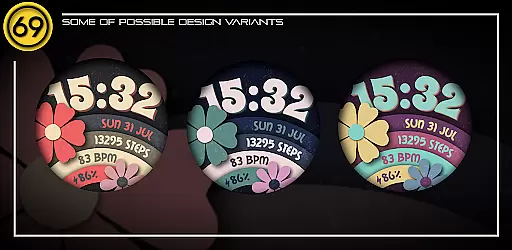
The watch face offers multiple customization options including 20 color combinations, battery level display, application shortcuts, and health tracking metrics like step count. Users can choose between 12/24 hour time formats and access the date and complications directly on their watch face.
Ideal for users seeking both aesthetics and functionality, Flower Power 2 enables you to tailor your watch face to match your personal style while providing essential information at a glance.
Flower Power 2 stands out with its extensive customization capabilities tailored for Wear OS smartwatches. The app provides 20 distinct color schemes, catering to diverse user preferences and ensuring a personalized look.
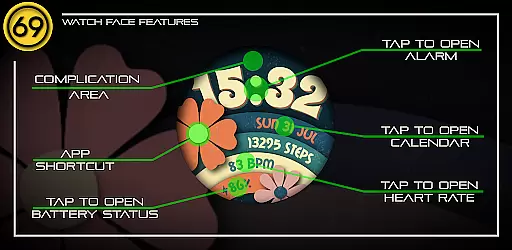
Practical features include displaying the battery level, offering application shortcuts, showing the time in either 12 or 24-hour format, counting daily steps, presenting the current date, and supporting one complication area. These functionalities make the watch face not only visually appealing but also highly useful for everyday wear.
Compatibility is optimized for newer Wear OS devices, guaranteeing smooth performance and reliable operation. Additionally, users can refer to instructional graphics to easily configure their ideal watch face setup.
Customization is at the heart of [69D] Flower Power 2, allowing users to tailor their Wear OS watch face to match their personal style. With 20 color combinations available, this application provides a rich palette for users to experiment with and find their perfect look.
Beyond colors, the app offers multiple customizable elements including battery level display, application shortcuts, and the choice between 12/24 hour formats. These features ensure that users can design a watch face that not only looks good but also meets their functional needs.
The ability to customize steps count, date, and complications adds another layer of personalization. Users can configure these elements to prioritize the information most important to them, making their smartwatch not just a tool, but a true extension of their personality.
[69D] Flower Power 2 excels in theme compatibility, ensuring that its customizable watch face works seamlessly across a wide range of Wear OS devices. This compatibility is crucial for maintaining visual consistency and operational smoothness regardless of the device being used.
While the watch face is compatible with most Wear OS devices, it's optimized to perform best on newer models with the latest software versions. This ensures that users experience the highest quality visuals and interactions, taking full advantage of their device's capabilities.
Some functionalities, like app shortcuts, may vary depending on the specific Wear OS device. However, these variations do not detract from the overall user experience but rather adapt to provide the best possible interaction based on the device's specifications.
Highly customizable
Variety of color options
Displays battery level
Supports health tracking
User-friendly interface
Limited to Wear OS
Some features device-dependent
No direct phone app
Installation not straightforward
Premium feel but free version limited

Customizable Glass widgets. Over 360+ stunning widgets and more!
 4.70
4.70
Beautiful realistic hybrid watch face with numerous customization options.
4.50
Ninja Turtles Cowabunga SE watch face for Wear OS
4.50
3D, live, and moving wallpapers & themes in 4K and HD for your device.
4.50
Interactive Miniature Painting Catalogue
3.30
More than 3000+ themes and 9000+ wallpapers for everybody!
4.10
100+ Stylish Fonts, Emojis, Symbols keyboard for Instagram & TikTok!
4.80
Stylish Pink Cute Hippo keyboard with 10000+ customized keyboard themes!
4.60
Transform your phone with stylish zipper lock themes and 4D live wallpaper
4.10
Gun Chase - Let the chase begin.
4.80
Enjoy a variety of amazing live wallpapers and colorful EDGE lighting borders!
4.80
Bring adorable pets to life on your screen. Playful, interactive and full of fun
4.60
Transform your phone with Launcher iOS 26 - Smooth & elegant iOS experience
4.50
Themes - Widget & Wallpaper: Customize home screen, icon changer w unique themes
4.30
Romantic Kiss Stickers App. Start romantic messaging now!
4.30
Ultimate widget creator. Design custom widgets for a truly unique home screen!
3.90
Your go to Weather App & Home Screen. Get your weather at a swipe of a finger!
3.80
Custom edge gestures for volume control, brightness, apps, and shortcuts.
4.4
Modern Glass Icon Pack with glossy icons, clean minimal theme & aesthetic style
4.1


User Reviews