
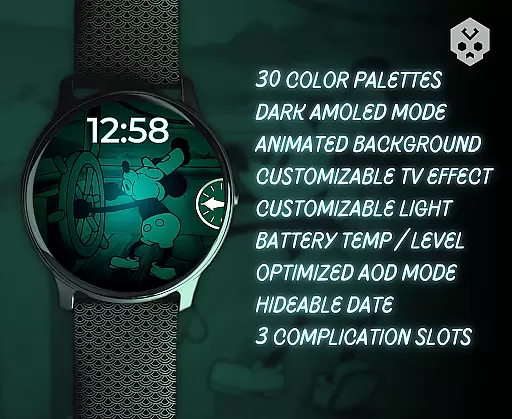
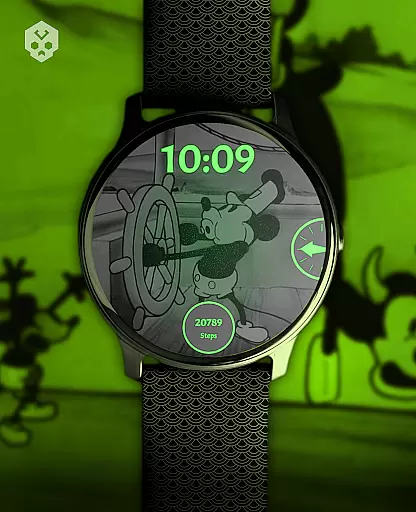
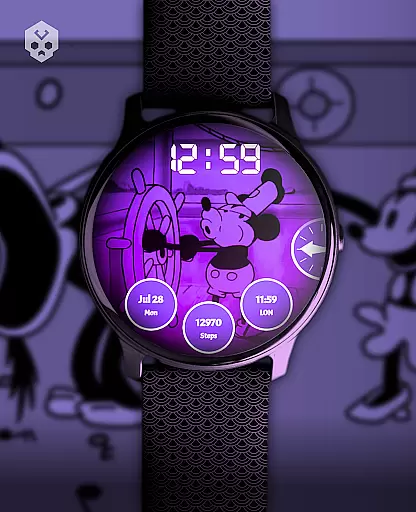
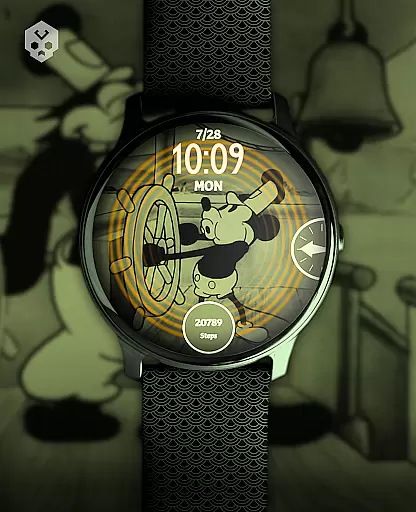
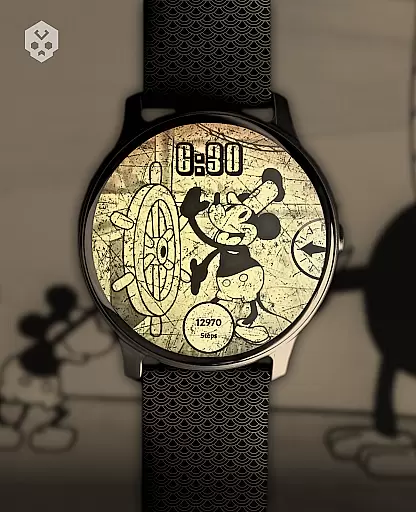
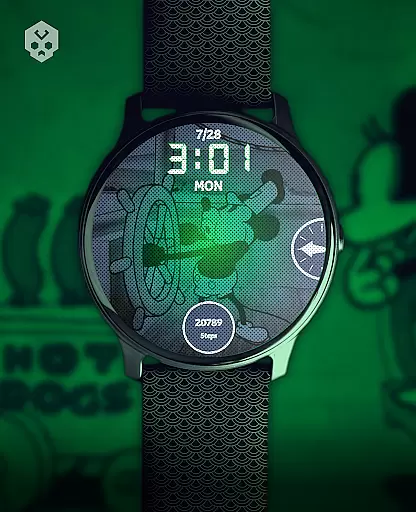
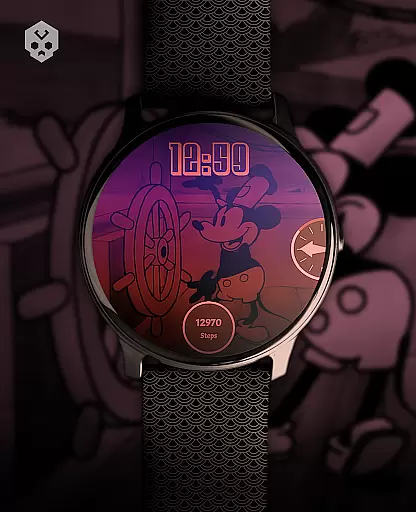
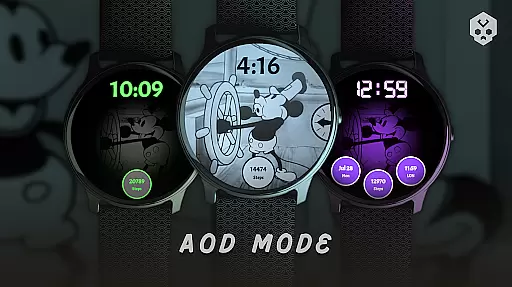
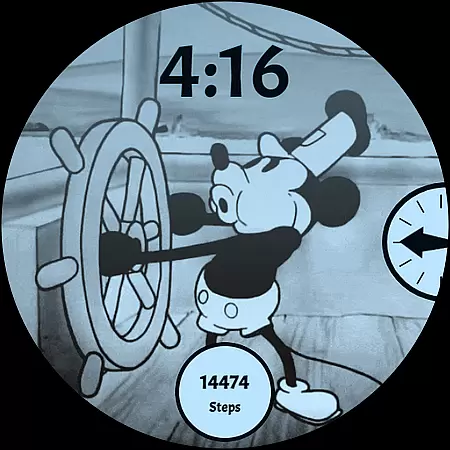
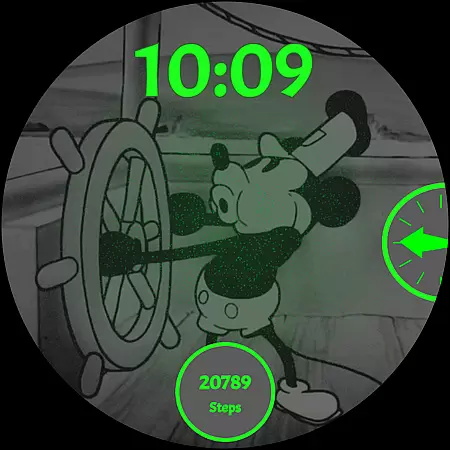
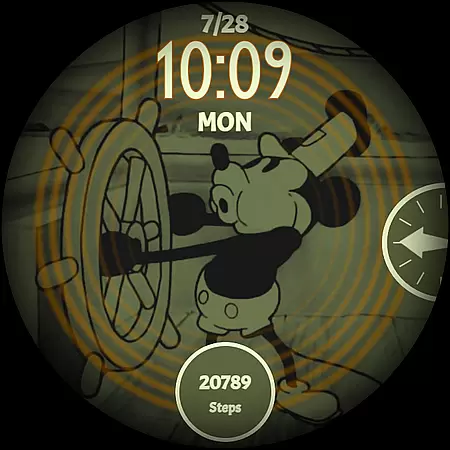
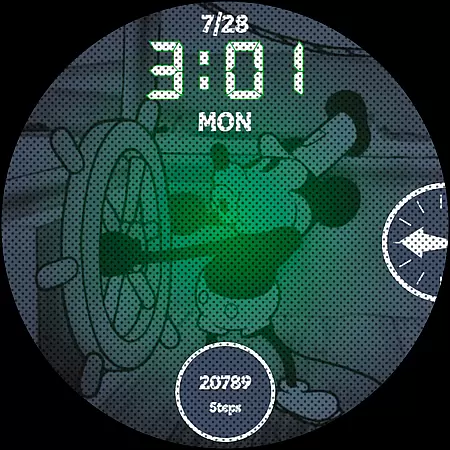
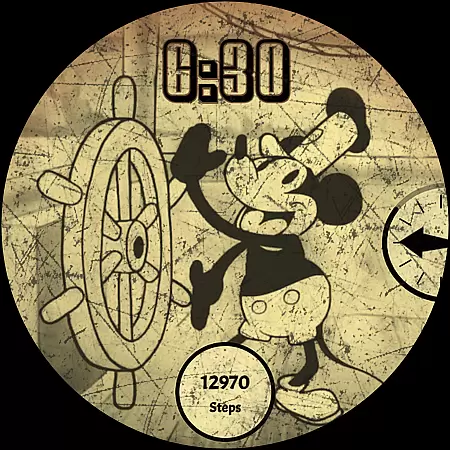
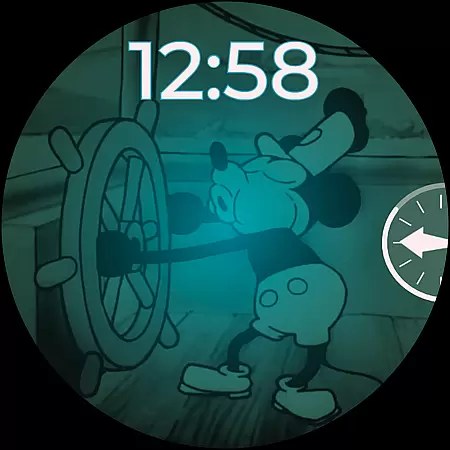
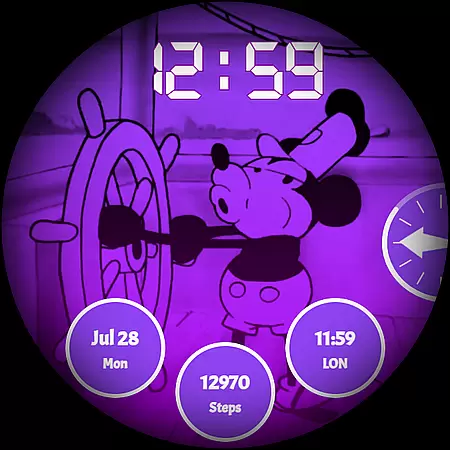
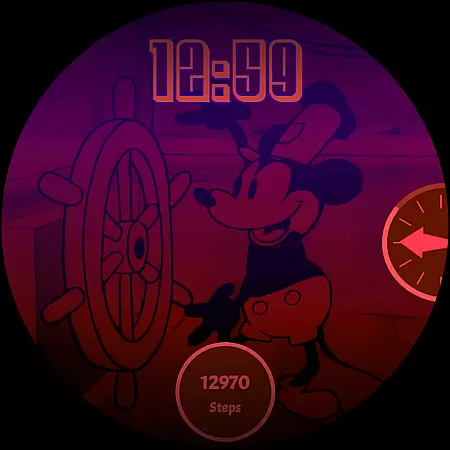
Steamboat Mouse Watch Face brings the iconic Steamboat Willie character to your smartwatch with a retro cartoon-inspired design. This highly customizable watch face is packed with information and features, making it both functional and visually appealing. Compatible with various Wear OS devices, it offers users a unique blend of vintage style and modern technology.
The watch face stands out with its 30 color schemes, high readability mode, and support for 12/24 hour formats. Users can customize overlays, backgrounds, and enjoy three customizable complications. With additional features like battery temperature display and status indicators, this app provides both aesthetic pleasure and practical utility on your wrist.
Steamboat Mouse Watch Face offers an array of distinctive features designed to enhance user experience. The app includes 30 color schemes, allowing for extensive personalization options that cater to individual preferences. Its high readability mode ensures clarity in all lighting conditions, while the choice between 12/24 hour formats accommodates global timekeeping needs.
Customization extends beyond colors; users can modify overlays and backgrounds to suit their style. The minimal and vintage design pays homage to classic animation while integrating seamlessly with contemporary smartwatch functionality. Notably, the watch face reacts to low battery levels and provides at-a-glance information about battery temperature and status, ensuring users remain informed about their device's health.
Customization is at the heart of the Steamboat Mouse Watch Face, offering users an extensive array of options to tailor their smartwatch experience. With 30 distinct color schemes available, wearers can select a look that best suits their style or mood, ensuring their watch face remains a personal statement.
Beyond colors, the watch face supports both 12 and 24-hour formats, catering to user preference in time display. The customizable overlay and background features allow for further personal adjustments, making each watch face uniquely yours. These customization options ensure high readability and aesthetic pleasure, accommodating various lighting conditions and visual preferences.
The inclusion of three customizable complications means users can prioritize the information most important to them, whether it be weather updates, fitness stats, or notifications. This level of personalization empowers users to create a functional yet stylish interface that enhances their daily lives.
Theme compatibility is a crucial aspect of the Steamboat Mouse Watch Face, designed to seamlessly integrate with a wide range of Wear OS devices. As a standalone app, it boasts broad compatibility across numerous smartwatch brands including Samsung, Mobvoi Ticwatch, Fossil, Oppo, and the latest Xiaomi models.
This compatibility ensures that regardless of the device, users will enjoy a consistent and optimized experience. The design takes full advantage of the native Wear OS platform, promising not just aesthetic appeal but also peak performance tailored to each device's specifications.
Moreover, the easy-to-use companion app simplifies installation and management, reinforcing the seamless integration promise. Whether you're looking to enhance your current smartwatch or seeking the perfect match for your next gadget, this watch face guarantees a harmonious blend of form and function across supported devices.
User-friendly interface
Highly customizable
Vintage aesthetic appeal
Comprehensive feature set
Compatible with multiple devices
Premium pricing
Requires Wear OS
Limited to compatible devices
Installation complexity
Occasional connectivity issues

Vertically oriented rectangular icons
 4.70
4.70
Capture moments that pass like a storm, second by second.
4.4
Wear Os Watch Face - Seasonal - Animated Snow Effect - 9 Animals
4.20
Bring adorable pets to life on your screen. Playful, interactive and full of fun
4.60
Customizable screen pets that play, climb, and keep you company.
4.50
Unique Fonts, typefaces and stylish text. Fonts for Instagram, Whatsapp & others
4.20
Adaptive Dot Style IconPack with Light & Dark Theme.
3.70
Unleash Your Creativity and Connect with Loved Ones with Lockscreen Drawing!
4.20
Fast SMS & group chat - use GIFs and emojis from your home screen launcher.
4.50
Dark icon pack based on One 8
4.80
350+ widgets with a premium glass-style finish, perfect for home & lock screens.
4.70
Ultimate Gallery Lock App - Hide Pictures, Videos and Lock Apps Instantly!
4.60
Handcrafted pixel art icons, widgets & wallpapers
4.60
Turn text & photos into stunning AI videos, art, and creative visual stories.
4.50 4.50
4.50
Fingerprint Lock Screen & Live Animations with 4K Wallpapers as Live Wallpaper
4.40
Organize and manage your photos and videos effortlessly with Photo Gallery
4.20
Customizable flower power digital watch face for Wear OS watches.
4.00
Your go to Weather App & Home Screen. Get your weather at a swipe of a finger!
3.80


User Reviews