
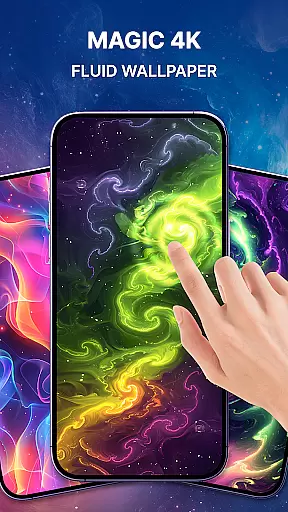
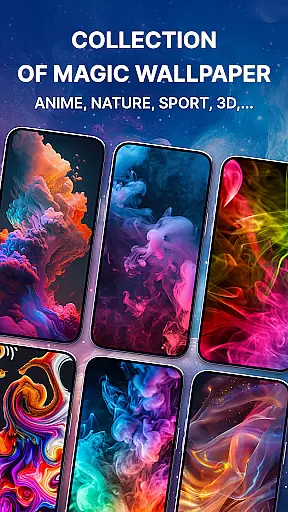
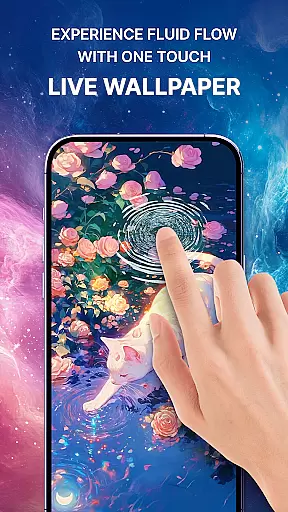
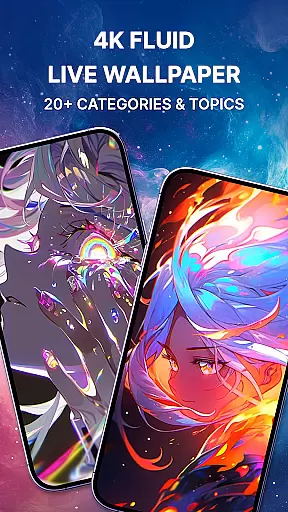
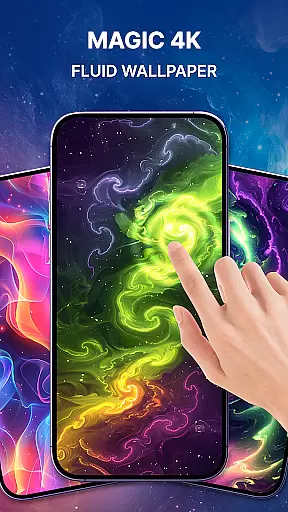
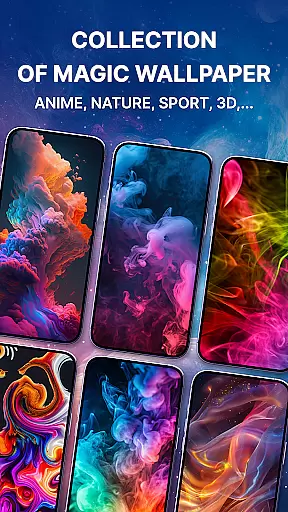
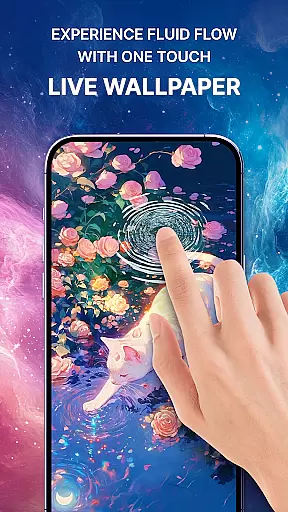
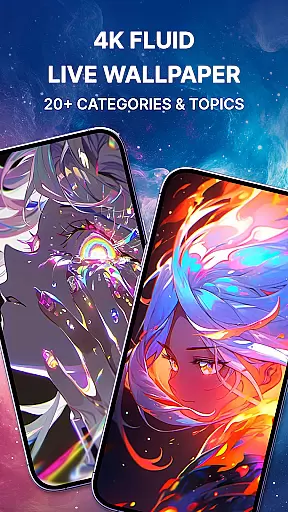
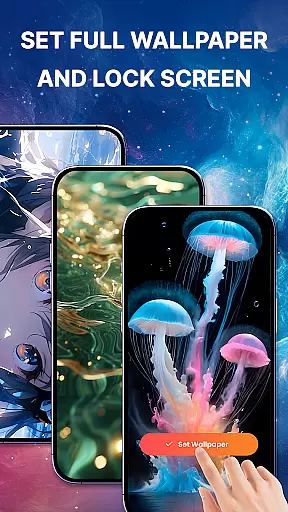
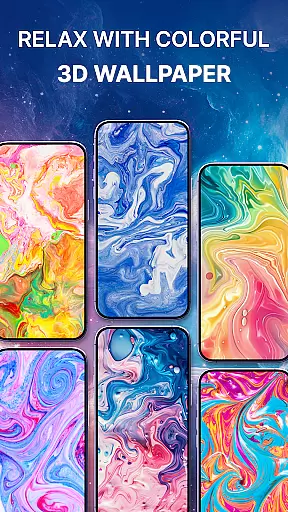
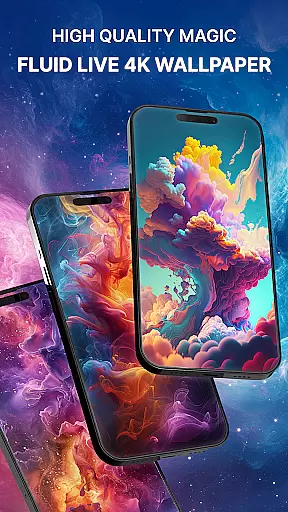
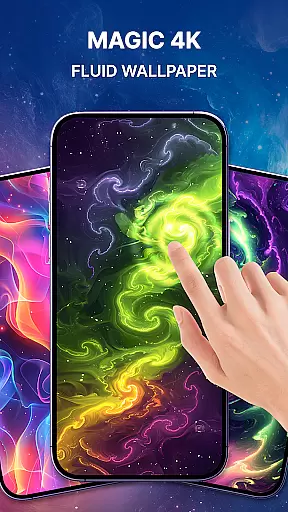
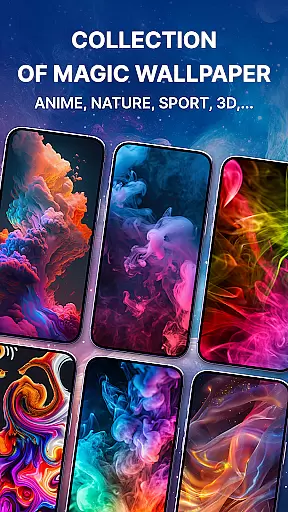

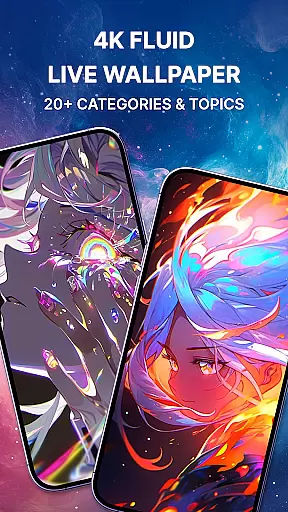
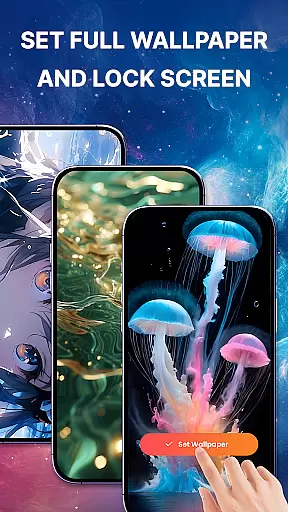
Magic Fluid is a dynamic personalization app that brings smartphone screens to life with its stunning 4K fluid live wallpapers. The app specializes in creating interactive, high-definition fluid simulations that respond to touch, offering users an immersive experience. With a rich gallery of beautifully designed fluid animations, it caters to various aesthetic preferences, from abstract art to nature-inspired themes.
What sets Magic Fluid apart is its combination of visual appeal and user engagement. The wallpapers not only serve as creative decor for your device but also provide a relaxing, interactive experience. Users can customize their screens with mesmerizing animations that mimic natural elements like water, fire, smoke, and light. This makes the app particularly suitable for those seeking both functionality and artistic expression in their device's appearance.
The app's value lies in its ability to transform static screens into dynamic works of art. Whether you're looking to personalize your home screen or create a unique lock screen, Magic Fluid offers a versatile solution. Its easy setup process and performance optimization ensure that users can enjoy these visually stunning effects without compromising device efficiency. This makes it an ideal choice for users who want to enhance their device's aesthetics while maintaining optimal performance.
Magic Fluid stands out in the personalization category through its innovative approach to live wallpapers. The app's most remarkable feature is its interactive 4D fluid simulation technology, which creates realistic fluid effects that respond to touch gestures. Users can swipe and tap their screens to manipulate colorful fluid animations that dynamically transform into various natural elements such as fire, water, and smoke.
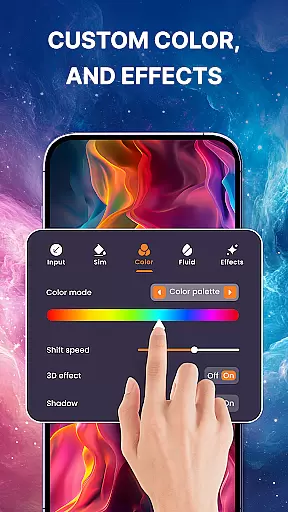
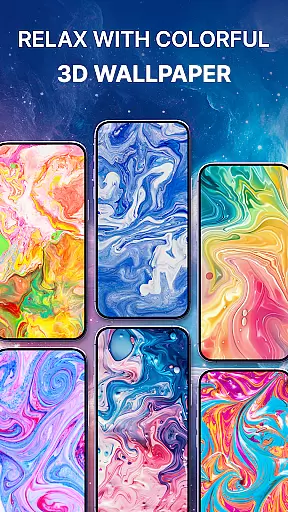
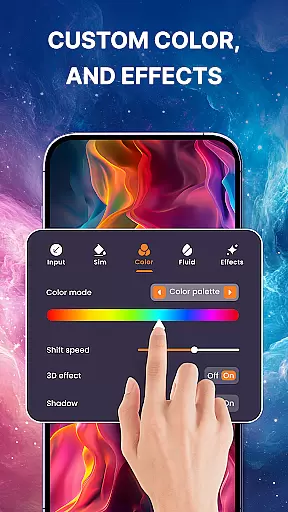
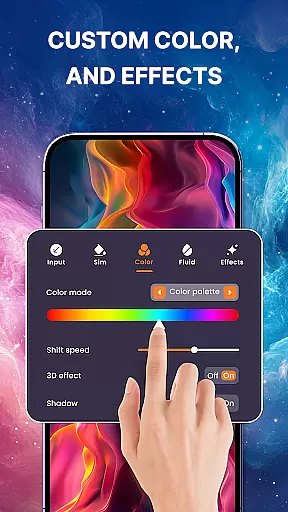
The application offers extensive customization options, allowing users to adjust color schemes, flow speeds, and fluid dynamics. This DIY aspect enables the creation of personalized moving backgrounds that can match different moods and styles. The built-in gallery showcases a diverse collection of professionally designed 4K-quality fluid wallpapers, ensuring there's something for every taste. From abstract patterns to nature-inspired designs, the variety keeps the experience fresh and engaging.
Performance optimization is another key feature of Magic Fluid. Despite the complexity of 4D animations, the app maintains efficient resource management, preventing significant battery drain or device slowdown. Additional practical features include easy application setup, preview functionality before setting wallpapers, and regular content updates. These aspects combine to create a comprehensive personalization tool that balances aesthetic appeal with technical efficiency, making it a valuable addition to any smartphone user's toolkit.
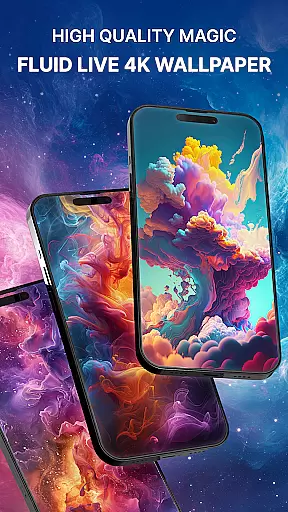
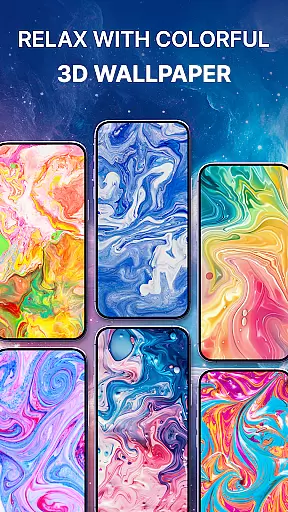
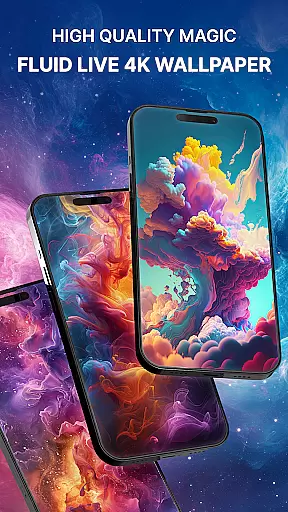
Magic Fluid offers an extensive range of customization options that allow users to personalize their device's appearance with ease. The app provides a gallery of 4K-quality magic fluids wallpapers and live wallpapers, each featuring stunning designs and fluid effects.
Users can choose from various themes, including abstract art, nature-inspired motifs, and futuristic patterns. This ensures that there is something for every taste, making it easy to find the perfect wallpaper that reflects individual preferences and styles.
The interactive feature lets users engage with the fluid animations by simply touching or swiping on the screen, creating dynamic visual effects such as glowing, swirling, and dancing fluids. This interactive element adds a layer of personal involvement in customizing the look and feel of the deviceu2019s home screen.
Additionally, Magic Fluid promises future updates with new features like DIY 3D fluid simulation wallpapers where users will be able to adjust color schemes, flow speeds, and other parameters to create unique moving backgrounds tailored specifically to their mood or style.
Theme compatibility is a crucial aspect of any personalization app, ensuring that the chosen themes integrate seamlessly with the user's device. Magic Fluid excels in this area by offering high-quality, visually appealing themes that are compatible across various devices and screen resolutions.
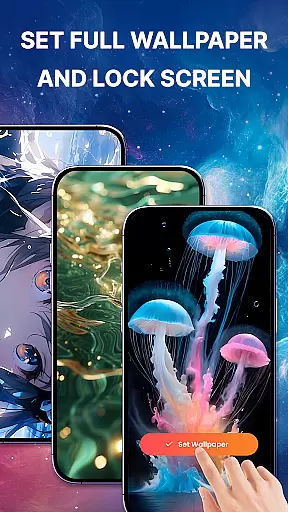
The app supports both lock screen and home screen customization, allowing users to maintain a consistent aesthetic throughout their device. With just a few taps, users can apply their favorite magic fluid live wallpapers without worrying about performance issues or visual discrepancies.
Magic Fluid also emphasizes efficiency alongside its visual splendor. Users can enjoy stunning 4K-quality wallpapers without compromising on device performance, thanks to optimized rendering techniques employed by the app developers.
Furthermore, regular updates ensure that users have access to trending and fresh content, keeping their devices up-to-date with current design trends while maintaining optimal compatibility and functionality.
Stunning 4K quality
Interactive touch response
Wide design variety
Easy to set up
Regular updates
Premium features locked
Some lag on older devices
Limited free options
High battery usage
Complex settings

Capture moments that pass like a storm, second by second.
 4.4
4.4
Unique Android Launcher
4.60
Run multiple accounts of the same app on a single device
4.10
Want to make your phone more special than ever?
4.60 4.50
4.50
Embrace the Night. Unleash the power of darkness with Raven Dark Icon Pack
4.60
Adorable pets roam and play right on your phone screen!
3.30
One 8 icons glass color version
4.80
A minimalist productivity launcher. One-hand-friendly. Zero ads.
4.70
Enjoy a variety of amazing live wallpapers and colorful EDGE lighting borders!
4.80
Customizable Glass widgets. Over 360+ stunning widgets and more!
4.70
Make your phone look simple & luxury, like iDevice
4.60
Stylish Pink Cute Hippo keyboard with 10000+ customized keyboard themes!
4.60
Try creating your own keyboard with "Keyboard theme for android" app now!
4.50
Vibrant Adaptive Icons with Material You and Enhanced Monet Colors.
4.50
The definitive Icon pack maker and editor
4.30 4.10
4.10
Realistic animated snow on your wrist, with 10 images landscapes to choose from
4.00
Adaptive Dot Style IconPack with Light & Dark Theme.
3.70


User Reviews