
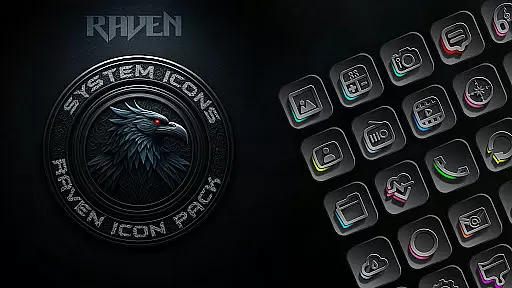
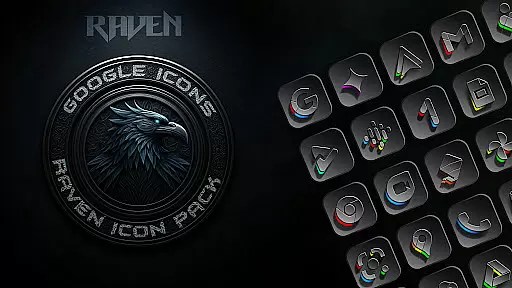
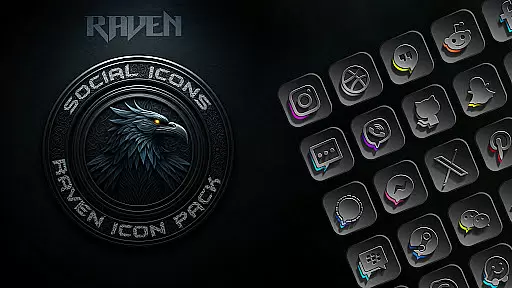
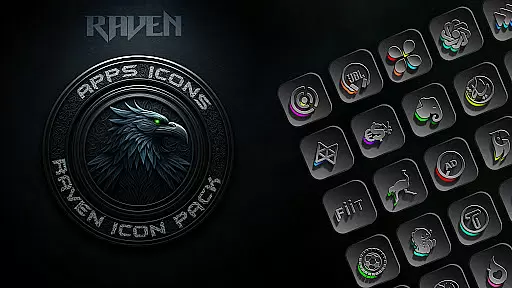
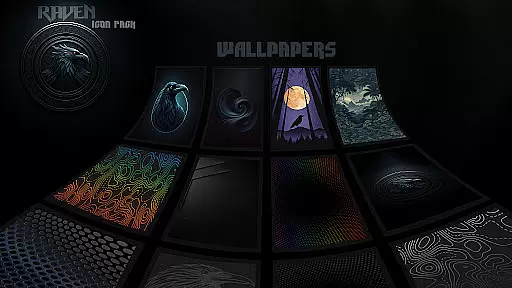
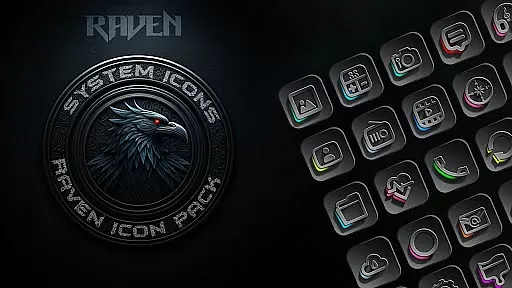
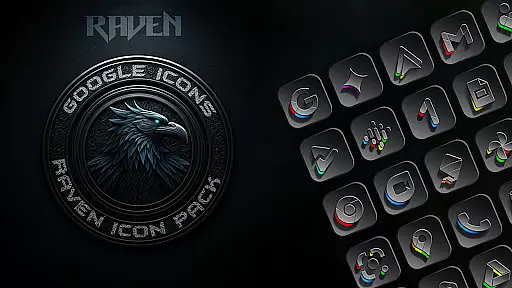
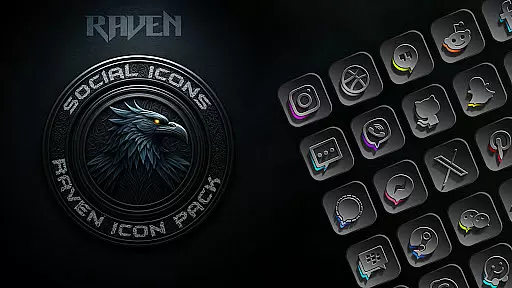
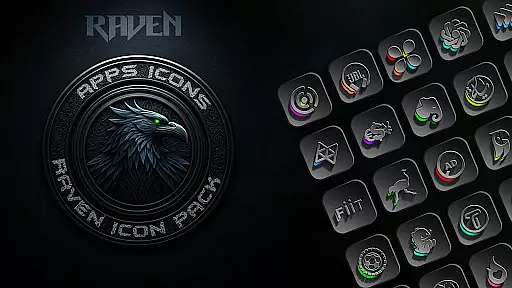
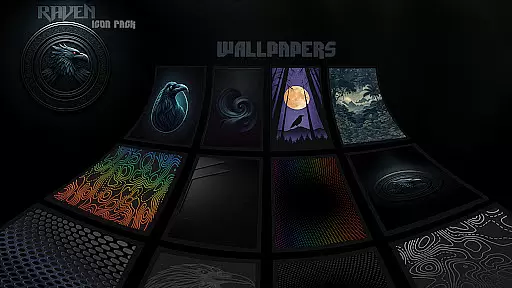
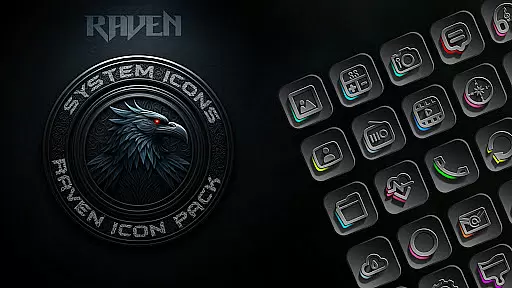
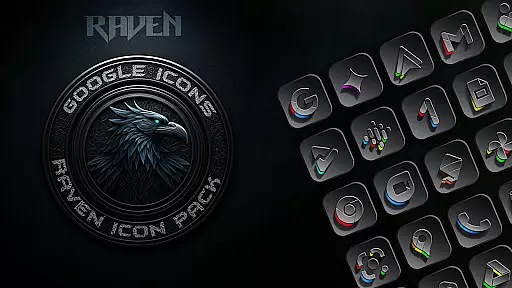
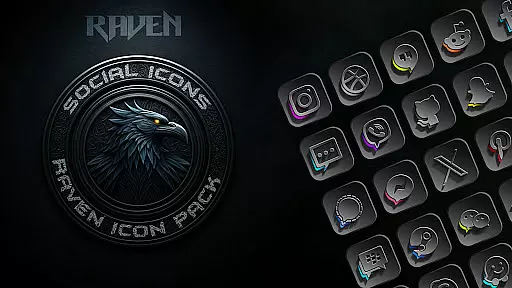
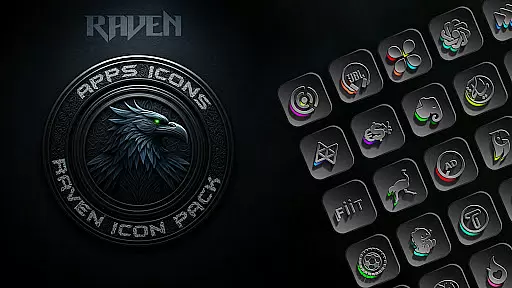
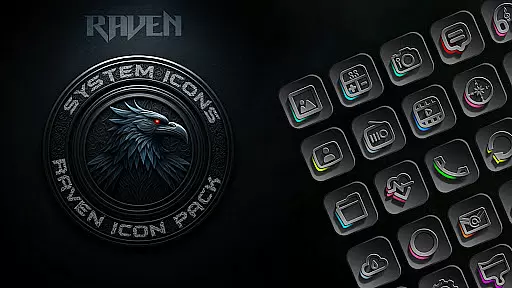
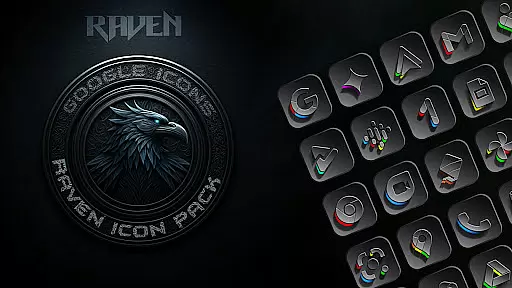
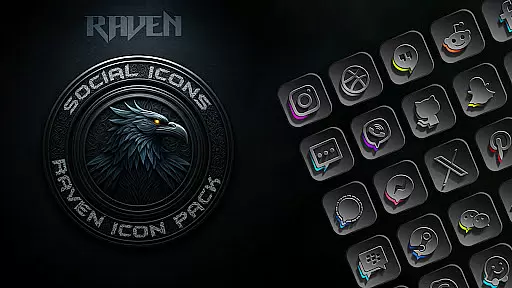
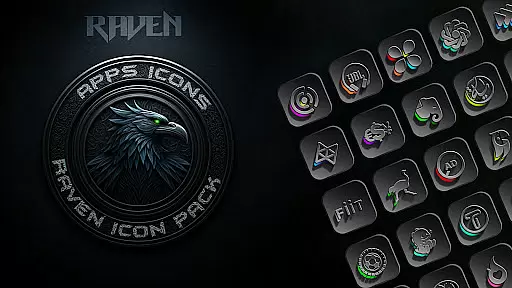
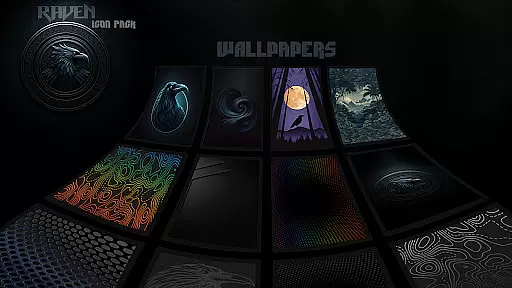
Raven Dark Icon Pack offers a sophisticated and mysterious aesthetic for Android users who appreciate minimalist design. This icon pack features over 4500 meticulously crafted icons with a dark-themed palette, complemented by subtle color accents. The pack ensures regular updates based on user requests, providing an ever-expanding library of unique designs.
Designed to work seamlessly with most Android launchers, Raven Dark Icon Pack allows users to customize their home screens effortlessly. It includes an intuitive icon request tool and cloud-based wallpapers that enhance the overall visual experience. Compatible with popular launchers like Nova Launcher and Action Launcher, this pack transforms your device into a sleek nocturnal interface.
Whether you're looking to personalize your Android device or seeking high-resolution icons for a modern UI, Raven Dark Icon Pack delivers both style and functionality. Its compatibility with Samsung One UI 4.0 and above makes it versatile for various devices, ensuring a refined and elegant user experience.
The standout feature of Raven Dark Icon Pack is its extensive collection of over 4500 unique icons, each designed with precision to offer a cohesive dark and moody aesthetic. These icons are not only visually appealing but also highly functional, supporting a wide range of popular apps and launchers such as Nova Launcher and Apex Launcher.
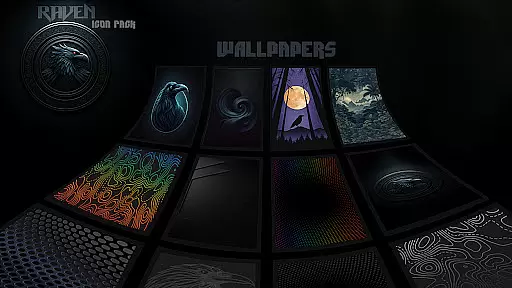
In addition to the vast icon library, the pack includes cloud-based wallpapers that perfectly match the dark theme, enhancing the overall look of your device. Regular updates ensure that users receive new icons based on their requests, keeping the pack fresh and relevant. The inclusion of an icon request tool further empowers users to tailor the pack to their specific needs.
Raven Dark Icon Pack stands out due to its meticulous attention to detail and commitment to user satisfaction. With compatibility across numerous launchers and easy application steps, it provides a seamless way to elevate your device's style. Whether you're customizing for personal satisfaction or professional aesthetics, this pack offers unparalleled versatility and elegance.
Raven Dark Icon Pack offers an extensive range of customization options, ensuring that users can truly personalize their Android devices. With over 4500 unique icons, this pack caters to a wide array of popular launchers, providing alternate icons for well-known apps.
The pack's minimalist design approach emphasizes functionality and visual harmony, allowing users to enjoy a clean and uncluttered home screen. This simplicity in design does not compromise on style, as each icon is meticulously crafted to complement the dark and moody aesthetic that Raven Dark Icon Pack is known for.
Users will appreciate the regular updates that include user-requested icons, ensuring that their customization options continue to grow over time. Additionally, the availability of a cloud-based wallpaper selection enhances the overall experience by offering complementary visuals that tie the icon theme together seamlessly.
Compatibility is a cornerstone of the Raven Dark Icon Pack, supporting a vast array of launchers such as Nova Launcher, Action Launcher, and many others. This ensures that regardless of the launcher preference, users can apply the dark-themed icons with ease, experiencing a consistent look and feel across their device.
For Samsung users, the pack requires Android 12 with Samsung One UI 4.0 or newer, alongside the Theme Park app from GOOD LOCK on the Samsung store. This compatibility extends the reach of the icon pack, making it accessible to a broader audience who seek to enhance their device's aesthetics.
It is important to note that while Google Now Launcher does not support any icon packs, the majority of other launchers are compatible. Users are encouraged to check if their preferred launcher is supported before proceeding with the application of the Raven Dark Icon Pack, ensuring a smooth integration into their existing setup.
Extensive icon library
Regular updates
Cloud-based wallpapers
Icon request tool
Wide launcher support
Requires compatible launcher
No Google Now support
Premium price
Limited customization
Occasional bugs

A retro cartoon style watch face and a punch right in the face of the copyright
 4.60
4.60
3D, live, and moving wallpapers & themes in 4K and HD for your device.
4.50
Adult video chat, dating, making friends, random matching
4.20
⭐ OneUI inspired Fluffy Icon Pack – Soft. Stylish. Standout. ⭐
4.4
Design your screen with unique, vibrant clocks
3.80
HappyLighting is a Bluetooth lamp control software.
3.40
One 8 icons glass color version
4.80
Magic fluids wallpaper 4D: Relax with stunning fluid simulation wallpaper app
4.20
Create stunning widgets with Widget 2026: Aesthetic Widgets for Android!
4.60
Ultimate Gallery Lock App - Hide Pictures, Videos and Lock Apps Instantly!
4.60
Customize your home screen with stunning themes, blur, widgets & icons.
4.60
Transform your phone with Launcher iOS 26 - Smooth & elegant iOS experience
4.50 4.50
4.50 4.50
4.50
AI-powered Copilot. Personalized keyboard with gifs, stickers & themes
4.40
Launcher OS™ Pro without ads help make your phone simple and pretty
4.30
Wear Os Watch Face - Seasonal - Animated Snow Effect - 9 Animals
4.20
Customizable flower power digital watch face for Wear OS watches.
4.00
Struggling to find apps? Use this app to locate and open any app on your phone!
2.20


User Reviews