

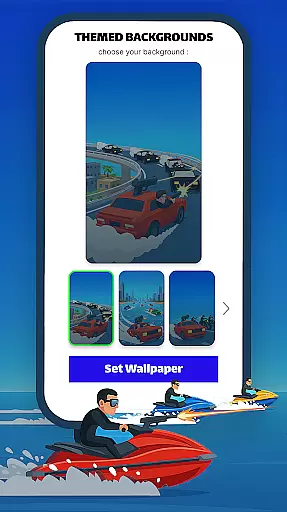
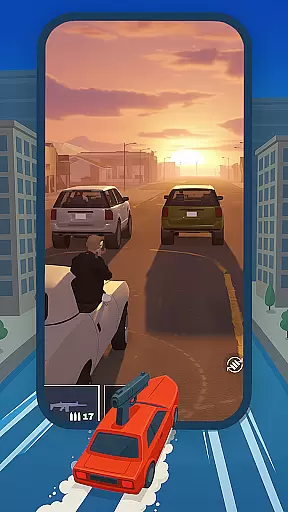
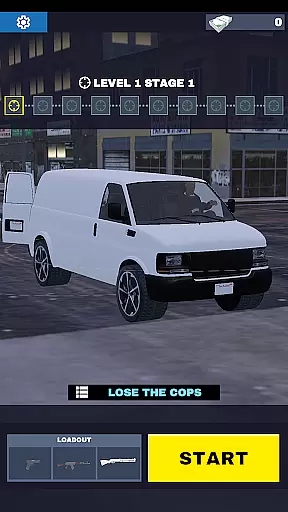
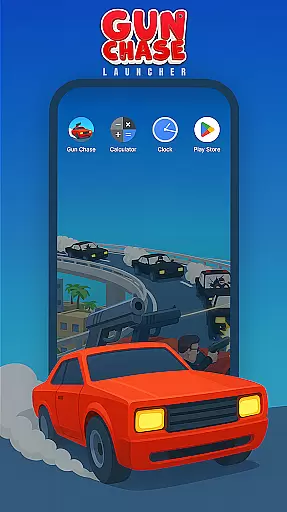

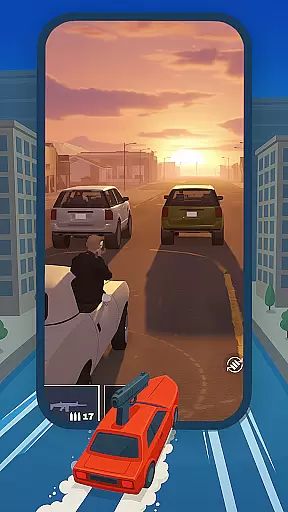
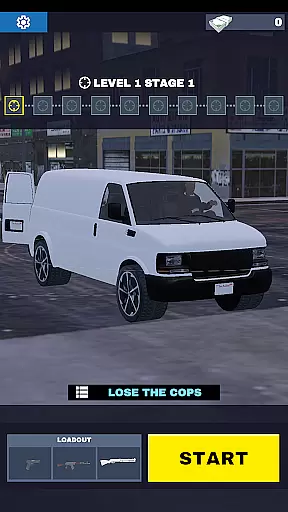
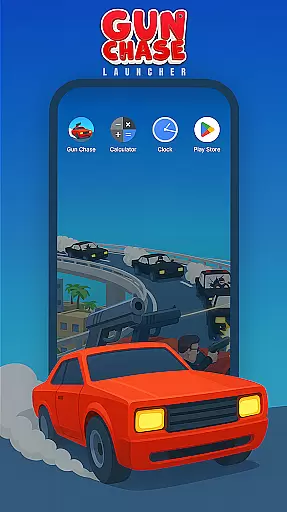
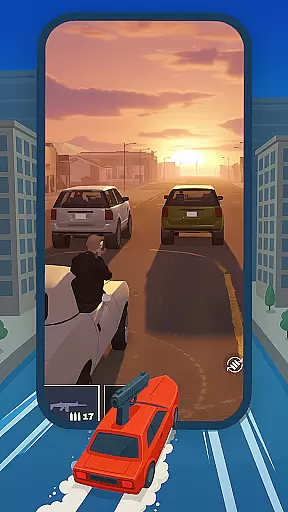
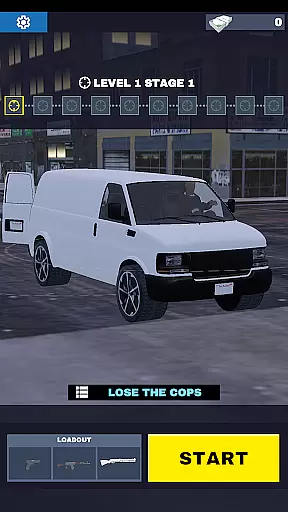
Gun Chase Launcher is a dynamic Android home screen app that combines utility with gaming excitement. Designed for users who enjoy personalization and action-packed gameplay, this launcher brings the thrill of the Gun Chase game to your mobile interface. The app allows you to customize your home screen with themed backgrounds, cool gestures, adjustable themes, and icon shapes, creating a personalized experience tailored to your preferences.
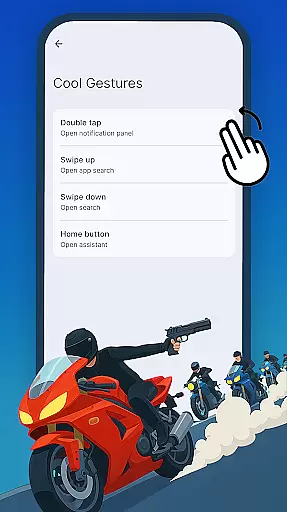
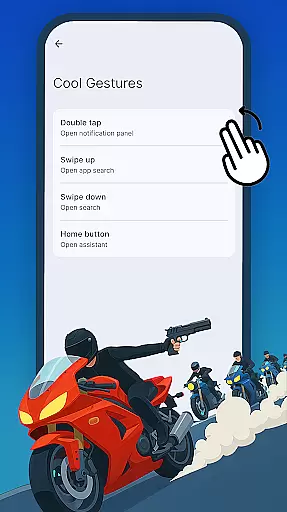
With its intuitive features, Gun Chase Launcher makes navigation faster and more engaging. You can assign specific actions to swipes, taps, and double taps, allowing quick access to apps and shortcuts. Whether you're a fan of the Gun Chase game or simply looking for a fresh way to interact with your device, this launcher offers both style and functionality in one package.
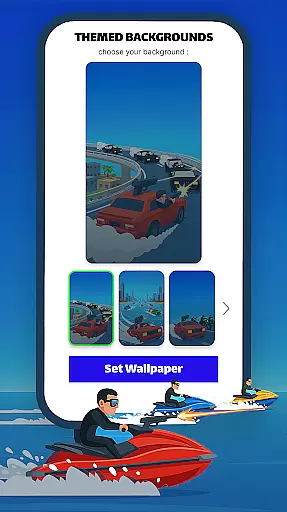
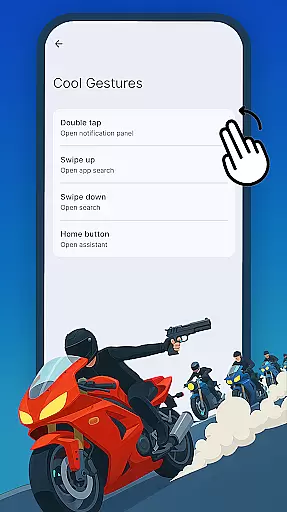
Gun Chase Launcher stands out with its unique combination of gaming-themed personalization and practical launcher features. The app provides Themed Backgrounds that immerse you in the world of Gun Chase, bringing vibrant visuals to your home screen. Its Cool Gestures feature enhances usability by enabling custom swipe, tap, and double-tap actions to open apps or perform tasks without navigating through menus.
Additionally, the launcher offers adjustable themes, including bright and dark modes, catering to different moods and lighting conditions. Users can also modify icon shapes and styles, ensuring their home screen matches their aesthetic preferences. These customization options are easily accessible through the Home Settings menu, providing a seamless way to tailor your device's appearance and functionality.
Gun Chase Launcher offers a diverse range of customization options that allow users to tailor their home screen experience. The app provides themed backgrounds, bringing the thrilling style of the Gun Chase game directly to your Android device.
In addition to visual theming, the launcher includes cool gesture controls. These gestures enable users to perform specific actions or open apps through simple swipes, taps, and double taps, streamlining navigation and reducing reliance on traditional menus.
Users can also adjust their home screen's appearance with icon shape variations. This feature lets you choose from different shapes and styles for your app icons, ensuring your home screen matches your personal aesthetic preferences.
The combination of these customization features creates a personalized and efficient user interface, enhancing both functionality and visual appeal.
Theme compatibility in Gun Chase Launcher ensures a seamless integration between the game's aesthetic and your device's home screen. By incorporating themed backgrounds, the launcher maintains visual consistency with the Gun Chase universe.
The app supports both bright and dark mode themes, allowing users to switch between different appearances based on their preference or environmental conditions. This flexibility in theme selection helps reduce eye strain and conserves battery life on OLED displays.
All themes are designed to work harmoniously with the launcher's other features, including gesture controls and icon customization. This comprehensive compatibility ensures that visual modifications don't compromise functionality.
Users can access these theming options through the Home Settings menu, providing easy management of their preferred visual configuration while maintaining optimal performance and usability.
Highly customizable
Gaming-themed design
Intuitive gesture controls
Variety of themes
User-friendly interface
May reset existing layout
Limited to Android devices
Requires setup time
Potential learning curve
Game-centric aesthetics

Turn your lock screen into fun with smile live wallpapers & animated wallpapers!
 2.50
2.50
Try creating your own keyboard with "Keyboard theme for android" app now!
4.50
Run multiple accounts of the same app on a single device
4.10
Want to make your phone more special than ever?
4.60
Custom edge gestures for volume control, brightness, apps, and shortcuts.
4.4
Stylish Pink Cute Hippo keyboard with 10000+ customized keyboard themes!
4.60
Modern Glass Icon Pack with glossy icons, clean minimal theme & aesthetic style
4.1
350+ widgets with a premium glass-style finish, perfect for home & lock screens.
4.70
Amazing letter fonts in your messages and social statuses
4.70
One 8 icons glass color version
4.80
Personalize your phone with stunning HD and 4K wallpapers!
4.70
Stunningly Different look with Line Icons and Neon Colors
4.60
Customize your home screen with stunning themes, blur, widgets & icons.
4.60
Embrace the Night. Unleash the power of darkness with Raven Dark Icon Pack
4.60
Ninja Turtles Cowabunga SE watch face for Wear OS
4.50
Vibrant Adaptive Icons with Material You and Enhanced Monet Colors.
4.50
200+ Material Inspired Widgets
4.50
Transform your phone with stunning video wallpapers and a unique, personal touch
3.80 3.50
3.50


User Reviews