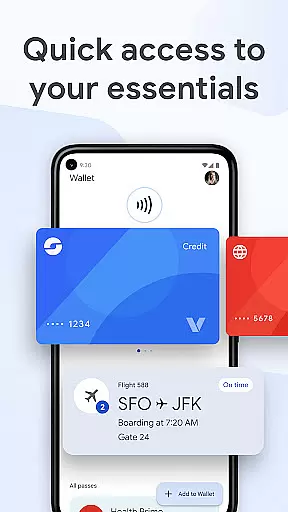
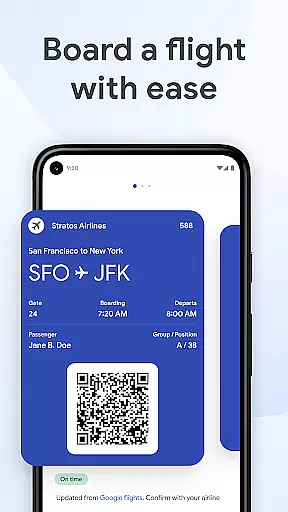
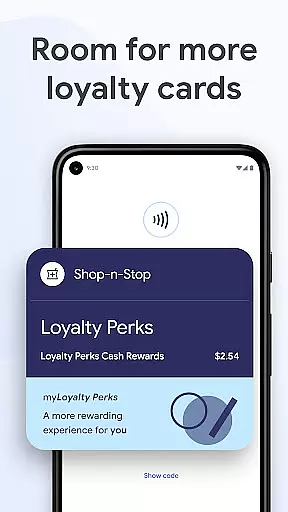
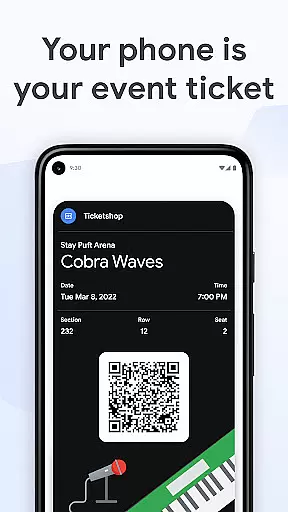
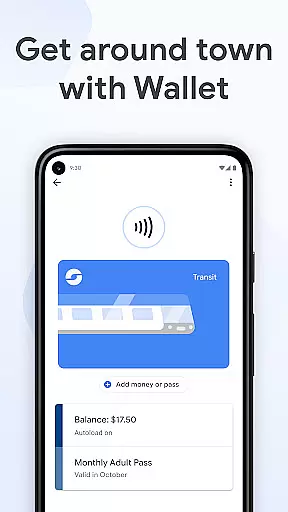
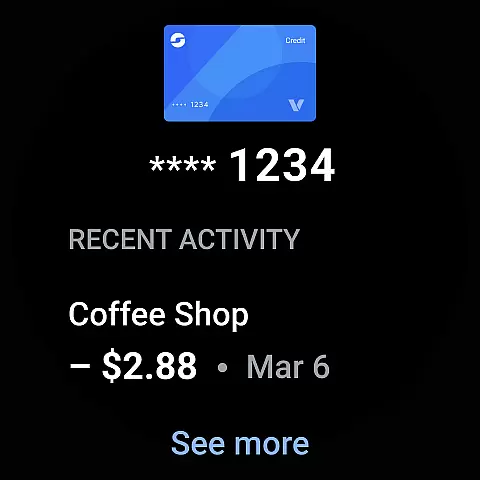
Google Wallet is a versatile digital wallet solution designed specifically for Android and Wear OS devices. This application allows users to conveniently store and access various essentials such as payment cards, tickets, boarding passes, and even driver's licenses in one secure location. With its seamless integration across Google services, users can enjoy features like transaction tracking, smart suggestions, and real-time updates on flight information.
The app stands out with its user-friendly interface that offers three quick access methods: phone quick settings, the Wallet app homescreen, and Google Assistant. Whether you're commuting, shopping, or traveling, Google Wallet ensures you have what you need at your fingertips while maintaining top-notch security standards through advanced Android protection features.
Google Wallet boasts an array of innovative features tailored for convenience and security. One standout aspect is the ability to suggest relevant items based on context - for instance, receiving a boarding pass notification on the day of travel. The app also integrates smoothly with other Google services like Calendar and Assistant, ensuring users are always updated with the latest information.
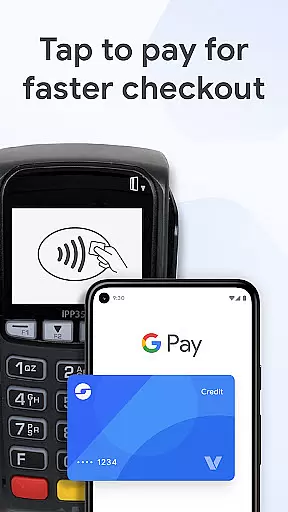
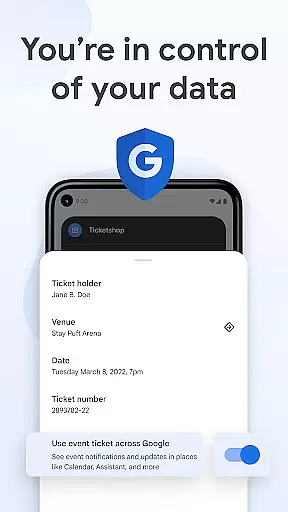
Security is a top priority, with features like 2-Step Verification and remote data erasure providing peace of mind. When making payments, Google Wallet protects users' financial information by not sharing actual credit card numbers with merchants. Additionally, the app supports Wear OS, allowing users to access their wallet directly from their smartwatch face, making daily tasks even more effortless.
Companion app integration is crucial for wearable devices as it ensures seamless functionality between the smartphone and the wearable. Google Wallet excels in this area by providing a unified experience across Android phones and Wear OS devices.
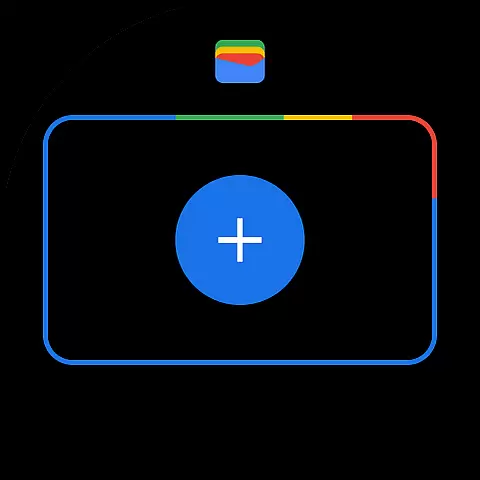
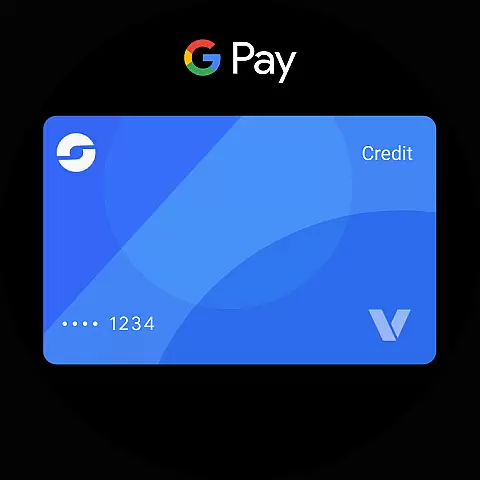
The app allows users to access their essential cards, tickets, and passes directly from their Wear OS watch face through complications. This means you can conveniently make payments or show tickets without needing to take out your phone.
Furthermore, the synchronization between the phone app and the wearable is automatic and real-time. Any changes made on the phone reflect instantly on the watch, ensuring that users always have the most up-to-date information at their fingertips.
This integration not only enhances convenience but also extends the security features of Google Wallet to the wearable device, ensuring that all transactions and personal data remain protected regardless of the access point.
Compatibility with Wear OS and other devices is a significant advantage of Google Wallet, making it versatile and accessible to a wide range of users. The app is designed to work seamlessly on all Android phones running Lollipop 5.0 and above, as well as on Wear OS and Fitbit devices.
For users with Wear OS watches, Google Wallet offers instant access to essential features right from the main watch face. This compatibility ensures that whether you're paying for a coffee or boarding a flight, your digital wallet is always within reach.
In addition to supporting multiple device types, Google Wallet also adapts its functionality based on the device's capabilities. For instance, advanced security features like 2-Step Verification and remote data erasure are available on compatible Android devices, adding an extra layer of protection.
By ensuring broad device compatibility, Google Wallet maximizes user accessibility and convenience, allowing individuals to manage their essentials securely and efficiently, no matter which device they are using.
User-friendly interface
Secure payment system
Seamless Google integration
Convenient quick access options
Comprehensive digital storage
Limited iOS compatibility
Feature restrictions on supervised accounts
Occasional sync issues reported
Not all countries supported
Requires stable internet connection

Current temperature, weather hourly, weather radar by the weather forecast app
 4.40
4.40
Elegant animated Christmas tree with multiple customization options
4.20
Simple Analog-Digital Watchface For Wear OS 3.0 and Up Smartwatches
4.2
Digital watch face with big numbers and many customization for Wear OS devices
4.40
Gym & home workout plans with strength training, exercise tracking, HIIT & more.
4.60
Real-time results, stats, schedules and player profiles for all leagues
4.60
Hyper-Realistic Airplane Dashboard Watch Face With 10 Skins and Custom AOD
4.00
Viewer for Wyze/Yi/Eufy/Arlo/ONVIF/RTSP/P2P IP cams w/ adv. features & DIY DVR
4.00
Animated video-game inspired “secret agent” simulation, right on your wrist!
4.20
Digital, flexibly customizable watch face. For Wear OS 5.0, API 34+ and later.
5.00
Hyperlocal rain alerts by MyRadar using patent-pending technology, radar & more
4.80
A modern hybrid informative watch face for Wear OS designed by BALLOZI
4.80
The most customizable minimal watch face. For Wear OS 5.0, API 34+ and later
4.70
Nutrition, Macro tracker: Food, fitness & healthy diet tracking for weight loss
4.60
A realistic hybrid watch face with many customization options.
4.60
Digital watch face. For Wear OS devices.
4.40
Stay in touch with your friends and family using LINE!
3.40
Your local weather forecast, storm tracker, radar maps & live weather news
3.40
Contemporary digital watch face with five complications
4.3


User Reviews