
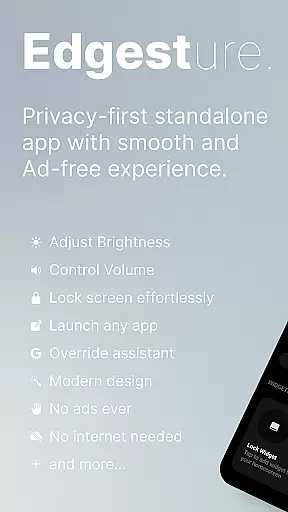
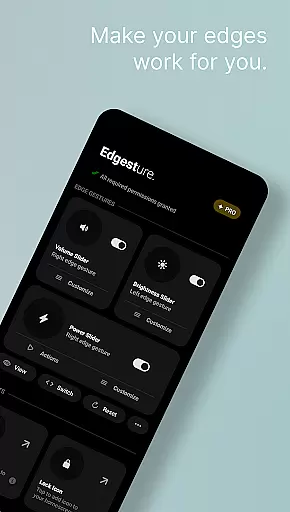
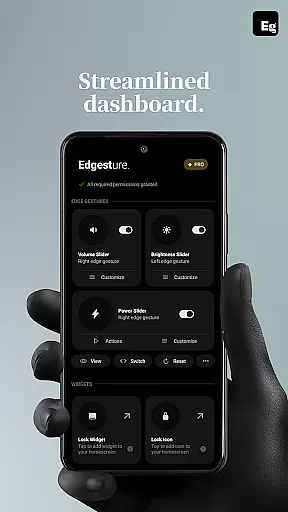
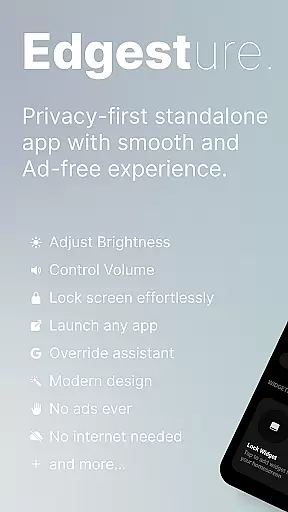
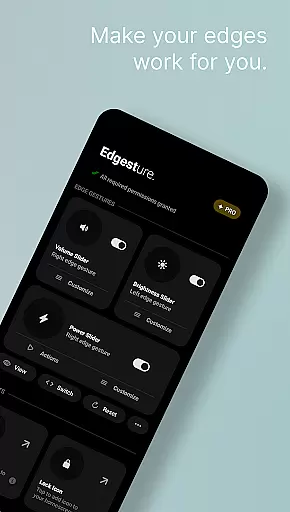

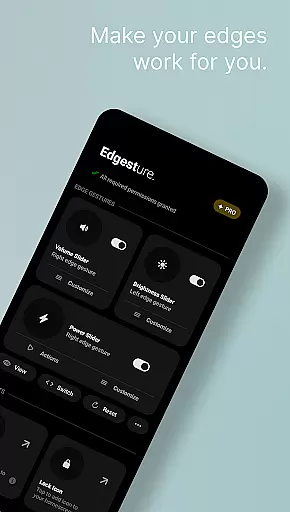
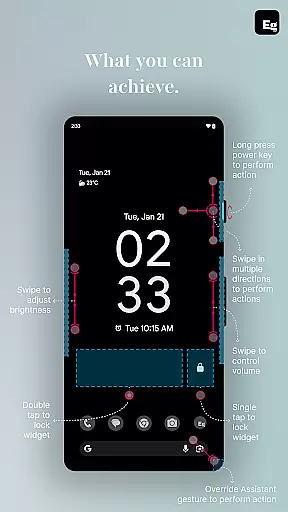
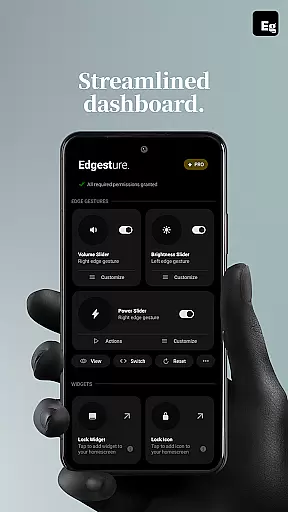
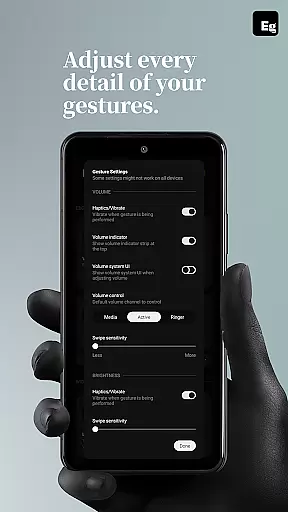
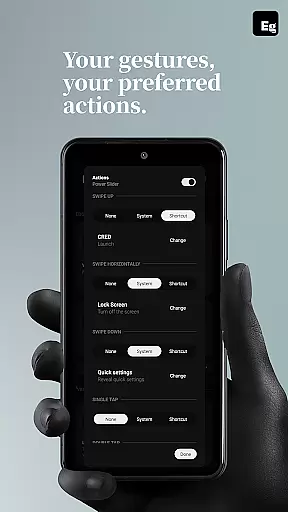
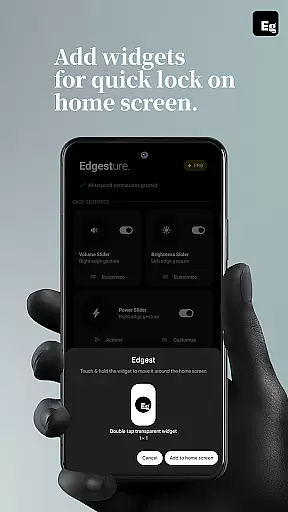
Edgest is a powerful personalisation tool designed to enhance your smartphone experience through intuitive gesture controls. This app allows users to take complete control of their devices with edge gestures, custom shortcuts, and instant access to frequently used actions. The core functionality revolves around gesture navigation, volume and brightness control, and customisable shortcuts that make daily tasks more efficient.
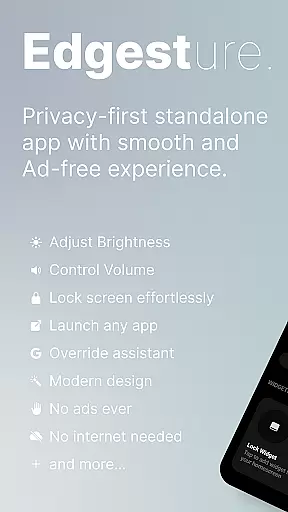
What sets Edgest apart is its focus on simplicity and user experience. With no ads, tracking, or hidden charges, it offers a seamless way to interact with your device. Whether you need quick access to apps, media controls, or system settings, Edgest provides a personalised and effortless solution. The app is particularly useful for power users who want to optimise their workflow while maintaining a clean and minimalistic interface.
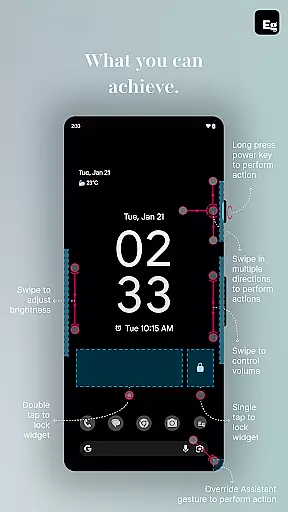
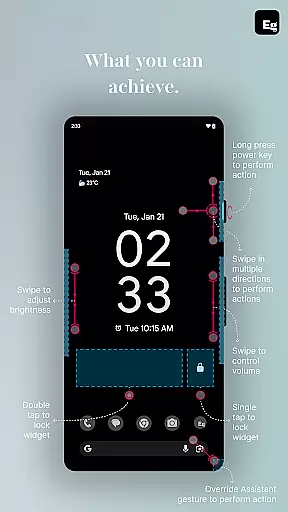
Edgest boasts an impressive array of features that cater to various user needs. The app's primary feature is its edge gesture system, which allows users to perform essential functions like launching apps, adjusting settings, and accessing favourite actions directly from the screen's edge. This eliminates the need to navigate through multiple menus, saving valuable time.
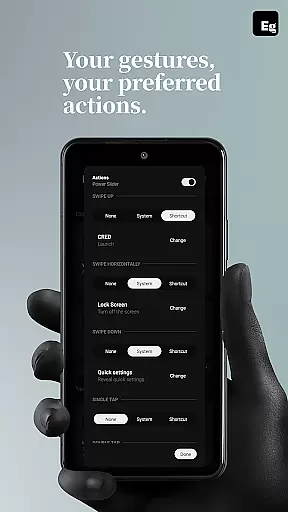
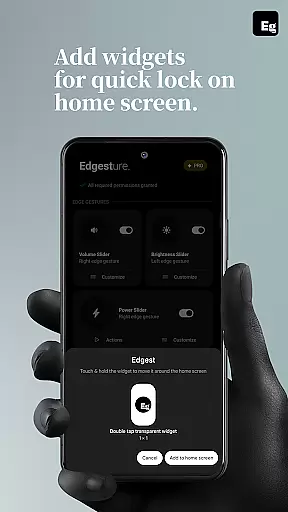
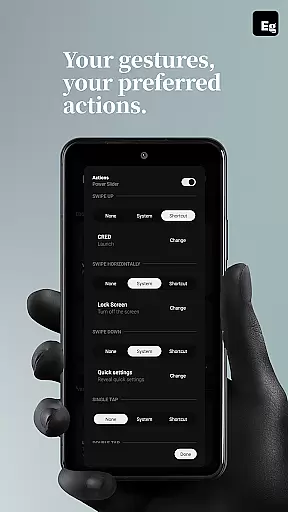
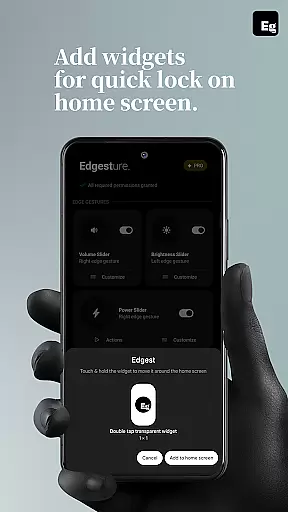
Another standout feature is the ability to create fully customisable gestures. Users can assign specific actions to unique swipe patterns, taps, or long presses. These custom gestures can trigger anything from opening URLs to taking screenshots or controlling media playback. Additionally, the app includes a quick settings tile for instant access to frequently used actions, as well as lock screen widgets that enable single-tap or double-tap locking options.
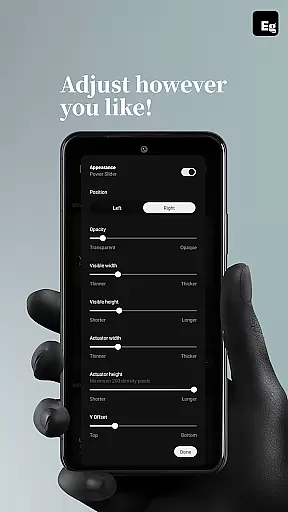
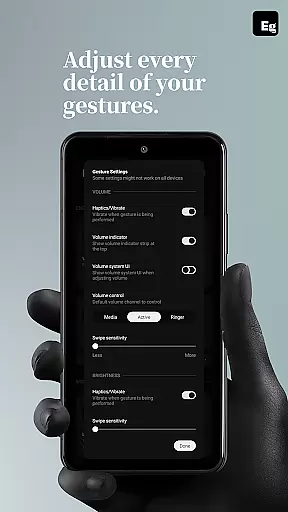
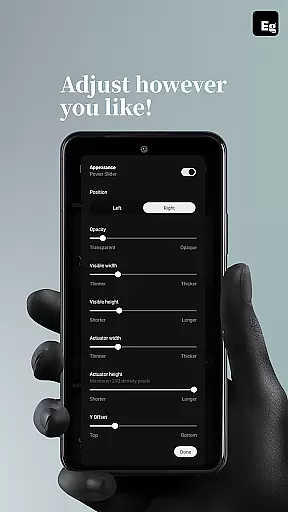
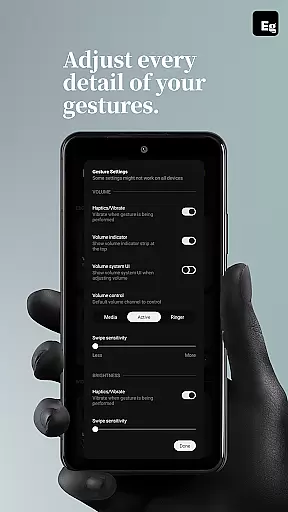
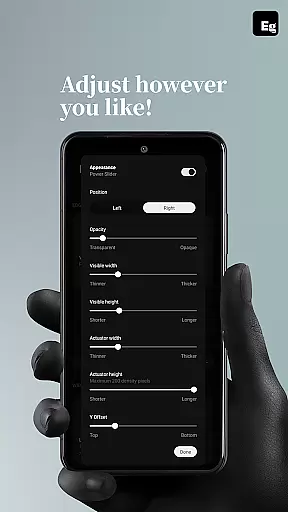
The level of customisation extends beyond basic gestures. Users can fine-tune gesture sensitivity, animation speed, and feedback to suit their preferences. This flexibility ensures that Edgest adapts to individual workflows rather than forcing users to adapt to the app. The combination of these features makes Edgest an indispensable tool for anyone looking to streamline their device interactions.
Edgest offers an extensive range of customization options that allow users to tailor their device's functionality to their specific needs. With personalized gesture shortcuts, users can launch apps, toggle settings, and access essential functions instantly.
The app supports custom gestures including swipe, tap, and long press actions, each assignable to different tasks such as opening favorite apps, returning to the home screen, or controlling media playback. This level of personalization ensures that every interaction with your device is both intuitive and efficient.
Moreover, Edgest provides adjustable gesture sensitivity, animation speed, and feedback, allowing for a highly customized user experience. Users can fine-tune these settings to match their preferences, making daily tasks quicker and more seamless.
By offering such a diverse set of customization features, Edgest enhances user productivity and satisfaction, proving itself as an indispensable tool for those looking to optimize their smartphone experience.
While Edgest focuses primarily on gesture navigation and control, it also ensures excellent theme compatibility, allowing users to maintain visual consistency across their devices. The app integrates smoothly with various themes, ensuring that aesthetic preferences are preserved without compromising functionality.
Users can apply their chosen themes without worrying about losing the intuitive edge gestures and controls provided by Edgest. This compatibility extends to lock screen widgets and quick settings tiles, which blend seamlessly into the overall design scheme.
This harmonious integration means that whether you prefer a dark mode or a brightly colored interface, Edgest adapts to your visual style while maintaining its core utility. Such flexibility in theme compatibility enriches the user experience, providing both form and function.
Ultimately, Edgestu2019s commitment to theme compatibility ensures that users do not have to choose between personalized aesthetics and powerful functionality, delivering a cohesive and visually pleasing environment.
Intuitive gesture controls
Highly customisable options
No ads or tracking
Lightweight performance
Regular feature updates
Requires accessibility permissions
Learning curve for new users
Limited visual customisation
Premium features locked behind paywall
Occasional gesture misfires

Classic analogue watch face. For wear os devices.
 4.60
4.60
Make your phone look simple & luxury, like iDevice
4.60
Customizable screen pets that play, climb, and keep you company.
4.50
Nothing Icon pack with more than 3750+ highly crafted icons.
4.70
Choose your keyboard with RGB colors effect, themes, fonts, emojis.
4.60
400+ Beautifully crafted widgets inspired by NOTHING.
4.70
350+ widgets with a premium glass-style finish, perfect for home & lock screens.
4.70
A minimalist productivity launcher. One-hand-friendly. Zero ads.
4.70
Magic fluids wallpaper 4D: Relax with stunning fluid simulation wallpaper app
4.20
Personalize your phone with stunning HD and 4K wallpapers!
4.70
Stunningly Different look with Line Icons and Neon Colors
4.60
Embrace the Night. Unleash the power of darkness with Raven Dark Icon Pack
4.60
AI-powered Copilot. Personalized keyboard with gifs, stickers & themes
4.40
Art & Emoji Keyboard with Cool Fonts, Cute Themes and Custom Designs.
4.40
Organize and manage your photos and videos effortlessly with Photo Gallery
4.20
Unleash Your Creativity and Connect with Loved Ones with Lockscreen Drawing!
4.20
Your go to Weather App & Home Screen. Get your weather at a swipe of a finger!
3.80
HappyLighting is a Bluetooth lamp control software.
3.40
Capture moments that pass like a storm, second by second.
4.1


User Reviews