


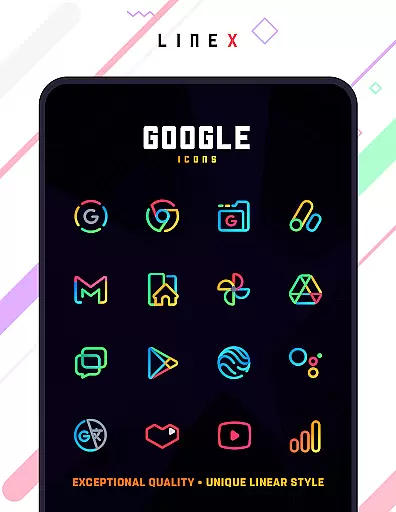
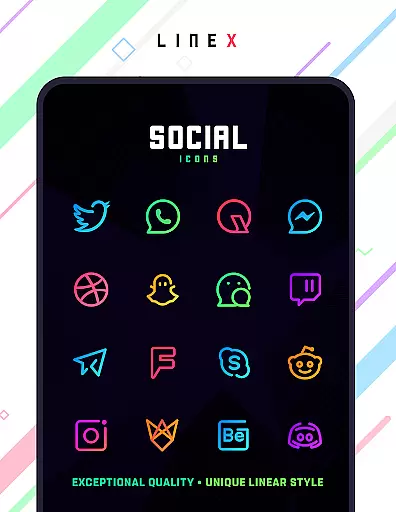
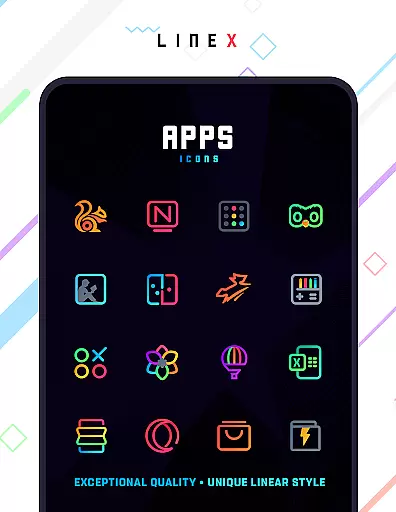
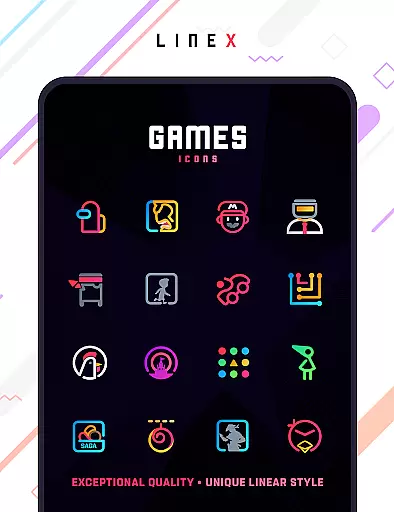
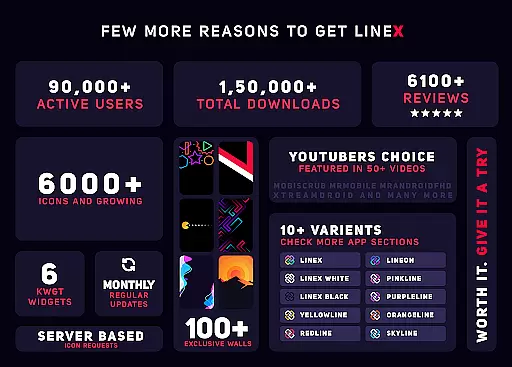
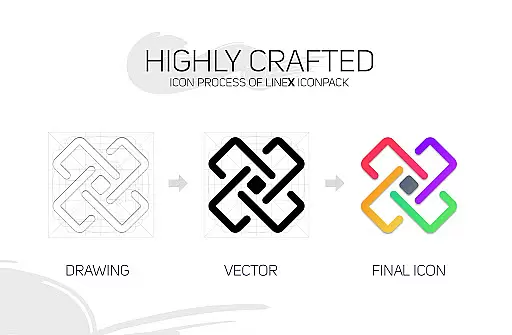
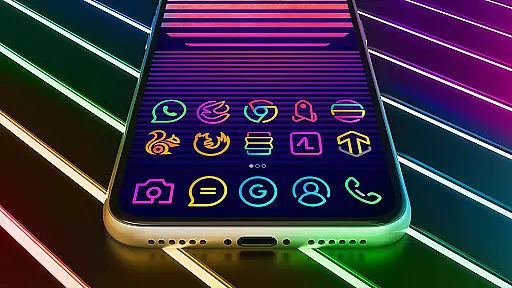
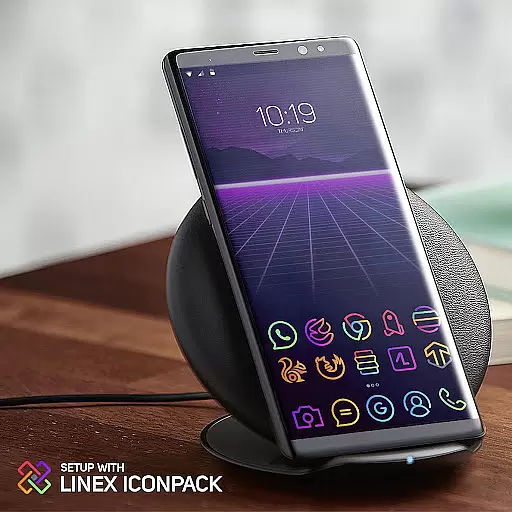
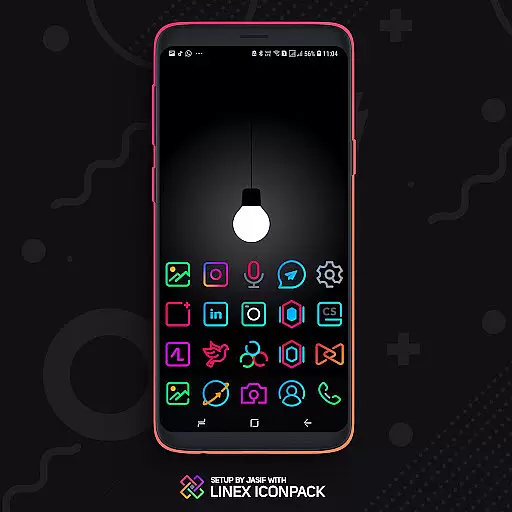
LineX Icon Pack is a premium icon pack designed for users who appreciate minimalist design with a modern touch. Featuring over 6000 linear-style icons, this pack offers one of the most comprehensive collections available on the market. Each icon is crafted with top-notch quality, ensuring clarity and aesthetic appeal on any device.
In addition to its vast icon library, LineX includes a robust masking system that ensures unthemed icons are beautifully styled. The pack also provides various customization options such as alternative icons, dynamic calendars, and material dashboards. Compatible with numerous launchers, it allows users to personalize their home screens while maintaining a cohesive look.
LineX Icon Pack stands out with its extensive range of features tailored for customization enthusiasts. With over 6000 icons, users can enjoy frequent updates that continually expand the collection. The pack's perfect masking system transforms unthemed icons into visually appealing designs, enhancing the overall user experience.
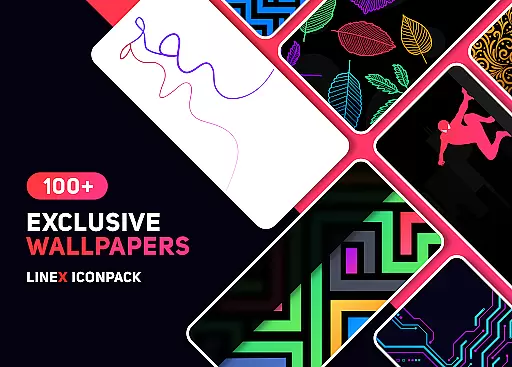
Users have access to additional functionalities like icon previews, search capabilities, and category-based organization. The inclusion of custom folder icons and app drawer icons adds another layer of personalization. Furthermore, LineX supports dynamic calendars and offers a stunning wall collection, making it a versatile choice for those looking to elevate their device’s aesthetics.
Customization is at the heart of the LineX Icon Pack, offering users a versatile way to personalize their device's appearance. With over 6000 icons, this pack stands out for its extensive range of customization choices. The linear theme design provides a fresh and modern look, ensuring that your device not only functions well but also reflects personal style.
The icon pack includes a perfect masking system, which means even apps without specific themed icons will still blend seamlessly with the overall aesthetic. Additionally, users can enjoy a variety of alternative icons, category-based organization, and custom app drawer icons. These features collectively enhance user experience by allowing granular control over visual elements.
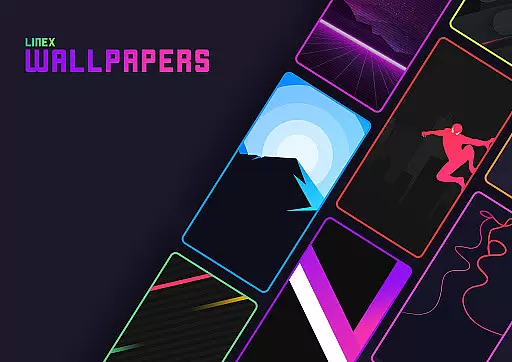
For those who appreciate dynamic aesthetics, LineX offers dynamic calendar icons and an amazing collection of wallpapers. Users can further tailor their setup with custom folder icons and easy icon request options. This level of detail ensures that every aspect of the home screen can be customized to individual preferences, making each interaction with the device a unique pleasure.
Theme compatibility is crucial when selecting an icon pack, and LineX Icon Pack excels in this area. Designed to work seamlessly with a wide array of launchers, it supports popular options like Nova, Action Launcher, Apex, and many others. This broad compatibility ensures that regardless of the launcher you prefer, LineX will integrate smoothly, providing a cohesive and polished look.
In addition to supporting numerous launchers, LineX has been rigorously tested to ensure reliability and performance. Even if your specific launcher isn't listed in the apply section, the pack can often be applied through the launcheru2019s theme settings. This flexibility allows users to maintain their preferred launcher while enjoying the enhanced visuals provided by LineX.
Moreover, LineX addresses common issues such as missing icons by offering an easy icon request feature. If certain icons are not included, users can request them, and updates are frequent, continually expanding the library. This commitment to compatibility and support makes LineX a reliable choice for anyone looking to elevate their device's visual appeal without compromising functionality.
Extensive icon library
Frequent updates
Perfect masking system
Customizable options
Wide launcher support
Requires compatible launcher
No Google Now support
Some features need specific launchers
Premium price tag
Initial setup complexity

A light in the dark, a unique style and an andless cutomization!
 4.30
4.30
Themes - Widget & Wallpaper: Customize home screen, icon changer w unique themes
4.30
Add cute Shimeji pets to screen, interact with them and relax with cute motions
4.60
Customize your home screen with stunning themes, blur, widgets & icons.
4.60
HappyLighting is a Bluetooth lamp control software.
3.40
Adorable pets roam and play right on your phone screen!
3.30
200+ Material Inspired Widgets
4.50
Transform your device in a game console
4.40
Create unique, fun emojis with Funny Emoji Maker! Unlimited creativity!
4.00
Sparkle your screen with Glitter Wallpapers For Girls and Cute Backgrounds!
4.80
Transform your phone with Launcher iOS 26 - Smooth & elegant iOS experience
4.50 4.50
4.50
Adult video chat, dating, making friends, random matching
4.20
Magic fluids wallpaper 4D: Relax with stunning fluid simulation wallpaper app
4.20 4.10
4.10
Your go to Weather App & Home Screen. Get your weather at a swipe of a finger!
3.80
Struggling to find apps? Use this app to locate and open any app on your phone!
2.20
⭐ OneUI inspired Fluffy Icon Pack – Soft. Stylish. Standout. ⭐
4.5
Custom edge gestures for volume control, brightness, apps, and shortcuts.
4.0


User Reviews