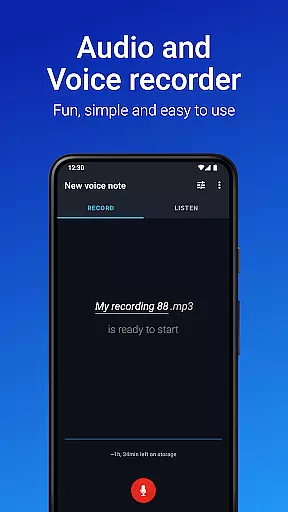
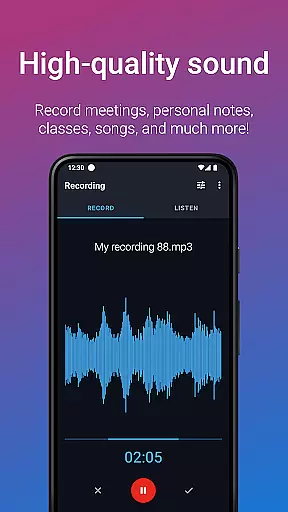
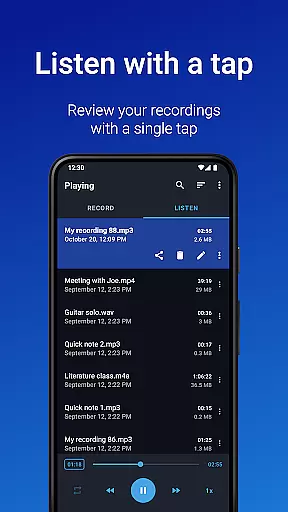
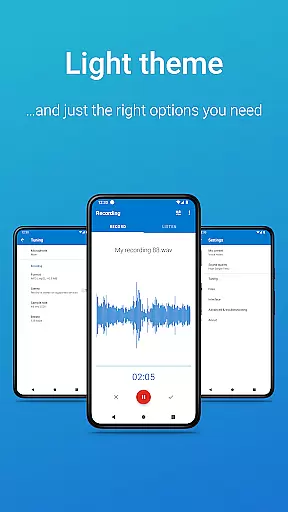
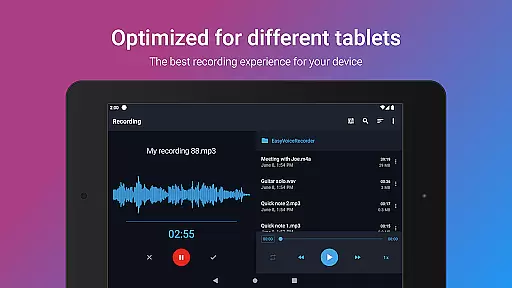
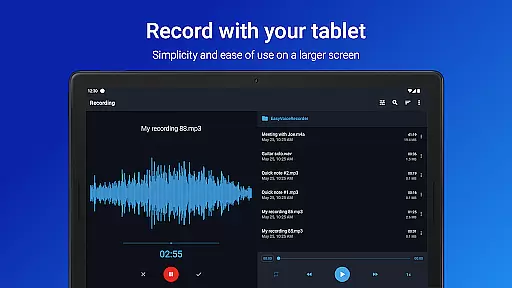
Easy Voice Recorder Pro is a versatile audio recording application designed for Android Wear devices, offering users the ability to capture high-quality voice recordings without time limits or ads. The app caters to various user groups including students, business professionals, and musicians, providing tailored features such as speed adjustment for playback and multiple recording formats like MP3, FLAC, and AAC.
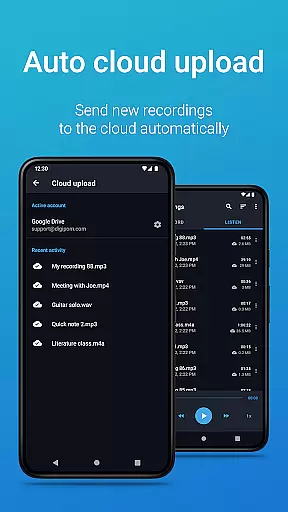
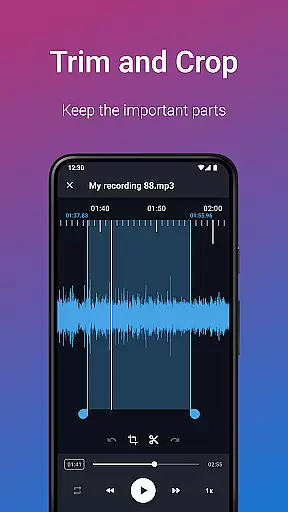
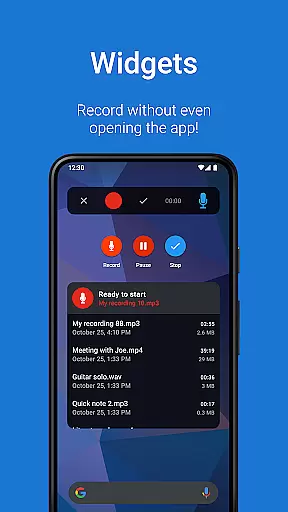
With its exclusive Pro features, users can automatically upload recordings to cloud services, trim unwanted sections, and organize files into folders. The app also supports Bluetooth microphones and offers powerful widgets for quick access. Whether you need to record lectures, meetings, or musical ideas, Easy Voice Recorder Pro delivers a reliable and flexible recording solution that adapts to your specific needs.
Easy Voice Recorder Pro stands out with its comprehensive feature set tailored for both casual and professional use. The app allows users to record in various formats including high-quality PCM and MP4, while also offering space-saving options like AMR. Its intuitive interface enables quick starts through widgets and shortcuts, even allowing background recording.
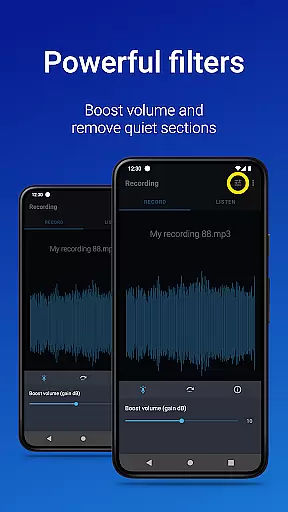
Exclusive Pro features enhance the experience further by enabling automatic uploads to Google Drive or Dropbox, stereo recording, and advanced editing capabilities. Users can also take advantage of Wear OS support to record directly from smartwatches. With additional functionalities such as custom bitrates, volume boost, and the ability to skip silence, this app provides a complete toolkit for all your recording needs.
Companion app integration is essential for wearable devices to function seamlessly with smartphones. Easy Voice Recorder Pro excels in this area by offering robust connectivity between your smartwatch and mobile device.
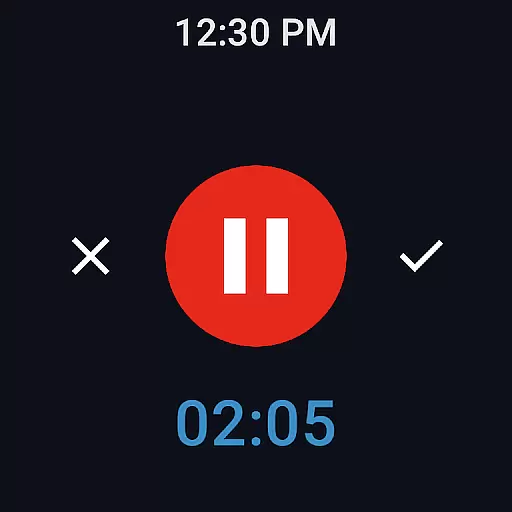
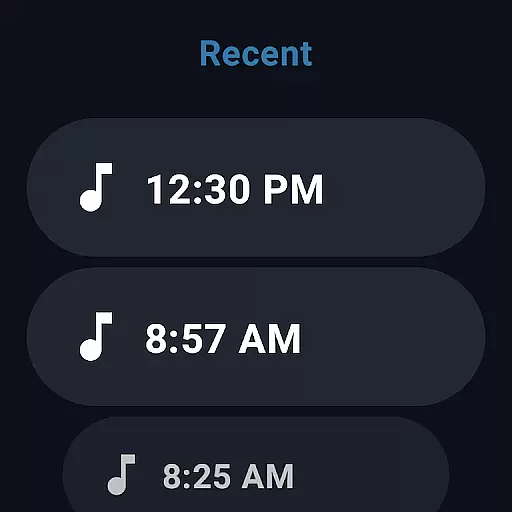
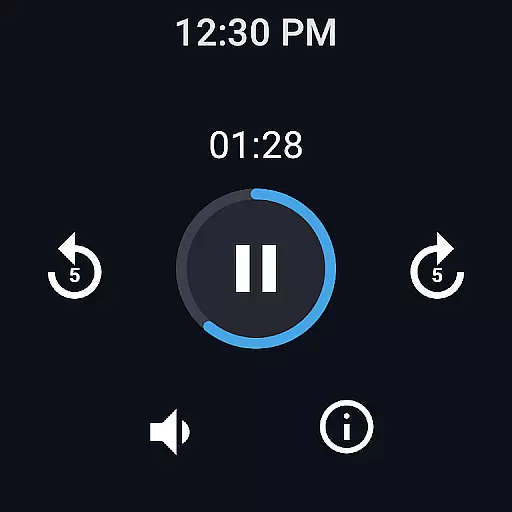
The application allows users to start, stop, and manage recordings directly from their Wear OS devices. This feature ensures that users can capture audio even when their phone isn't immediately accessible, providing unmatched convenience and reliability.
Furthermore, the app supports quick access through widgets and shortcuts on both the smartphone and smartwatch interfaces. This dual accessibility enhances the user experience by streamlining the recording process across devices.
By enabling cloud upload functionality, recordings made on-the-go can be automatically synced to a user's laptop or preferred cloud storage service. This seamless integration ensures that all important audio files are securely stored and easily accessible from any device.
Device compatibility is crucial for applications designed to work with wearable technology. Easy Voice Recorder Pro offers extensive support for Wear OS, ensuring that users can take full advantage of their smartwatches' capabilities.
This app is optimized to work smoothly on various Wear OS devices, providing consistent performance regardless of the specific hardware being used. Users can expect reliable recording functions whether they're using a watch with advanced features or a more basic model.
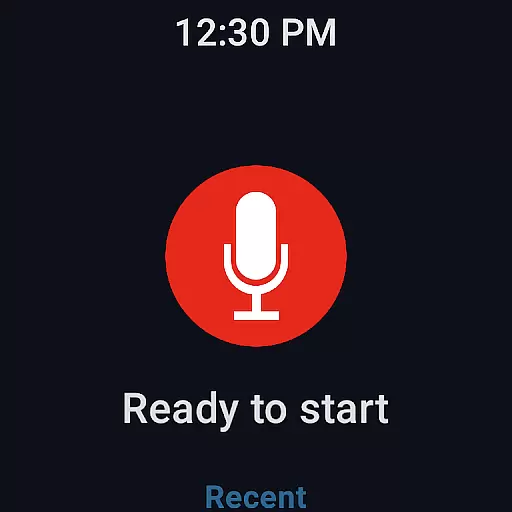
In addition to supporting a wide range of devices, Easy Voice Recorder Pro also includes a dedicated watch tile for quick access. This feature allows users to initiate recordings with minimal effort, making it ideal for capturing spontaneous moments or hands-free operation.
With its comprehensive compatibility and intuitive interface, Easy Voice Recorder Pro stands out as a versatile tool for anyone looking to integrate voice recording into their wearable tech ecosystem.
User-friendly interface
High-quality recording options
Cloud integration
Advanced editing tools
Wear OS compatibility
No call recording capability
Premium price tag
Limited free version
Occasional bugs reported
Requires external storage permission

Watch the sharpness of the sky on your wrist..
 3.70
3.70
Easy Voice Recorder is your everyday companion to record important moments.
4.70
Simple Analog-Digital Watchface For Wear OS 3.0 and Up Smartwatches
4.0
A modern premium sporty hybrid watch face for Wear OS by Ballozi
4.70
The most customizable minimal watch face. For Wear OS 5.0, API 34+ and later
4.70
Your second brain for organizing your life: to-do, calendar, reminder.
4.70
Daily Weather forecast with 15 weather images for Day & Night plus Big Bold time
4.10
Fast and smart typing with Emojis, GIFs, and more
4.50
Track airplanes and follow flights with our real-time flight tracker
4.50
The most customizable hybrid watch face. For Wear OS 5.0, API 34+ and later
4.70
WTW M17 is a premium and luxurious hybrid watch face
4.70
Rose gold watch face with festive lights & customizable features.
4.60
Kia Access makes getting your vehicle information easier than ever
4.60
Deck out your Wear OS Watch face with a beautifully decorated pine wreath!
4.50
Premium hybrid watch face with many customizations for Wear OS devices.
4.40
Snowflake Rose Gold Watch Face - Digital, modern, & sleek with GYRO effect.
4.10
Christmas and New Year - Themed Watchface
4.1
Christmas is near, let's count together the days left until Santa comes
4.5
A heartwarming Christmas scene featuring a cute image of Santa and Rudolf
4.0


User Reviews