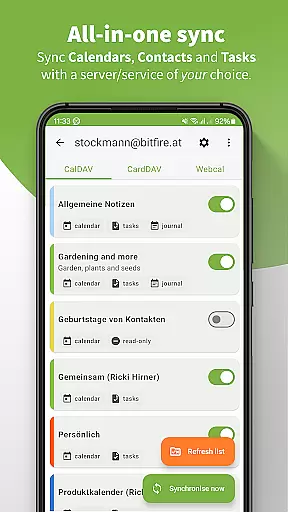
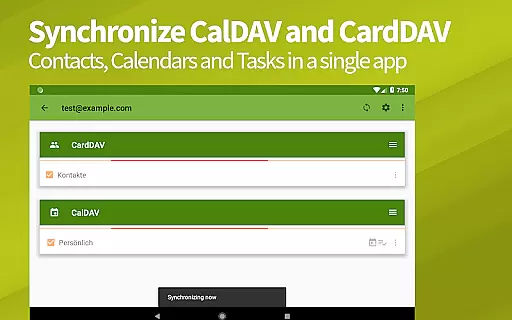
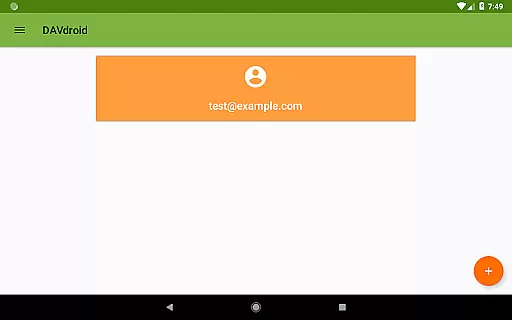
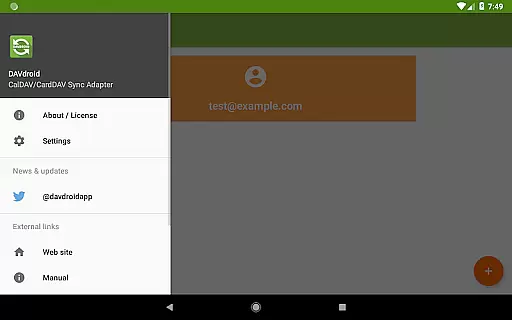
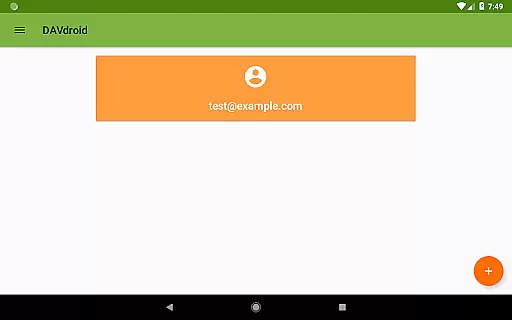
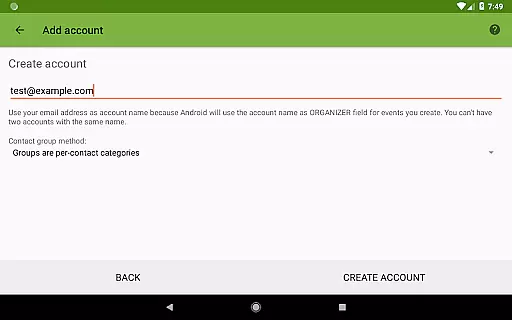
DAVx⁵ is a comprehensive productivity app designed for seamless synchronization of contacts, calendars, and tasks across devices. This all-in-one solution supports CalDAV, CardDAV, and WebDAV protocols, making it compatible with numerous servers like Nextcloud, iCloud, and Synology. With its two-way sync capability, users can effortlessly keep their data up-to-date between the server and client while enjoying integration with default apps or third-party services.
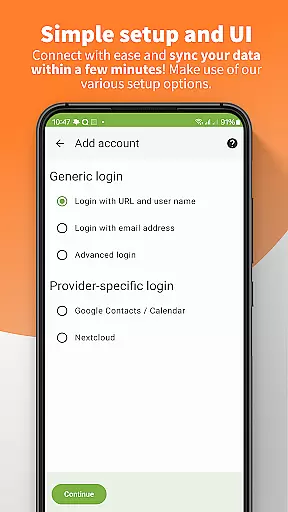
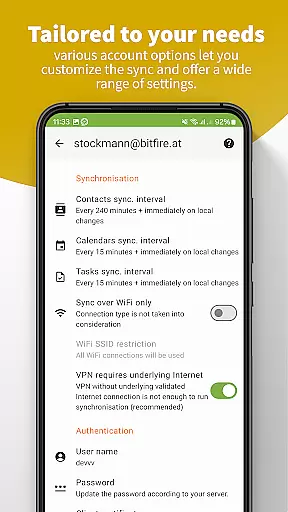
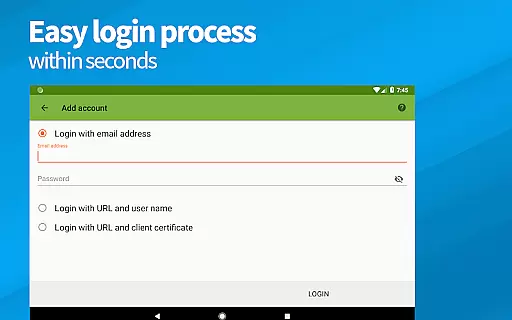
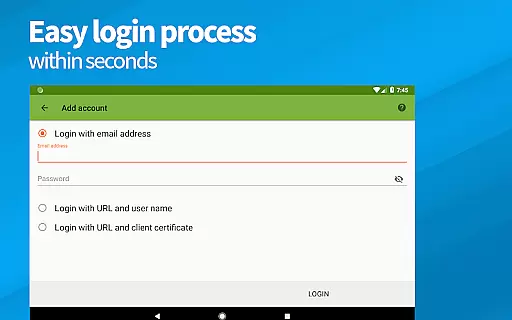
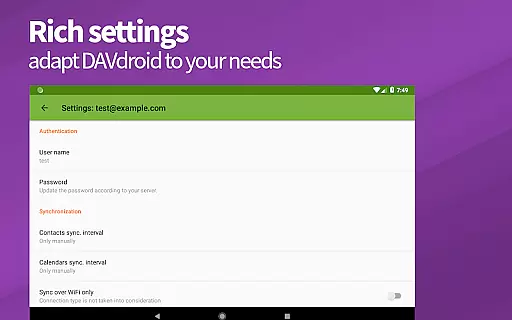
The app stands out with features such as resource auto-detection, support for self-signed certificates, and authentication by client certificates, ensuring an easy setup process. Additionally, DAVx⁵ offers fast algorithms for high performance, multi-threaded sync, and backward compatibility for older Android versions. Whether you're managing personal tasks or corporate data, DAVx⁵ provides a secure, ad-free experience that respects user privacy and complies with GDPR standards.
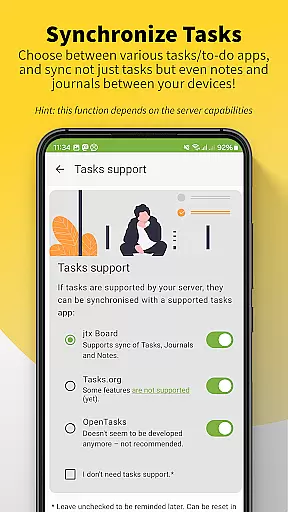
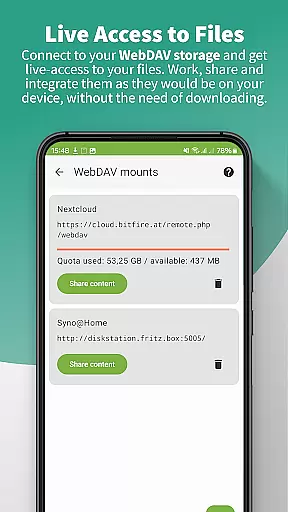
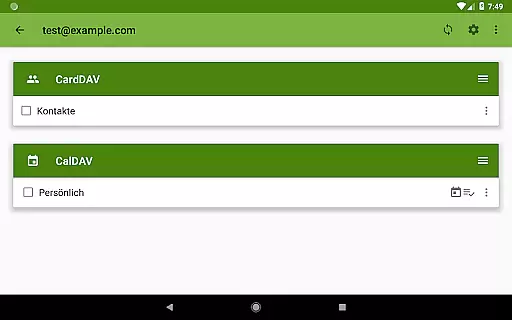
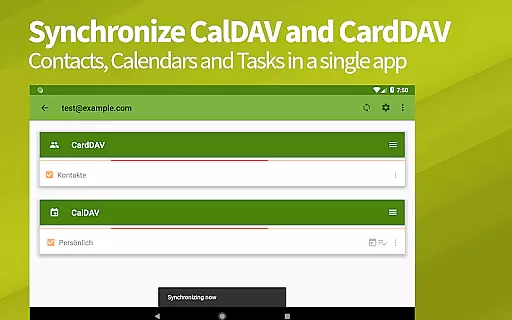
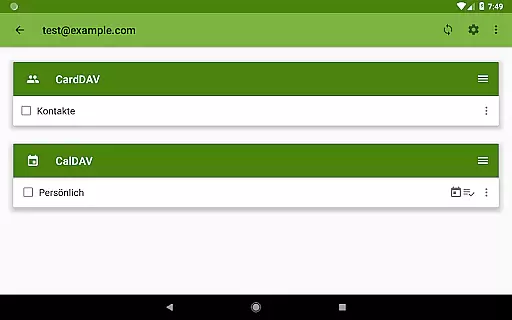
DAVx⁵ excels in providing a robust set of features tailored for productivity enthusiasts. One of its key strengths is the ability to sync calendars (CalDAV), address books (CardDAV), and tasks (VTODO via CalDAV) within a single app, streamlining the management of various data types. The app also allows direct access to WebDAV files, enabling users to work with remote storages as if they were local on their device.
Performance optimization is another highlight, with fast algorithms leveraging CTag/ETag and limiting sync time ranges for past events to enhance efficiency. Furthermore, DAVx⁵ includes management options for creating and deleting calendars, address books, and to-do lists directly from the app interface. These capabilities ensure a smooth, integrated experience that caters to both individual and enterprise needs while maintaining top-notch security and privacy standards.
DAVxu2075 offers a comprehensive solution for managing core tasks related to contacts, calendars, and tasks synchronization. This all-in-one app supports CalDAV for calendars, CardDAV for contacts, and WebDAV for file access, ensuring that users can handle multiple task types within a single platform.
The application provides two-way synchronization, allowing seamless updates between the server and client devices. This ensures that any changes made on one end are automatically reflected on the other, maintaining consistency and reliability across all synchronized data.
With DAVxu2075, users have the ability to manage their resources effectively. The app allows for the creation and deletion of new calendars, address books, and to-do lists directly from the interface, streamlining task management processes and enhancing productivity.
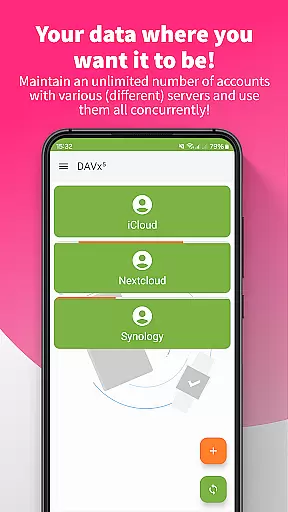
One of the standout features of DAVxu2075 is its reliable cross-device synchronization. By supporting a wide range of CalDAV and CardDAV servers, including popular services like Nextcloud, iCloud, and Synology, DAVxu2075 ensures that users can synchronize their data across various platforms and devices effortlessly.
The app employs fast algorithms and multi-threaded sync processes to enhance performance. These technologies ensure that synchronization is not only reliable but also swift, providing users with up-to-date information without unnecessary delays.
Furthermore, DAVxu2075 is optimized for both phones and tablets, ensuring backward compatibility with older Android versions. This optimization guarantees that regardless of the device in use, synchronization remains smooth and dependable, thus offering a consistent user experience across different hardware configurations.
User-friendly interface
High compatibility
Strong security
Open-source
No ads or tracking
Limited server support
Complex setup
No built-in viewer
Advanced features
Paid version

A Revolutionary All-in-One Artificial Intelligence Tools
 3.80
3.80
Android Wallet Password Manager
4.80
Automates browsing any website and notifies you of important changes or events
4.30
All in One PDF Reader: Manage, Read and Edit your Documents
4.20
Fill, sign & send docs, forms, agreements & contracts via electronic signature.
4.50
Stay on top of your to-dos with Google Tasks, part of Google Workspace.
4.60
A comprehensive suite of tools designed specifically for Lactation Consultants
4.2
Best Tool for the professionals Electrician, Electrical contractors, etc.
4.90
Access your phone's notifications, calls, apps, photos & texts on your PC
3.90
Mind Map and brainstorm, note taking and idea collection
4.80
We're working to become the best machining app on the market! www.cncdirt.com
4.80
Use powerful, industry-leading AI tools to generate visual charts from any data
4.80
A Pixel Art watchface inspired by other iconic 90s designs for Wear OS devices!
4.40
A customizable calendar for your Wear OS watch
4.20
Total remote control for your Android device, PC and cloud services (IFTTT)!
4.20
Easily read and manage all your PDF files
4.10
Make apps & sites with natural language prompts
4.10
* block pre-roll ads, pop-up and forced redirect ads * Samsung certification app
4.00
Simple and reliable communication between inmates, friends and family
3.20


User Reviews