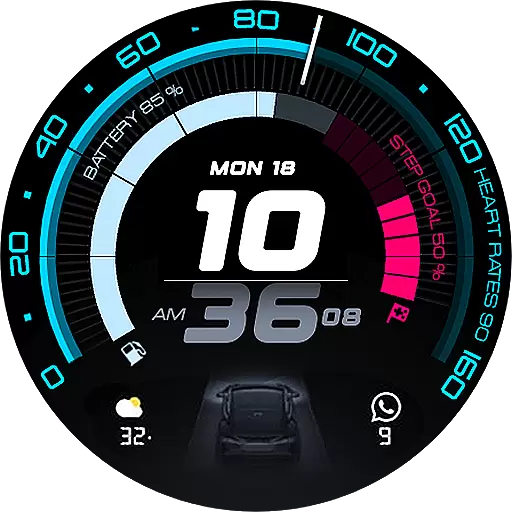
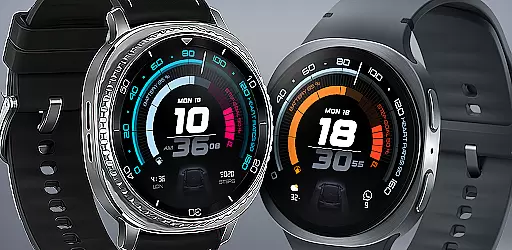
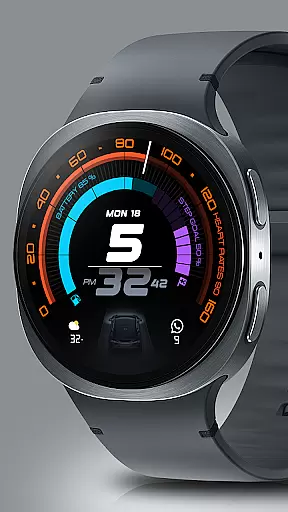
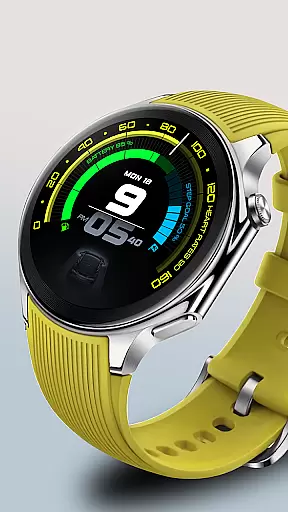
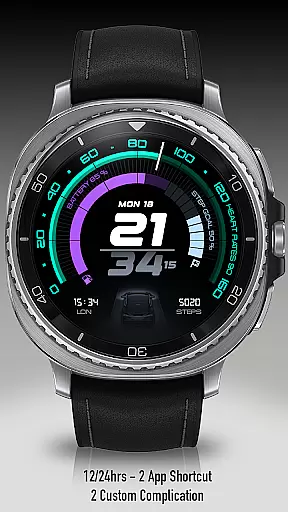
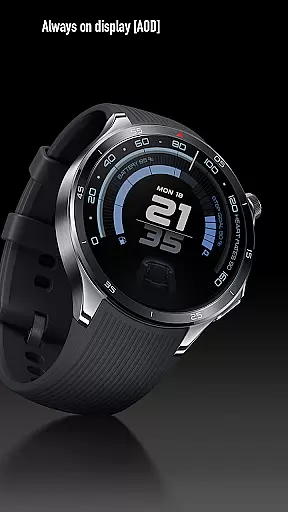
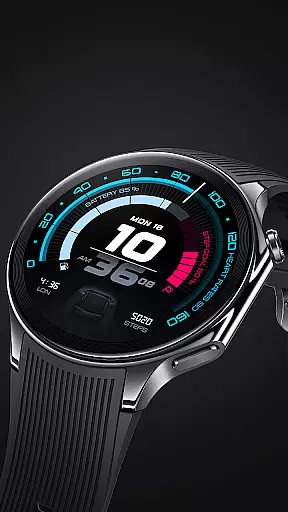
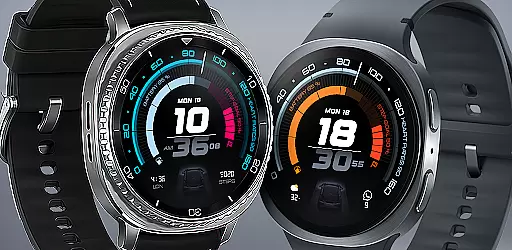
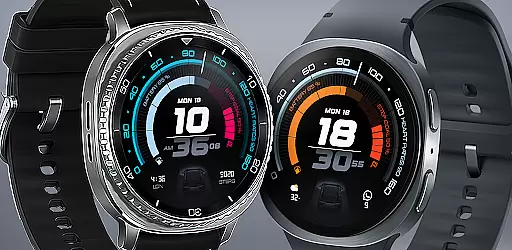
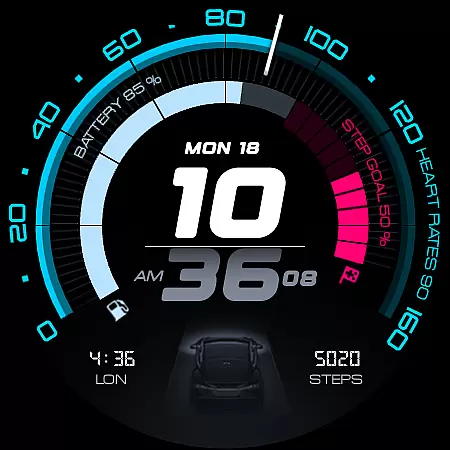
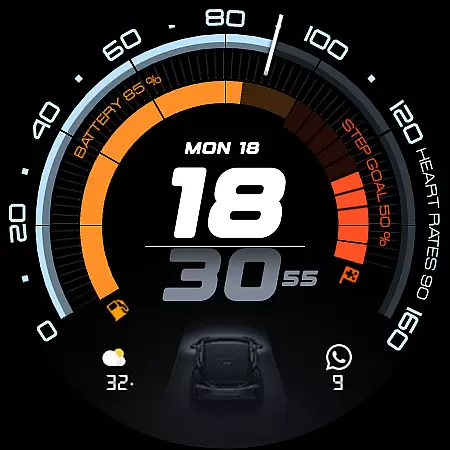
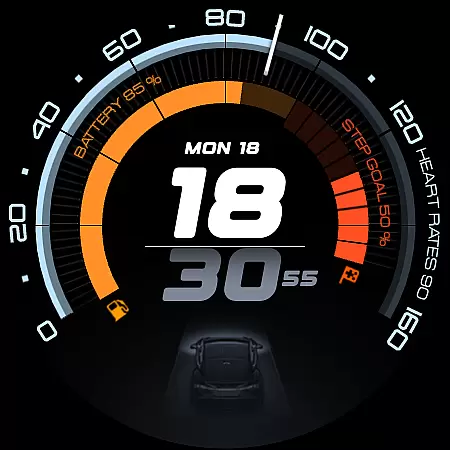
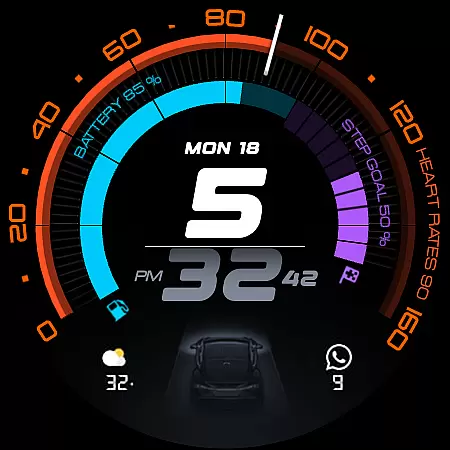
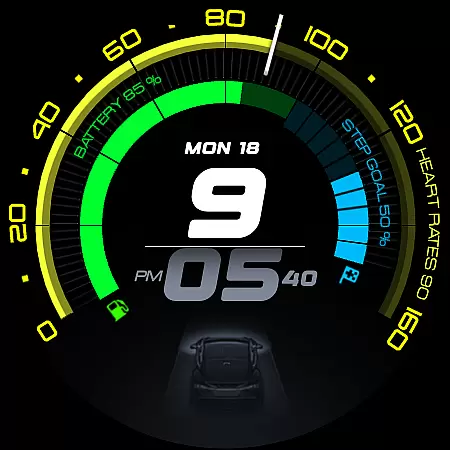
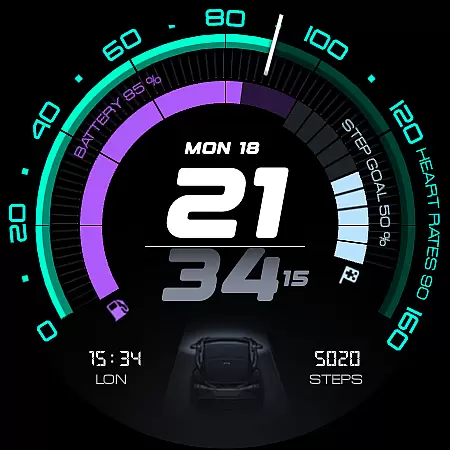
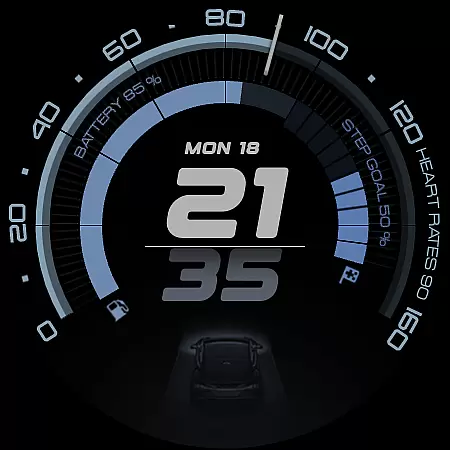
ARS Acceleration is a high-performance watch face designed for users who value both style and functionality. It features a bold digital time display, vibrant color-coded activity arcs, and essential health metrics like heart rate, step count, and battery level. The design draws inspiration from sports dials, offering an automotive-inspired aesthetic that adapts to both active days and subtle Always-On Display modes.
This watch face provides real-time updates on crucial data points such as weather and fitness tracking while allowing customization through dual app shortcuts and adjustable 12/24-hour formats. Whether you're monitoring your daily activity or simply appreciating sleek design, ARS Acceleration transforms your smartwatch into a performance-driven tool that combines precision with modern aesthetics.
ARS Acceleration stands out with its dynamic and customizable features tailored for performance enthusiasts. The watch face includes bold digital time displays available in both 12 and 24-hour formats, catering to personal preferences. Its vibrant color-coded activity arcs provide at-a-glance insights into your progress, making it easy to track fitness goals throughout the day.
Additional functionalities include real-time health tracking (heart rate, steps), environmental updates (weather), and device status indicators (battery level). Users can also enjoy advanced personalization options such as dual app shortcuts and customizable complications, ensuring quick access to frequently used apps. With its Always-On Display feature, ARS Acceleration ensures critical information remains accessible without sacrificing battery life, blending practicality with cutting-edge design.
Companion app integration is essential for a seamless smartwatch experience. ARS Acceleration excels in this area by offering users the ability to sync and control their watch face directly from their smartphone. This ensures that all vital information, such as health metrics and notifications, are consistently up-to-date.
The app provides an intuitive interface where users can customize complications, set app shortcuts, and adjust time formats. These features allow for a personalized experience tailored to individual preferences and needs. With real-time updates on heart rate, battery level, step count, and weather, users have everything they need at their fingertips.
By integrating companion app functionality, ARS Acceleration enhances usability and convenience. Users can easily switch between a bold daytime look and a subtle Always-On Display, adapting seamlessly to different environments. This flexibility ensures that the watch face remains both stylish and functional throughout the day.
Ensuring compatibility across various devices is crucial for any Wear OS application. ARS Acceleration is designed to work flawlessly with a wide range of smartwatches, providing a consistent and reliable performance regardless of the device. This broad compatibility allows more users to enjoy the benefits of a high-performance watch face.
The application supports both 12 and 24-hour time formats, catering to global user preferences. Its automotive-inspired design incorporates vibrant color-coded activity arcs and essential health tracking features, making it versatile for different lifestyles. Whether you're monitoring your fitness or staying updated with notifications, ARS Acceleration adapts to your needs.
With its dynamic and modern interface, ARS Acceleration transforms any compatible smartwatch into a powerful tool for everyday use. The inclusion of customizable complications and dual app shortcuts further enhances its utility, ensuring that users have a personalized and efficient experience. This commitment to compatibility and customization sets ARS Acceleration apart in the realm of Wear OS applications.
Highly customizable
Vibrant activity arcs
Real-time health tracking
Sleek automotive design
Always-On Display option
Battery usage may increase
Limited to Android Wear
Not suitable for minimalists
Requires compatible devices
Premium features might cost extra

Christmas - Festive - Christmas Village - Winter - Christmas lights
 5.00
5.00
Embrace the festive spirit with our Christmas Countdown watchface for Wear OS
4.10
Watch face for Wear OS.
4.20
Minimalistic design modern digital watch face.
4.1
The most customizable hybrid watch face. For Wear OS 5.0, API 34+ and later
4.70
A digital watch face that celebrates Christmas.
4.00
Animated video-game inspired “secret agent” simulation, right on your wrist!
4.20
Premium hybrid watch face with many customizations for Wear OS devices.
4.40
Control your Samsung Smart TVs, appliances, and SmartThings-compatible devices
4.60
Hyperlocal rain alerts by MyRadar using patent-pending technology, radar & more
4.80
Highly customizable hybrid watch face for Wear OS, perfect for everyday use.
4.60
Rose gold watch face with festive lights & customizable features.
4.60
Simple, helpful messaging by Google
4.60
Deck out your Wear OS Watch face with a beautifully decorated pine wreath!
4.50
Embrace the holiday spirit with this magical animated watch face!
4.40
Beautiful artistic animated digital watch face, with a customizable layout!
4.40
Reliable phone calls with spam protection, caller ID and more helpful features
4.40
Professional weather radar and more
3.90
Christmas and New Year - Themed Watchface
4.3


User Reviews