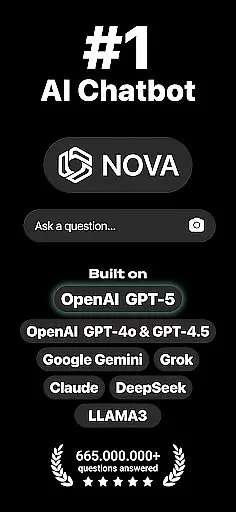
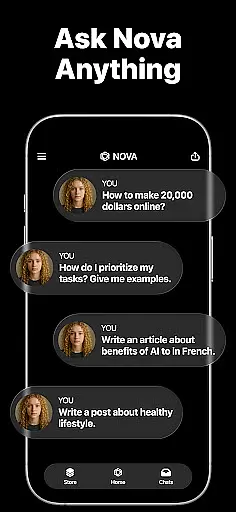
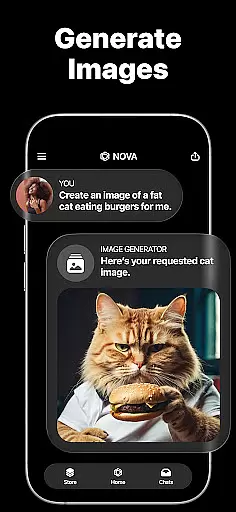
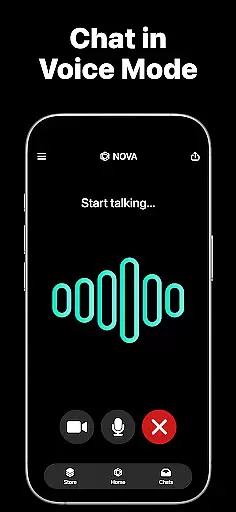
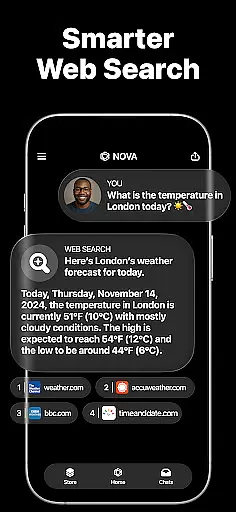
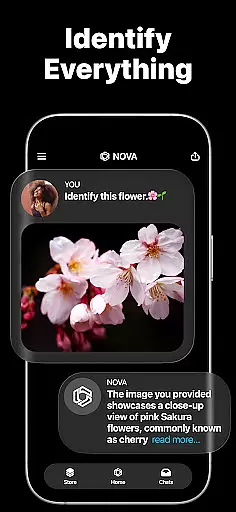
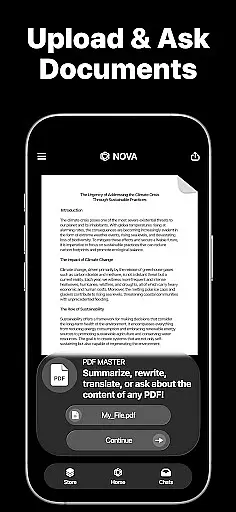
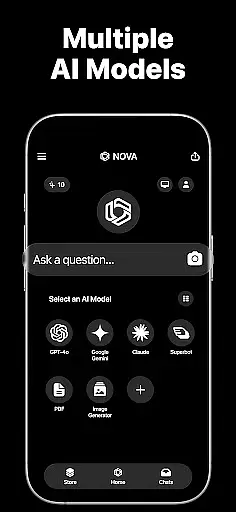
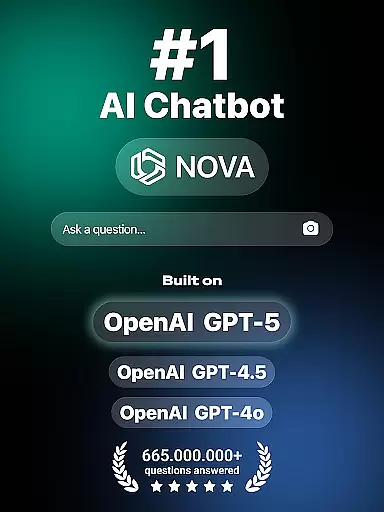
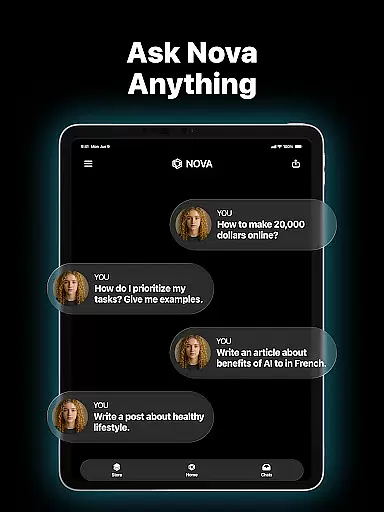
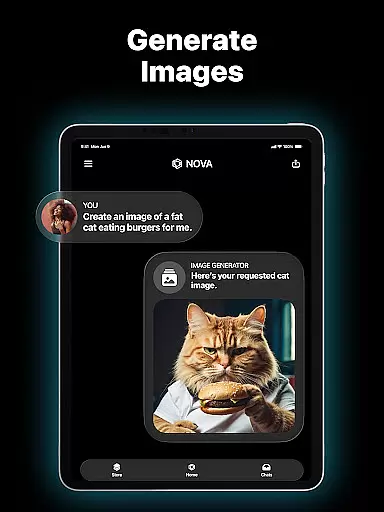
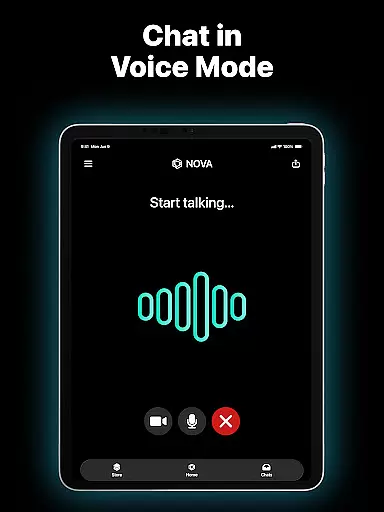
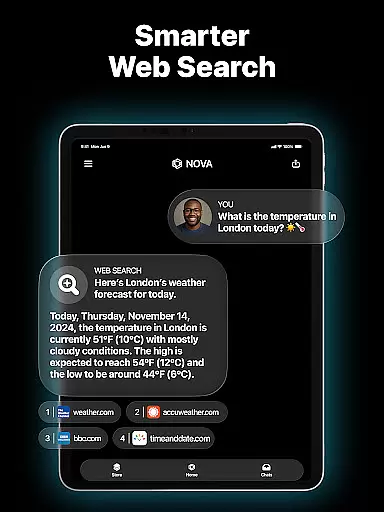
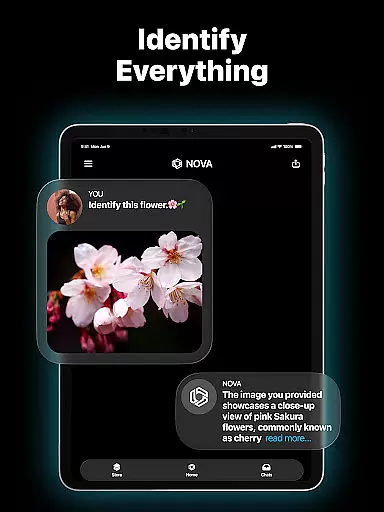
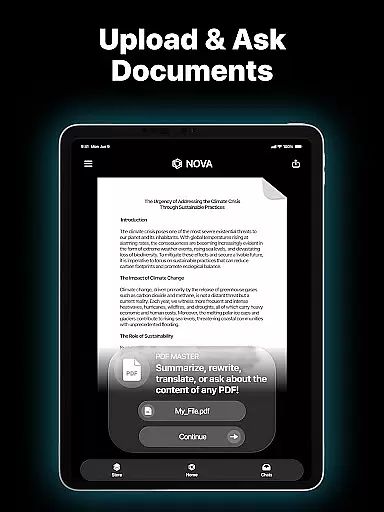
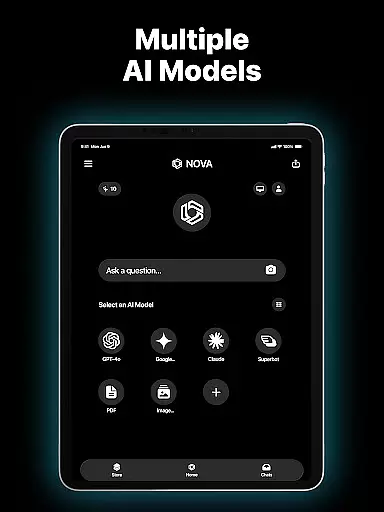
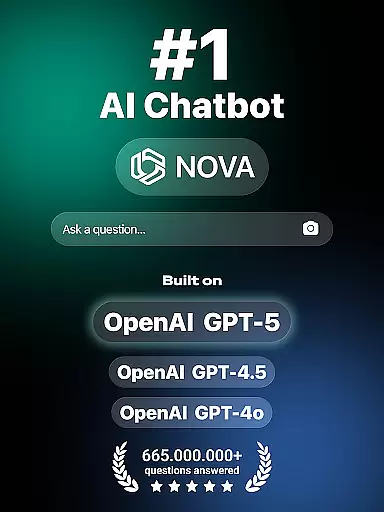
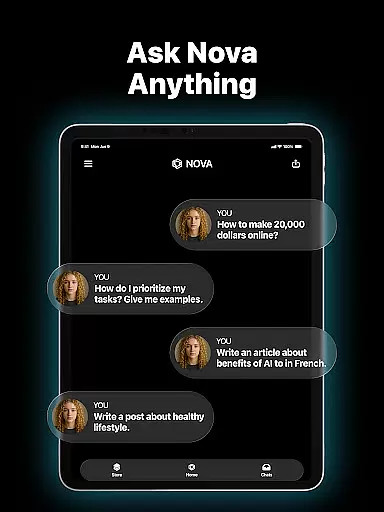
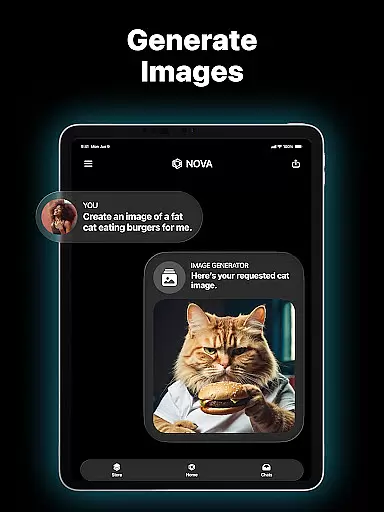
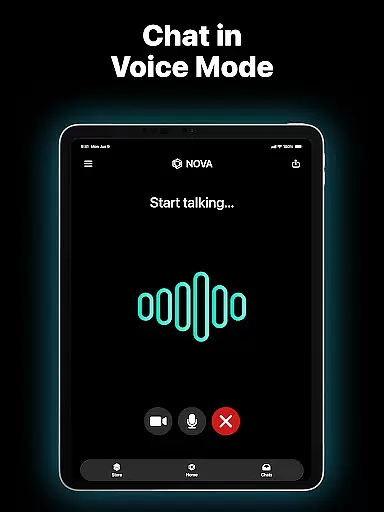
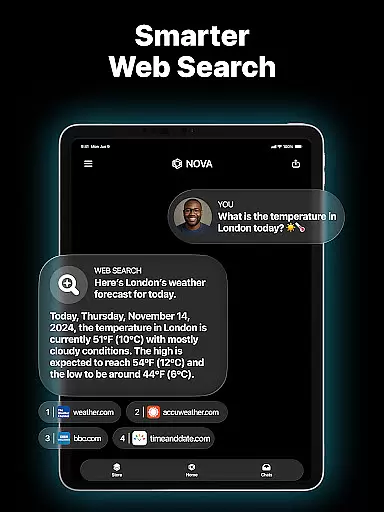
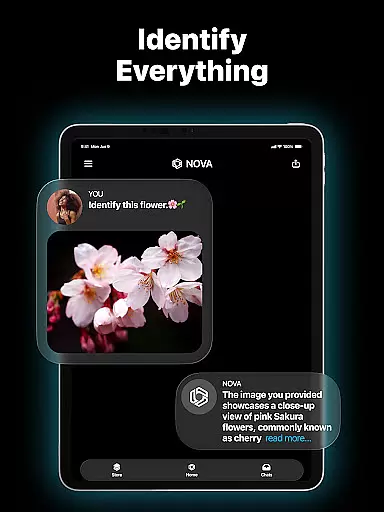
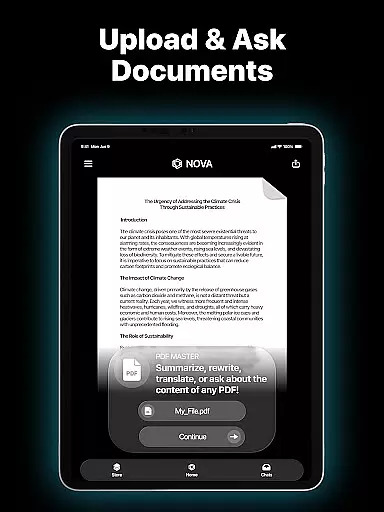
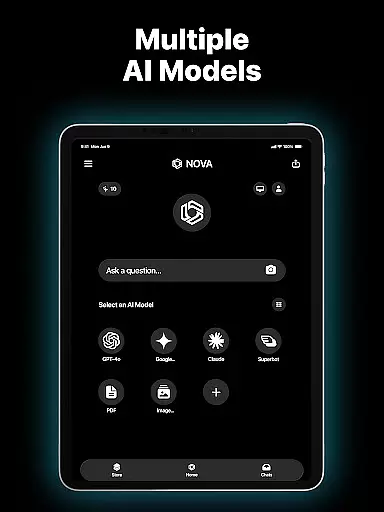
Nova AI Chatbot is a cutting-edge personal assistant and chatbot app designed to revolutionize productivity. Built on advanced AI models like GPT-5, GPT-4o, Google Gemini, and Claude, this tool offers human-like interactions and personalized support. Whether you need help with writing tasks, proofreading documents, or simply want an engaging conversational partner, Nova delivers.
The app's cross-platform compatibility ensures seamless use across iPhone, iPad, Apple Watch, and web browsers. With features like unlimited questions, multi-language support (140+ languages), and real-time information retrieval powered by DeepSeek, Nova stands out as a versatile productivity companion for both personal and professional needs.
Nova AI Chatbot boasts a range of innovative features tailored to enhance productivity. Its core functionality includes advanced AI-driven responses developed on technologies like GPT-5 and GPT-4o, enabling users to receive accurate answers from the internet while maintaining natural conversational flow.
One standout feature is its ability to act as an AI writing assistant, helping craft everything from social media posts to essays. Additionally, Nova serves as a meticulous proofreader, analyzing written work for grammar, punctuation, and style improvements. The app also excels in creative tasks such as generating pickup lines or song lyrics, making it not just functional but fun to use.
In the realm of productivity, core task management is pivotal for organizing and prioritizing tasks efficiently. Nova AI Chatbot excels in this area by offering users an advanced AI assistant that can manage unlimited questions and answers, ensuring no query goes unresolved.
The app's architecture, built on GPT-5, GPT-4o, Google Gemini, Claude, and DeepSeek technologies, allows it to handle complex task management with ease. Users can rely on Nova to assist with anything from setting reminders to crafting detailed content for various projects, making it a versatile tool for both personal and professional use.
What sets Nova apart is its cross-compatible device support, enabling seamless synchronization across iPhone, iPad, Apple Watch, and web platforms. This ensures that users have consistent access to their task management tools regardless of the device they are using, enhancing productivity and convenience.
Cross-device synchronization is crucial for maintaining workflow continuity in today's fast-paced digital environment. Nova AI Chatbot addresses this need by providing reliable synchronization across multiple devices, including iPhone, iPad, Apple Watch, and web interfaces.
This reliability is powered by cutting-edge AI technologies such as GPT-5, GPT-4o, and others, which ensure that chat history and user preferences are consistently updated and accessible wherever the user may be. Whether drafting an email on a phone or reviewing documents on a computer, Nova keeps everything in sync.
Moreover, Novau2019s multi-language support (140+ languages) adds another layer of accessibility, allowing global users to utilize these robust synchronization features without language barriers. This comprehensive approach solidifies Nova's position as a top-tier productivity tool in the Productivity category.
Advanced AI technology
Cross-platform support
Multi-language capabilities
Real-time chat memory
Creative writing assistance
Premium subscription required
Occasional response delays
Limited offline functionality
Privacy concerns with data
Steep learning curve

Create study competitions, track your hours, and stay consistent with friends
 4.1
4.1
A simple, portable logger for POTA, SOTA, Field Day, and more
4.4
All in One PDF Reader: Manage, Read and Edit your Documents
4.20
Secure, open-source, SPICE and SSH Remote Desktop for QEMU KVM virtual machines
4.00
A comprehensive suite of tools designed specifically for Lactation Consultants
4.0
A beautiful digital clock with autostart and many other functions
4.70
A simple Whisper AI keyboard for reliable speech transcription and rewording
4.60
A Pixel Art watchface inspired by other iconic 90s designs for Wear OS devices!
4.40
Share files & memories safely. Keep your photos and videos secure.
4.40
Native client for Forgejo and Gitea
5.00
Scientific calculator for Android - looks and operates like the real thing!
4.90
Docker, Kubernetes management over Portainer Mobile
4.40
Secure your apps with lock screens, use custom themes and different features.
4.40
Automates browsing any website and notifies you of important changes or events
4.30
Enjoy classic gameplay with customizable features and retro-style graphics.
4.30
Access, manage and transfer files on Android, PC, Mac, NAS and cloud storages.
4.30
A customizable calendar for your Wear OS watch
4.20
Make apps & sites with natural language prompts
4.10
Make your handwriting beautiful, even more than pen on paper.
3.60


User Reviews