
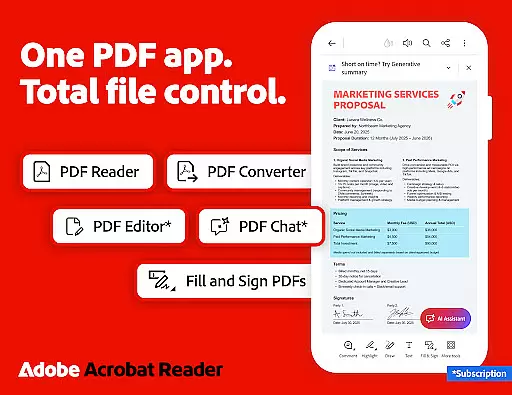
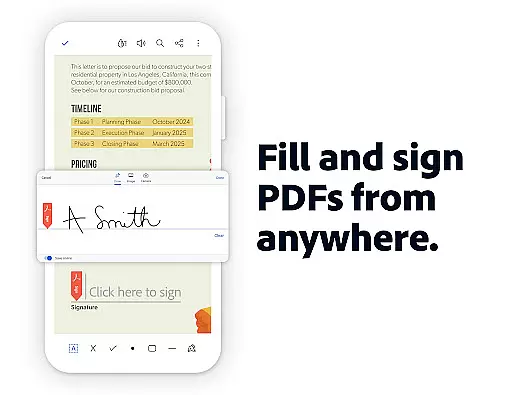
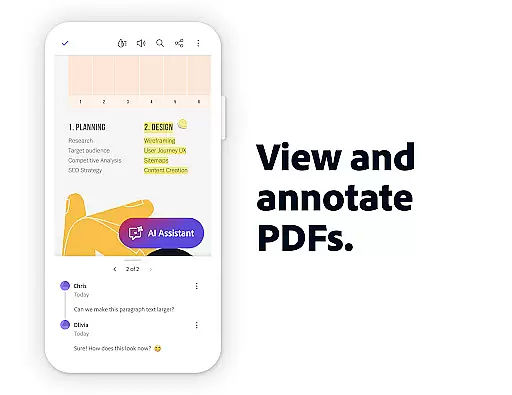

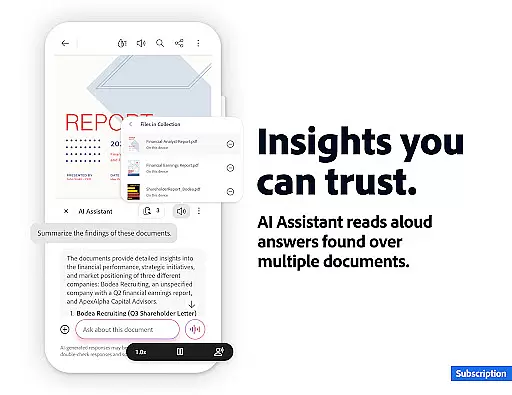
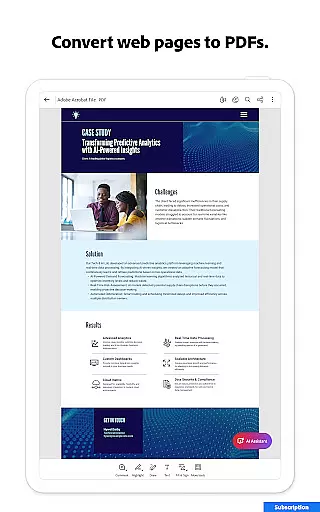
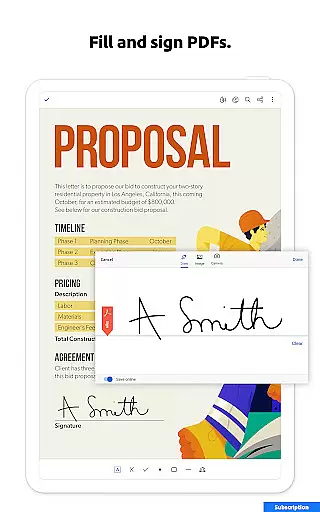
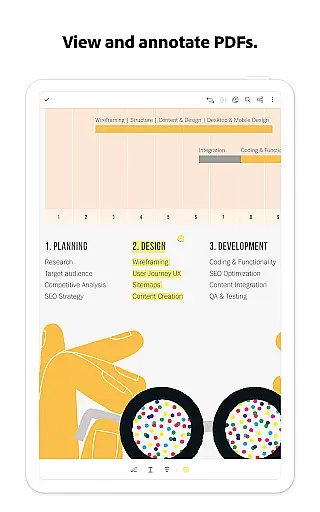

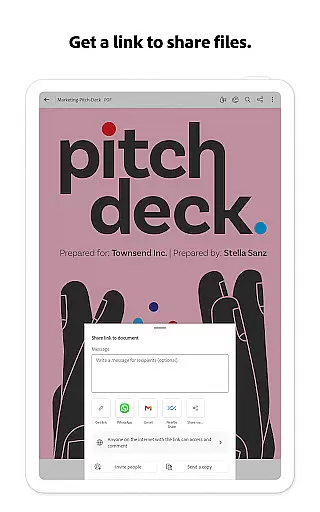
Adobe Acrobat Reader is a comprehensive productivity tool designed for managing PDF documents efficiently. As the world's most trusted PDF reader, editor, and maker, it boasts over 635 million installs. The app allows users to view, share, annotate, add comments, and sign documents seamlessly in one place. With its new Adobe Acrobat AI Assistant feature, users can now work across multiple files using PDF Spaces, ask questions about document details through AI chatbots, and generate instant summaries with Generative AI Summaries.
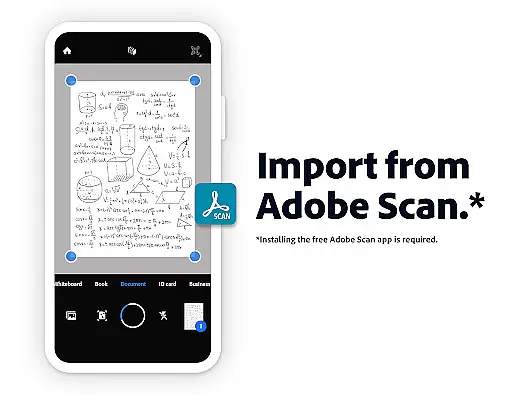
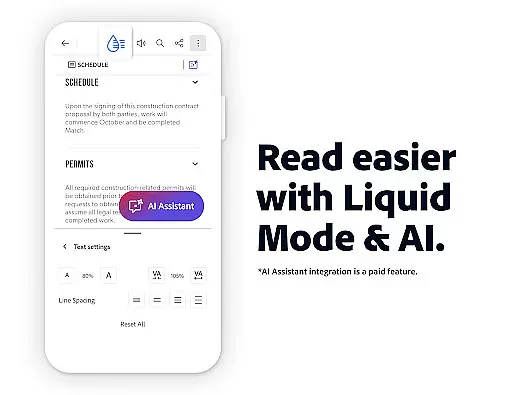
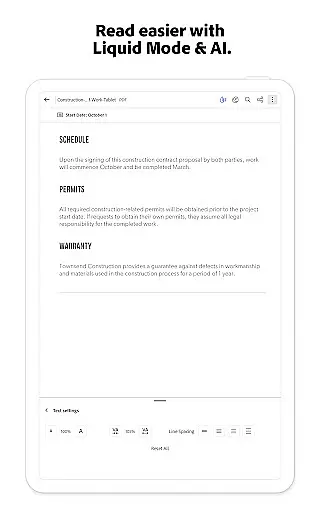
The app also offers advanced paid features such as editing text and images directly within PDFs, Optical Character Recognition (OCR) for converting scanned PDFs into editable text, merging and organizing PDFs, creating and exporting PDFs, compressing files, and password protection. Additionally, users can enjoy free-to-use features like Liquid Mode for optimal PDF viewing, collaboration tools, annotation capabilities, and integration with cloud storage services.
Whether you're a student needing study notes or a professional requiring robust document management, Adobe Acrobat Reader provides an all-in-one solution that enhances productivity by simplifying complex tasks.
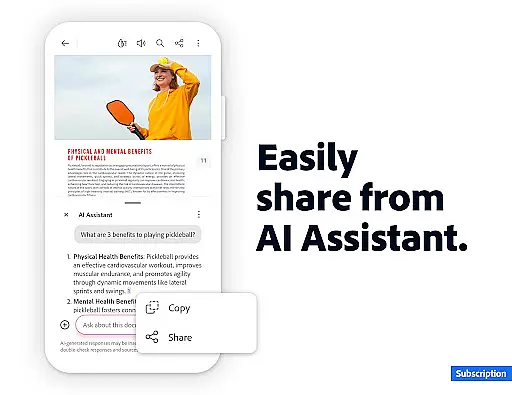
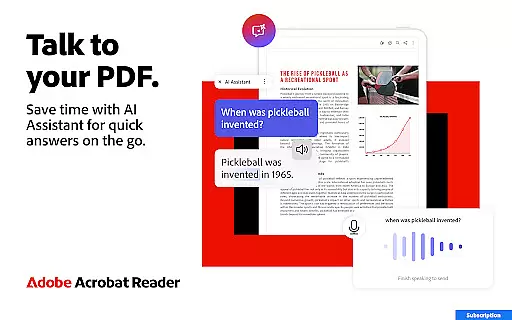
Adobe Acrobat Reader stands out due to its extensive range of features tailored for productivity. One notable feature is the Adobe Acrobat AI Assistant, which supports voice or text prompts, allowing users to interact naturally with their documents. This assistant can answer questions about document details, including charts and graphs, making data interpretation easier. Users can also share these responses effortlessly, enhancing collaborative efforts.
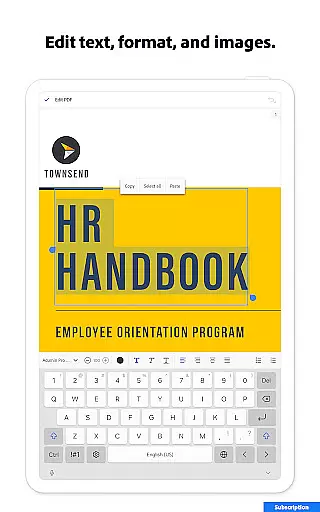
In addition to AI capabilities, the app includes powerful editing tools. These enable users to edit text and images directly within PDFs, fix typos, add paragraphs, and manipulate images easily. Advanced functionalities like OCR allow for the conversion of scanned documents into searchable and editable formats. Furthermore, users can merge, split, reorder, and convert various file types, ensuring flexibility in document handling.
Security and accessibility are prioritized with features like password protection, compression for easy sharing, and the ability to have PDFs read aloud. Integration with cloud storage services ensures that users can access their files from anywhere, while Liquid Mode optimizes the reading experience on mobile devices.
Core task management in Adobe Acrobat Reader encompasses a wide range of functionalities that streamline PDF handling. This includes creating, editing, organizing, and sharing PDF documents with ease.
The app allows users to edit text and images directly within PDFs, fix typos, add paragraphs, and manipulate images effortlessly. Its powerful merge and organize features enable users to split or combine multiple files into one PDF, reorder pages, and convert various file types into PDF format.
For professionals who need to collaborate on documents, the app offers seamless integration with cloud storage services like Google Drive, Dropbox, and Microsoft OneDrive. This ensures that teams can work together efficiently, accessing and managing shared files from any device.
Ultimately, these capabilities empower users to handle complex document workflows with precision and efficiency, making Adobe Acrobat Reader an indispensable tool for productivity.
Cross-device synchronization reliability is a cornerstone of Adobe Acrobat Reader's functionality, ensuring that users can access their documents seamlessly across multiple devices. This feature is particularly crucial for individuals who work in dynamic environments and require constant access to their files.
Adobe Acrobat Reader achieves this through robust integration with popular cloud storage solutions such as Google Drive, Dropbox, and Microsoft OneDrive. By linking these accounts, users can synchronize their PDFs in real-time, ensuring that the latest version of a document is always available, regardless of the device being used.
In addition to file synchronization, the app also provides reliable activity notifications for shared files. This means that users are kept informed about any updates or changes made by collaborators, enhancing transparency and coordination within teams.
This level of synchronization reliability not only boosts productivity but also provides peace of mind, knowing that important documents are securely backed up and accessible from anywhere at any time.
Trusted PDF solution
Advanced AI tools
Comprehensive editing options
Robust security features
Seamless cloud integration
Paid AI features
Complex interface
High system requirements
Limited free trial
Subscription costs

A Revolutionary All-in-One Artificial Intelligence Tools
 3.80
3.80
CalenGoo is a very flexible and feature-rich calendar app
4.40
All in One PDF Reader: Manage, Read and Edit your Documents
4.20
Find and delete junk files & block unwanted notifications & manage files
3.70
All document reader, all in one file viewer read PDF, DOCX, XLS, PPT, TXT files.
4.60
Access, manage and transfer files on Android, PC, Mac, NAS and cloud storages.
4.30
Secure your apps with lock screens, use custom themes and different features.
4.40
Use powerful, industry-leading AI tools to generate visual charts from any data
4.80
AI Chatbot and AI writing assistant powered by ChatGPT.
4.60
8 custom complications. Custom Time Fonts. Beautiful color schemes. A++ Design.
5.00
Secure, fast, open-source, Remote Desktop Client for Windows and Linux with SSH
4.60
Stay on top of your to-dos with Google Tasks, part of Google Workspace.
4.60
To do list widget with a notebook organizer, checklist, simple shopping list
4.60
Fill, sign & send docs, forms, agreements & contracts via electronic signature.
4.50
Experience Reading - Night Mode for Documents
4.40
Enjoy classic gameplay with customizable features and retro-style graphics.
4.30
⏰ Finally a timer app which can run multiple timers simultaneously on your watch
3.90
Auto-shutoff Alarm with Sunrise, Sunset & Fixed Options.
3.50
Easiest event planning, volunteer signups & parent teacher conference scheduling
2.20


User Reviews