
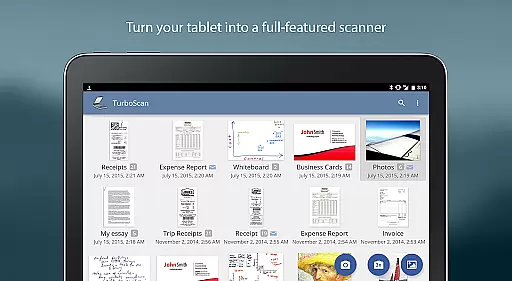
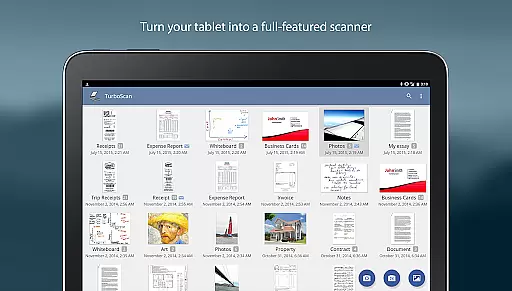
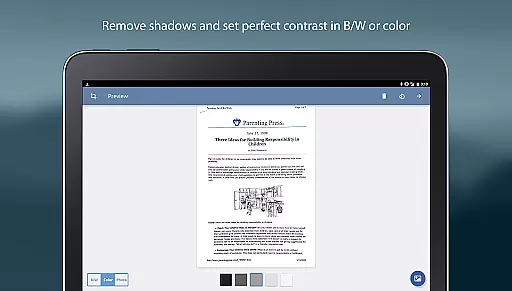
TurboScan Pro is a powerful mobile scanning solution that transforms your smartphone into a feature-rich document scanner. With over three million users, this app allows you to scan documents, receipts, notes, and more with exceptional clarity. It utilizes advanced algorithms for precise edge detection, perspective correction, and optimal contrast, ensuring professional-quality scans every time.
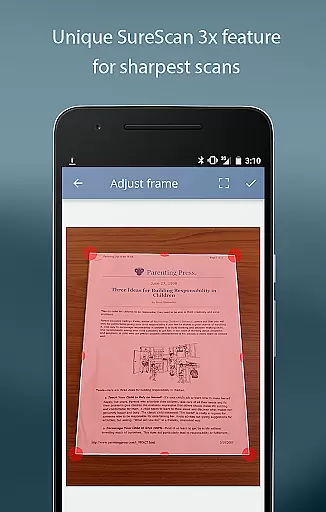
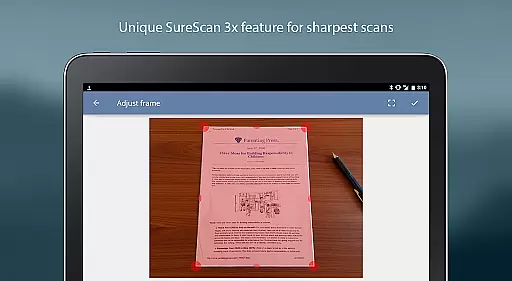
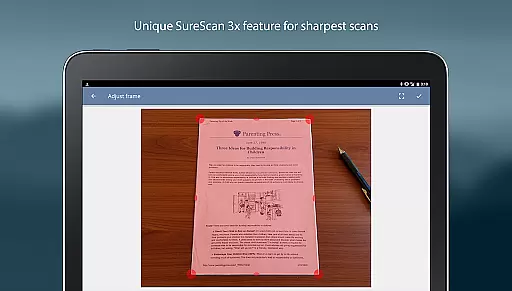
The app's proprietary SureScan mode delivers extra sharpness, particularly useful in low-light environments. TurboScan Pro offers versatile export options, including multipage PDF and JPEG files, and provides seamless integration with cloud services like Evernote. All processing occurs directly on your device, guaranteeing complete data privacy without requiring an internet connection.
TurboScan Pro stands out with its comprehensive feature set tailored for business professionals. The app's automatic edge detection and perspective correction ensure perfectly aligned scans, while the SureScan mode captures three images of the same document to produce ultra-sharp results. Its processing speed is impressive, handling each page in under three seconds.
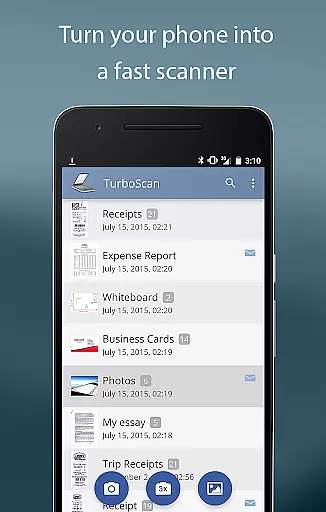
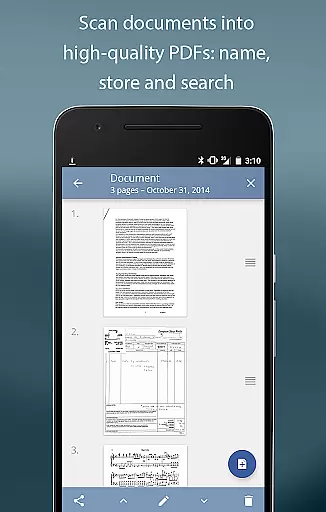
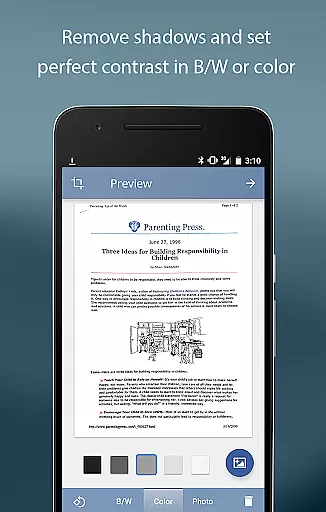
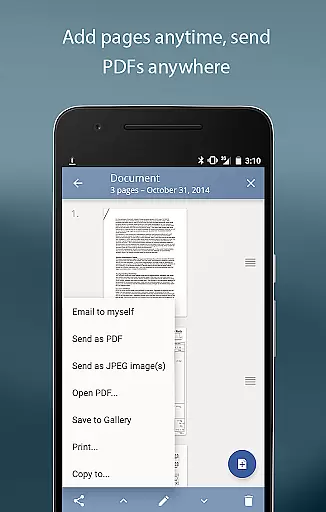
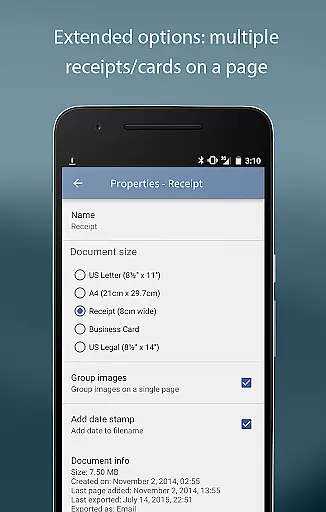
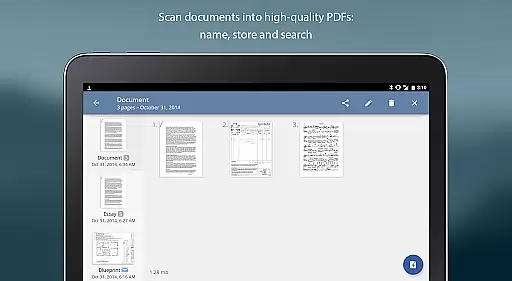
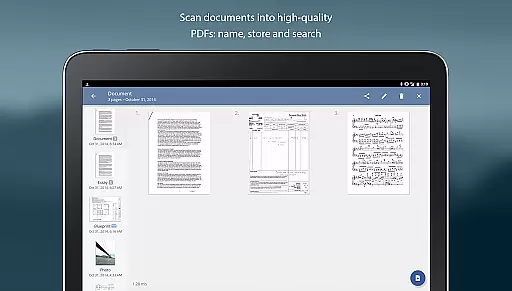
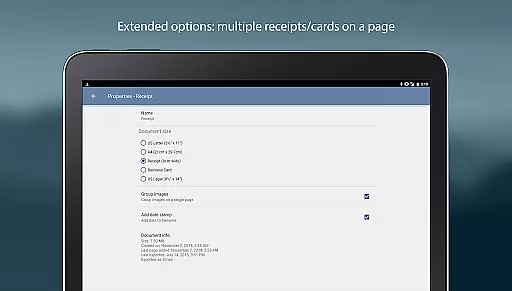
Users can organize documents efficiently through features like multipage editing, document naming, and in-app storage with search functionality. The app also enables copying pages between scans and offers instant one-tap controls for brightness, rotation, and color adjustments. Additionally, TurboScan Pro supports various export formats and integrates with popular cloud services, making document management both flexible and convenient.
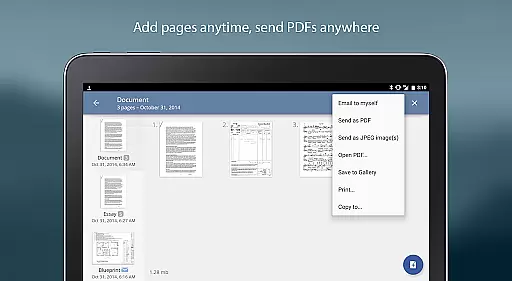
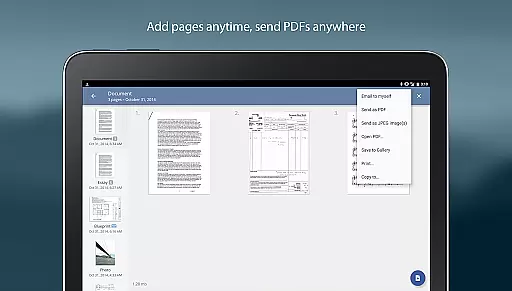
In today's fast-paced business environment, the ability to collaborate effectively is crucial. TurboScan Pro enhances collaborative efforts by enabling users to quickly scan and share documents in various formats such as multipage PDF or JPEG files. This facilitates seamless information exchange among team members, regardless of their physical location.
The app offers advanced document processing capabilities, including automatic edge detection, perspective correction, and SureScan mode for sharper scans. These features ensure that shared documents are clear and professional, maintaining high standards in collaborative communications. Additionally, the 'Email to myself' feature allows for quick dispatch of scanned materials to predefined addresses or cloud storage services like Evernote with just a single tap.
Moreover, TurboScan Pro supports integration with other apps such as Dropbox, Google Drive, and OneDrive, which further streamlines the process of sharing and storing important business documents. Users can also print directly via Cloud Print or other printing applications, ensuring that hard copies are readily available when needed.
By providing these robust tools for document management and sharing, TurboScan Pro empowers teams to work together more efficiently, enhancing productivity and fostering a more dynamic work environment.
Effective task management is essential for maintaining productivity and meeting deadlines in any business setting. TurboScan Pro contributes significantly to this aspect by offering powerful document naming, storage, and search functionalities. These features allow users to organize their scanned documents systematically, making it easier to locate specific files when required.
The app's multipage editing capabilities enable users to add, reorder, and delete pages within stored scans easily. This flexibility ensures that documents remain up-to-date and relevant, reflecting the most current information necessary for ongoing tasks. Furthermore, the ability to copy pages between different scans provides an additional layer of convenience for managing complex projects.
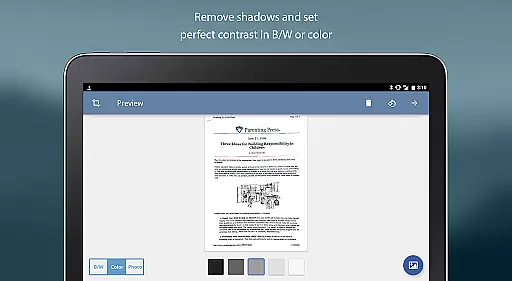
TurboScan Pro also includes instant one-tap brightness, rotation, and color controls, allowing users to adjust document appearance swiftly. Such adjustments can be crucial for ensuring readability and clarity, particularly when dealing with text-heavy materials. The compact attachment feature with adjustable size further aids in optimizing file sizes for efficient transmission and storage.
Overall, TurboScan Pro equips users with comprehensive tools for managing their document-related tasks effectively. By streamlining these processes, the app helps businesses maintain organization and focus, ultimately contributing to improved efficiency and success.
Fast scanning speed
Excellent edge detection
Privacy-focused processing
Versatile export options
User-friendly interface
Premium price point
Occasional flash issues
Limited free features
Requires manual updates
Learning curve for settings

Ask Accio anything about business. Alibaba-backed, built by experts, not just AI
 4.60
4.60
ANDROID'S TOP MOBILE OFFICE - Word, Excel, PowerPoint and PDF at your fingertips
4.50
Windows App allows you to connect to remote PCs and virtual apps.
3.70
Finance, Investing, Stocks, Trading and Stock news
4.60
All document reader, pdf viewer app, read docs & excel files
3.80
Deliver and earn money
4.30
Build a store in minutes with our full suite of AI tools. Start for free!
4.20
Permission Guard is a security app that helps you manage app permissions.
4.80
Make money as a delivery driver with DoorDash and work when you want as a Dasher
4.30
Start earning fast. Apply Today.
4.80
Your employer must have UKG Ready software configured for Mobile.
4.60
Paychex Flex - Save Time and Stay Connected
4.60
Grow your business and connect with more people with Meta Business Suite.
4.60
Drive and earn extra money
4.50
From Gone to Back Again — In Just a Few Taps
4.50
All Your Gig Work. One App.
4.30
Say hello to the mobile work experience built to help you thrive at work.
4.30
Formerly Facebook Ads Manager. Manage and create ads on the go.
4.20
Find flexible, hourly jobs hiring near you in restaurant, retail & hospitality!
4.00


User Reviews