
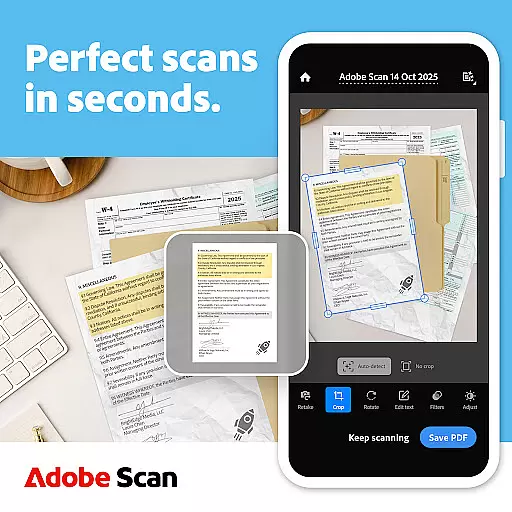
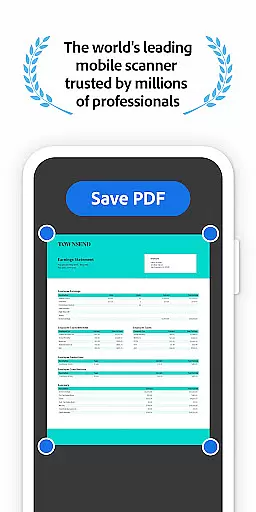
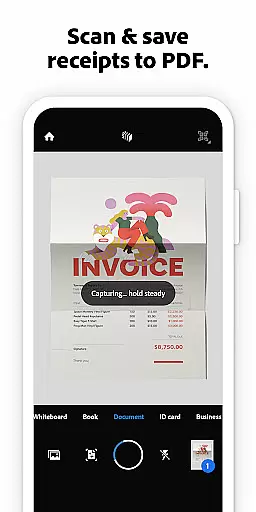
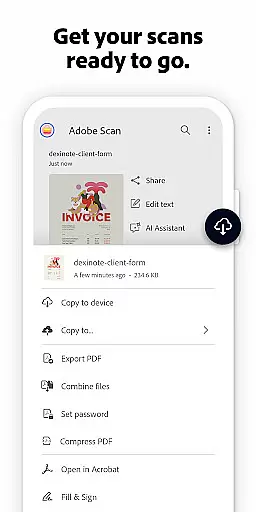




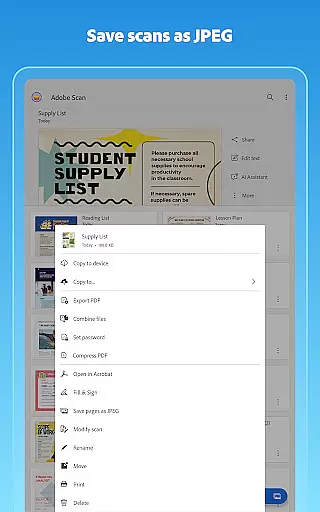

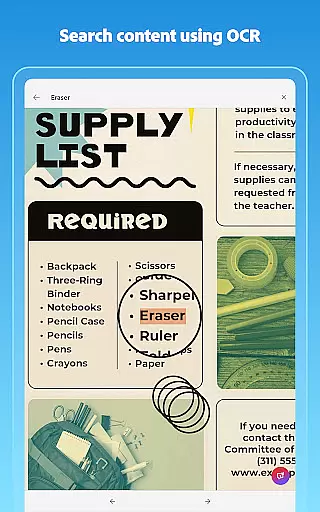

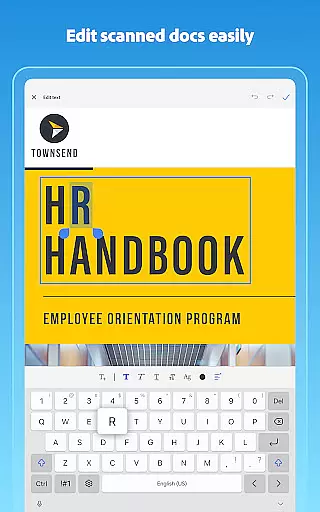
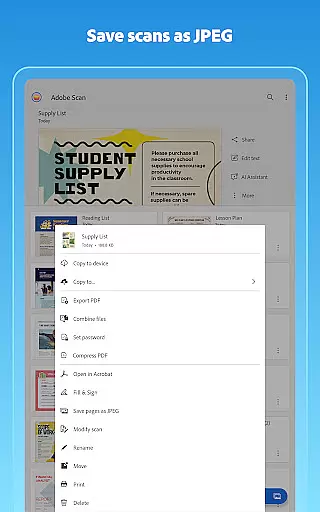

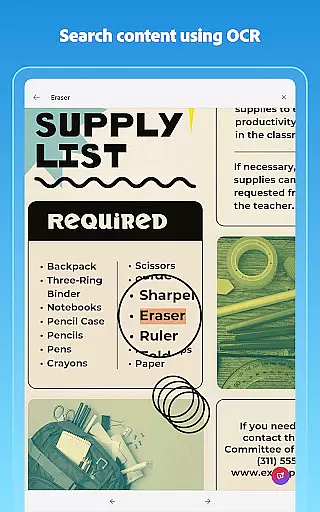
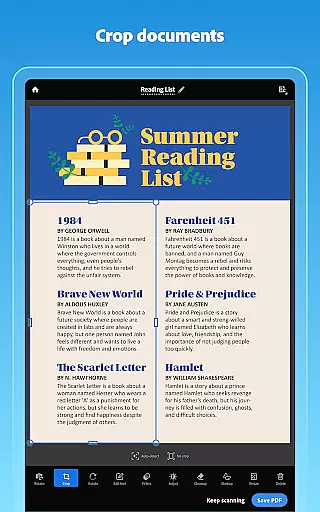
Adobe Scan AI PDF Scanner is a versatile mobile application that transforms your device into a powerful document scanner. It allows users to scan various types of documents, including receipts, notes, and business cards, converting them into high-quality PDFs or JPEGs. The app's advanced OCR technology makes scanned text searchable and editable, enhancing productivity.
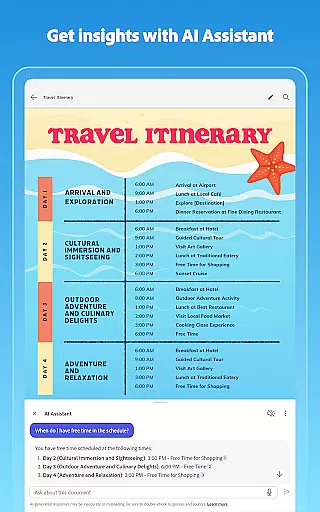
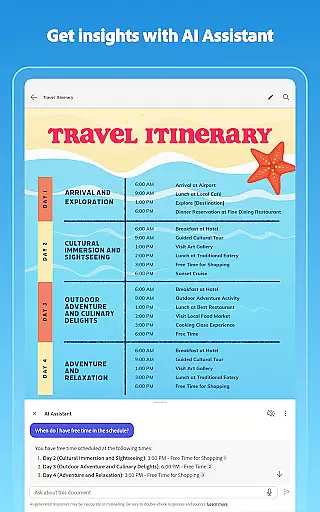
The app offers unique features such as AI Assistant, which extracts key points from scans and helps draft follow-up emails or reports. Its Generative Summary tool provides one-tap summaries of scanned documents. With automatic document straightening and enhancement tools, Adobe Scan ensures professional-looking scans every time. These capabilities make it an essential tool for professionals and students alike.
Accessible across multiple platforms, Adobe Scan integrates seamlessly with Adobe Document Cloud for easy access and sharing. Whether you're digitizing paperwork or creating study notes, this app streamlines document management while offering additional functionalities through Acrobat Reader. This makes Adobe Scan AI PDF Scanner a comprehensive solution for all your scanning needs.
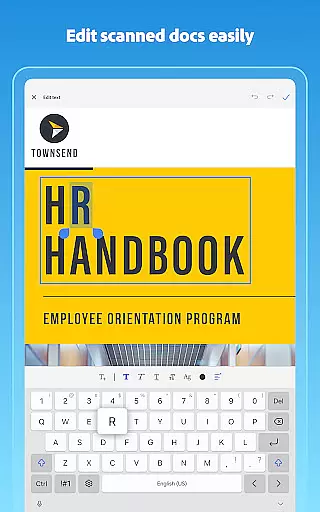
Adobe Scan AI PDF Scanner stands out with its robust feature set designed to enhance document scanning. One of its core features is the advanced OCR technology, which detects document borders, sharpens content, and makes scanned text searchable and editable. This ensures that every scan is not only clear but also functional for further use.
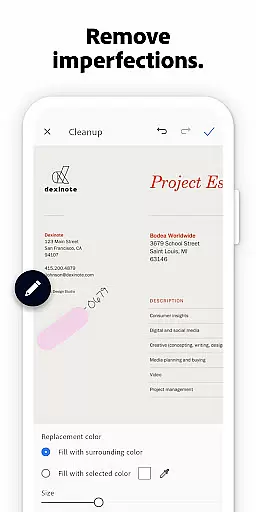
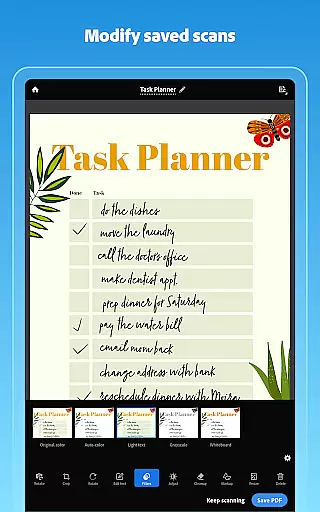
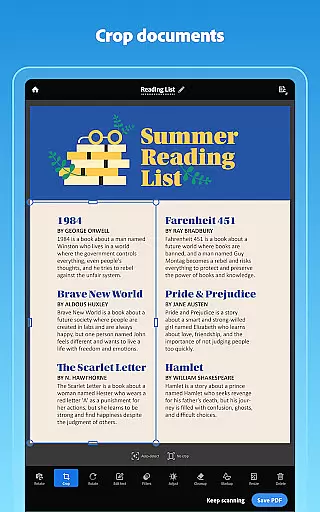
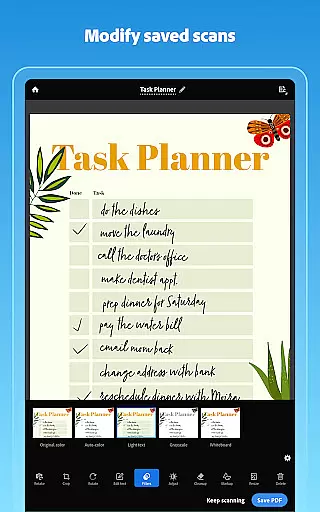
The app includes several tools to refine your scans. The Modify tool allows users to crop, rotate, resize, and adjust colors, ensuring each document looks professional. Additionally, the Cleanup feature lets you erase imperfections like stains or handwriting. With options to reorder pages and preview before saving, users have complete control over their final output.
Adobe Scan also offers smart organizational features. Users can create custom folders for different types of documents and even extract contact details from business cards directly into phone contacts. Integration with Adobe Document Cloud means scans are automatically saved and accessible across devices. These features collectively provide a seamless and efficient scanning experience, making Adobe Scan AI PDF Scanner indispensable for both personal and professional use.
In today's fast-paced business environment, collaborative work features are essential for efficient teamwork. Adobe Scan AI PDF Scanner offers a seamless solution by integrating with Adobe Document Cloud. This allows teams to access and share scanned documents securely across multiple platforms.
The application enables users to create high-quality PDFs from scans, making it easy to extract text from images such as contracts or study notes. These documents can then be exported to Word, Excel, or PowerPoint formats, providing flexibility in how teams reuse and share information.
Moreover, the app supports advanced functionalities like OCR (Optical Character Recognition), which makes scanned text searchable and editable. With an optional subscription, users can increase their OCR capacity, allowing them to process up to 100 pages of text extraction at once. This feature is particularly beneficial for collaborative environments where large volumes of documents need to be digitized and shared quickly.
By combining powerful scanning capabilities with cloud-based accessibility, Adobe Scan facilitates real-time collaboration among team members regardless of location. Whether working on joint projects or simply sharing important files, this tool ensures that all collaborators have instant access to the necessary documents.
Effective task management is crucial for maintaining productivity in any business setting. Adobe Scan AI PDF Scanner enhances task management by offering tools that streamline document handling processes. Users can scan paperwork and organize it into custom folders designated for different types of documents such as work files, personal records, or school forms.
The appu2019s intelligent features include automatic detection of borders and enhancement of content sharpness, ensuring that every scan looks professional and is ready for immediate use. Additionally, the Modify tool provides options to crop, rotate, resize, and adjust colors within scans, giving users precise control over their document's appearance.
One standout feature is the ability to reorder pages and preview changes before saving, which helps maintain logical flow within multi-page documents. Furthermore, contact details from business cards can be extracted using OCR technology and saved directly to phone contactsu2014a handy function for managing professional relationships efficiently.
With its comprehensive suite of organizational tools, Adobe Scan not only simplifies task management but also empowers users to keep their digital workspace tidy and efficient. By transforming physical documents into easily manageable digital formats, the app ensures that important information remains accessible and organized at all times.
User-friendly interface
Advanced OCR technology
AI-powered summarization
Seamless cloud integration
Versatile document handling
Limited free OCR pages
Premium features require subscription
Occasional bugs in AI tools
High storage usage
Complex navigation for new users

ANDROID'S TOP MOBILE OFFICE - Word, Excel, PowerPoint and PDF at your fingertips
 4.50
4.50
BuildCalc - the easiest AND the most advanced construction calculator app.
4.80
Get your benefits on-the-go.
3.80
Find the right fit, faster.
4.70
Amazon A to Z is the place to manage your work-life at Amazon.
4.50
Find work, shifts and gigs near you. Jobs lasting a few hours to a few months.
4.30
Smarter career moves start here. AI job alerts, insights & the right tools.
4.20
Ship, Track, Find a Location or Get a Quote with UPS. Anytime. Anywhere.
4.60
Chat, meet, and collaborate to achieve more together, all in one place on Teams
4.60 4.70
4.70
Get instant construction estimates: accurate home repair & material calculator.
4.70
Your employer must have UKG Ready software configured for Mobile.
4.60
Mobile POS for any business: sales, invoices, retail, restaurants & appointments
4.60
No more passwords, easier sign-in, and greater protection for your accounts.
4.60
From Gone to Back Again — In Just a Few Taps
4.50
Earn crypto with secure cloud mining. Monitor, track & withdraw easily
4.40
Formerly Facebook Ads Manager. Manage and create ads on the go.
4.20
Simple, Fast & Lightweight
3.90
Completed Course Lectures on how to use IBM Maximo in Maintenance issues
4.4


User Reviews