
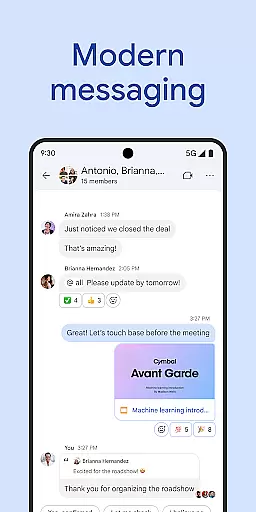
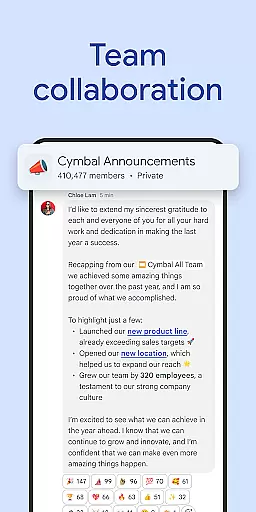
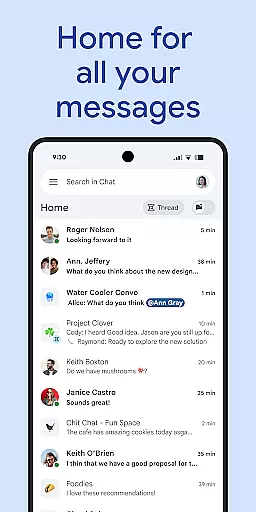
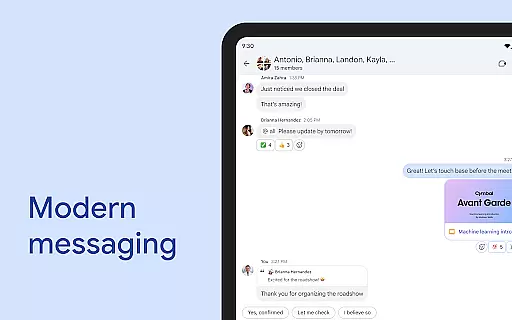
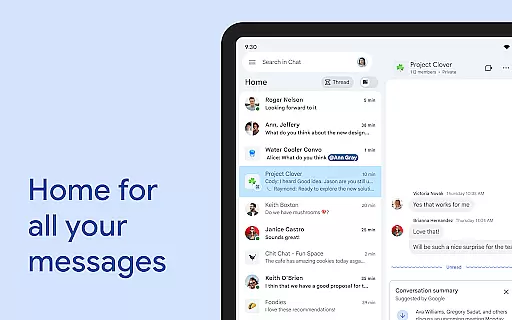
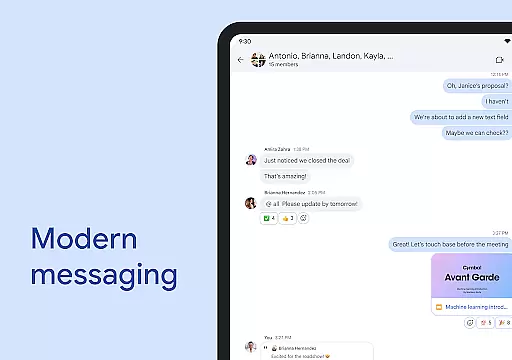
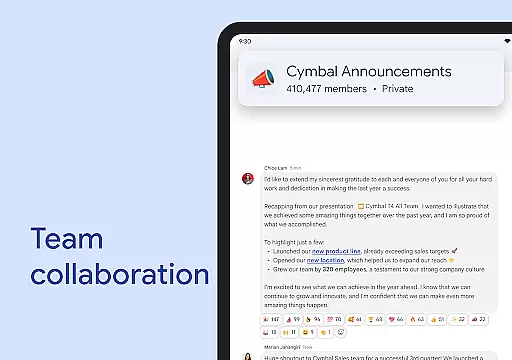
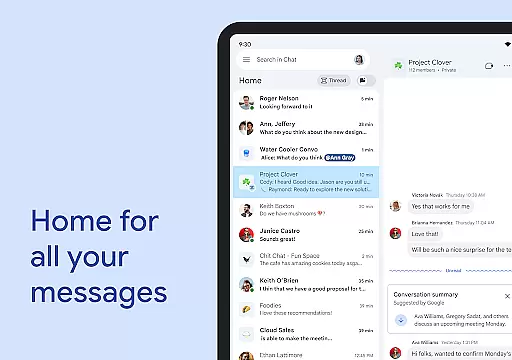
Google Chat is a robust business communication platform designed for teams using Google Workspace. It offers AI-powered messaging and collaboration features, enabling users to connect, collaborate, and complete tasks efficiently. The app provides comprehensive tools for team communication, including real-time chat, status updates, audio and video messages, and integrated access to Workspace apps like Gmail, Calendar, and Drive.
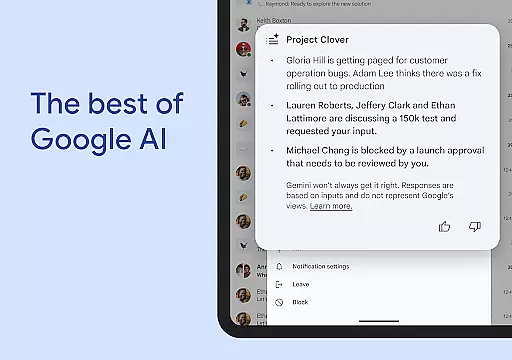
With its AI-first approach, Google Chat transforms teamwork by offering conversation summaries, automatic translations in over 120 languages, and smart search capabilities. Teams can easily manage action items, streamline workflows with smart chips, and stay on top of requests and approvals through the Google Drive app for Chat. Additionally, the platform supports powerful third-party integrations such as PagerDuty, Jira, and GitHub, enhancing productivity and project management.
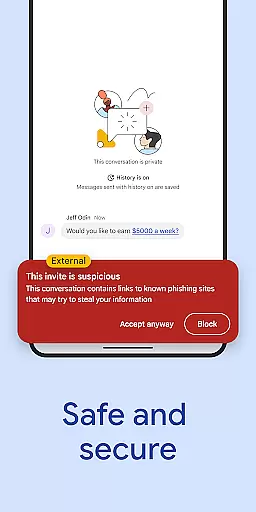
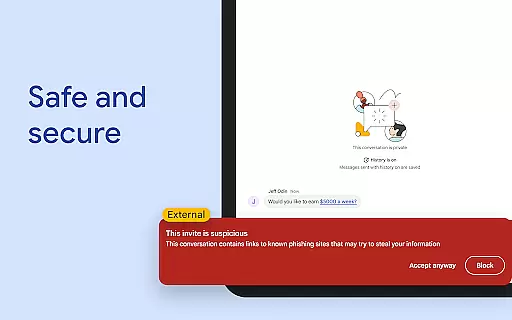
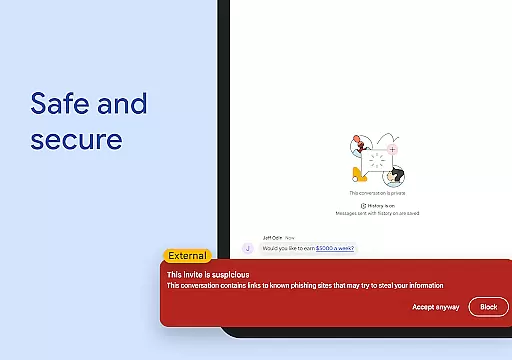
Security is a core feature of Google Chat, protected by Google's zero-trust architecture, AI-driven data loss prevention (DLP), and malware detection. This ensures that sensitive information remains secure while facilitating seamless collaboration across consumer, education, and business environments. Available as part of Google Workspace, Google Chat is suitable for organizations seeking an all-in-one communication solution.
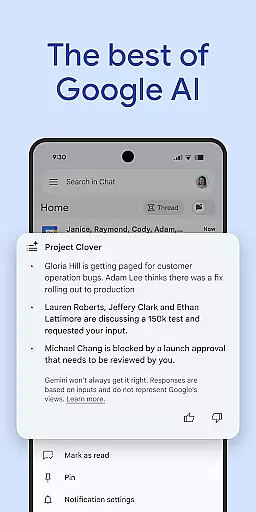
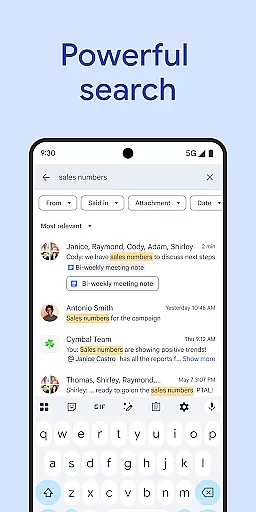
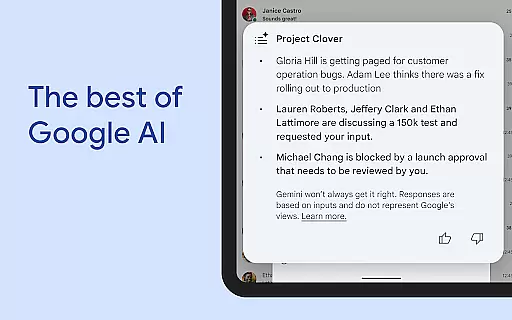
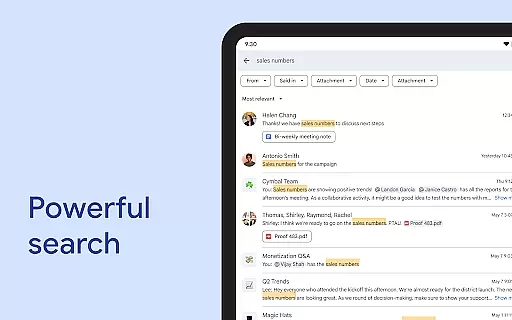
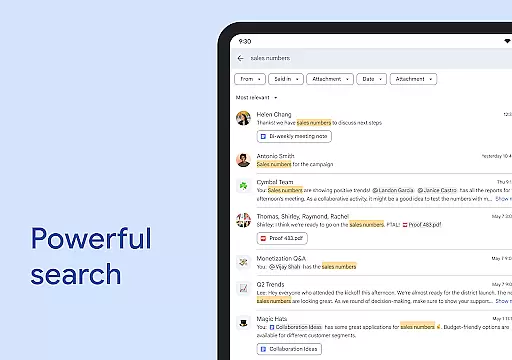
Google Chat stands out with its innovative AI-first messaging and collaboration capabilities. The app leverages Gemini technology to provide users with conversation summaries, ensuring they stay informed without missing key details. Its automatic translation feature supports more than 120 languages, breaking down language barriers and fostering global communication. Furthermore, AI-powered search allows users to quickly locate specific messages, files, or discussions within chats.
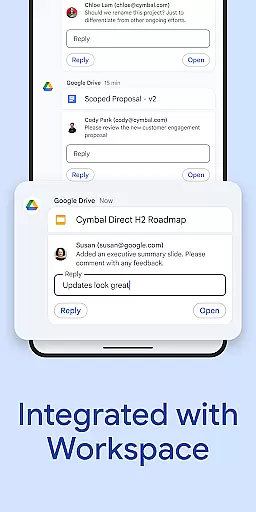
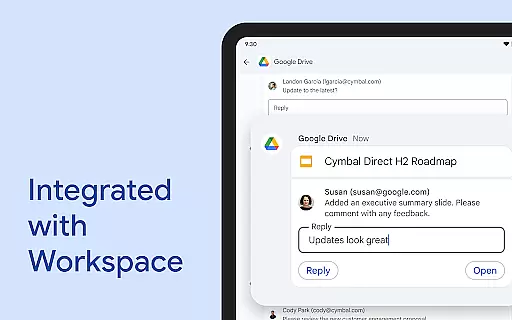
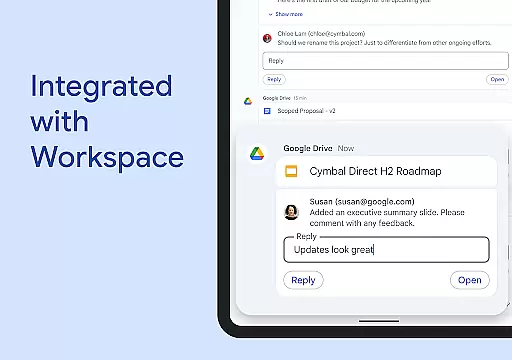
The platform integrates seamlessly with essential Workspace apps such as Gmail, Calendar, Drive, Tasks, and Meet, creating a unified ecosystem for productivity. Smart chips enhance this integration by linking files, people, and spaces directly within conversations. Real-time collaboration tools like huddles enable instant connectivity, while personalized status updates help teams coordinate effectively. Audio and video messages offer richer communication options compared to traditional text-based chats.
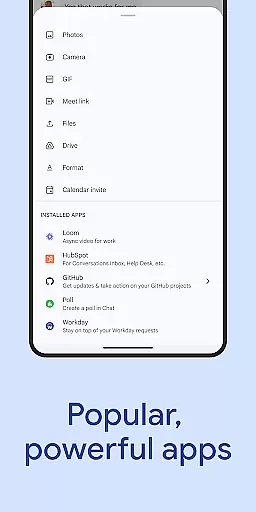
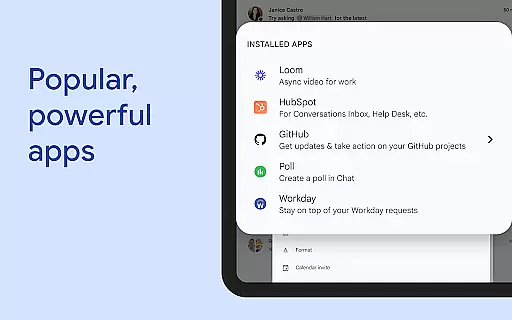
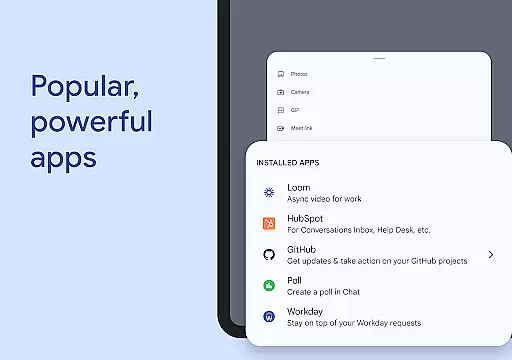
For businesses requiring advanced functionality, Google Chat supports popular third-party applications like PagerDuty, Jira, GitHub, Workday, and others. Developers can also build custom solutions using Chat APIs, catering to both no-code and pro-code needs. These extensive features make Google Chat a versatile tool for modern workplaces aiming to optimize their digital collaboration processes.
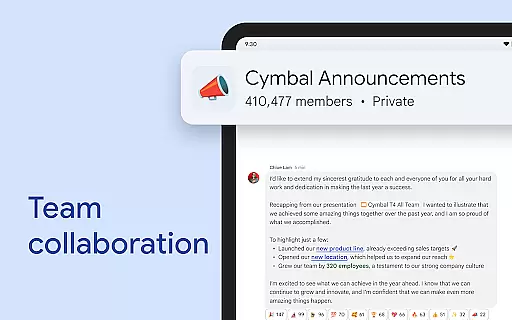
Google Chat revolutionizes team collaboration by integrating seamlessly with Workspace apps like Gmail, Calendar, and Drive. This integration allows teams to connect and collaborate efficiently without switching between multiple platforms.
The app offers smart chips that streamline teamwork by linking files, people, and spaces directly within chats. This feature ensures that all necessary resources are readily accessible during discussions, enhancing productivity and clarity in communication.
Real-time collaboration is further enhanced through huddles, enabling instant audio and video messages. These capabilities allow teams to share detailed updates and maintain continuous interaction regardless of physical location.
By incorporating AI-powered functionalities such as conversation summaries and automated translations across more than 120 languages, Google Chat ensures that every team member stays informed and engaged. These tools help break down language barriers and keep everyone aligned on project goals.
Task management in Google Chat is transformed with integrated features from Workspace apps like Tasks and Drive. Users can easily track requests, comments, and approvals without leaving the chat interface, ensuring smooth workflow continuity.
The application supports capturing action items during conversations, making sure the entire team remains on the same page. This functionality helps prevent miscommunication and ensures accountability among team members for assigned tasks.
With personalized status updates, users can inform their teams when they are focused on work or available for collaboration. This transparency aids in managing expectations and planning interactions effectively.
Additionally, popular third-party applications such as PagerDuty, Jira, GitHub, and Workday can be installed within Google Chat. These integrations provide powerful tools for building custom workflows tailored to specific business needs while maintaining centralized task oversight.
AI-powered summaries
Multi-language support
Integrated workspace
Secure architecture
Third-party integrations
Paid premium features
Requires Workspace
Limited offline use
Complex setup
Learning curve

Find jobs and make money fast with JobStack.
 4.60
4.60
All Your Gig Work. One App.
4.30
Find flexible, hourly jobs hiring near you in restaurant, retail & hospitality!
4.00
The Penny Puss app with DG penny finder
4.10
Manage work life on the go
4.50
Find the right fit, faster.
4.70
One marketplace. Hundreds of services. Unlimited possibilities. All on Fiverr.
4.40
We help people get jobs
4.70
Make money as a delivery driver with DoorDash and work when you want as a Dasher
4.30
Start earning fast. Apply Today.
4.80
Recover what matters — quickly and easily.
4.70
Your employer must have UKG Ready software configured for Mobile.
4.60
Chat, meet, and collaborate to achieve more together, all in one place on Teams
4.60
Master crypto trading with real-time simulations and exciting challenges!
4.50
From Gone to Back Again — In Just a Few Taps
4.50
Find work, shifts and gigs near you. Jobs lasting a few hours to a few months.
4.30
FX Plus adds media, networking, and cloud capabilities to FX File Explorer.
4.10
Work happy with AI Companion
4.10
Simple, Fast & Lightweight
3.90


User Reviews