

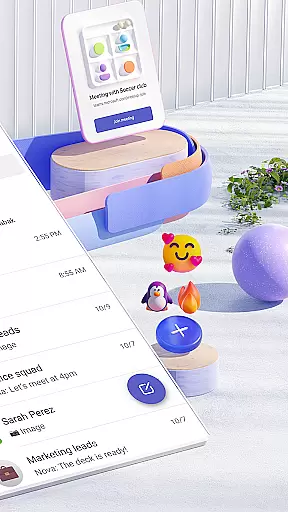

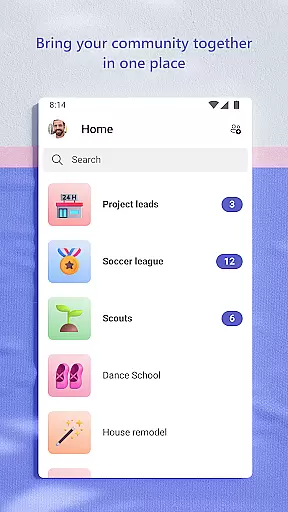
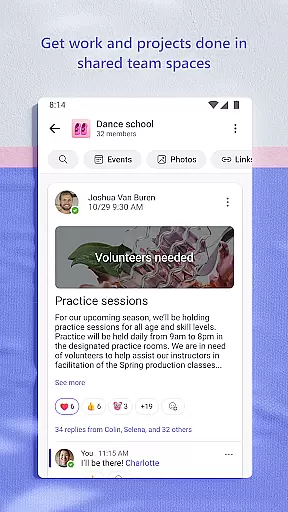
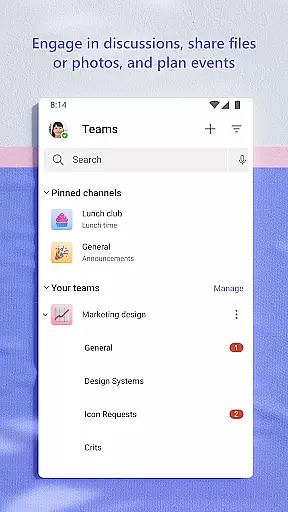
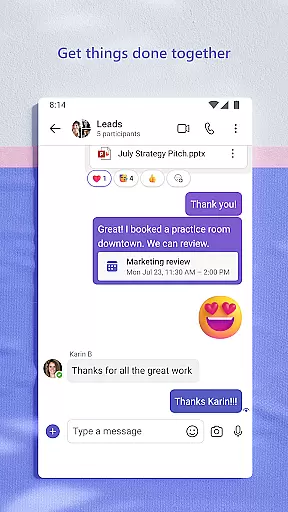
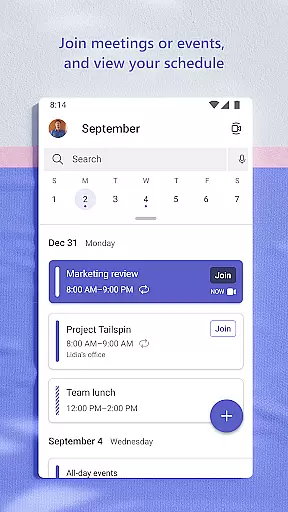
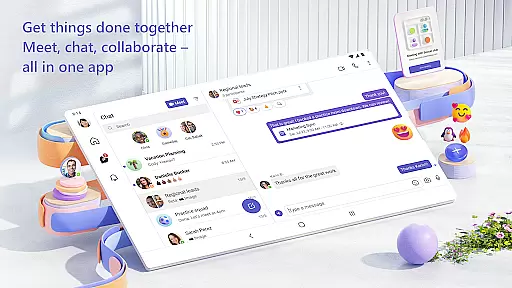
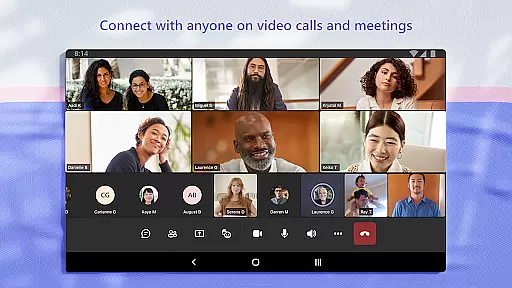
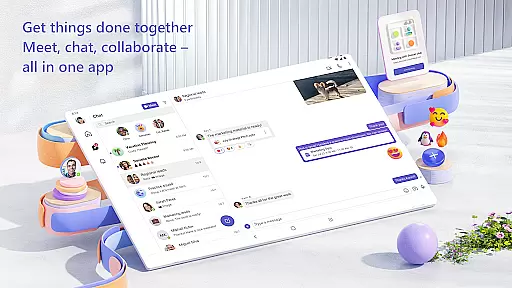
Microsoft Teams is a comprehensive business communication platform that integrates communities, events, chats, channels, meetings, storage, tasks, and calendars in one place. It enables users to connect, collaborate, and manage access to information seamlessly. Whether for community activities or project teamwork, Teams provides a centralized solution for accomplishing tasks, sharing ideas, and making plans.
The app supports secure audio and video calls, document collaboration, and built-in cloud storage. With features like Skype integration, topic-specific channels, and enterprise-level security, Microsoft Teams is designed to enhance productivity while maintaining data privacy and control.
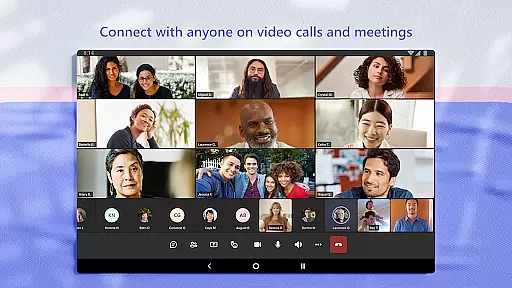
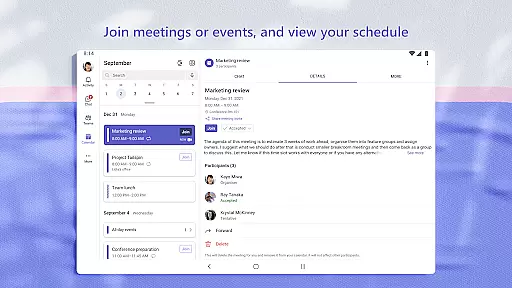
Microsoft Teams stands out with its rich feature set tailored for both personal and professional use. The app incorporates Skype functionality, allowing users to continue their chats, calls, and contacts directly within Teams. Meetings can be set up instantly, and participants can join via shared links or calendar invites.
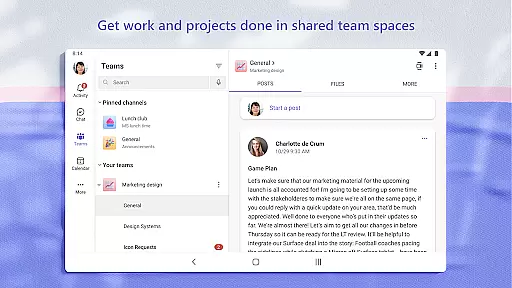
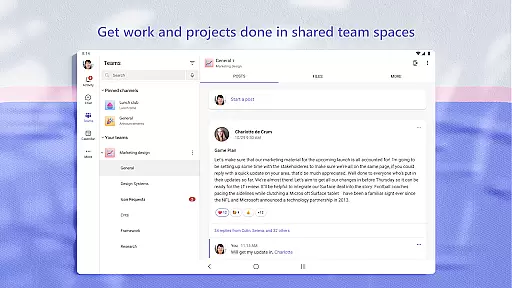
Collaboration is made efficient through organized teams and channels, where discussions can be segmented by topics or projects. The app also offers tools like screen sharing, virtual whiteboards, and breakout rooms to maximize meeting productivity. Additionally, task lists help teams stay aligned by assigning tasks, setting deadlines, and tracking progress.
Security is a core focus, with enterprise-level protections ensuring safe collaboration. Owners can moderate content and membership, while cloud storage allows on-the-go access to shared documents and files.
Microsoft Teams stands out in the Business category by offering robust collaborative work features that are essential for modern teamwork. The app integrates communities, events, chats, channels, meetings, storage, tasks, and calendars into a single platform, streamlining access to information and enhancing productivity.
Users can easily connect with anyone through audio and video calls in a secure setting, collaborate on documents, and store files and photos using built-in cloud storage. This seamless integration ensures that all team members have the necessary tools at their fingertips to communicate effectively and manage projects efficiently.
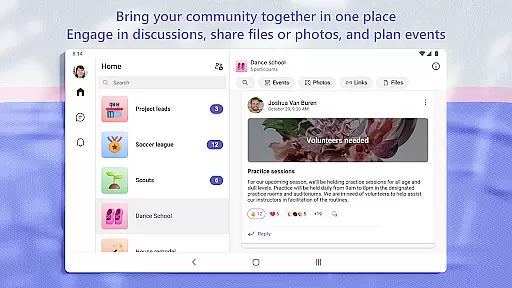
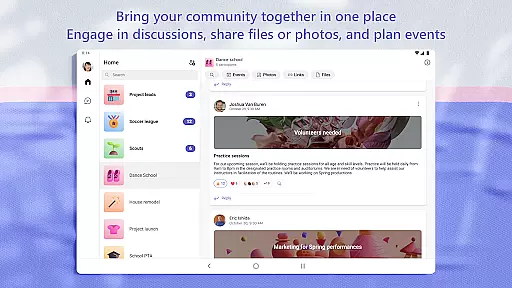
Teams allows users to organize shared content within communities, making it easy to find events, photos, links, and files without wasting time searching. By maintaining organized conversations through specific topics and projects with teams and channels, users can ensure that discussions remain focused and productive.
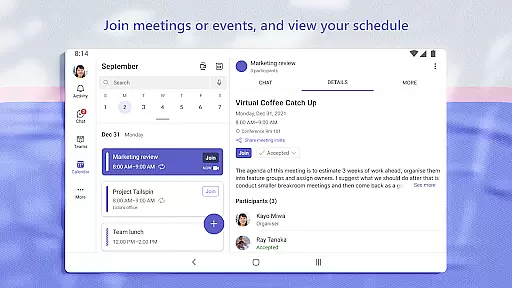
The ability to meet securely with communities, teammates, family, or friends adds another layer of value. Users can set up meetings quickly by sharing a link or calendar invite, chat one-on-one or with entire communities, and use @mentions to grab attention. These features collectively enhance collaboration and help teams accomplish their goals more effectively.
Task management is a critical component of Microsoft Teams, enabling users to stay on top of projects and plans with ease. The app provides task lists that allow users to assign tasks, set due dates, and track progress, ensuring everyone remains aligned and informed.
With Microsoft Teams, users can send photos and videos in chats to share important moments quickly and easily. Cloud storage facilitates access to shared documents and files on the go, while organized content within communities helps keep everything from events to files readily accessible.
One of the standout features is the ability to get the most out of meetings by utilizing screenshare, whiteboard, or breakout rooms. This functionality not only enhances collaboration but also ensures that meetings are productive and engaging for all participants.
Furthermore, Teams offers enterprise-level security and compliance expected from Microsoft 365, giving users peace of mind while they collaborate. By managing access to information and ensuring the right people have access to the right info, even as team members join and leave projects, Microsoft Teams provides a comprehensive solution for effective task management.
Unified communication platform
Secure meeting environment
Integrated cloud storage
Customizable team channels
Enterprise-grade security
Requires paid subscription for advanced features
Complex setup for new users
Limited free version capabilities
High resource consumption
Occasional connectivity issues

The All-in-One File Manager for Phone, TV, Watch, Cars, XR / VR, Chromebook
 4.10
4.10
Windows App allows you to connect to remote PCs and virtual apps.
3.70
Manage Your Shop
4.70
A secure, all-in-one team collaboration app
4.30
Delivery Track App - Tracking with Fedex, USPS, UPS, DHL. Monitor your Orders.
3.20
We are a dynamic team of creatives people of design, marketing, web & apps
3.00
Master crypto trading with real-time simulations and exciting challenges!
4.50
Job search app that finds jobs for you! Takes the work out of looking for a job!
4.90
All-in-one Mobile solutions for employees & managers to succeed at work
4.30
Access to Paylocity, empowering employees with information they need 24/7.
4.70
Finance, Investing, Stocks, Trading and Stock news
4.60
Earn money with the driver & delivery partner app for Uber, UberEats & Postmates
4.60
Build a store in minutes with our full suite of AI tools. Start for free!
4.20
The Penny Puss app with DG penny finder
4.10
VSD Viewer - Visio Drawings Viewer for Android Preview VSD, VDX, VSDX drawings
4.10
Work happy with AI Companion
4.10
Quickly open and manage PDF files on your device.
3.80
viewing and sharing of PDFs
3.60
Find part-time earning opportunities near you that pay within days.
3.20


User Reviews