
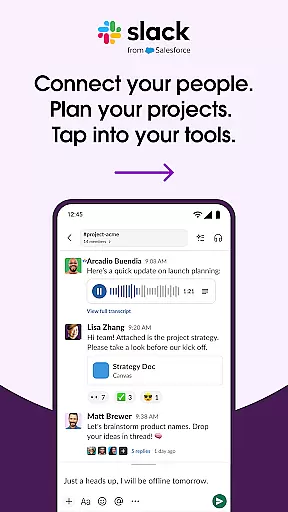
Slack is a comprehensive business communication platform designed to streamline collaboration and enhance productivity. It serves as a centralized hub where teams can seamlessly interact through channels, direct messages, and integrated tools.
The app's core functionality revolves around organized communication - every project or topic has its dedicated channel, ensuring discussions remain focused and accessible. Slack also supports multimedia interactions, allowing users to share files, conduct video meetings, and even record audio/video messages for clearer idea sharing.
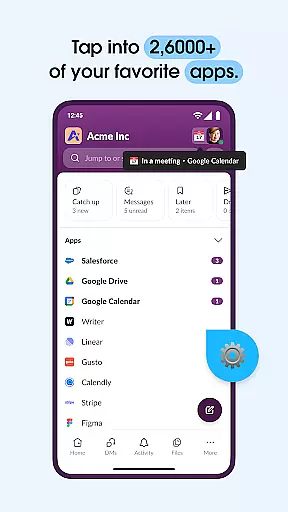
Beyond basic messaging, Slack integrates with over 2,600 third-party applications, creating a unified workspace that connects your favorite tools like Google Drive and Salesforce. This integration capability, combined with AI-powered features for search and meeting notes, makes Slack particularly valuable for remote teams and companies looking to consolidate their digital workplace.
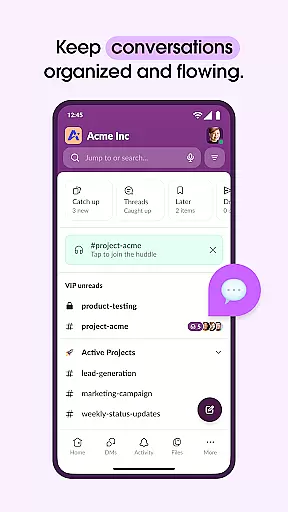
Slack distinguishes itself through several key features that optimize workplace communication. The channel-based system allows for both public team discussions and private cross-department collaborations, while maintaining clear organizational structure.
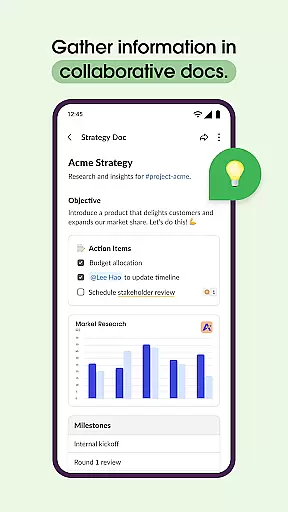
Advanced document collaboration capabilities enable teams to work together on shared files within the platform. Users can create and manage projects using built-in templates and project management tools, though some advanced features require upgrading to premium plans.
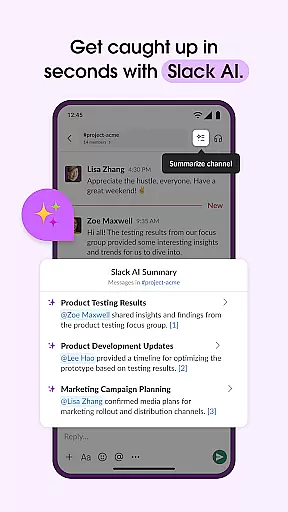
The application's strength lies in its seamless integration ecosystem. Beyond basic app connections, Slack incorporates workflow automation through tools like Zapier, and offers enterprise-grade security features. The recently added AI functionalities, including automated meeting notes and enhanced search capabilities, provide additional value for teams seeking smarter collaboration solutions.
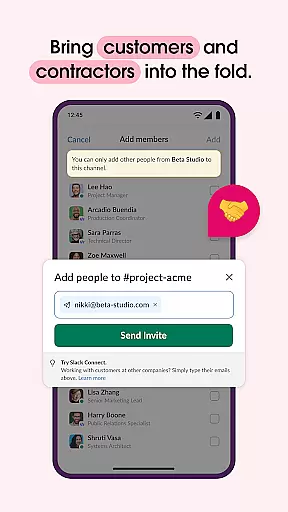
Collaboration is at the heart of Slack's design, enabling teams to work together seamlessly regardless of location. The platform offers dedicated channels for every project, ensuring that discussions, documents, and decisions are organized and accessible.
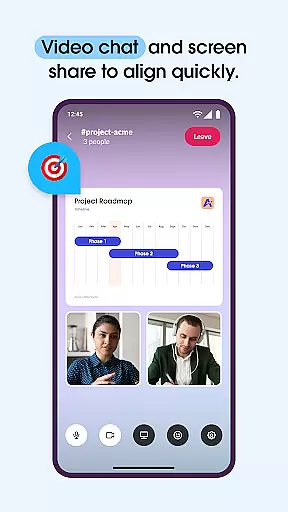
Slack allows real-time communication through video chats and screen sharing, making remote meetings more interactive and productive. Users can also record and send audio or video clips when text-based communication falls short, providing clear explanations and demonstrations.
The integration capabilities further enhance collaboration by connecting over 2,600 apps such as Google Drive and Salesforce. This interconnected ecosystem ensures that teams can access their favorite tools without leaving Slack, streamlining workflows and boosting efficiency.
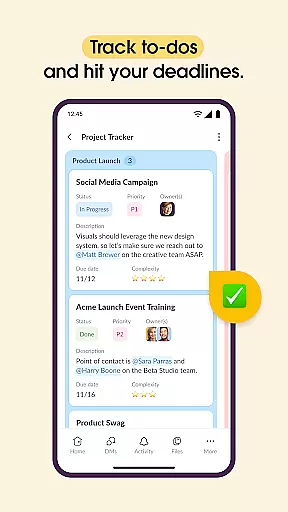
Effective task management is crucial for keeping projects on track, and Slack excels in this area with robust features designed to streamline workflows. Pre-made and customizable templates help set projects up for success by providing structured frameworks tailored to specific needs.
Shared documents within channels allow teams to collaborate on marketing plans, product specs, and other essential materials directly alongside relevant conversations. This proximity enhances context and clarity, reducing miscommunication and increasing productivity.
Project management tools like to-do lists, task assignments, and milestone mapping enable teams to monitor progress effectively. These features ensure accountability and alignment across all team members, fostering a cohesive approach to achieving project goals.
User-friendly interface
Extensive app integrations
Robust security features
Excellent mobile support
Powerful search functionality
Steep learning curve
Pricey premium plans
Limited free storage
Occasional bugs
High resource usage

viewing and sharing of PDFs
 3.60
3.60
Zoom built for Chrome OS
3.90
AI-powered document scanner with auto enhance for perfect PDFs.
4.60
FaxCover - Create fax cover pages. Works with any app or fax machine.
4.90
Amazon A to Z is the place to manage your work-life at Amazon.
4.50
Build a store in minutes with our full suite of AI tools. Start for free!
4.20
From Gone to Back Again — In Just a Few Taps
4.50
Smarter career moves start here. AI job alerts, insights & the right tools.
4.20
Shop, deliver, and earn with the Spark Driver™ App
4.10
Use Generative Summary to understand your rental or insurance docs in seconds.
4.70
Access to Paylocity, empowering employees with information they need 24/7.
4.70
Ask Accio anything about business. Alibaba-backed, built by experts, not just AI
4.60
Measure distances, surfaces and draw plans in seconds with CamToPlan!
4.40
Find work, shifts and gigs near you. Jobs lasting a few hours to a few months.
4.30
A secure, all-in-one team collaboration app
4.30
Scan Business Cards & Conference Badges - Capture Leads at Events & Tradeshows
4.20
Simple, Fast & Lightweight
3.90
Get your benefits on-the-go.
3.80
Completed Course Lectures on how to use IBM Maximo in Maintenance issues
4.5


User Reviews