

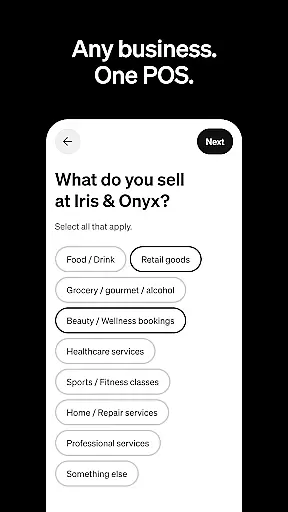
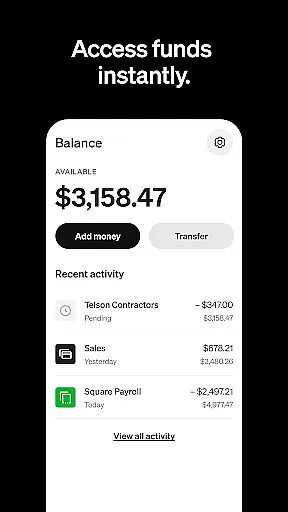
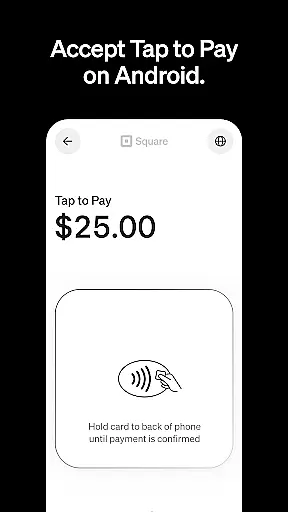
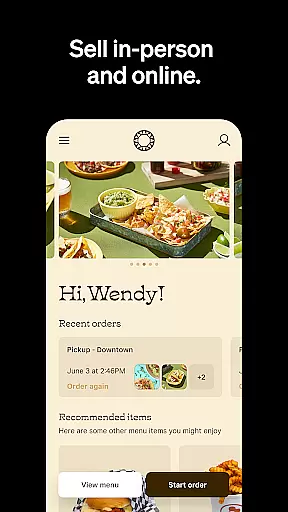
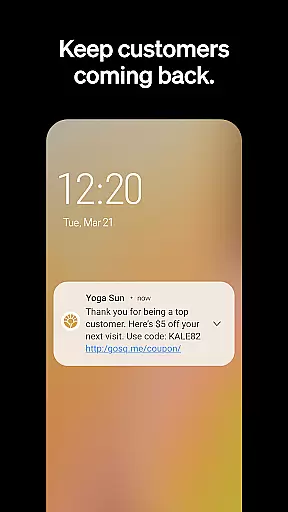
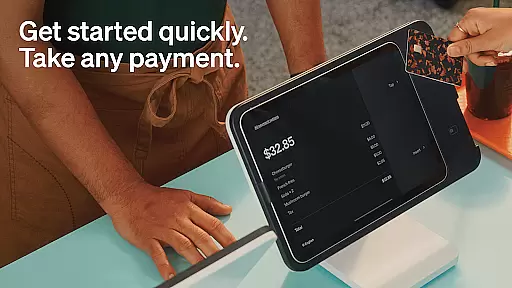
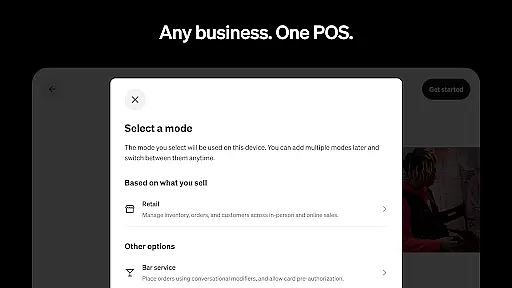
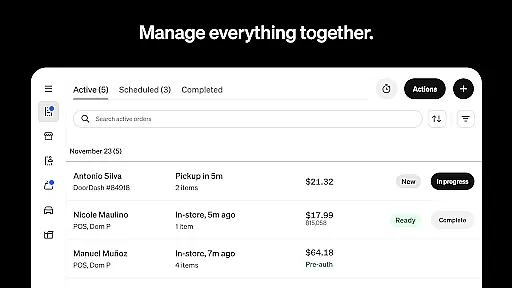
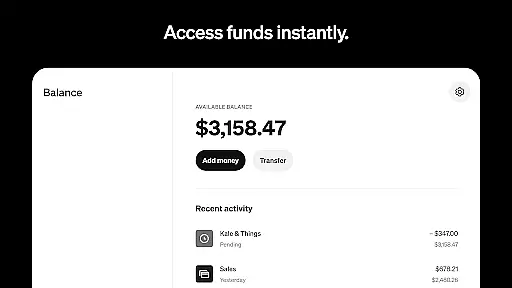
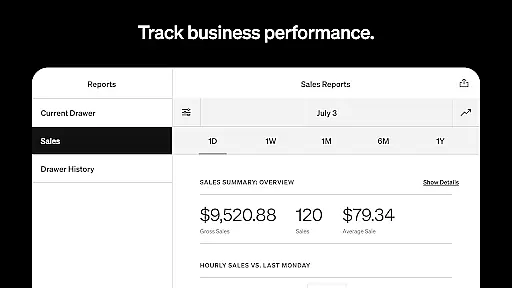
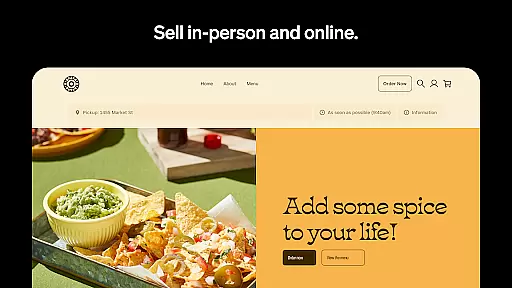
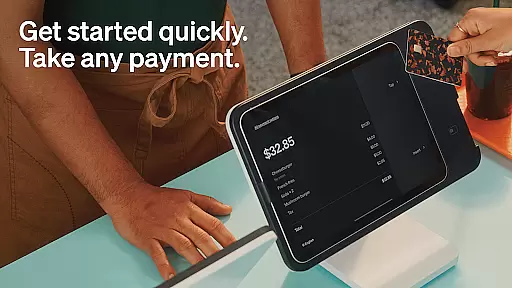
Square Point of Sale (POS) is a versatile payment processing app designed for businesses across various industries. It offers tailored modes for retail, restaurants, bookings, and services, ensuring smooth operations and enhanced customer experiences. The app supports multiple payment methods including credit cards, digital wallets, and QR codes, making transactions fast and secure.
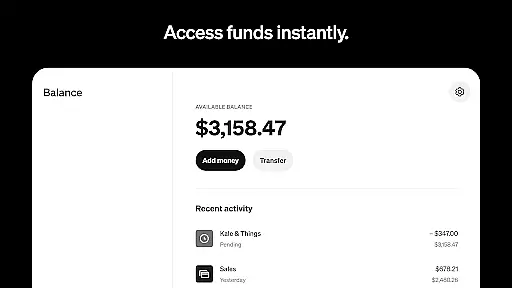
With features like offline transaction processing, instant fund transfers, and detailed sales analytics, Square POS provides essential tools for efficient business management. Retailers benefit from real-time inventory updates, while beauty businesses can manage appointments and reduce no-shows. Restaurants can streamline order entry, and service providers can send professional invoices with e-signature support. This comprehensive solution helps businesses grow by fostering customer relationships and improving operational efficiency.
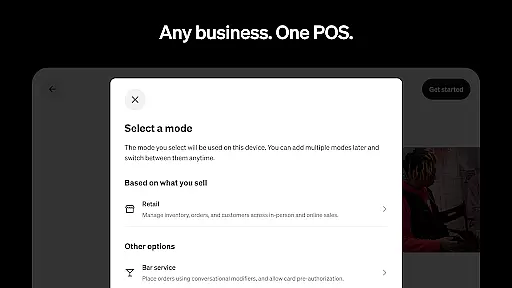
Square POS stands out with its industry-specific modes that cater to different business needs. Retail businesses can sync online and in-store inventory, receive low-stock alerts, and build detailed customer profiles. Beauty professionals can offer 24/7 booking, secure prepayments, and send appointment reminders. Restaurants benefit from quick order entry and easy item creation, while service providers can send professional estimates and track project progress.
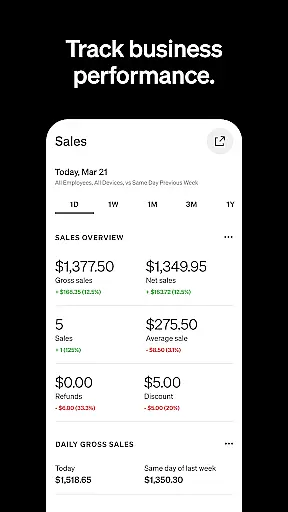
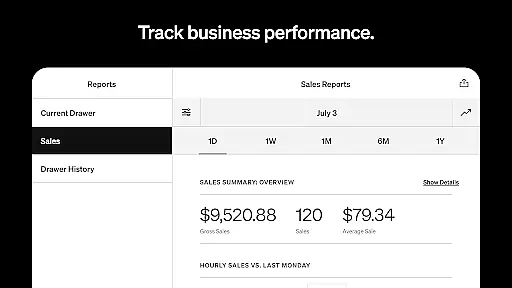
The app's robust payment system accepts all major payment methods, works offline, and offers instant or standard fund transfers. Its comprehensive dashboard provides daily sales reports, payment method breakdowns, and itemized transaction details. Additional features include integrated banking solutions, staff management tools, and advanced reporting capabilities. These functionalities enable businesses to operate more efficiently and make data-driven decisions to improve their bottom line.
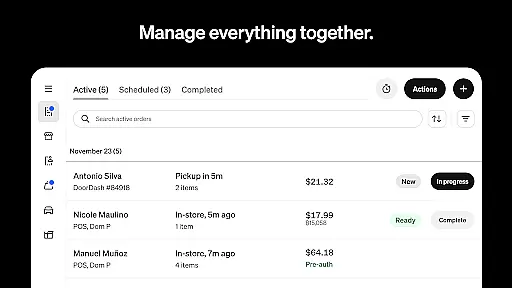
Collaborative work features are essential for businesses that require seamless communication and coordination among team members. Square Point of Sale (POS) excels in this area by offering tools tailored to various industries, ensuring teams can work together efficiently.
The app provides multiple POS modes with unique settings for retail, restaurants, beauty, and service businesses. These modes enable staff to manage sales, inventory, and customer interactions from a unified platform, thus enhancing team collaboration. For instance, retail employees can sync online and in-store inventories, while restaurant staff can manage orders for dining in or taking away within the same system.
Furthermore, Square POS supports professional invoicing, appointment scheduling, and detailed reporting accessible via its Dashboard. This ensures that all team members, regardless of their location, have access to real-time data and can collaborate effectively to deliver exceptional customer experiences.
By integrating these collaborative features, Square POS not only simplifies daily operations but also empowers businesses to foster stronger customer relationships and drive growth collectively.
Effective task management is crucial for maintaining operational efficiency and ensuring that every aspect of a business runs smoothly. Square Point of Sale (POS) offers robust task management capabilities designed to streamline processes across different business types.
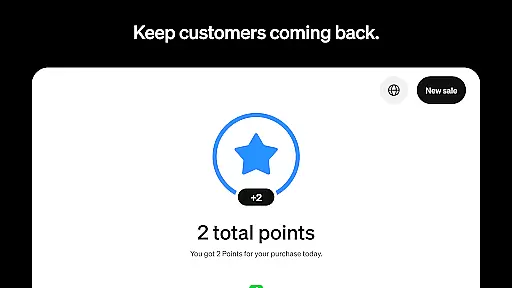
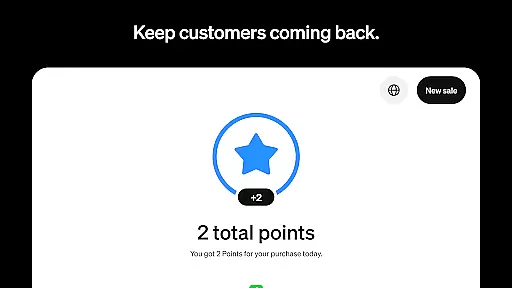
For retail businesses, Square POS provides real-time stock updates and low-stock alerts, enabling managers to automate restocking processes. This feature helps maintain optimal inventory levels without manual intervention, freeing up time for other critical tasks. Additionally, the system allows for the creation of detailed customer profiles, which enhances personalized marketing efforts and customer loyalty programs.
In the restaurant industry, the app facilitates quick order entry and customizable item modifiers, allowing staff to process transactions swiftly. This capability is vital during peak hours when managing a high volume of orders efficiently is paramount. Moreover, service-based businesses can utilize professional invoicing and e-signature functionalities to secure commitments and track project progress in one centralized location.
Overall, Square POS's comprehensive task management tools ensure that businesses can handle their operations seamlessly, leading to increased productivity and better customer satisfaction.
User-friendly interface
Multi-industry support
Comprehensive payment options
Offline functionality
Detailed analytics
Limited international features
Transaction fees apply
Advanced tools require subscription
Occasional bugs reported
Steep learning curve for some

 4.70
4.70
Zoom built for Chrome OS
3.90
Get instant construction estimates: accurate home repair & material calculator.
4.70
Simple, Fast & Lightweight
3.90
enjoy effortless PDF reading anytime, anywhere
3.90
All-in-one Mobile solutions for employees & managers to succeed at work
4.30
Roadie connects people with stuff to send with drivers already going that way.
3.50
Chat, meet, and collaborate to achieve more together, all in one place on Teams
4.60
Make money as a delivery driver with DoorDash and work when you want as a Dasher
4.30
BuildCalc - the easiest AND the most advanced construction calculator app.
4.80
All your team communication in one place
4.70
Your employer must have UKG Ready software configured for Mobile.
4.60
Amazon A to Z is the place to manage your work-life at Amazon.
4.50
The app that lets you deliver with Amazon.
4.50
One marketplace. Hundreds of services. Unlimited possibilities. All on Fiverr.
4.40
All Your Gig Work. One App.
4.30
A secure, all-in-one team collaboration app
4.30
Say hello to the mobile work experience built to help you thrive at work.
4.30
Quickly open and manage PDF files on your device.
3.80


User Reviews