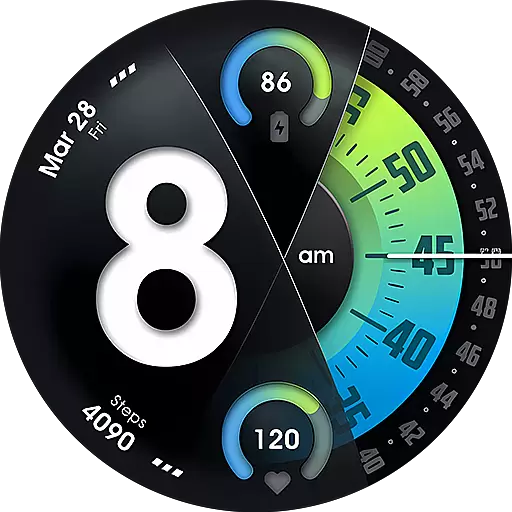
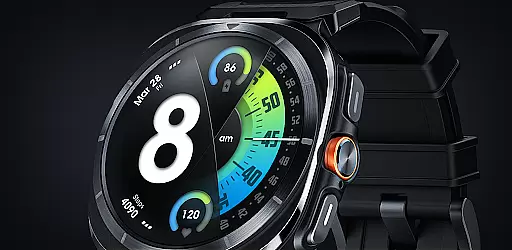
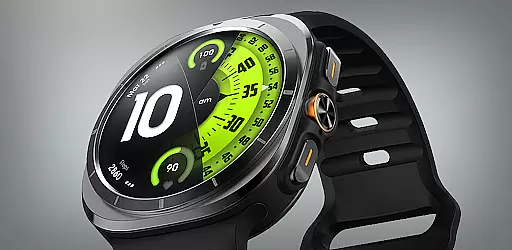
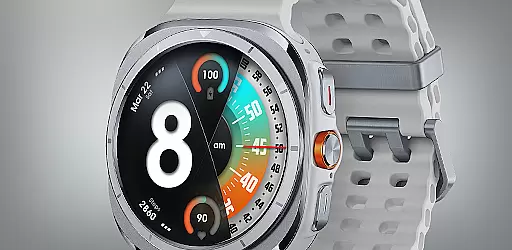
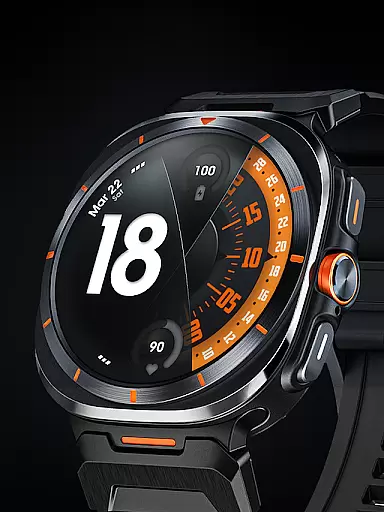
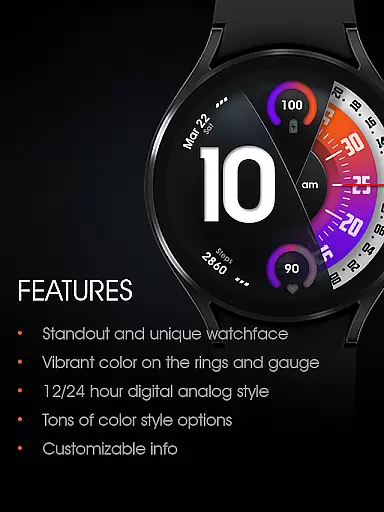
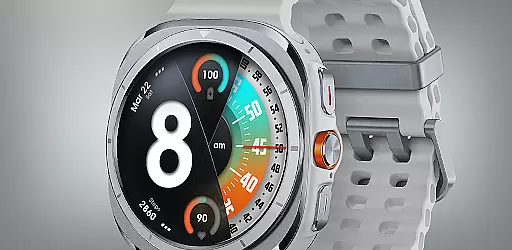
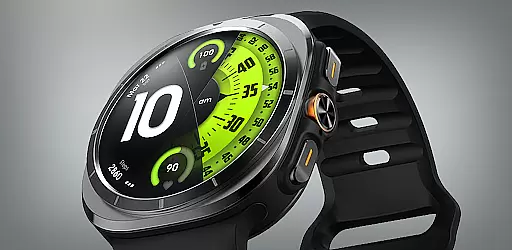
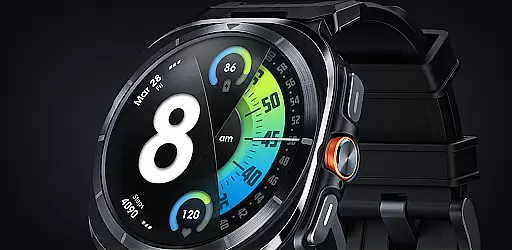
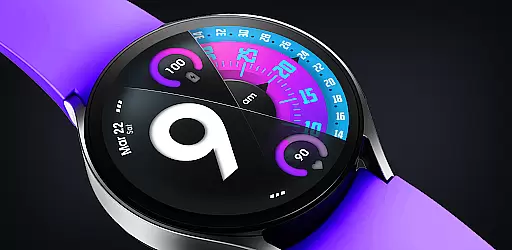
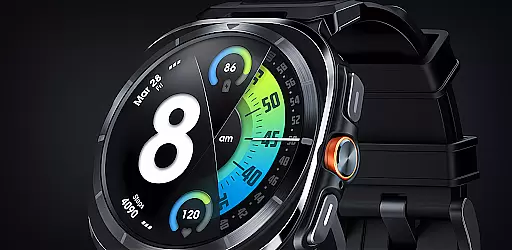
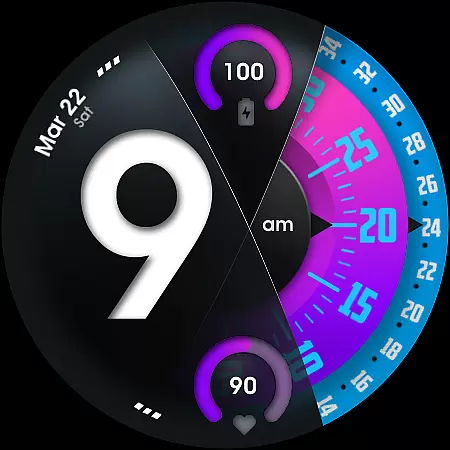
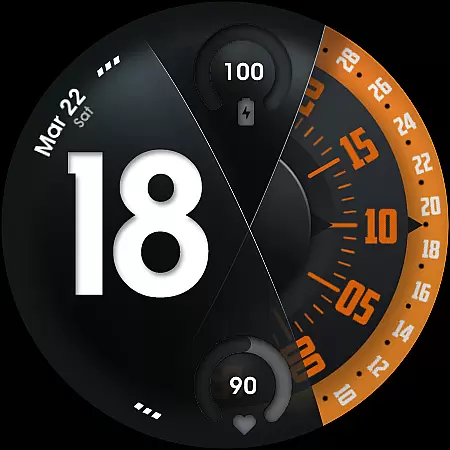
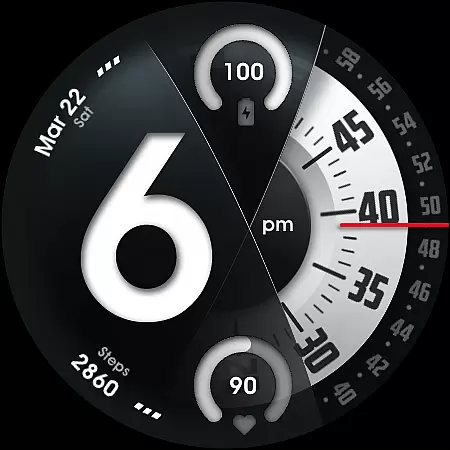
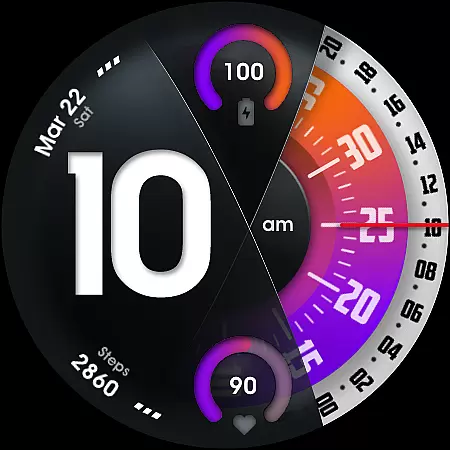
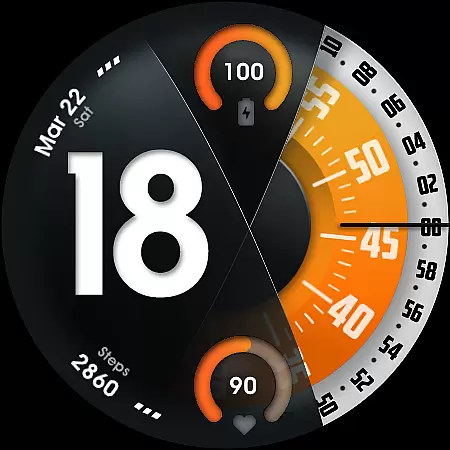
UsA Florencia Neo represents a modern take on watch face design, blending digital functionality with classic analog aesthetics. This Wear OS application offers users a unique timekeeping experience through its innovative 12/24 hour digital-analog display.
The app stands out with its comprehensive feature set that includes battery and heart rate monitoring, customizable design elements, and smart complications. Compatible with Wear OS 4 and newer, this watch face is ideal for Galaxy Watch 4/5/6/7/8 Series, Pixel Watch series, and other Wear OS devices.
Designed for convenience, the automatic installation and easy customization options make it simple for users to personalize their smartwatch experience while maintaining optimal device performance.
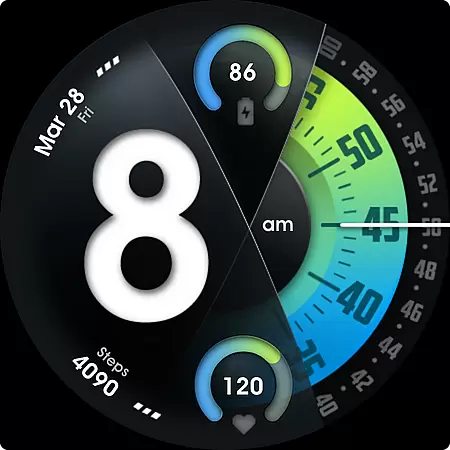
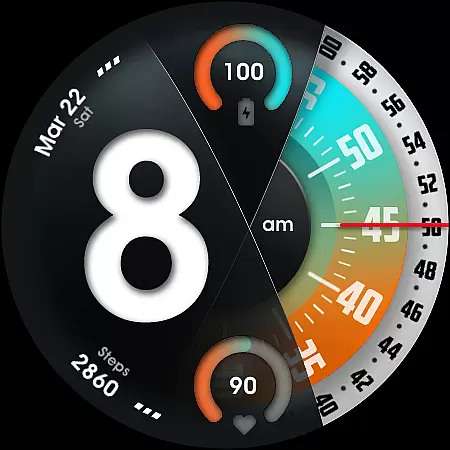
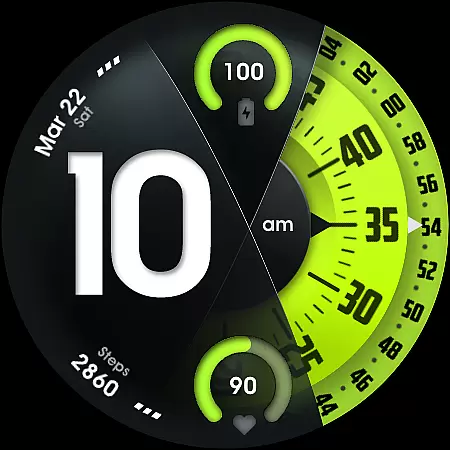
UsA Florencia Neo boasts an impressive array of features designed to enhance user experience. The watch face combines digital hours with analog minutes and seconds movement, creating a distinctive visual appeal.
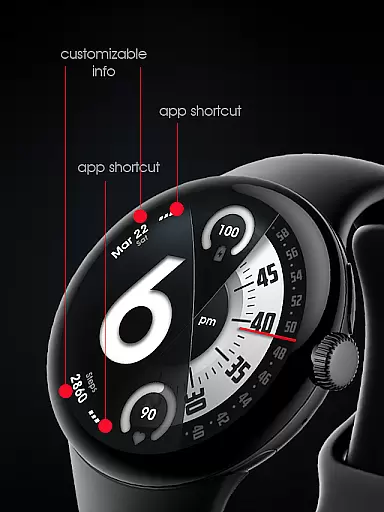
Users can enjoy practical functionalities such as battery information display, heart rate monitoring with built-in sensor synchronization, and multiple color style combinations. The customization options extend to seconds blade styles and line index indicators, allowing for personal expression.
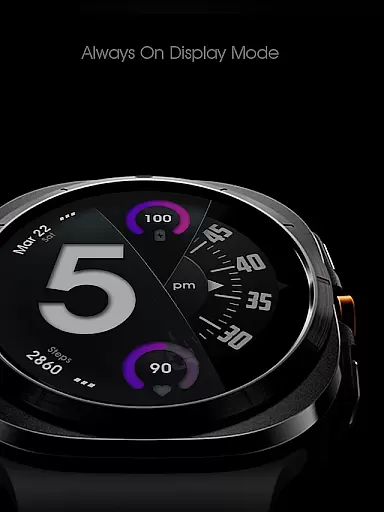
Additional features include two custom info complications, two custom app shortcuts, and a specially designed Always On Display (AOD) mode. These elements collectively provide both aesthetic value and functional utility, setting this watch face apart from traditional designs.
Companion app integration is essential for a seamless wearable experience. UsA Florencia Neo ensures that your watch face settings are perfectly synchronized with your smartphone.
This application allows users to customize their watch face directly from their phone, providing a user-friendly interface for adjusting settings such as time format and heart rate measurement intervals.
By using the same Google account registered on your watch, the installation begins automatically, ensuring that all customizations are effortlessly applied without the need for manual adjustments on the device itself.
The synchronization extends to various features including battery information, heart rate monitoring, and even Always On Display settings, offering a comprehensive and integrated user experience across devices.
Ensuring compatibility with a range of devices is crucial for maximizing usability. UsA Florencia Neo is designed to work seamlessly with Wear OS API 33+ (Wear OS 4 or newer).
This compatibility extends to popular models like Galaxy Watch 4/5/6/7/8 Series, Pixel Watch series, and other watches running Wear OS 4 or newer, making it versatile for a wide audience.
Users can enjoy advanced features such as digital-analog time display, customizable styles, and health tracking functionalities regardless of their specific Wear OS device.
With support for both 12 and 24-hour formats, along with specialized Always On Display modes, this watch face caters to diverse preferences while maintaining optimal performance across different devices.
Unique digital-analog design
Comprehensive health tracking
Extensive customization options
Automatic installation feature
Specialized AOD functionality
Requires Wear OS 4+
Limited to compatible devices
Battery consumption concerns
No data storage capability
Dependent on phone settings

Walking app for weight loss: walk & step tracker, pedometer, indoor treadmill
 4.60
4.60
Christmas watch face. For Wear OS devices.
4.30
A Wintery Snow Globe on Your Wrist; now celebrating Christmas!
4.0
Beautiful artistic animated digital watch face, with a customizable layout!
4.40
A modern premium sporty hybrid watch face for Wear OS by Ballozi
4.70
Structured watch face with seven complications and modular UI elements
3.90
Period, ovulation & pregnancy tracker. Fertility insights & menstrual calendar.
4.90
Get helpful reminders, take progress photos and find answers to your questions.
3.90
Track your active life in one place and share the journey with friends.
4.40
The Chevron App allows you to pay for fuel from the comfort of your car!
4.80
A white realistic classic analog watch face with many customization options.
4.40
A customizable Christmas watch face for Wear OS with a countdown.
4.20
A digital watch face that celebrates Christmas.
4.00
Animated Watch Face and Customizable with 24 Backgrounds. Perfect for Christmas!
3.90
Authentic military-tactical design with ZULU time! Realistic and functional!
3.80
Christmas is near, let's count together the days left until Santa comes
4.2
A watch face that fuses motorsport precision with contemporary smartwatch design
4.2
Sleek, highly customizable watch face inspired by Galaxy Watch Circle Dashboard.
4.0
3 Complications. All shadow on/off. 30 Themes color palette...
4.3


User Reviews