
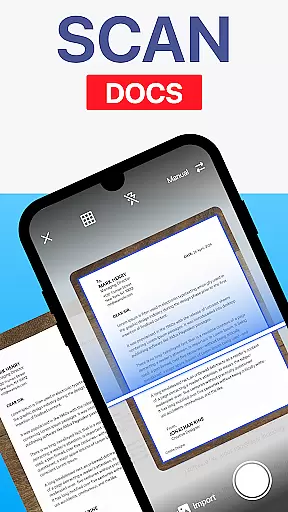
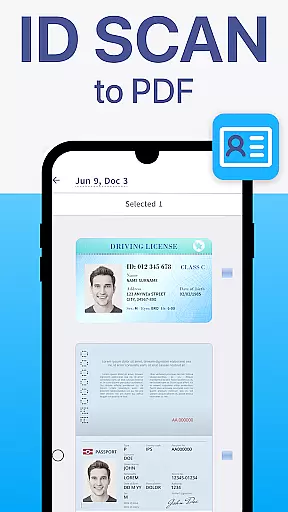
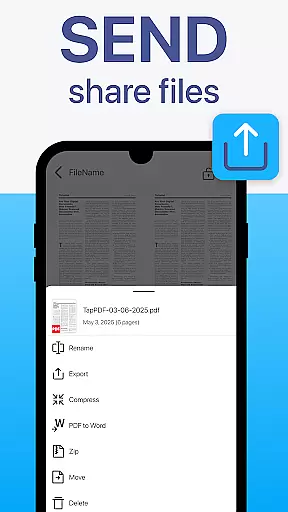
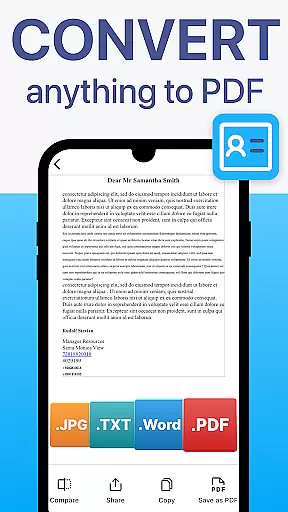
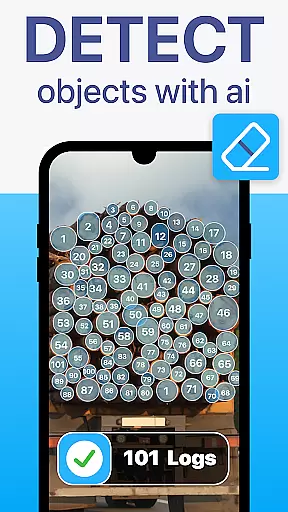
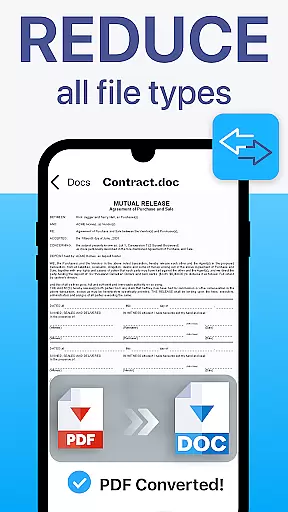
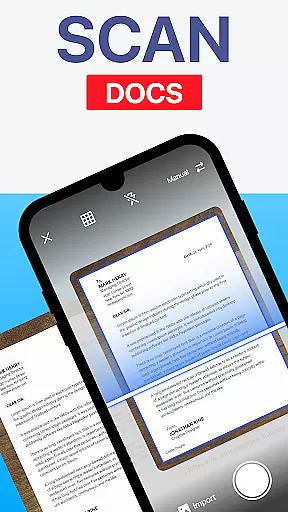
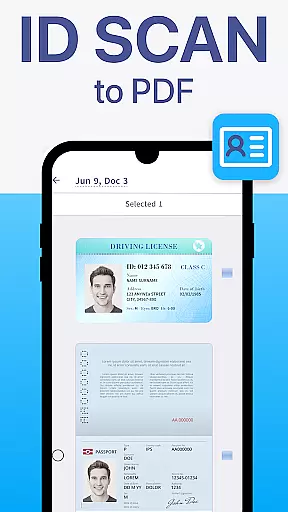
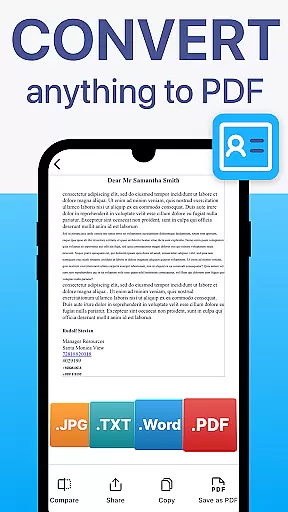
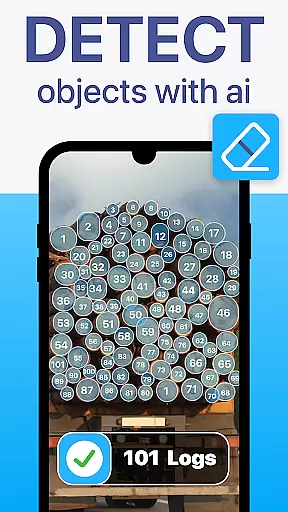
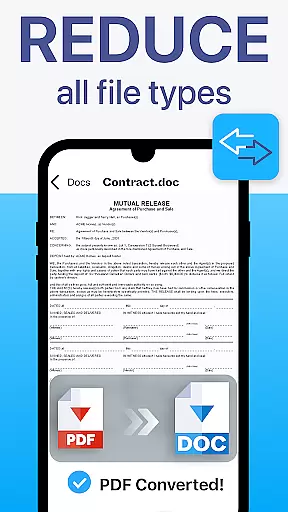
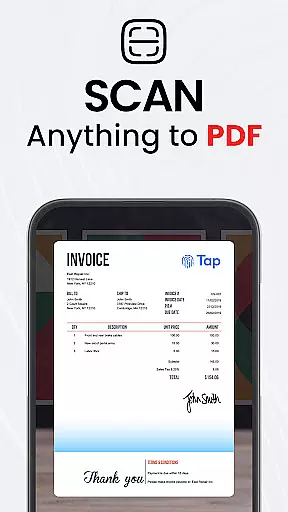
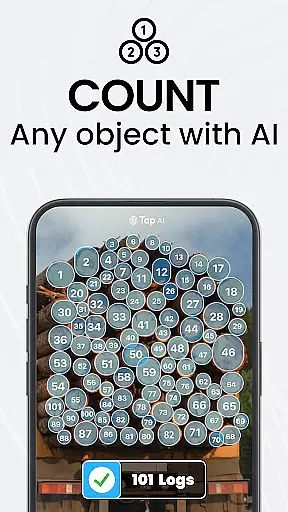
TapScanner is a powerful mobile application that transforms your device into a professional-grade document scanner and comprehensive PDF management tool. Trusted by millions globally, this app allows users to effortlessly capture, organize, and share various types of documents.
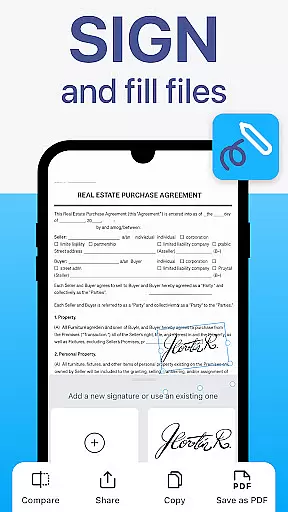
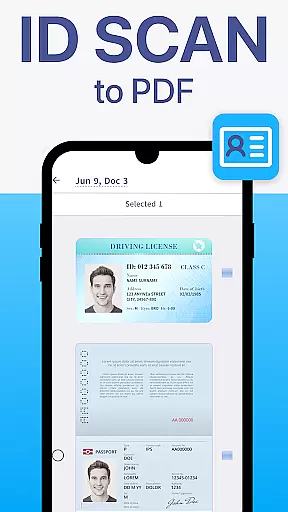
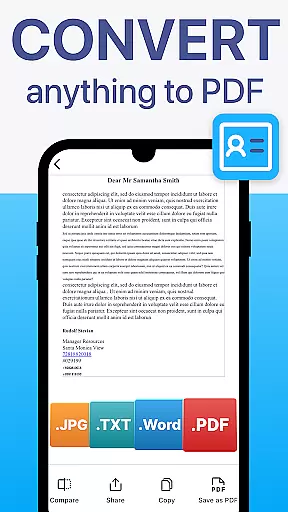
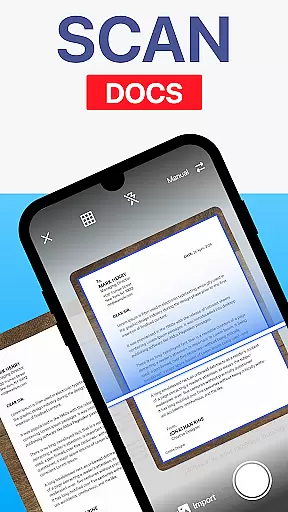
The core functionality includes high-quality scanning with automatic edge detection and image correction, making it ideal for digitizing receipts, contracts, business cards, and multi-page documents. TapScanner also offers advanced PDF features such as merging, splitting, reordering, signing, and annotating files directly within the app.
With its OCR text recognition supporting over 110 languages, productivity boosters like batch scanning, and secure cloud backup options, TapScanner is particularly valuable for professionals who need efficient document management solutions on the go.
TapScanner stands out with its complete suite of document management features. The app's high-quality scanning capability automatically detects document edges and applies smart image correction, ensuring professional-grade scans every time.
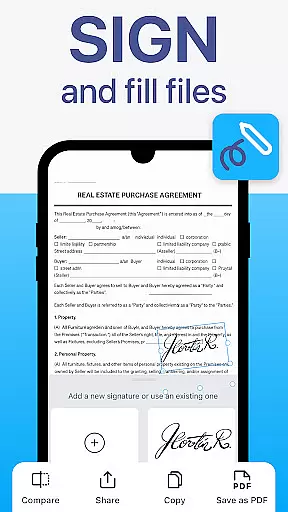
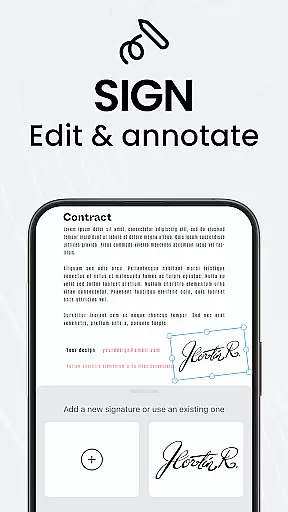
Users can take advantage of the robust PDF workspace that enables merging, splitting, reordering, signing, and annotating PDFs without any quality loss. The OCR functionality converts images into searchable and editable text across multiple languages, enhancing accessibility and usability.
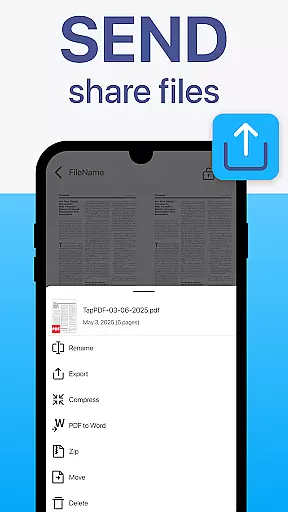
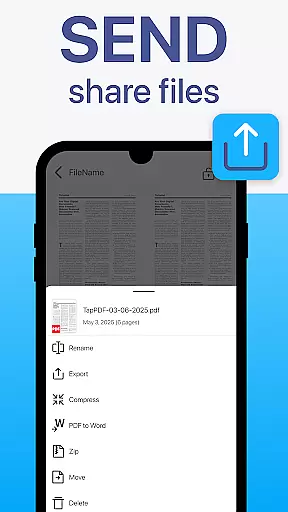
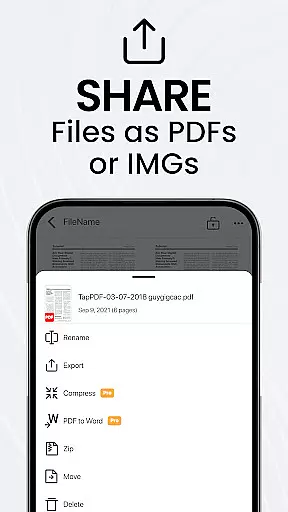
Additional features include multi-page support for compiling lengthy documents, image enhancement tools for optimal scan quality, and instant sharing options through email or direct printing to Wi-Fi printers. These capabilities make TapScanner an indispensable tool for anyone dealing with extensive paperwork.
TapScanner offers a comprehensive set of collaborative work features that streamline document management for teams and professionals. The app allows multiple users to access and manage scanned documents and PDFs from various cloud storage services like Google Drive, Dropbox, and OneDrive.
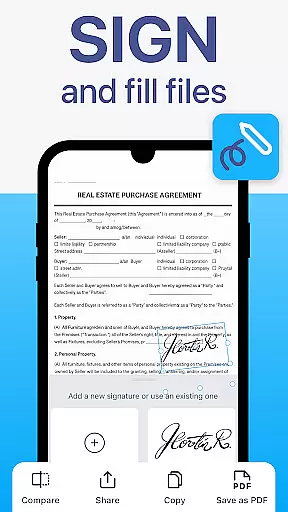
One of the key collaborative features is the ability to merge, split, reorder, sign, and annotate PDFs directly within the app. This functionality ensures that all team members can contribute to document workflows without needing additional software or tools.
The secure cloud backup option enhances collaboration by enabling real-time syncing of scans across devices. Users can also add password protection to sensitive documents, ensuring that only authorized personnel can access confidential information.
These collaborative capabilities make TapScanner an invaluable tool for businesses and individuals who need to share, edit, and manage documents efficiently while maintaining security and professionalism.
Effective task management is crucial for productivity, and TapScanner excels in this area by providing robust tools to organize and handle document-related tasks. With features like batch scanning and one-tap renaming, users can save significant time when processing multiple documents.
The app's multi-page support allows users to scan dozens of pages and compile them into a single, neatly ordered PDF. This feature simplifies task management by reducing clutter and keeping related documents together in one file.
Additionally, TapScanneru2019s automated file organization helps users maintain an efficient workflow. By automatically sorting and storing documents, the app minimizes manual effort and reduces the risk of misplacing important files.
Overall, TapScanneru2019s task management features empower users to handle their document workflows with ease, making it an essential tool for anyone looking to boost their productivity.
User-friendly interface
High-quality scans
Advanced PDF tools
Multi-language OCR
Secure cloud integration
Subscription required
Limited free features
Occasional bugs
Ads in free version
Learning curve

Zoom built for Chrome OS
 3.90
3.90
Earn free swag, G-Cards & food • Enter sweepstakes • Find stores • So much more.
4.70
Take the stress out of storage with the all-in-one app to manage your space.
3.70
Paychex Flex - Save Time and Stay Connected
4.60
view, manage, and share every PDF file you have
3.60
USPS Mobile®Access USPS.com’s most popular tools on-the-go.
4.70
Access to Paylocity, empowering employees with information they need 24/7.
4.70
Earn money with the driver & delivery partner app for Uber, UberEats & Postmates
4.60
On the go? Take FedEx with you.
4.00
BuildCalc - the easiest AND the most advanced construction calculator app.
4.80
Employee Management Made Easy
4.80
Get instant construction estimates: accurate home repair & material calculator.
4.70
The revolutionary flexible staffing platform
4.40
One marketplace. Hundreds of services. Unlimited possibilities. All on Fiverr.
4.40
VSD Viewer - Visio Drawings Viewer for Android Preview VSD, VDX, VSDX drawings
4.10
Simple, Fast & Lightweight
3.90
enjoy effortless PDF reading anytime, anywhere
3.90
Roadie connects people with stuff to send with drivers already going that way.
3.50
Access All PDF Files
3.40


User Reviews