
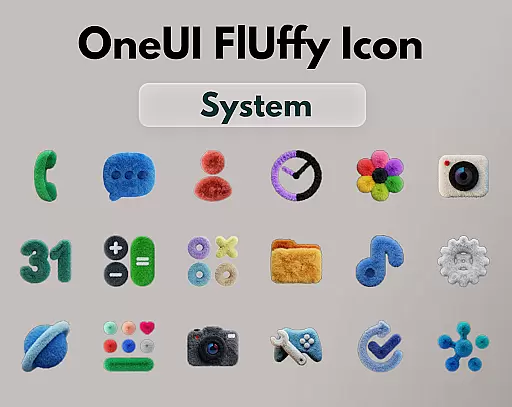
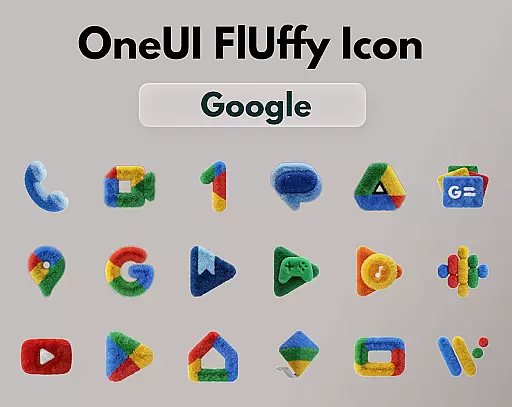
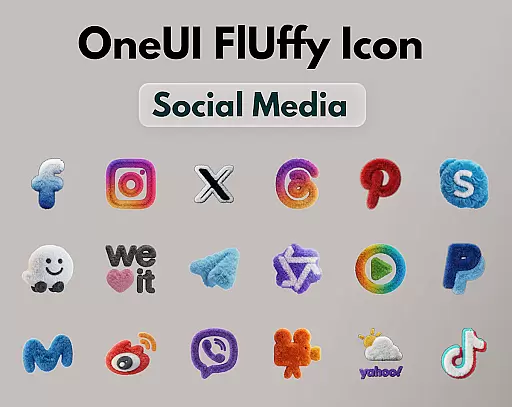
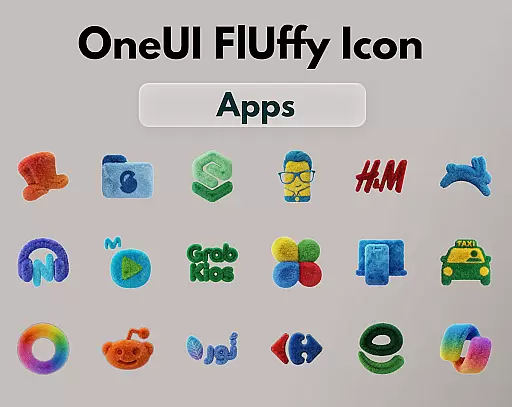
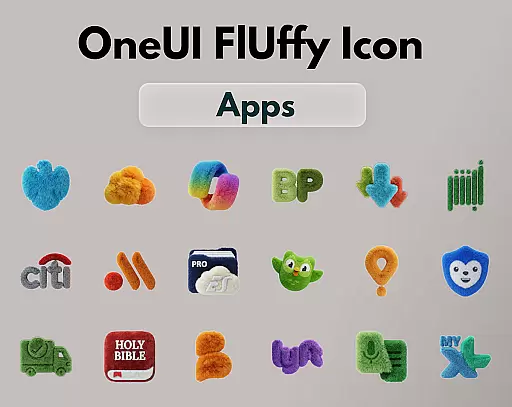
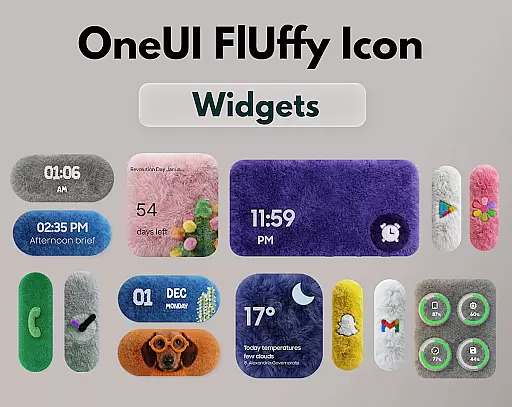
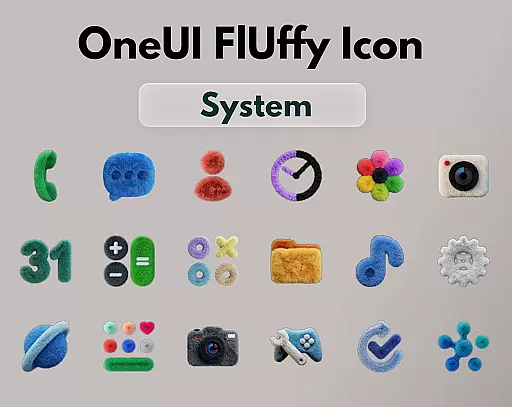
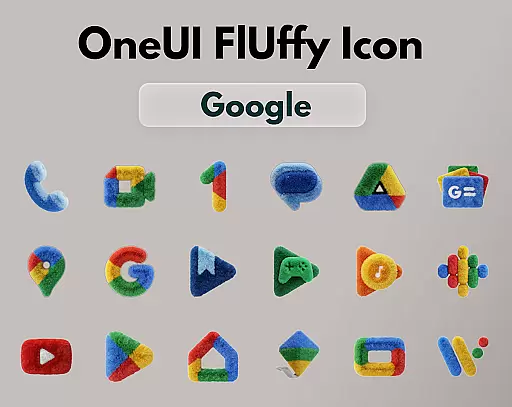
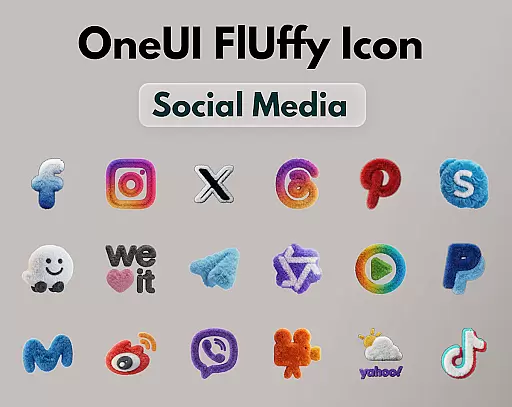
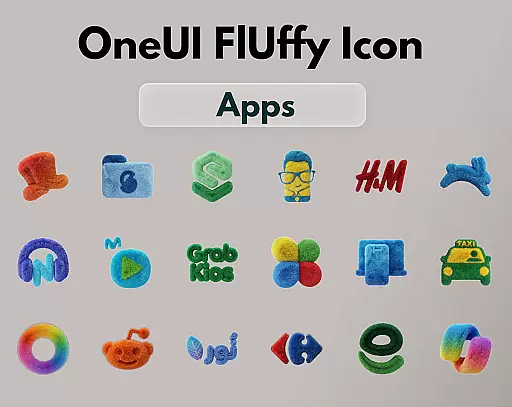
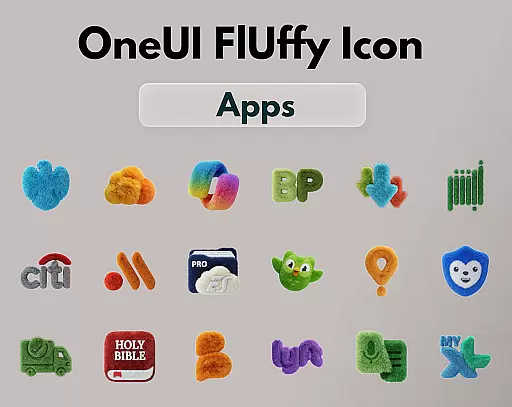
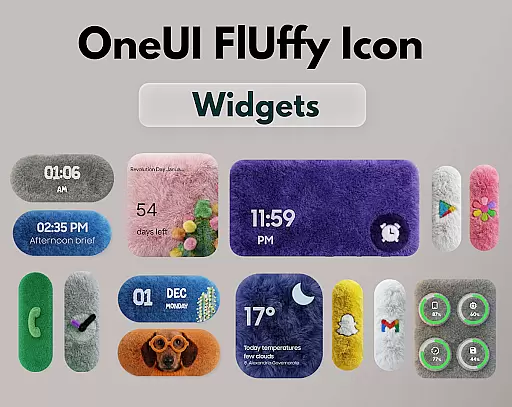
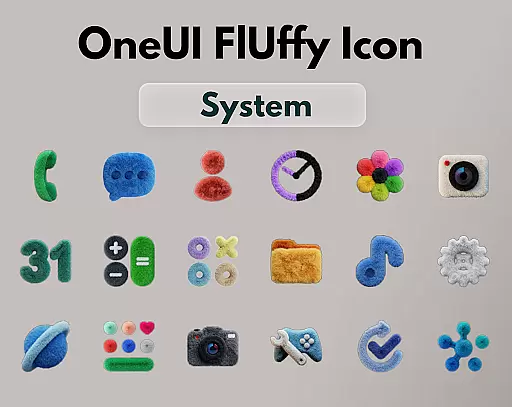
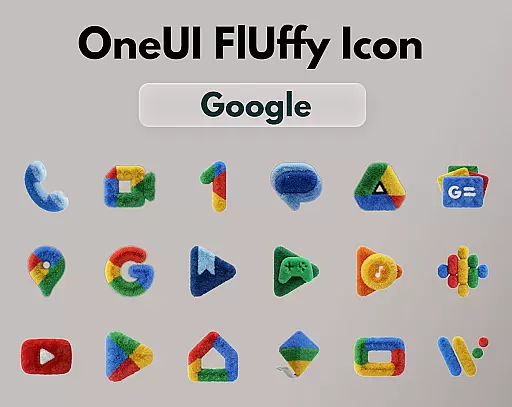
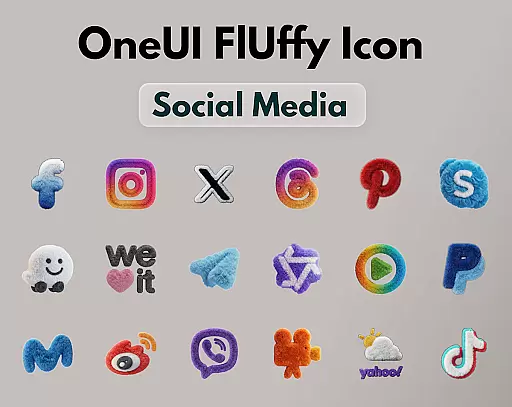
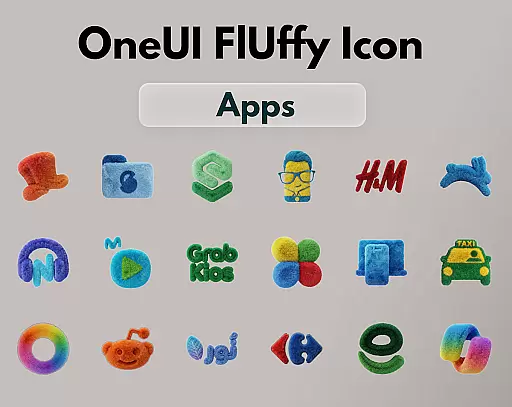
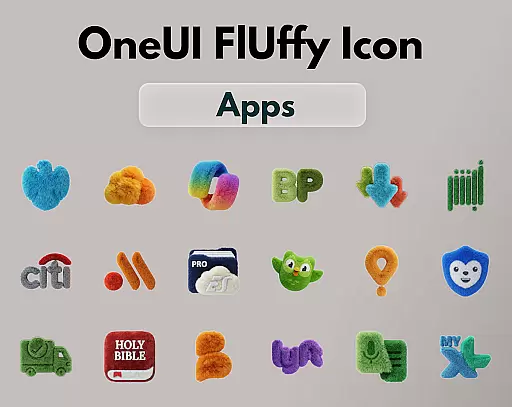
OneUI Fluffy Icons is a premium icon pack that gives your home screen a warm and fresh makeover. Inspired by the beloved OneUI style, it introduces a unique fluffy, soft 3D twist to bring icons to life. With over 1185 handcrafted icons, professional widgets, and exclusive wallpapers, this pack offers a visually comforting and stylish experience.
The icons blend modern OneUI-inspired shapes with playful fluffy textures, making your phone feel personal and friendly. Compatible with various launchers like Nova Launcher, Lawnchair, and more, it ensures broad usability. Regular updates and open icon requests allow users to help the pack grow based on their needs.
OneUI Fluffy Icons boasts numerous features that enhance user experience. It includes 1185+ handcrafted fluffy-style icons, each crafted to blend OneUI-inspired shapes with a tactile fluffy texture. The pack also offers professional fluffy widgets and exclusive wallpapers, ensuring a cohesive look for your device.
With ultra-high resolution icons, users enjoy crisp and clean visuals. Future updates promise additional icons and refinements, while open icon requests allow customization based on real apps you use daily. This flexibility and attention to detail make OneUI Fluffy Icons a standout choice for personalizing your home screen.
OneUI Fluffy Icon Pack offers an extensive range of customization options that allow users to personalize their home screens with a unique and warm makeover.
The pack includes 1185+ handcrafted fluffy-style icons, professional widgets matching the icon design, and exclusive wallpapers curated to fit the fluffy theme. This vast selection ensures that your device not only looks cohesive but also reflects your personal style.
Users can enjoy ultra-high resolution icons that provide a crisp and clean appearance, elevating the overall aesthetic of their home screen setup. With future updates planned, the variety and quality of customization options will continue to expand.
Compatibility is a key feature of the OneUI Fluffy Icon Pack, ensuring that its soft and tactile icons work seamlessly with many popular launchers.
This includes support for launchers such as Nova Launcher, Lawnchair, Niagara Launcher, Smart Launcher, Hyperion Launcher, and even OneUI Home via third-party tools. This wide compatibility allows more users to integrate these playful yet stylish icons into their existing setups without hassle.
By supporting various launchers, OneUI Fluffy Icon Pack guarantees that you can maintain visual consistency across your device while enjoying the comfort and friendliness of fluffy textures on your home screen.
Unique fluffy design
High-resolution icons
Customizable options
Regular updates
Wide compatibility
Limited initial icons
Third-party tools needed
Premium cost
Request time limits
Launcher restrictions

Transform your phone with Launcher iOS 26 - Smooth & elegant iOS experience
 4.50
4.50
Aesthetic Widgets, HD Wallpapers, Themes in Mico Widget for Home and Lock Screen
4.50 4.50
4.50
Adaptive Dot Style IconPack with Light & Dark Theme.
3.70
Vibrant Adaptive Icons with Material You and Enhanced Monet Colors.
4.50
Custom edge gestures for volume control, brightness, apps, and shortcuts.
4.0
HappyLighting is a Bluetooth lamp control software.
3.40
Amazing letter fonts in your messages and social statuses
4.70
Fast SMS & group chat - use GIFs and emojis from your home screen launcher.
4.50
Personalize your phone with stunning HD and 4K wallpapers!
4.70
Nothing Icon pack with more than 3750+ highly crafted icons.
4.70
300+ Stunning and well-designed widgets inspired by NOTHING.
4.70
Ultra realistic high quality analog watch face for Wear OS.
4.60
Want to make your phone more special than ever?
4.60
Stylish Pink Cute Hippo keyboard with 10000+ customized keyboard themes!
4.60
300+ Beautifully crafted widgets inspired by OneUI.
4.60
Ninja Turtles Cowabunga SE watch face for Wear OS
4.50
Color phone with cool effects for call screen, flash alert & ringtones music
4.50
Transfer your live wallpapers from Windows to Android using Wallpaper Engine!
4.00


User Reviews