
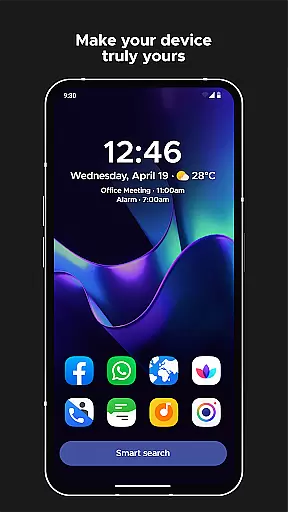
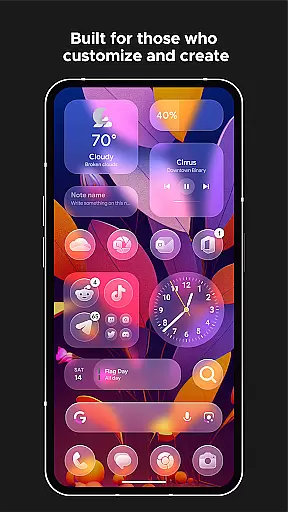
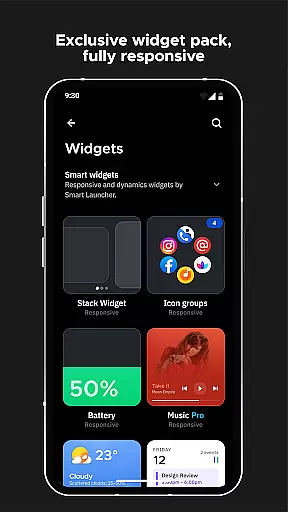
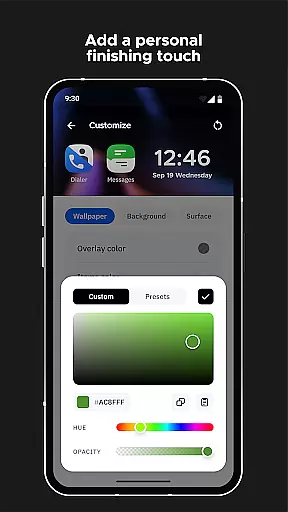
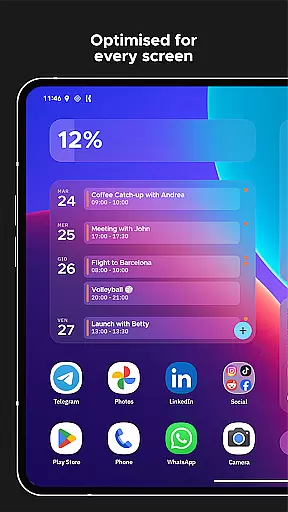
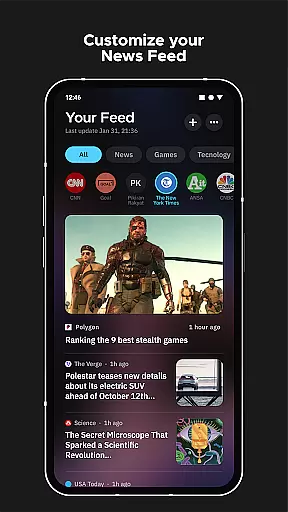
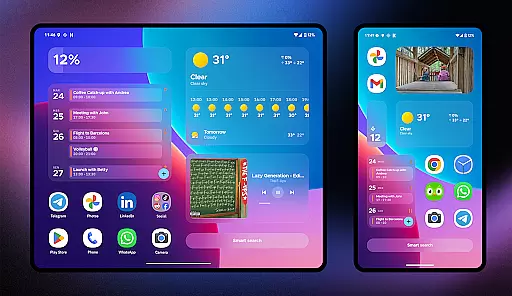
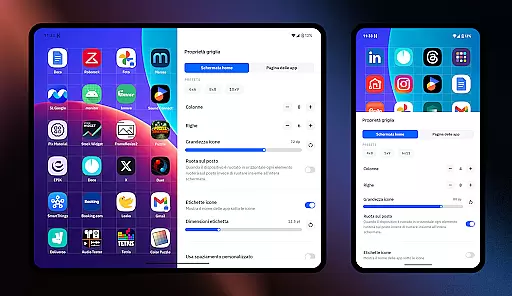
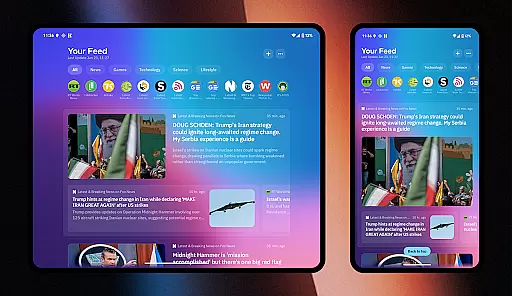
Smart Launcher 6 is a cutting-edge home screen replacement app designed to enhance the Android experience. It introduces an innovative interface that automatically organizes apps into categories, saving users from the hassle of manual sorting. The app's adaptive design ensures optimal usability with one-hand operation and offers responsive widgets for quick access to essential functions.
This launcher stands out with its ambient theme engine that dynamically adjusts colors to match your wallpaper, creating a visually cohesive experience. With powerful customization options, users can modify every aspect of the interface, from theme colors to fonts. The inclusion of advanced features like smart search, gestures, hotkeys, and on-screen notifications makes it a complete solution for streamlining daily device interactions.
Ideal for power users seeking efficiency, Smart Launcher 6 transforms routine tasks into seamless experiences. Its ultra-immersive mode and app protection features cater to both productivity enthusiasts and privacy-conscious individuals, making it a versatile choice for various user profiles.
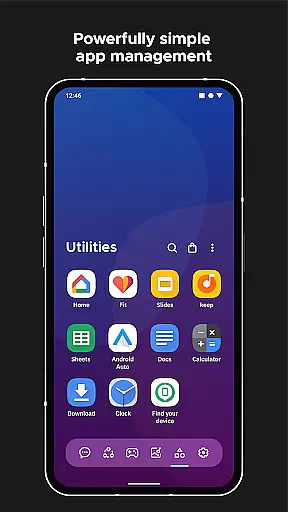
Smart Launcher 6 distinguishes itself through its comprehensive feature set tailored for enhanced productivity and personalization. The automatic app sorting functionality revolutionizes home screen organization by intelligently categorizing applications, eliminating the need for manual arrangement. This feature, alongside Apple's App Library in iOS 14, represents a significant advancement in mobile interface design.
The launcher's customization capabilities are unparalleled, allowing users to modify every visual element. From infinite color combinations to thousands of Google Fonts options, personalization reaches new heights. The adaptive icon support ensures consistent aesthetics across all devices, regardless of Android version. Furthermore, the responsive built-in widgets provide instant access to crucial information without cluttering the home screen.
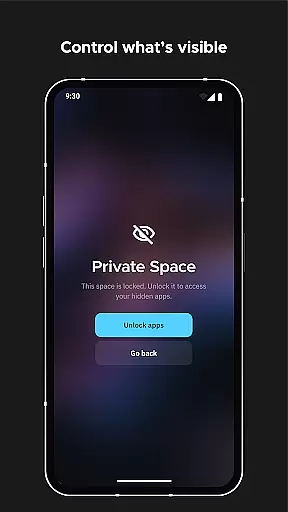
Smart Launcher 6 incorporates practical innovations such as gesture controls for navigation, ultra-immersive mode for maximum screen real estate, and robust security measures through PIN-protected apps. These features, combined with the intelligent search functionality and efficient wallpaper picker, create a comprehensive ecosystem that addresses both aesthetic preferences and functional requirements.
Smart Launcher 6 offers an extensive range of customization options that allow users to tailor their home screen to their personal preferences. This includes the ability to modify every single color within the theme, unlocking infinite possibilities for color combinations.
In addition to color customization, users can also change fonts on the home screen. With access to thousands of fonts from Google Fonts, personalizing the look and feel of your device has never been easier or more comprehensive.
The launcher supports adaptive icons, which means not only customizable shapes but also larger and more visually appealing icons. This feature enhances both aesthetics and usability, providing a fresh and modern interface.
Furthermore, Smart Launcher's customization extends to gestures and hotkeys, enabling users to configure actions such as turning off the screen with a double-tap or showing the notification panel with a swipe. These personalized controls ensure that your device behaves exactly how you want it to.
Theme compatibility in Smart Launcher 6 ensures that visual consistency is maintained across all elements of the user interface. The Ambient Theme feature automatically adjusts the theme colors to match your wallpaper, creating a cohesive and harmonious appearance.
This dynamic theming capability allows for seamless transitions when changing wallpapers, ensuring that text remains readable and icons stand out against their background. Users no longer need to manually adjust settings each time they switch their wallpaper.
With full support for adaptive icons introduced with Android 8.0 Oreo, Smart Launcher provides beautiful and bigger icons on any Android device. This compatibility enhances the overall aesthetic while maintaining functionality and ease of use.
By integrating these advanced theming features, Smart Launcher guarantees that whether you prefer a minimalist design or vibrant colors, your home screen will always reflect your unique style without compromising on usability or performance.
Automatic app sorting
Ambient theme engine
One-hand optimization
Extensive customization
Privacy protection
Feature complexity
Performance impact
Learning curve
Battery consumption
Premium features

Ninja Turtles Cowabunga SE watch face for Wear OS
 4.50
4.50
Gun Chase - Let the chase begin.
4.80
Try creating your own keyboard with "Keyboard theme for android" app now!
4.50
Customizable screen pets that play, climb, and keep you company.
4.50
Transfer your live wallpapers from Windows to Android using Wallpaper Engine!
4.00
App Icon Changer & Shortcut Creator. Customize your icons without any watermarks
4.30
Modern Glass Icon Pack with glossy icons, clean minimal theme & aesthetic style
4.2
Enjoy a variety of amazing live wallpapers and colorful EDGE lighting borders!
4.80
Customize phone with anime themes, 3D icons, aesthetic widgets & wallpapers
4.80
100+ Stylish Fonts, Emojis, Symbols keyboard for Instagram & TikTok!
4.80
Customizable Glass widgets. Over 360+ stunning widgets and more!
4.70
300+ Stunning and well-designed widgets inspired by NOTHING.
4.70
A retro cartoon style watch face and a punch right in the face of the copyright
4.60
Add cute Shimeji pets to screen, interact with them and relax with cute motions
4.60
300+ Beautifully crafted widgets inspired by OneUI.
4.60
Magic fluids wallpaper 4D: Relax with stunning fluid simulation wallpaper app
4.20 4.10
4.10
Adorable pets roam and play right on your phone screen!
3.30
⭐ OneUI inspired Fluffy Icon Pack – Soft. Stylish. Standout. ⭐
4.3


User Reviews