
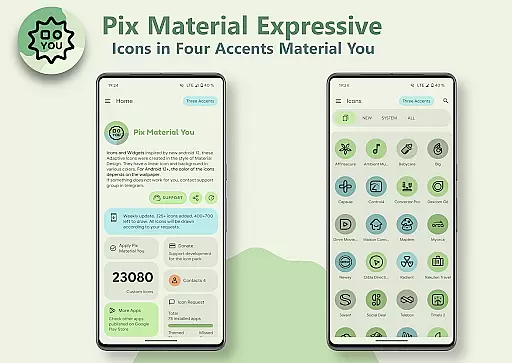
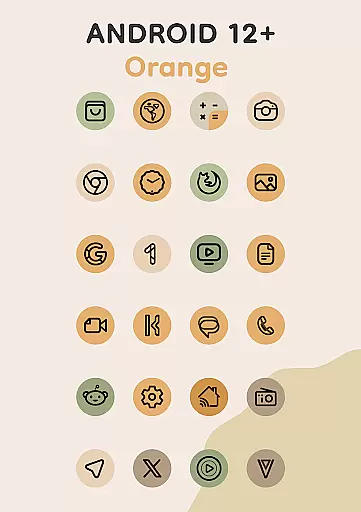
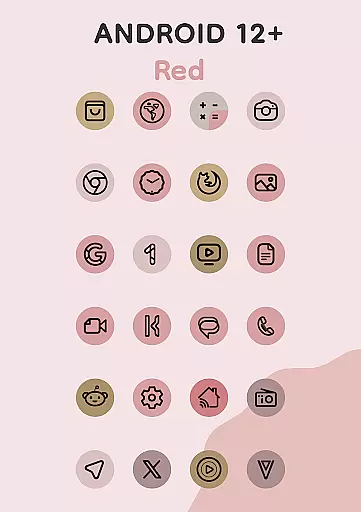
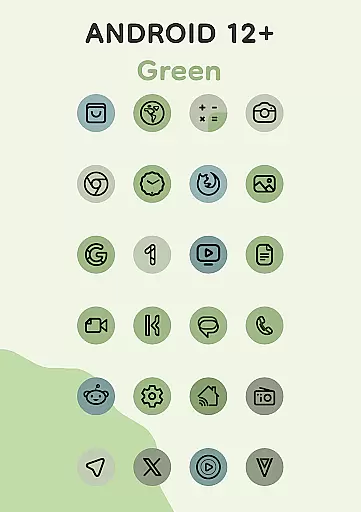
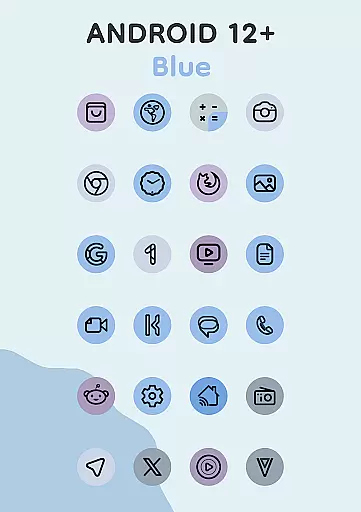
Pix Material Expressive Icons is a premium icon pack designed to enhance your device's appearance with adaptive icons that fully support Material You. The pack includes over 24,000 adaptive icons and offers four additional expressive accent colors beyond the standard Monet palette, making your icons more vibrant and personalized.
Each icon features a clean linear outline with dynamic background colors that change based on your wallpaper, ensuring seamless integration with your system's color scheme. Compatible with various launchers, these icons can also shift shapes for further customization options.
This icon pack is particularly well-suited for Android 12+ users who want their device interface to reflect a modern and harmonious style. With added features like clock widgets, music widgets, and icon widgets, it provides a complete personalization solution for your device.
The Pix Material Expressive Icons pack stands out with its comprehensive support for Material You design principles. It introduces an enhanced Monet palette with four additional accent colors, allowing for more expressive and vibrant icon designs that adapt dynamically to your wallpaper.
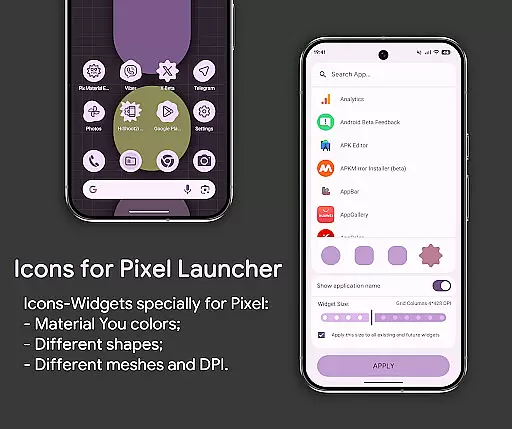
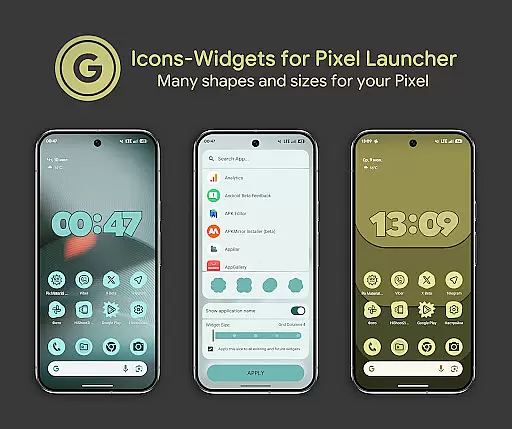
One of the key innovations is the Icon-Widget feature, which allows users to add widgets that change color based on the wallpaper and device theme. These widgets offer various customization options, including icon shape, name, and size, making them highly versatile for different screen grids.
Users can enjoy features like icon animation, different icon sizes depending on grid and DPI settings, and full interaction with the icon pack. This level of customization ensures that each user can tailor their home screen to their exact preferences, providing both aesthetic appeal and functional utility.
Pix Material Expressive Icons offers an extensive range of customization options that allow users to refresh and personalize the look of their devices. With full support for Material You, this icon pack goes beyond the standard Monet palette by introducing four expressive accent colors, making your icons stand out more vibrantly.
Each icon features a clean linear outline with a background that dynamically changes color based on your wallpaper, ensuring seamless integration with your system's color scheme. This creates a harmonious and unique style tailored to each user's preference. The adaptive nature of these icons allows them to change shape on supported custom launchers, providing even more ways to customize your deviceu2019s appearance.
For Android 12 and above, the colors of icons and widgets depend on the wallpaper and utilize three Material You colors, offering a modern and cohesive aesthetic. Users can also choose from various icon shapes, sizes, and even animations, allowing for a personalized experience that closely mirrors themed icons in Pixel Launcher.
The theme compatibility of Pix Material Expressive Icons ensures that it works seamlessly across different devices and launchers. Designed primarily for Google Pixel but compatible with other devices, this icon pack supports a wide array of launchers including Nova Launcher, Smart Launcher, Hyperion, Niagara Launcher, AIO Launcher, Stario Launcher, and more.
For launchers that automatically apply colors in Android 12 and above, such as Nova Launcher (beta 8.0.4+), Smart Launcher, and Hyperion, users enjoy automatic color adjustments without manual intervention. For those using Pixel Launcher or OneUI Launcher, the Icon Widget feature provides additional flexibility, enabling users to select icon shapes, names, and widget sizes that align with their preferred grid settings.
Icon-Widgets within the pack offer full interaction with the icon pack, featuring various icon shapes, animations, and sizes depending on the grid and DPI. These widgets adapt their colors based on the wallpaper and the device's light or dark theme, ensuring consistency and enhancing the overall visual appeal.
Whether you're looking to enhance your home screen with Clock Widgets, Music Widgets, or simply seeking an extensive library of over 24,000 adaptive icons, Pix Material Expressive Icons delivers a versatile and compatible solution for all your personalization needs.
Full Material You support
Dynamic color adaptation
Extensive icon library
Customizable widgets
Wide launcher compatibility
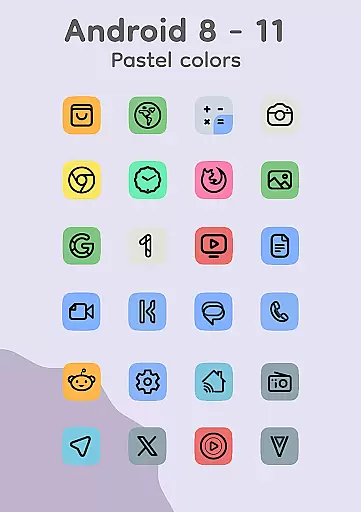
Limited to Android 8+
Manual reapplication needed
Paid features may apply
Complex setup for beginners
Performance varies by device

Stunningly Different look with Line Icons and Neon Colors
 4.60
4.60
A retro cartoon style watch face and a punch right in the face of the copyright
4.60
Shimeji adds cute animated characters to your screen, lively and fun.
4.70
Turn text & photos into stunning AI videos, art, and creative visual stories.
4.50
Your go to Weather App & Home Screen. Get your weather at a swipe of a finger!
3.80
300+ Beautifully crafted widgets inspired by OneUI.
4.60
Transform your device in a game console
4.40
Transform your phone with stunning video wallpapers and a unique, personal touch
3.80
Customize phone with anime themes, 3D icons, aesthetic widgets & wallpapers
4.80
Dark icon pack based on One 8
4.80
Ultra realistic high quality analog watch face for Wear OS.
4.60
Try creating your own keyboard with "Keyboard theme for android" app now!
4.50
Aesthetic Widgets, HD Wallpapers, Themes in Mico Widget for Home and Lock Screen
4.50 4.50
4.50 4.50
4.50
200+ Material Inspired Widgets
4.50
App Icon Changer & Shortcut Creator. Customize your icons without any watermarks
4.30
Launcher OS™ Pro without ads help make your phone simple and pretty
4.30
Interactive Miniature Painting Catalogue
3.30


User Reviews