
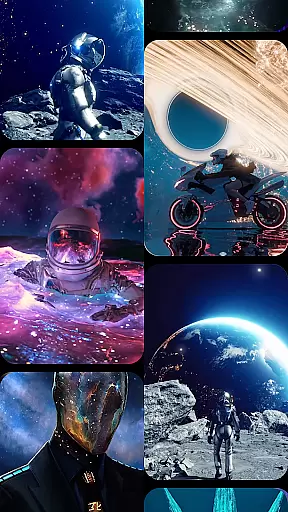

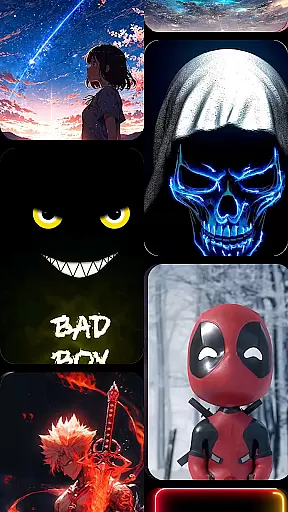

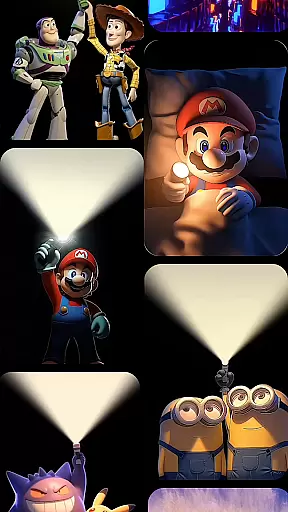


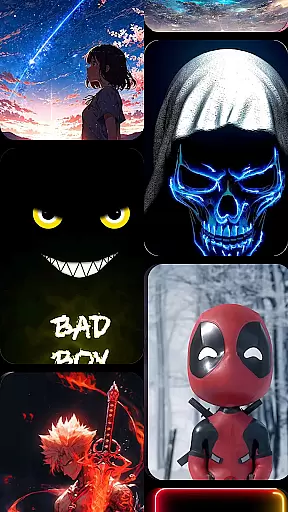

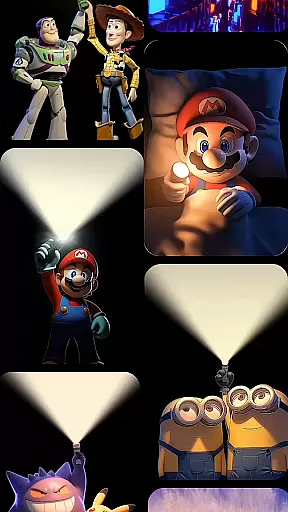

CoolLauncher Pro is a premium home screen replacement app designed to elevate your Android experience through stunning 3D themes, smooth performance, and complete customization. This launcher allows users to personalize every aspect of their device's interface, offering an extensive library of themes, icon packs, live wallpapers, and advanced animation effects. With its sleek minimalist design and powerful organizational tools, CoolLauncher Pro helps streamline your digital life while delivering a visually captivating experience.
One of the standout features is its ability to automatically categorize apps into folders, keeping your home screen clutter-free. Additionally, built-in widgets such as real-time weather updates and access to essential tools make this more than just a launcher—it’s a productivity powerhouse. Whether you’re looking for futuristic tech designs or nature-inspired aesthetics, CoolLauncher Pro provides endless possibilities to create a truly unique mobile environment.
CoolLauncher Pro stands out with its cutting-edge features that blend functionality with aesthetics. The app includes a robust animation engine that powers breathtaking 3D effects and live video wallpapers, ensuring dynamic transitions between screens. These animations are not only visually appealing but also optimized for smooth performance, avoiding lag even on older devices.
Another key feature is the vast theme store, which offers thousands of professionally designed themes across various categories. Users can customize fonts, icons, and wallpapers to match their personal style. For those seeking convenience, the smart app management system organizes apps into intuitive folders, reducing desktop clutter. Built-in tools like weather updates and other widgets further enhance usability, making CoolLauncher Pro both beautiful and practical.
The level of customization extends beyond aesthetics—users can adjust settings to control permissions, layout preferences, and gesture controls. This flexibility ensures that CoolLauncher Pro adapts to individual workflows, providing a tailored experience that enhances both form and function.
Customization is at the heart of CoolLauncher Pro, offering users a vast array of options to tailor their device's appearance and functionality.
This launcher provides an extensive collection of themes, icon packs, custom fonts, and wallpapers, catering to every style preference. Whether you're looking for sleek minimalism or vibrant designs, CoolLauncher Pro ensures your device reflects your unique personality.
Moreover, the app supports live video wallpapers and 3D effects, powered by an advanced animation engine. This feature not only enhances visual appeal but also brings dynamic screen transitions that make every interaction engaging.
By allowing users to add personal media for backgrounds and icons, CoolLauncher Pro elevates customization beyond standard offerings, providing a truly personalized smartphone experience.
CoolLauncher Pro excels in theme compatibility, ensuring seamless integration with a wide range of design elements.
The launcher supports various formats and styles, making it easy for users to apply their favorite themes without worrying about formatting issues or visual inconsistencies.
With access to the worldu2019s largest theme store, users can explore countless categories, from futuristic tech-inspired looks to serene nature designs. This diversity guarantees that there's always a theme matching your current mood or preference.
Furthermore, CoolLauncher Pro's commitment to compatibility extends to third-party icon packs and widgets, enhancing its versatility and allowing for endless creative possibilities in personalizing your device.
Highly customizable
Smooth performance
Stunning 3D effects
Smart app organization
Built-in productivity tools
Premium price point
Occasional bugs
Heavy on resources
Complex for beginners
Limited free themes

Dark icon pack based on One 8
 4.80
4.80
100+ Stylish Fonts, Emojis, Symbols keyboard for Instagram & TikTok!
4.80 4.50
4.50
Organize and manage your photos and videos effortlessly with Photo Gallery
4.20
Custom edge gestures for volume control, brightness, apps, and shortcuts.
4.3
350+ widgets with a premium glass-style finish, perfect for home & lock screens.
4.70
set a new experience for the Android mobile phone
4.20
Amazing letter fonts in your messages and social statuses
4.70
Create stunning widgets with Widget 2026: Aesthetic Widgets for Android!
4.60
Only for Wear OS devices!
4.90
Nothing Icon pack with more than 3750+ highly crafted icons.
4.70
Ultra realistic high quality analog watch face for Wear OS.
4.60
Ninja Turtles Cowabunga SE watch face for Wear OS
4.50
Fingerprint Lock Screen & Live Animations with 4K Wallpapers as Live Wallpaper
4.40
Wear Os Watch Face - Seasonal - Animated Snow Effect - 9 Animals
4.20
Magic fluids wallpaper 4D: Relax with stunning fluid simulation wallpaper app
4.20
Run multiple accounts of the same app on a single device
4.10
Crystal-clear, square icon provides a sleek and sophisticated visual upgrade
4.00
Adaptive Dot Style IconPack with Light & Dark Theme.
3.70


User Reviews