
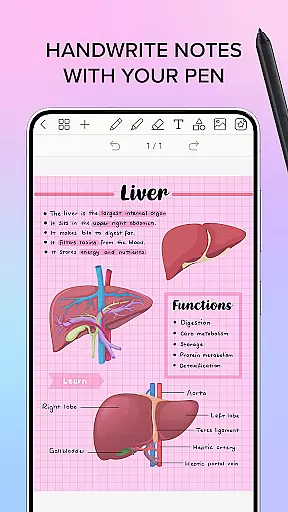
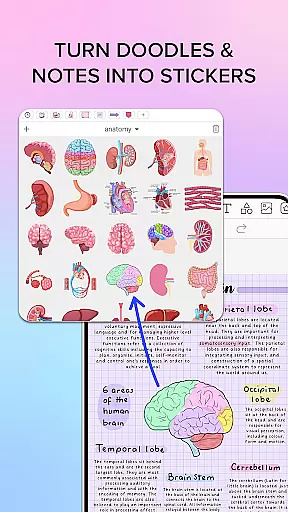
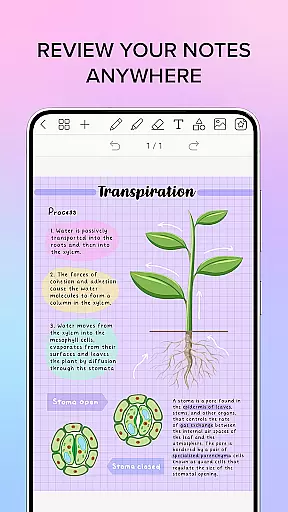
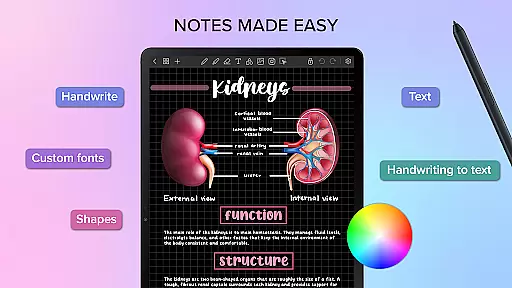
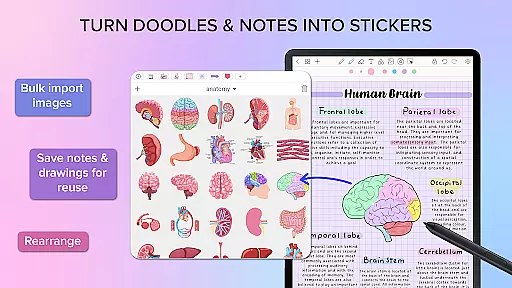
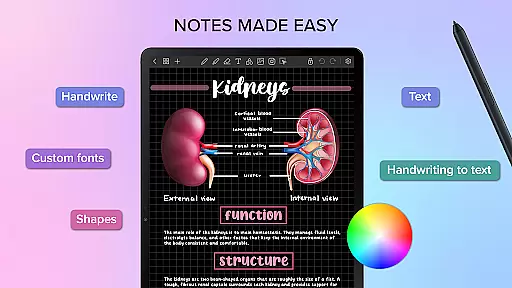
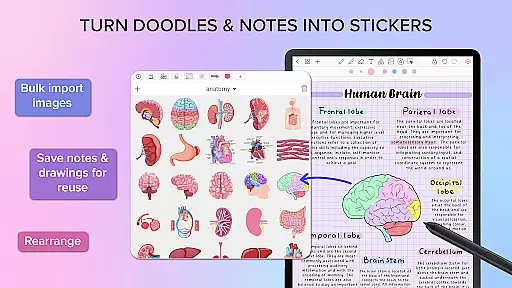
Penly is a comprehensive digital planner, journal, and note-taking app designed to enhance both creativity and productivity. The app features an intuitive interface with smooth handwriting recognition and smart eraser functionality, alongside tools for text, image, and shape manipulation. Users can create sticker collections, import custom fonts, and benefit from automatic handwriting-to-text conversion.
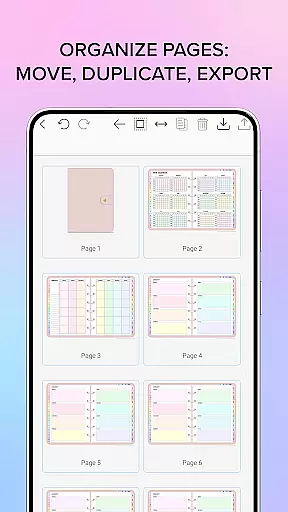
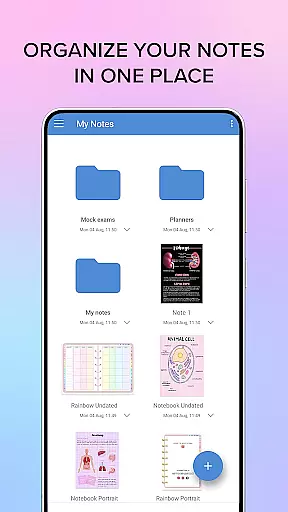
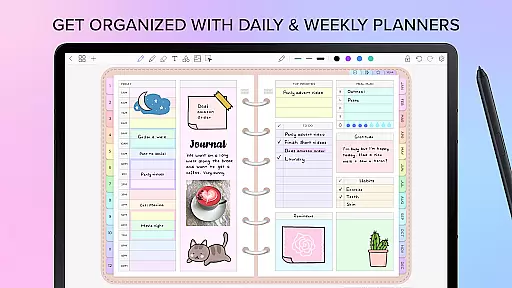
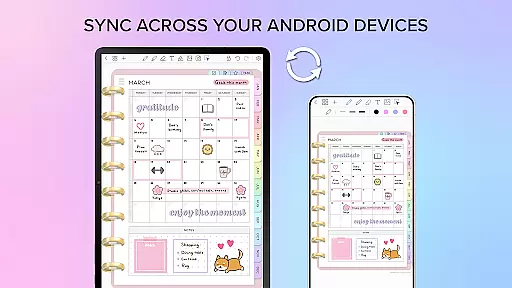
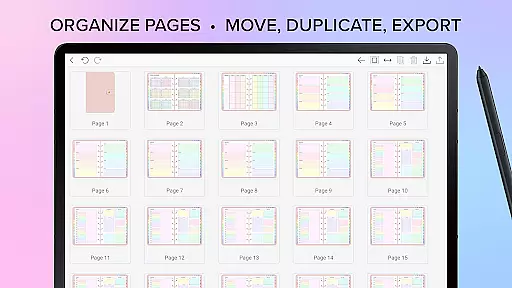
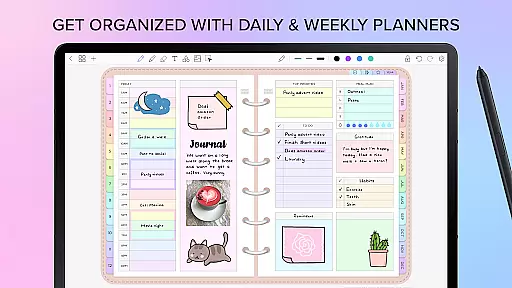
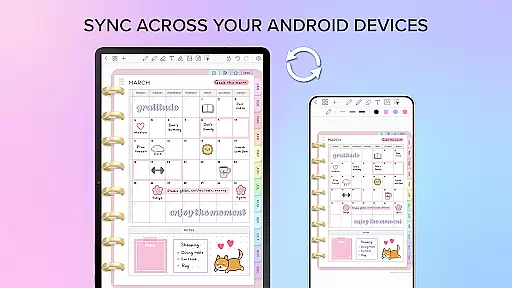
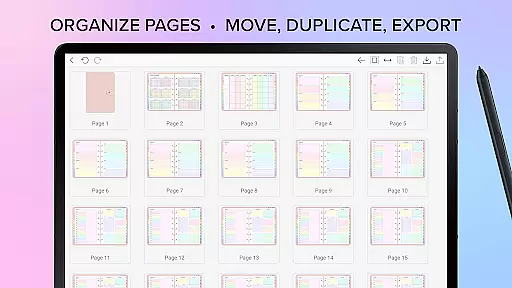
The app includes four digital planners with hyperlinked pages, undated and reusable layouts, and various styles. Penly supports PDF file imports, allowing users to navigate using existing hyperlinks and export files in editable formats. With robust organization features, users can manage documents through folders, sync between Android devices via Google Drive, and organize pages efficiently.
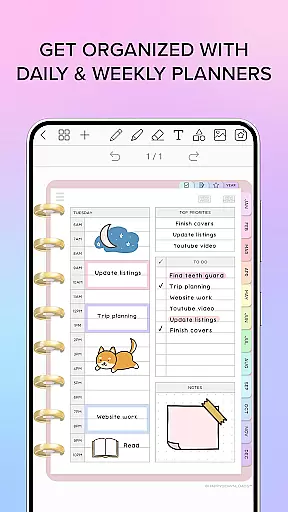
Penly offers a rich set of features tailored for productivity enthusiasts. Its digital planners come with monthly, weekly, and daily views, available in both landscape and portrait orientations. The app's capability to transform handwriting into text and its powerful object manipulation tools—such as grouping, locking, and transforming objects—make it highly versatile.
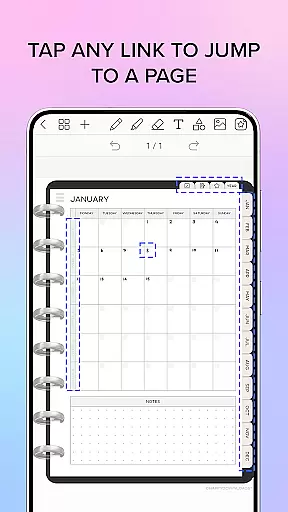
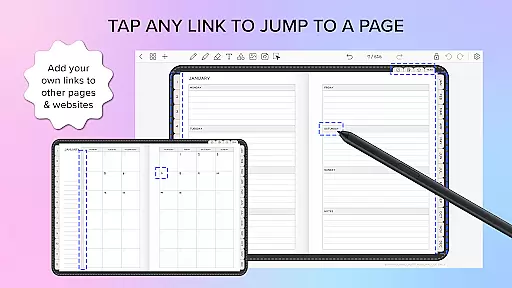
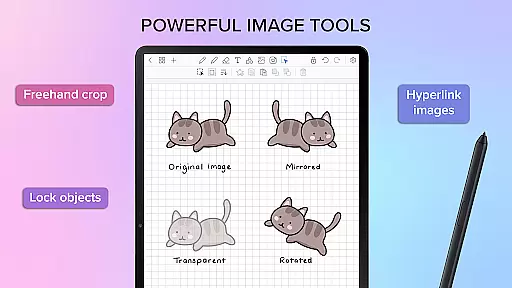
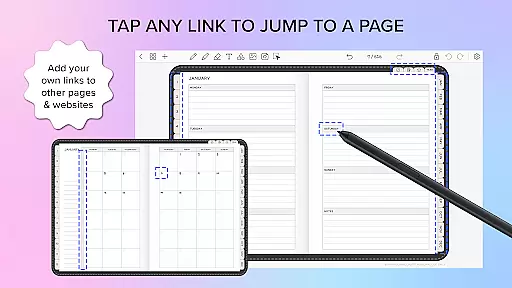
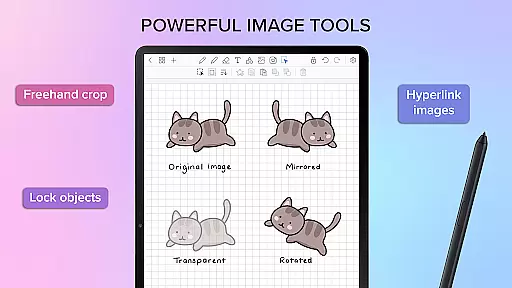
Hyperlink creation within any document allows users to link objects to specific pages or external websites. The sticker and image tools provide extensive customization options, including bulk importing stickers, mirroring, flipping, and adjusting opacity. Additionally, Penly's organizational prowess extends to managing notes and documents seamlessly, ensuring users can focus on their creative and productive tasks without hassle.
Penly excels in core task management by offering a comprehensive suite of tools designed to enhance productivity. The app provides users with the ability to create hyperlinks within any document, transforming objects into clickable links that lead to specific pages or websites. This feature is particularly useful for organizing and navigating through complex projects.
In addition to hyperlink creation, Penly supports the importing of PDF files and planners, allowing users to work with existing documents seamlessly. The app maintains the integrity of these PDFs by supporting navigation via existing hyperlinks and enabling exports as editable Penly files or standard PDFs. This ensures that users can continue working on their projects without losing any functionality or formatting.
The digital planners included with Penly further augment its task management capabilities. These planners come with hyperlinked monthly, weekly, and daily pages, facilitating easy access and organization. Users can write in dates themselves, making the planners undated and reusable, thus providing flexibility and longevity in planning.
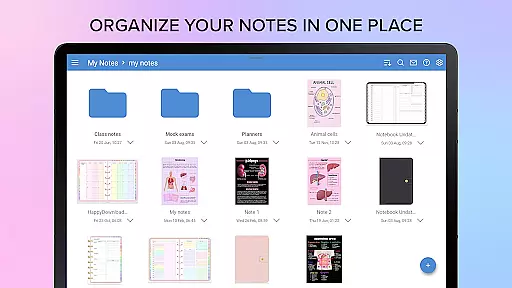
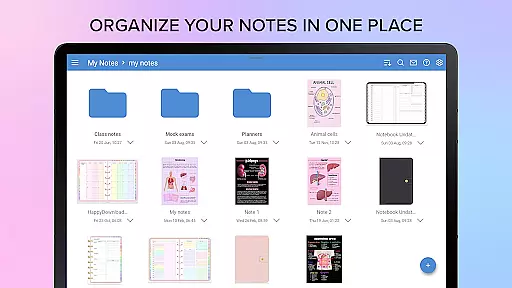
Overall, Penly's approach to task management empowers users to organize their notes efficiently, manage documents with folders and sub-folders, and reopen documents precisely where they left off. This cohesive set of features makes Penly an indispensable tool for anyone looking to streamline their workflow and boost productivity.
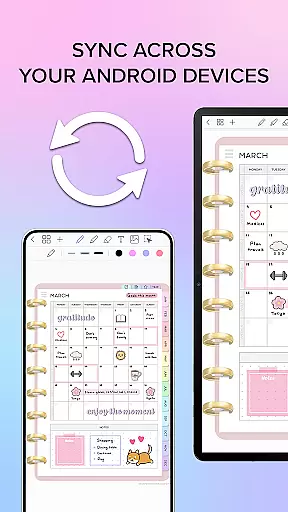
Cross-device synchronization is a critical feature for users who rely on consistent access to their data across multiple devices. Penly addresses this need by integrating with Google Drive, enabling users to sync their information effortlessly between Android devices. This ensures that whether you're at home, in the office, or on the go, your notes and planners are always up-to-date and accessible.
The synchronization process in Penly can be performed manually, giving users control over when their data is updated. Alternatively, users can opt for automatic syncing whenever the app is opened or closed. This flexibility caters to different user preferences and ensures that data integrity is maintained without unnecessary interruptions.
Moreover, Penly's reliable syncing mechanism extends beyond mere convenience; it enhances collaboration and productivity. By having real-time access to the latest versions of documents, users can collaborate more effectively, share updates instantly, and maintain continuity in their workflows regardless of their location.
Ultimately, Penly's robust cross-device synchronization not only simplifies the user experience but also reinforces the app's commitment to providing a seamless and efficient productivity solution. With Penly, users can trust that their data will be consistently synchronized, empowering them to focus on their tasks with confidence.
User-friendly interface
Handwriting recognition
Versatile digital planners
Efficient organization tools
Customizable stickers and images
Limited language support
No iOS version
Premium pricing
Learning curve for new users
Occasional sync issues

Mega cloud explorer plugin for Solid Explorer
 3.80
3.80
The upgraded version of Name Wheel with AI and the power to add your own wheels.
4.5
Absolutely the best CNC machinist speed and feed calculator around. fswizard.com
4.60
Remotely view listen control and record cameras.
3.70
Todo reminder
4.10
Activate Two Factor Authentication (2FA or Multi OTP), Password manager and more
4.10
Create and edit presentations with Google Slides, part of Google Workspace.
4.00
Okta MFA
4.70
AT&T Internet customers can use this app to personalize their Wi-Fi network.
4.40
8 custom complications. Custom Time Fonts. Beautiful color schemes. A++ Design.
5.00
Best Tool for the professionals Electrician, Electrical contractors, etc.
4.90
Use powerful, industry-leading AI tools to generate visual charts from any data
4.80
Direct Chat without saving contacts & Dual WA Account on Single Device
4.70
All document reader, all in one file viewer read PDF, DOCX, XLS, PPT, TXT files.
4.60
A simple Whisper AI keyboard for reliable speech transcription and rewording
4.60
To do list widget with a notebook organizer, checklist, simple shopping list
4.60
Lightweight PDF, Word, Excel reader.
4.60
⏰ Finally a timer app which can run multiple timers simultaneously on your watch
3.90
Create study competitions, track your hours, and stay consistent with friends
4.3


User Reviews