

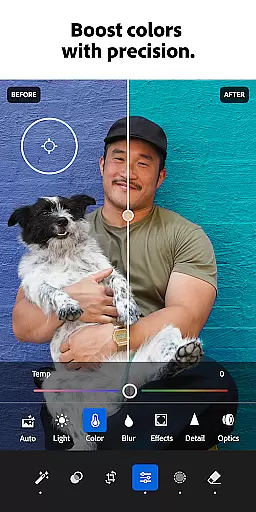


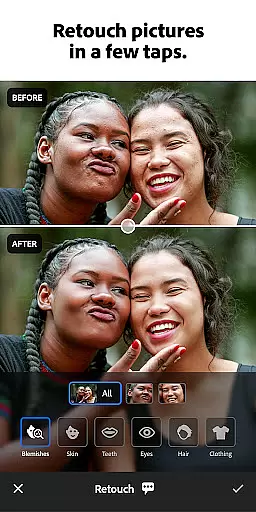



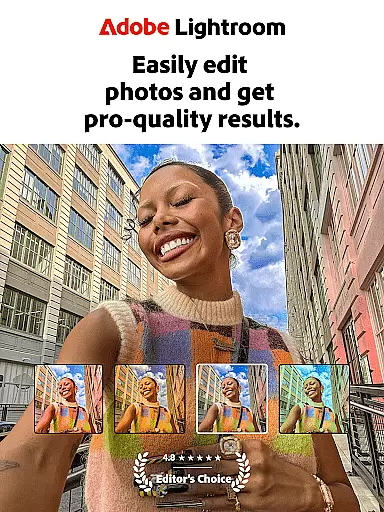
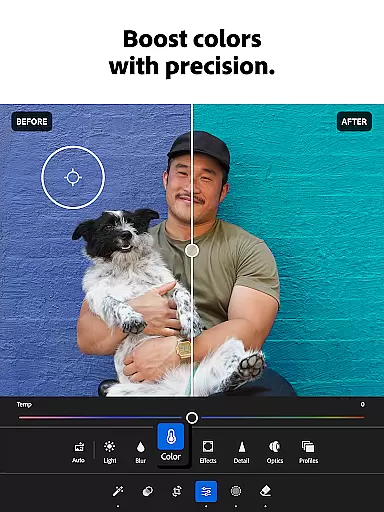
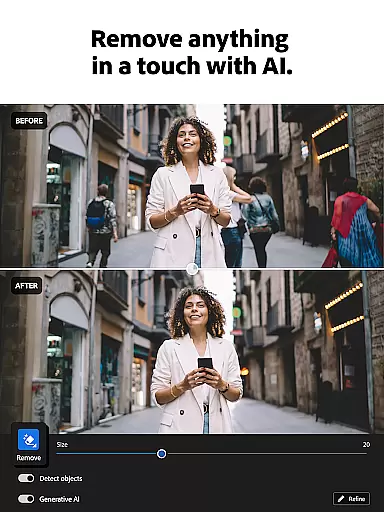
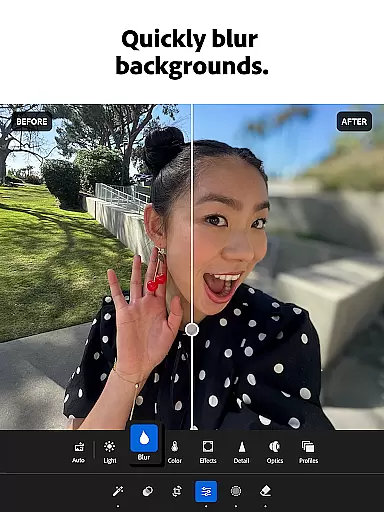
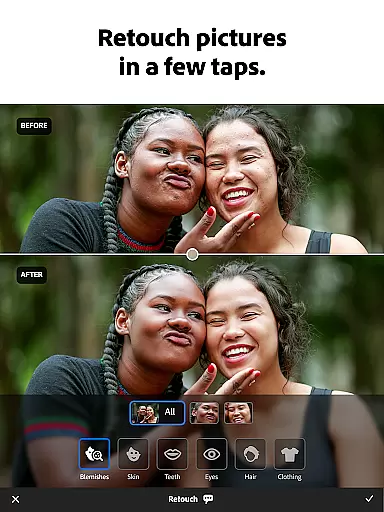
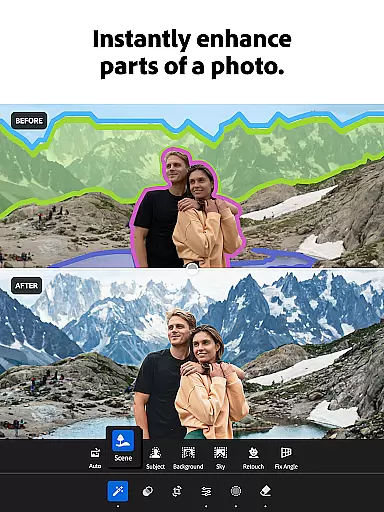

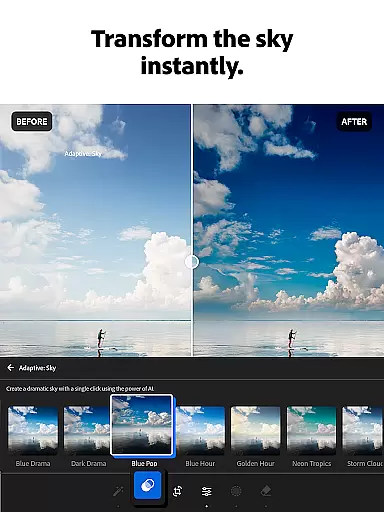
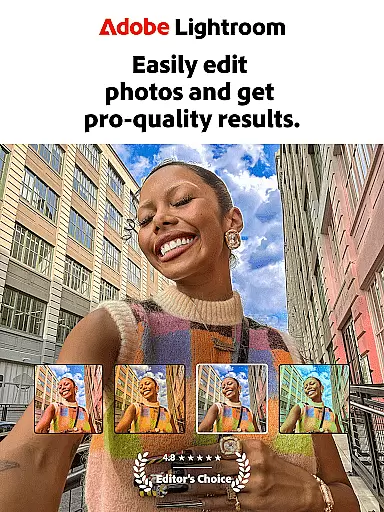
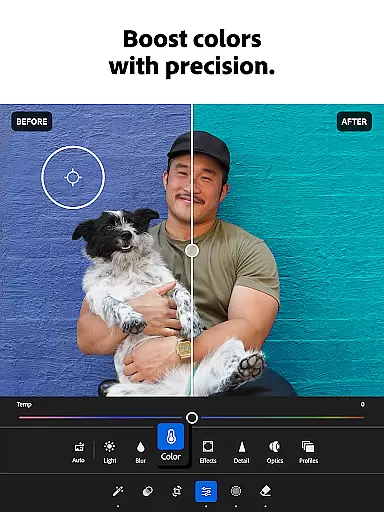
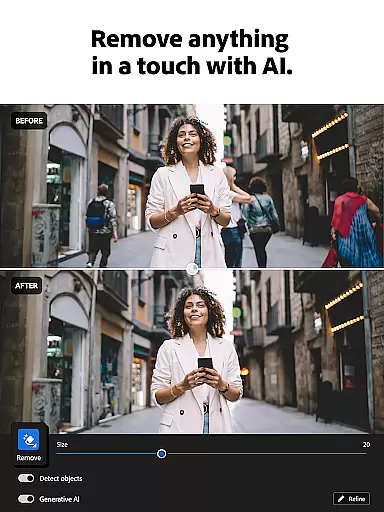

Adobe Lightroom is a powerful photo and video editor designed to help users create stunning visuals with ease. This mobile application offers professional-grade editing tools that allow you to retouch photos, enhance quality, and even edit videos right from your smartphone. Whether you're perfecting family portraits or enhancing breathtaking landscapes, Lightroom provides the necessary features to make every photo special.
The app stands out with its intuitive interface and advanced functionalities such as one-tap enhancements, custom presets, and AI-powered suggestions. These tools enable both amateur photographers and professionals to achieve impressive results without extensive editing knowledge. Additionally, Lightroom fosters a creative community where users can share and discover new presets and styles, making it an essential tool for anyone passionate about photography.
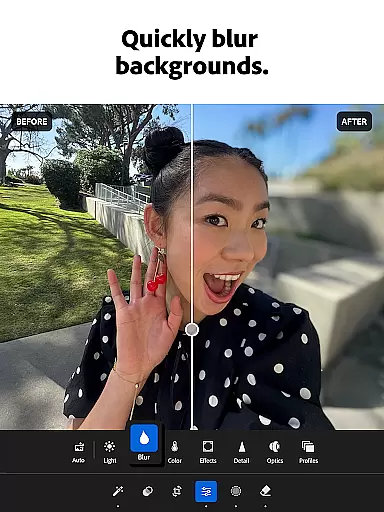
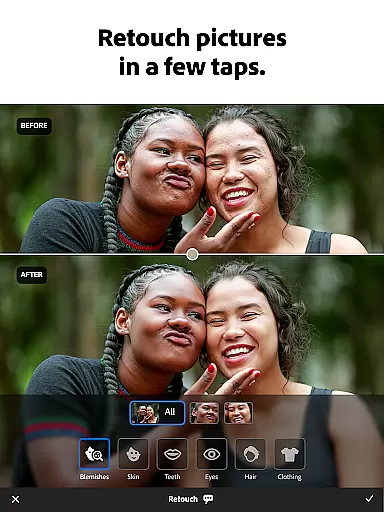
Lightroom offers a comprehensive suite of editing tools that cater to various photo enhancement needs. Key features include the ability to adjust lighting with precise controls for exposure, highlights, and shadows, ensuring each image has the perfect balance. The app also includes sophisticated retouching options like blemish removal and background blurring, which provide a polished, professional look to any photograph.
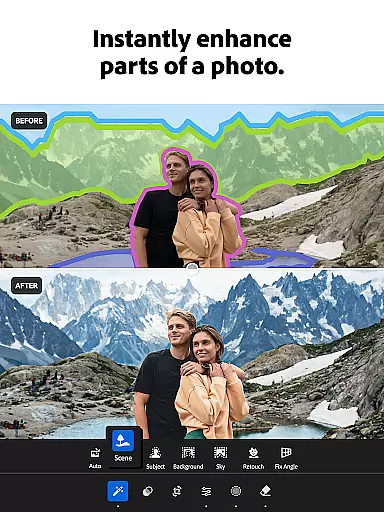
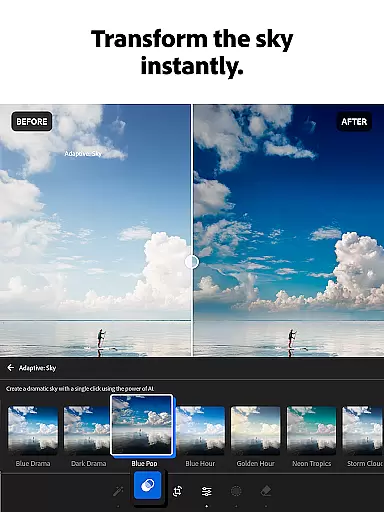
One of the standout aspects of Lightroom is its innovative AI capabilities. The AI photo editor suggests optimal edits tailored to individual images, allowing users to quickly enhance their photos with minimal effort. Moreover, the app supports video editing, enabling adjustments to light, color, and the application of presets. With batch editing functionality, users can apply consistent edits across multiple photos, streamlining their workflow and saving valuable time.
Real-time capture and preview functionality is essential for photographers who need to ensure their shots are perfect before they even take them. Adobe Lightroom offers a seamless experience in this domain, allowing users to visualize the final outcome of their photos instantly.
The application provides live adjustments where users can tweak exposure, contrast, and other settings while seeing the results in real time. This immediate feedback loop empowers photographers to make informed decisions about their shot settings, ensuring that the captured image matches their creative vision.
With Lightroom's sophisticated algorithms, the preview accurately reflects how the final image will look, including any applied presets or filters. This feature saves time by reducing the need for post-processing adjustments and allows creators to focus on capturing the moment with confidence.
Ultimately, the real-time capture and preview capabilities of Lightroom enhance the photography workflow by providing precision and control, which are crucial for professional-quality results.
AI beauty and enhancement features have become a cornerstone of modern photo editing, offering users the ability to refine and perfect their images with minimal effort. Adobe Lightroom stands out in this area by delivering enhancements that maintain a natural look, preserving the authenticity of the original photograph.
The AI-driven tools intelligently identify facial features and skin tones to apply enhancements that look realistic rather than artificial. This ensures that edits such as blemish removal, skin softening, and teeth whitening enhance the subject's natural beauty without making the image appear overly processed or unnatural.
Lightroom's AI technology also extends to global adjustments, where it suggests optimal settings for light, color, and detail. These suggestions help users achieve professional-grade edits that retain the photo's original essence while elevating its overall quality.
By focusing on natural-looking enhancements, Lightroom caters to both amateur and professional photographers who seek to produce stunning yet genuine imagery, reinforcing the app's position as a leader in the photography software industry.
User-friendly interface
Advanced AI editing tools
Comprehensive video editing
Vibrant creative community
Batch editing capabilities
Subscription fees required
Steep learning curve
Limited free features
High system requirements
Occasional performance issues

A collection of tools and reference tables for DPs, ACs, DITs and Operators.
 4.70
4.70
Application for remote controlling DSLR
3.00
Photo Exif Editor allows to view, add and modify EXIF data of multiple photos
4.50
Amazing Photo Effects - The most fun you can have with your photos!
4.70
Transform Photos: Edit, Beautify and Craft Memories & Make Collages!
4.10
Your personal guide to the sun and moon. Plan ahead, visualize and predict!
4.70
The original Rarevision VHS look seen everywhere!
4.70
Welcome to ProShot, the most powerful camera app on Android.
4.20
Edit photos with the picture generator: PS2 & AI Clay filters, cartoon effects.
4.50
Pro version: AR sun/moon tracker for any date. Tool for photographers & planners
4.90
Create funny photos and videos with the popular Time Warp Scan filter.
4.90
Gallery show photo, video, slideshow, is perfect 3D effect private photo albums.
4.80
Photo editor: AI filters, photo enhancer, pic collage maker, AI art generator.
4.80
Use AI Video Generator to turn your words to ai generated videos.
4.50
RAW video capture with advanced controls
4.40
Catch sunlight, sunrise sunset times and sun phases with the AR sun tracker.
4.10
Photo editor: face & body editor, beauty cam, filters and quality enhancer.
4.00
Astrophotography with your smartphone, photo live stacking and much more!
3.90
Remote control the phone camera shutter from your smartwatch and take a picture
1.60


User Reviews