
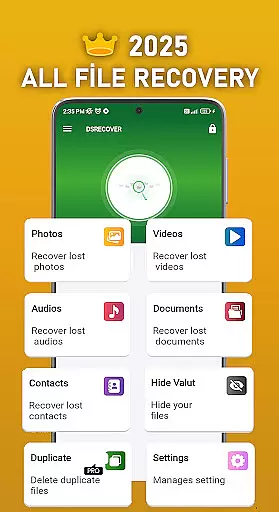
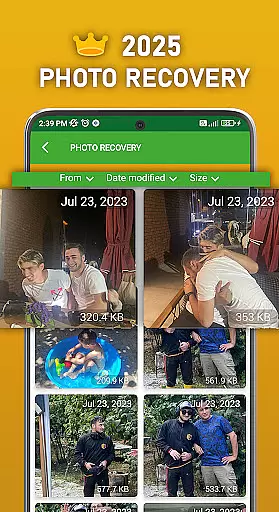
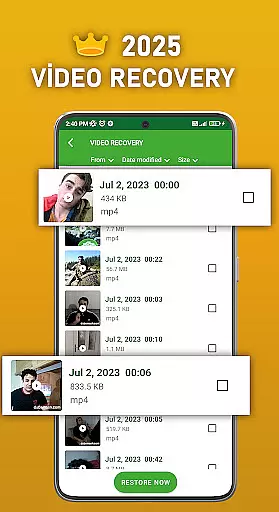
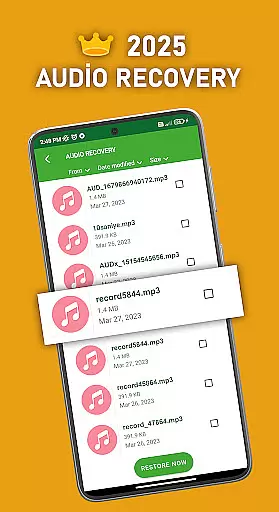
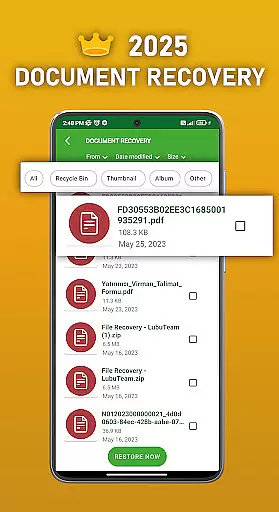
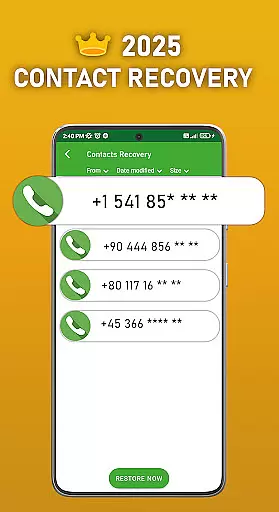
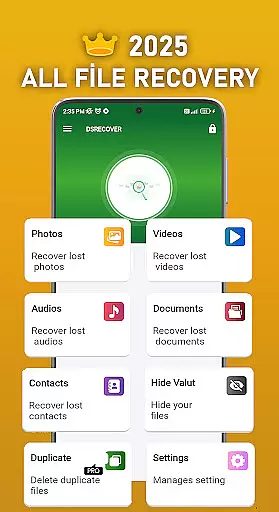
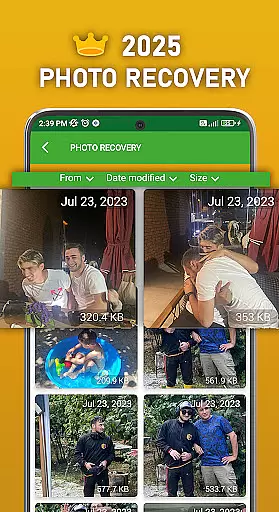
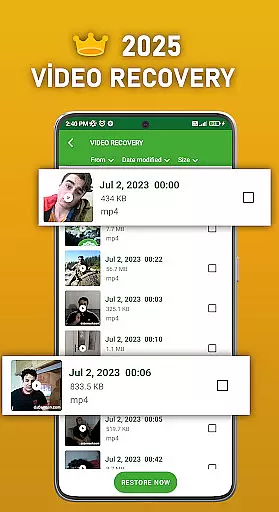
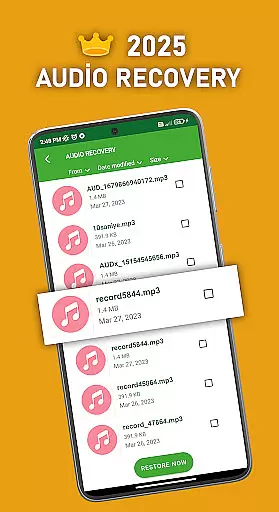
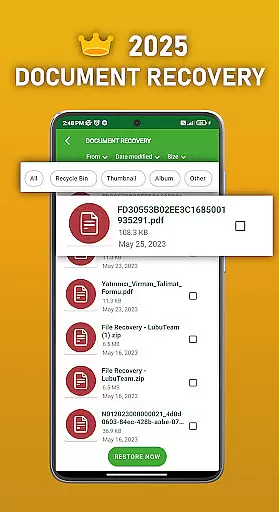
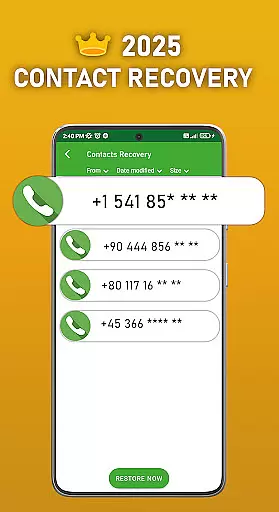
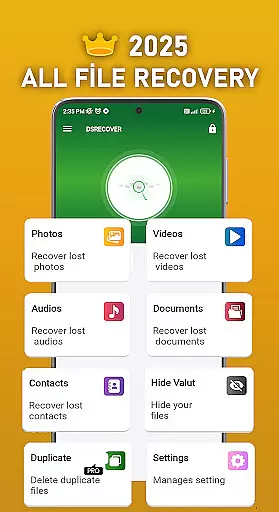
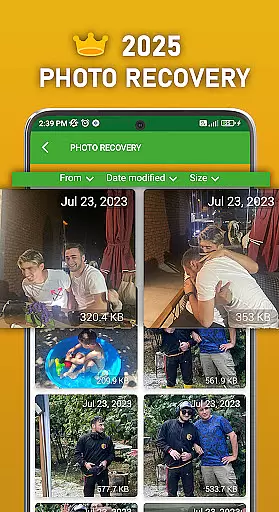
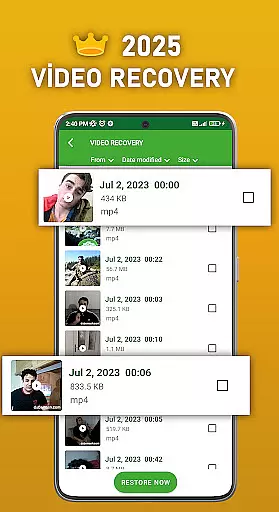
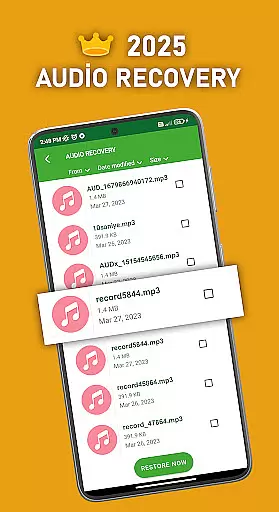
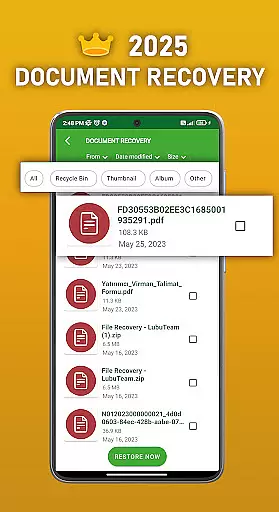
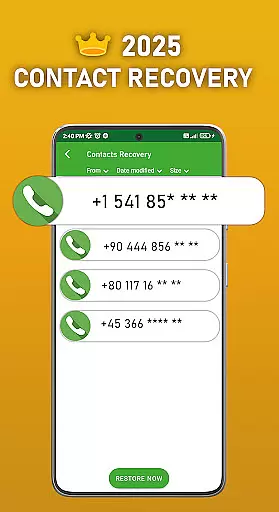
DS PRO is a powerful recovery tool designed to retrieve deleted files across multiple categories on Android devices. The app specializes in recovering lost photos, videos, audio files, contacts, and documents without requiring root access. Its advanced scanning technology ensures deep searches within internal memory and SD cards, providing users with comprehensive recovery options.
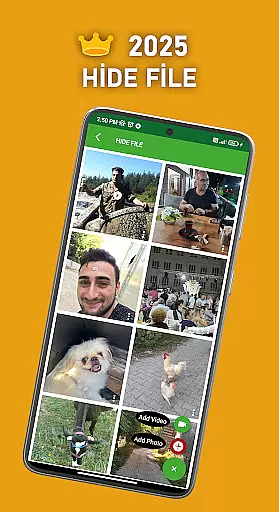
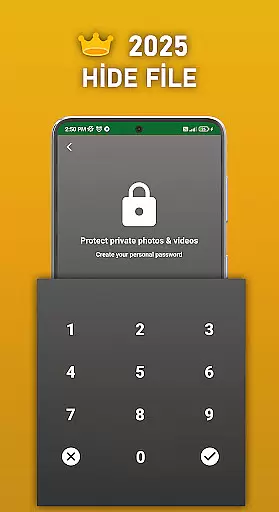
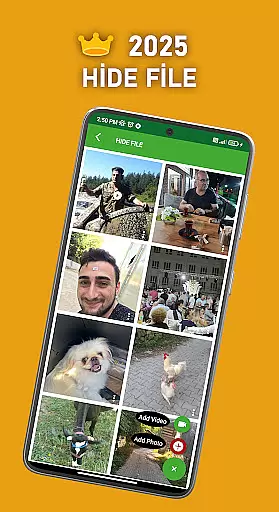
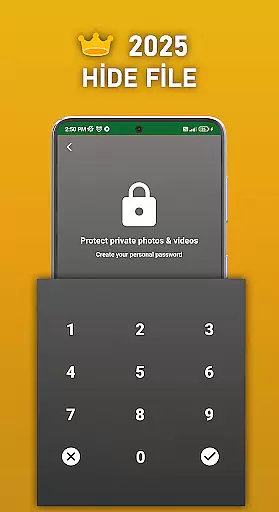
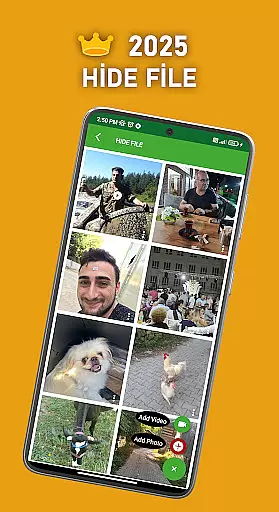
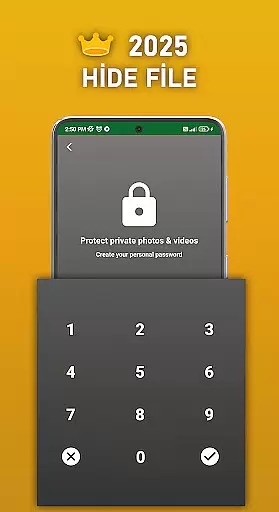
A key feature of DS PRO is its ability to handle various file formats while offering additional functionality like file hiding. Users can protect sensitive media with password encryption, ensuring privacy from unauthorized access. The app also includes an instant restore function that simplifies the recovery process through an intuitive recycle bin interface.
This application proves especially valuable when dealing with accidental deletions or data loss situations. Whether it's family photos, important work documents, or cherished videos, DS PRO provides peace of mind by offering reliable recovery solutions for both personal and professional use cases.
DS PRO distinguishes itself through several innovative features that enhance the recovery process. The application employs sophisticated algorithms capable of detecting and restoring multiple file types including images (JPEG, PNG), videos (MP4), audio files (MP3), and documents (PDF, DOC). This versatility makes it suitable for various data recovery scenarios.
The app's file hiding capability adds an extra layer of security to personal media. Users can conceal sensitive photos and videos behind password protection, preventing unwanted access while maintaining complete control over their digital assets. Additionally, DS PRO's duplicate file finder helps optimize storage space by identifying and removing identical files.
Another notable feature is the instant restore functionality, which streamlines the recovery process through an easy-to-use recycle bin interface. The application also requests necessary permissions intelligently, ensuring efficient searching while maintaining transparency about required access levels. These combined features create a robust recovery solution that addresses multiple user needs.
DS PRO positions itself as a comprehensive recovery tool designed to retrieve deleted files across multiple categories. The app's core functionality focuses on recovering photos, videos, audio files, contacts, and documents with remarkable precision. This level of accuracy is achieved through deep scanning algorithms that thoroughly examine both internal memory and SD card storage locations.
The effectiveness of DS PRO is evident in its ability to restore files without requiring any external programs or PC connections. Users can recover various file formats including MP4 videos and MP3 audio files, making it a versatile solution for different data loss scenarios. The application's intuitive interface guides users through simple steps to complete the recovery process efficiently.
What sets DS PRO apart is its capability to identify and eliminate duplicate files during the recovery process. This feature not only saves storage space but also helps users manage their recovered files more effectively. The app's performance is further enhanced by its ability to work without root access, making it accessible to a wider range of Android device users.
The user interface of DS PRO has been carefully designed to ensure maximum accessibility and ease of use. Upon launching the application, users are greeted with a straightforward dashboard that clearly presents all available recovery options. The main functions are organized into distinct categories, allowing users to quickly navigate to the specific type of file they wish to recover.
Each recovery process follows a logical sequence of steps, beginning with a comprehensive scan and progressing through preview options before final restoration. This structured approach ensures that even novice users can successfully recover their lost files without feeling overwhelmed by technical details. The app provides clear instructions at each stage, enhancing the overall user experience.
Additional features such as the File Hide function demonstrate the developers' attention to detail in creating an intuitive interface. Users can easily protect their sensitive media files with password protection, while the recycle bin functionality offers instant restoration capabilities. These thoughtful design elements contribute to a seamless user experience that combines powerful recovery tools with user-friendly accessibility.
User-friendly interface
Comprehensive file recovery
No root access required
Advanced scanning technology
Multiple file format support
Premium version required
Storage space needed
Occasional false positives
Limited free features
Processing time varies

 4.10
4.10
pdf merge, word to pdf, jpg to pdf, edit pdf, convert to pdf and much more!
4.20
Connect instantly to a fast, encrypted VPN with one tap
4.60
Keep track of your Palia friendships, tasks, and inventory with Palia Notebook
4.60
Forza Tuning Calculator App for Forza Horizon 5, Motorsport and Earlier Titles
4.40
Making emulation easy for everyone!
4.30
The one-and-only remote control for PC, Mac, and Linux
4.70
With videos, electrical calculators, and built-in ebook, Ugly’s has your answer.
4.50
Screen Mirroring with sound for Samsung TV, LG TV, Sony TV, Smart TV and Browser
4.20
Support Fossify apps with a warm thank you!
5.00
Learn the vast amount of system information about device and monitor it's state
4.70
Creation, Learning, Entertainment & More — The All-in-One AI Search Engine
4.70
Protect your device with antivirus, storage cleanup, and system monitoring
4.70 4.50
4.50
Pro Emulator is an easy to use game console emulator for a range of consoles.
4.40
Clean up large files and similar photos, fast and easy to use
4.40
Fluid navigation gestures for all of us!
4.30
Quickly & easily calculate the spacing of handrail balusters
4.20
card-reader app
2.20


User Reviews